
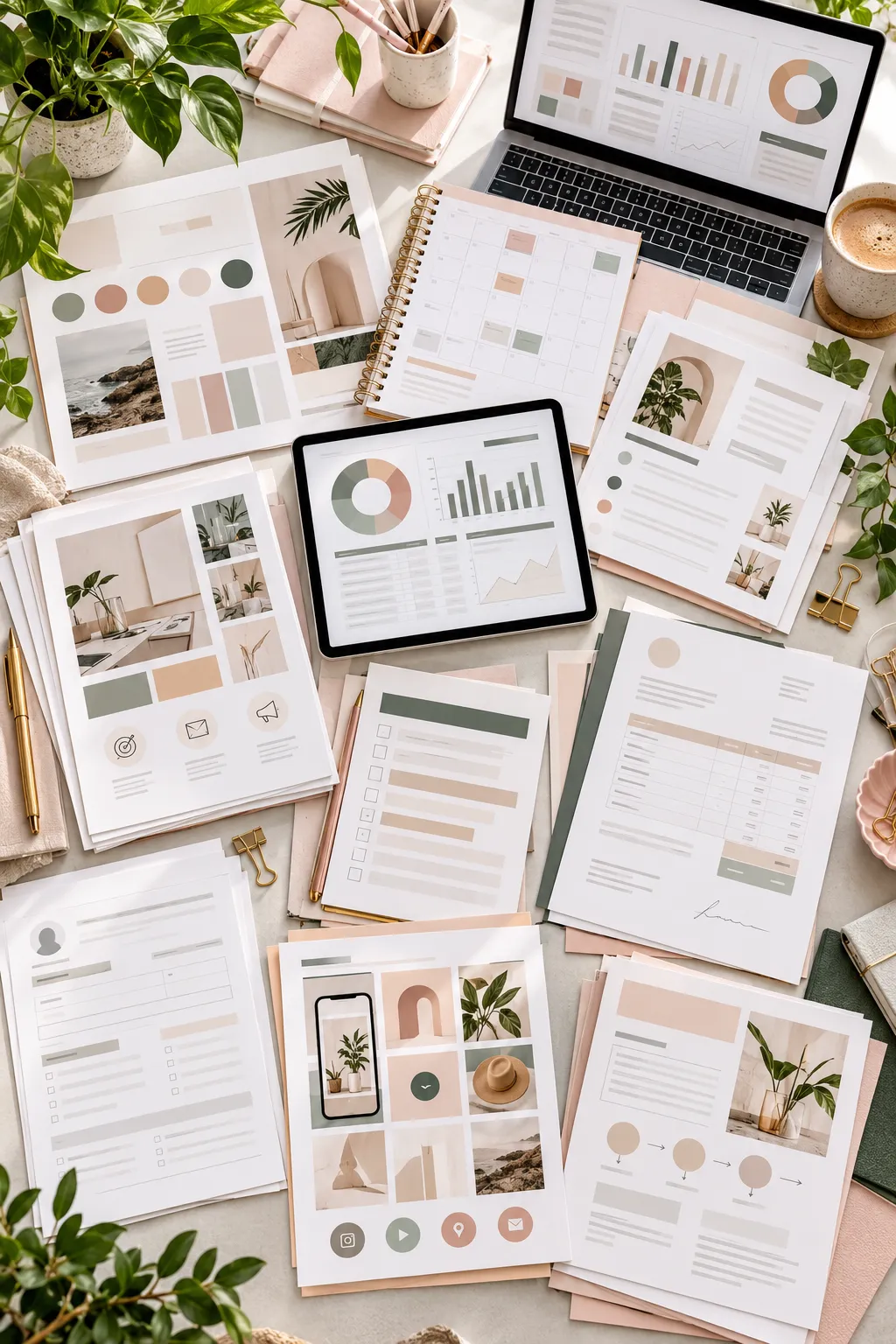
Running a small business feels much easier when the repetitive parts are already organized. Owners need content to post, documents to send, clients to manage, numbers to track, and dozens of small systems that keep work moving. Building every resource from scratch can eat into time that could be spent serving customers.
That creates a useful opportunity for digital product sellers. Well-designed digital products for small business can take a task an owner already has to do and give them a cleaner starting point. A simple spreadsheet, client form, template pack, or planning document can save setup work without forcing the buyer into a complicated system.
The strongest products are usually specific. They solve one clear problem, look easy to understand, and can be edited without much training. The ideas below cover branding, marketing, client work, planning, and business operations, so you can choose products that fit the type of customer you want to serve.
1. Create a Brand Style Guide Template
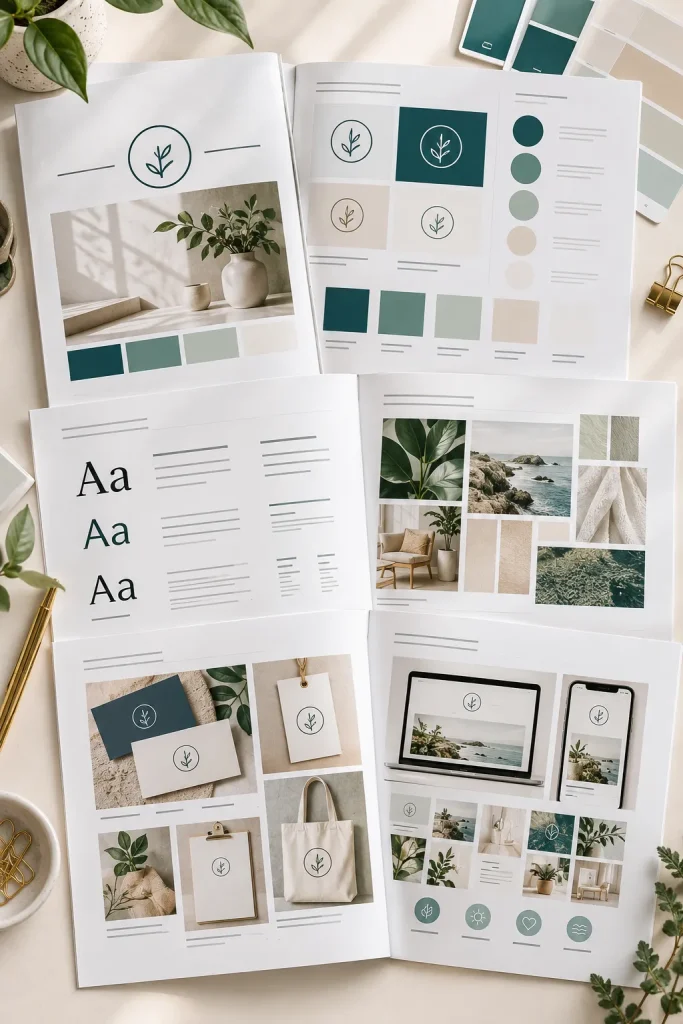
Color swatches, logo spaces, font pairings, and photo examples can turn a blank document into a useful branding tool.
Build the template around the decisions a small business owner needs to record:
- Primary and secondary logo use
- Brand colors and basic color roles
- Heading and body font choices
- Photo or graphic direction
Keep each section short enough to fill in without needing design knowledge. A Canva version can work well for buyers who want to edit the layout visually. Leave generous space around each element so the finished guide still looks organized after customization.
A consistent page structure makes the whole product feel more complete.
2. Sell a Social Media Post Template Pack
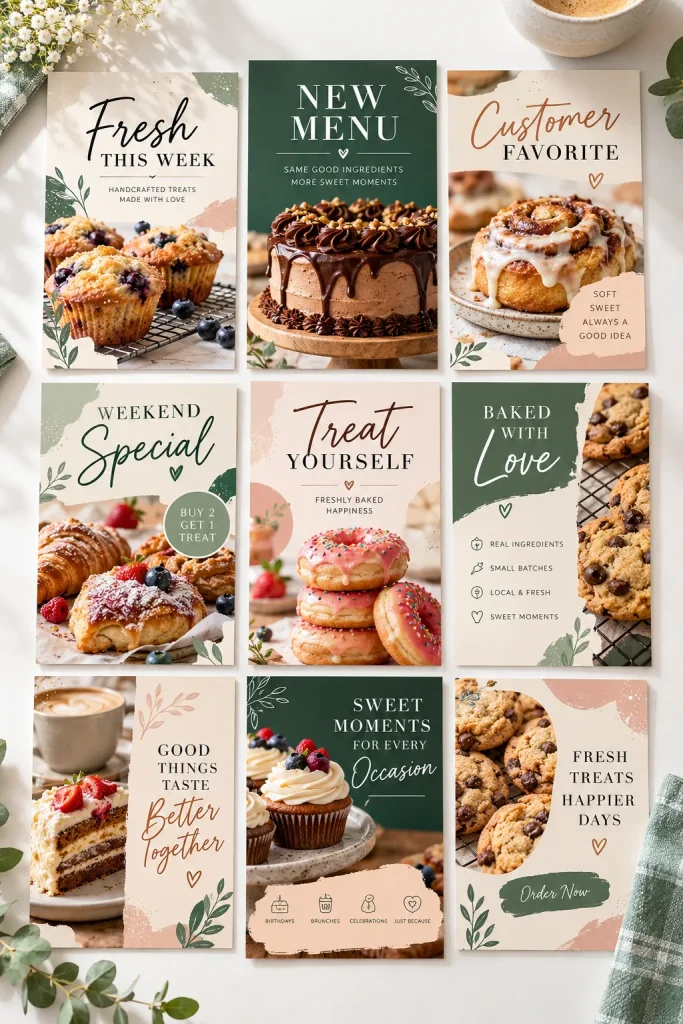
A ready made post pack gives a business owner something useful on the days when there is content to share but no time to design it.
Instead of selling dozens of nearly identical layouts, give the pack clear jobs. Include templates for an offer, customer review, educational tip, announcement, question, and simple update.
A buyer should be able to open the set and quickly choose a layout based on what they need to communicate. Keep fonts, spacing, shapes, and colors consistent across the pack, but vary the composition enough that a feed does not look copied and pasted.
That makes the bundle easier to reuse.
Useful layouts to include
3. Build a 30-Day Content Calendar

One rule makes a content calendar more useful: each box should help the buyer decide what to post, not just remind them that a post is due.
Create a monthly view with room for the topic, format, platform, and basic call to action. A second planning page can hold content categories such as education, promotion, customer stories, behind-the-scenes updates, and FAQs.
Keep the calendar flexible rather than filling every date with fixed instructions. Different businesses post at different speeds.
A simple category key can also help buyers see when they have repeated the same type of content too often.
4. Design a Client Welcome Packet
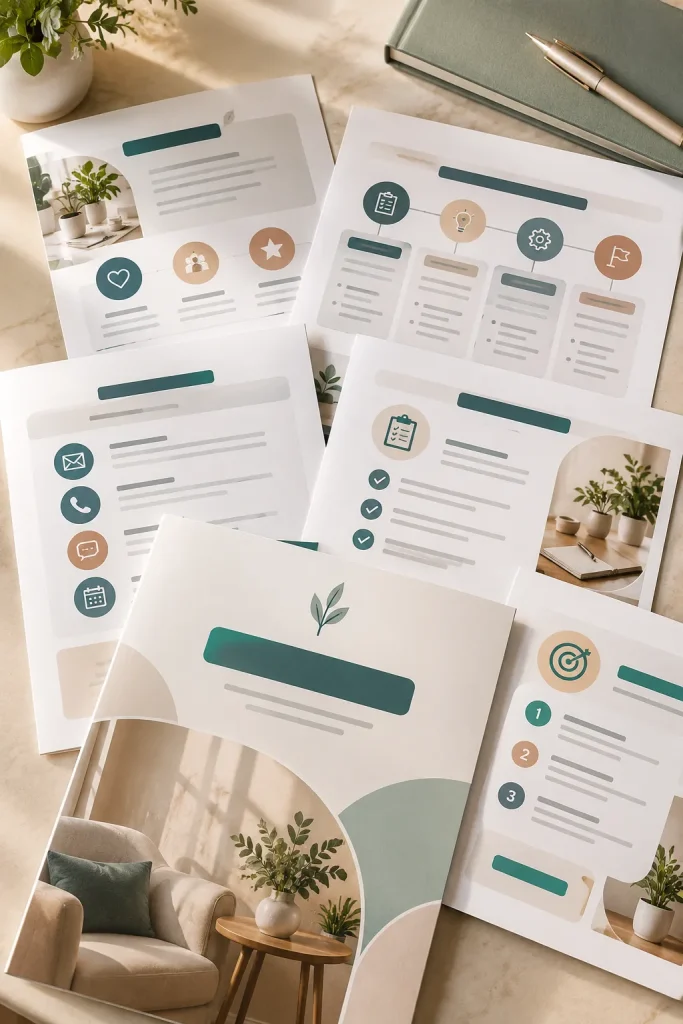
New clients often ask the same practical questions right after booking. What happens next? How should files be sent? When will updates arrive? Who should they contact?
A client welcome packet puts those answers in one place.
Use several short pages rather than one crowded document. A clean packet might cover:
- The project process
- Communication expectations
- Client responsibilities
- Important preparation steps
The document should feel helpful rather than packed with rules. Clear headings and short sections make it easier to skim when a client needs one detail later.
Add a final next-steps page so the buyer can clearly show what the client should do after reading.
💡 Quick Tip
Include one page called “What Happens Next” with the first action, expected response, and next project milestone. It gives the client a clear place to look after the welcome email is buried in their inbox.
5. Make a Service and Pricing Guide
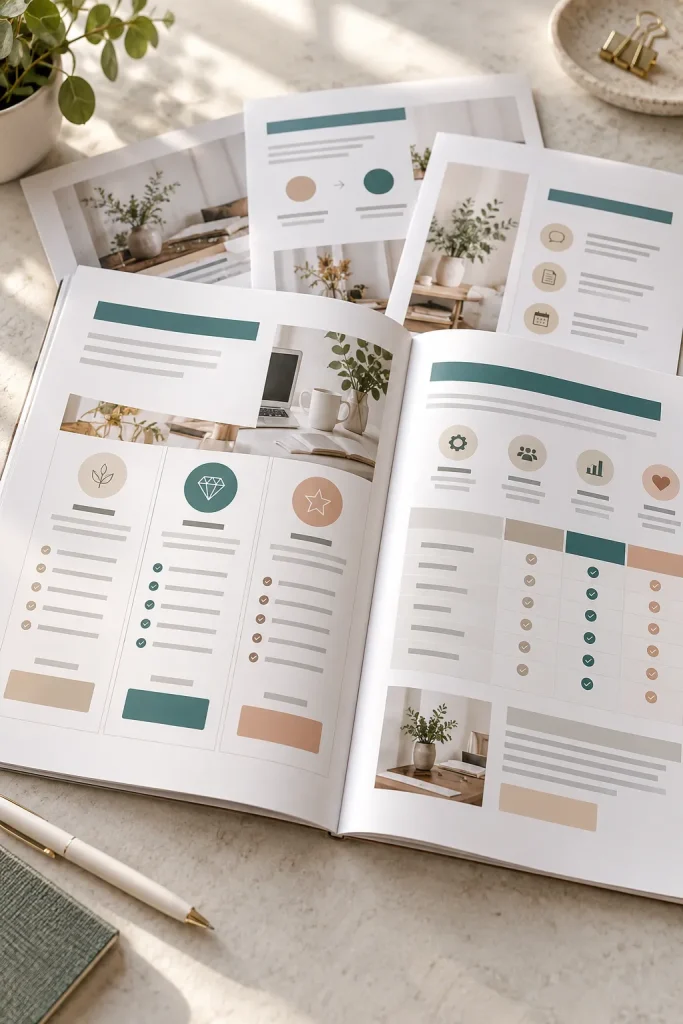
A plain price list answers one question. A well-structured service guide helps a buyer understand what each option actually includes.
Build the document so every service has its own section with a short description, deliverables, process, and space for the business owner to add current pricing. A comparison page can help when several packages are similar.
Avoid squeezing too much copy onto one page. Buyers usually want to scan the guide before reading the smaller details.
This type of product suits photographers, designers, consultants, virtual assistants, and other service businesses that explain their offer before a client books.
A loose list of service names and prices gives the customer little help choosing between similar offers.
A structured guide explains the offer, deliverables, process, and differences so the customer can compare options with less guesswork.
6. Create a Client Proposal Template
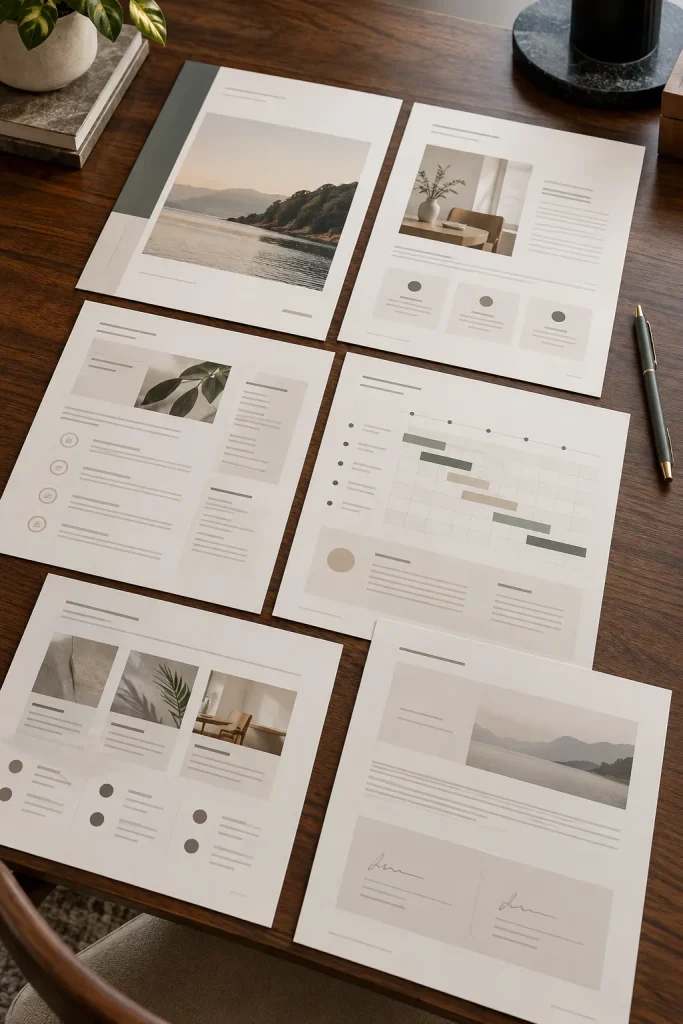
Start the proposal with the client’s problem and the result the business is being hired to work toward. That makes the document feel specific instead of like a generic sales sheet.
Then give the buyer clear sections for scope, deliverables, timeline, responsibilities, and approval. Keep the editable areas obvious so important details are not accidentally left unchanged.
A proposal template should guide the conversation rather than bury it under decoration. Use simple layouts and enough space for custom project details.
Finish with one clear approval section. It should be easy for the business owner to see what needs to be completed before sending the proposal.
Open with the client’s goal and the problem the project is meant to address.
List the exact scope and deliverables so both sides can see what is included.
Add the project timeline, responsibilities, and any information the client must provide.
End with a simple approval area and clear instructions for the next action.
7. Sell a Client Intake Questionnaire
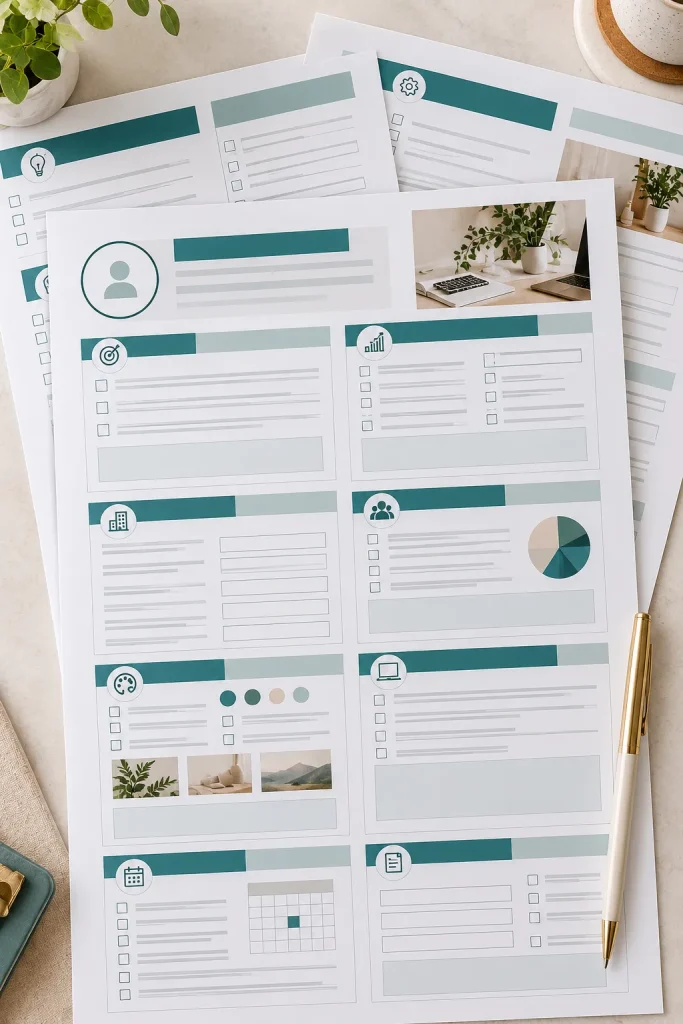
The biggest intake form mistake is asking lots of questions without deciding how the answers will be used.
Every field should help the business prepare, quote, plan, or understand the client’s needs. Group questions into sections such as business background, goals, audience, preferences, project details, and timing.
Mix short fields with a few open response areas. A form made entirely of long written questions can feel tiring before the project has even started.
Keep sensitive or unnecessary questions out of the template. The buyer can always add fields that fit their own service and current requirements.
Useful questions beat a longer form.
Group questions by topic so the client understands why each section is there.
Use a mix of quick fields and thoughtful open responses.
Do not add questions simply to make the form look more detailed.
Avoid collecting information the business does not need for the project.
8. Design a Branded Invoice Template Bundle
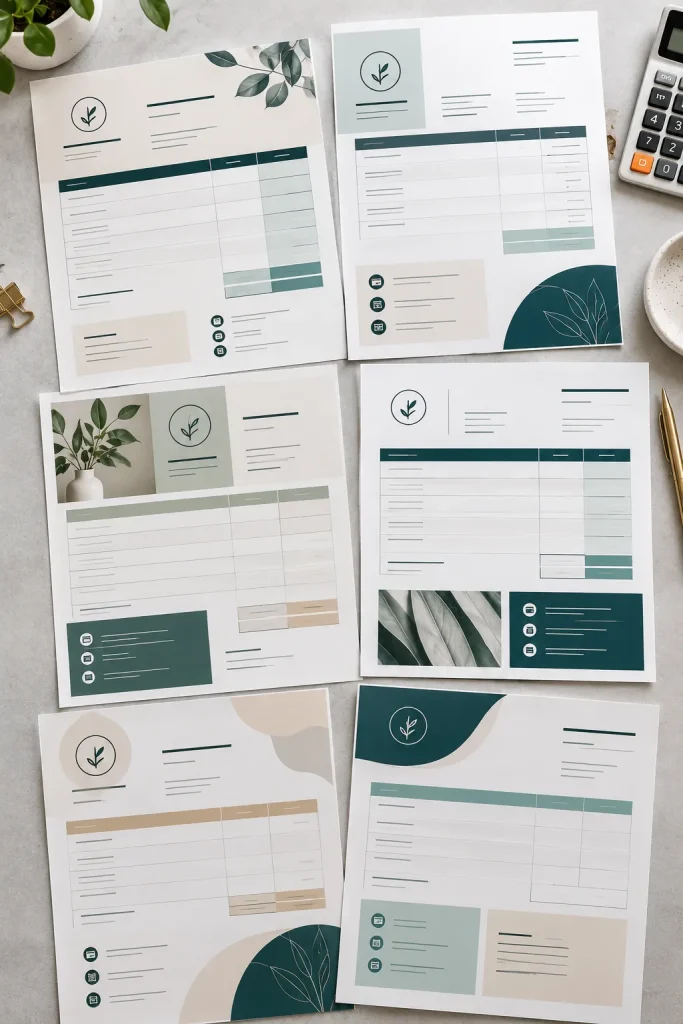
Invoice templates are easy to overlook because the information is simple, but that is exactly why layout matters.
Create a small bundle with different arrangements rather than changing only the colors. One layout might suit a service business with a few line items, while another gives more room to product quantities or detailed descriptions.
Each version should leave clear space for:
- Business and client information
- Item descriptions
- Totals and payment details
- Notes or payment instructions
Keep decorative elements away from the numbers. Buyers need invoices that still feel clear after their own logo, colors, and details are added.
Useful beats decorative here.
| Single Layout | Template Bundle |
|---|---|
| Works for one common invoice style | Gives buyers different layouts for different billing needs |
| Less choice when descriptions or quantities vary | Can include service, product, and detailed line-item versions |
| Simpler product to create | Feels more complete without needing excessive decoration |
9. Build an Expense Tracker Spreadsheet
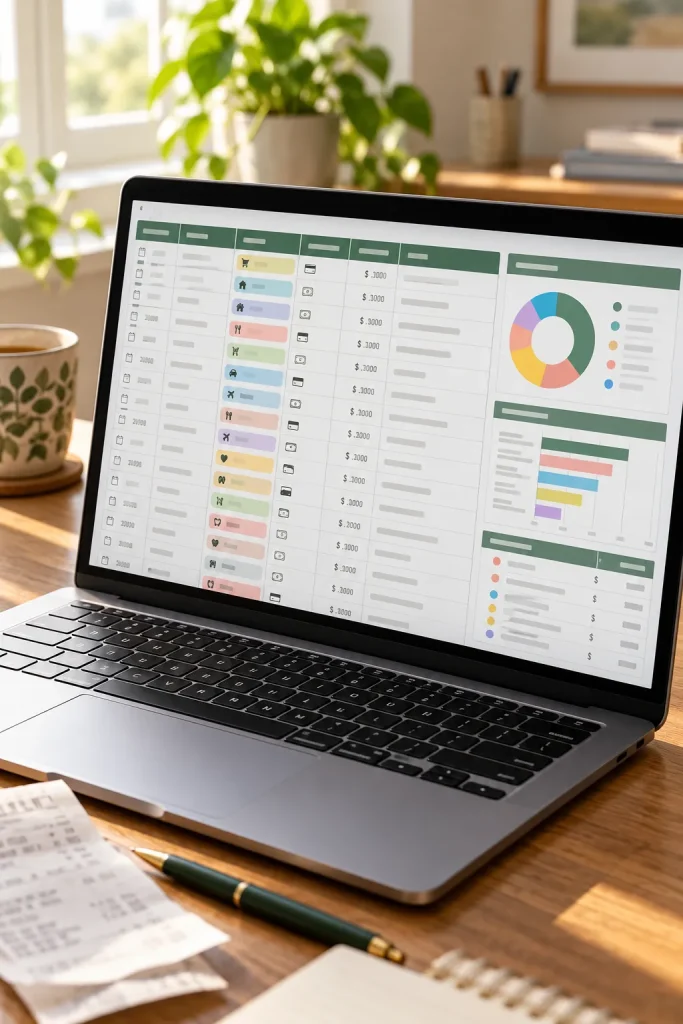
A stack of receipts can become hard to sort once purchases, subscriptions, supplies, and small business costs start piling up.
An expense tracker gives buyers one place to record each cost as it happens. Useful columns include:
- Date and vendor
- Expense category
- Payment method
- Amount and short note
Add a summary area that groups spending by category without making the sheet feel crowded. Keep data-entry columns visually separate from totals so buyers can see where to type.
A simple monthly tab system can also make the spreadsheet easier to reuse through the year. Keep the layout practical first.
10. Create a Cash Flow Planning Spreadsheet
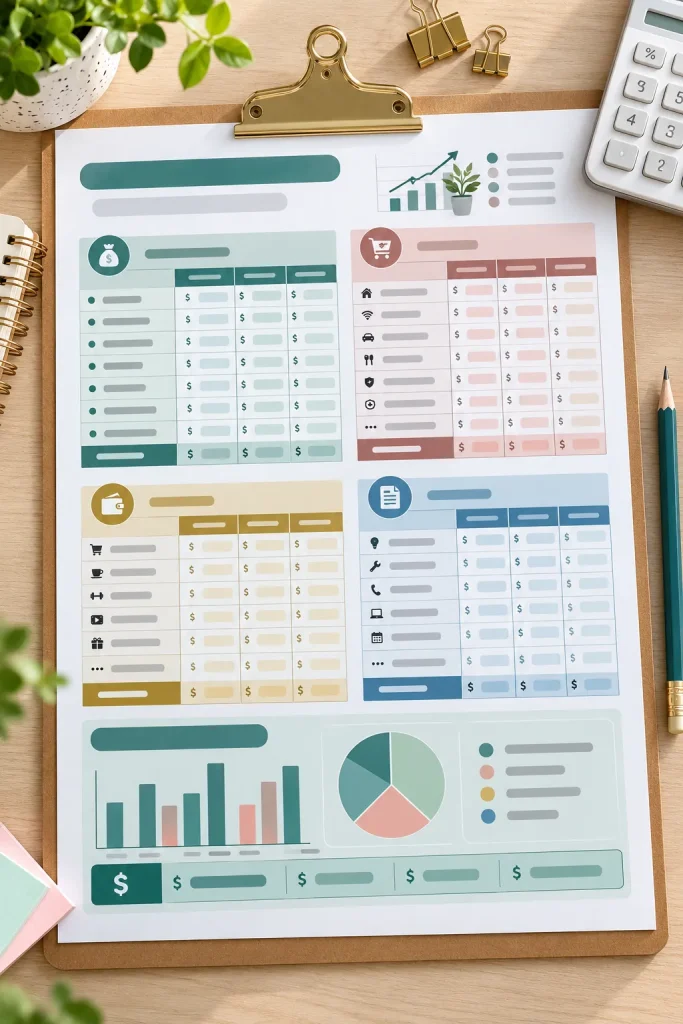
Start with money coming in and money going out, then make the difference easy to see.
A useful cash flow planner can separate expected amounts from actual amounts so the owner can update the sheet as the month moves along. Give income, recurring costs, and flexible expenses their own areas instead of mixing everything into one long table.
Include space for:
- Expected incoming payments
- Regular operating costs
- Flexible monthly expenses
- End-of-month notes
Avoid adding complicated finance terms that a beginner may not use. The product should help someone plan and review their own numbers, not act as accounting advice.
Core sections to include
11. Sell an Inventory Tracker Spreadsheet
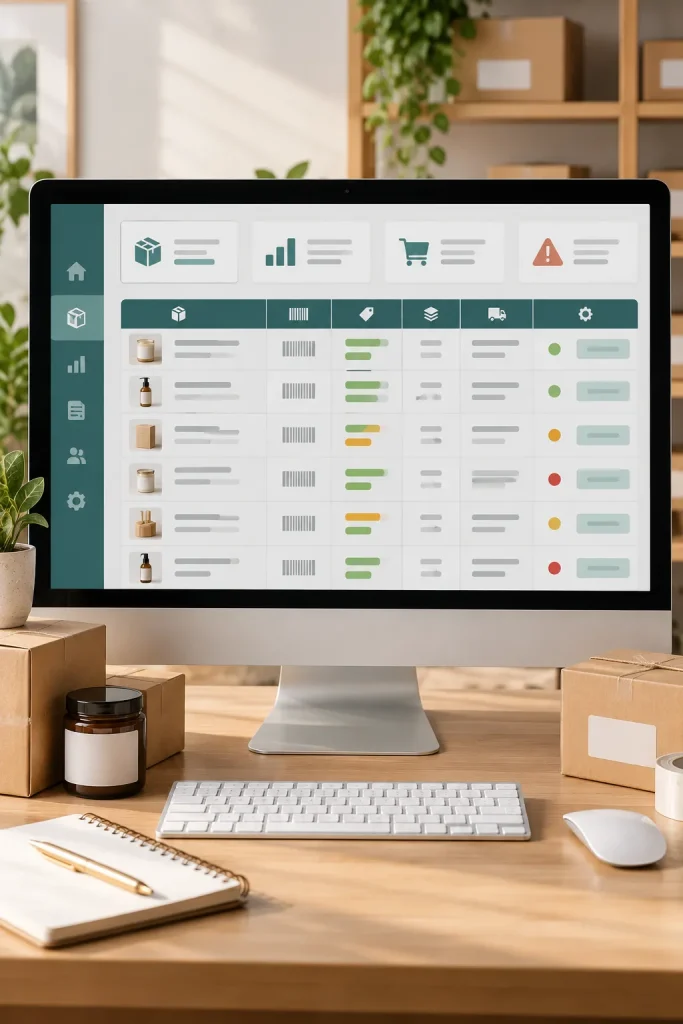
Product names, stock counts, supplier details, and reorder notes should be visible without opening several separate files.
Build the tracker around the information a small product business checks most often. A main table can hold the product name, SKU, current quantity, reorder point, supplier, and status. Add a small summary area above it so low-stock items are easier to notice.
Use clear status labels instead of filling the sheet with decoration.
For businesses with many products, separate tabs by product type or location can keep the file manageable. Buyers should be able to add new rows without breaking the layout.
12. Make an Order Fulfillment Checklist
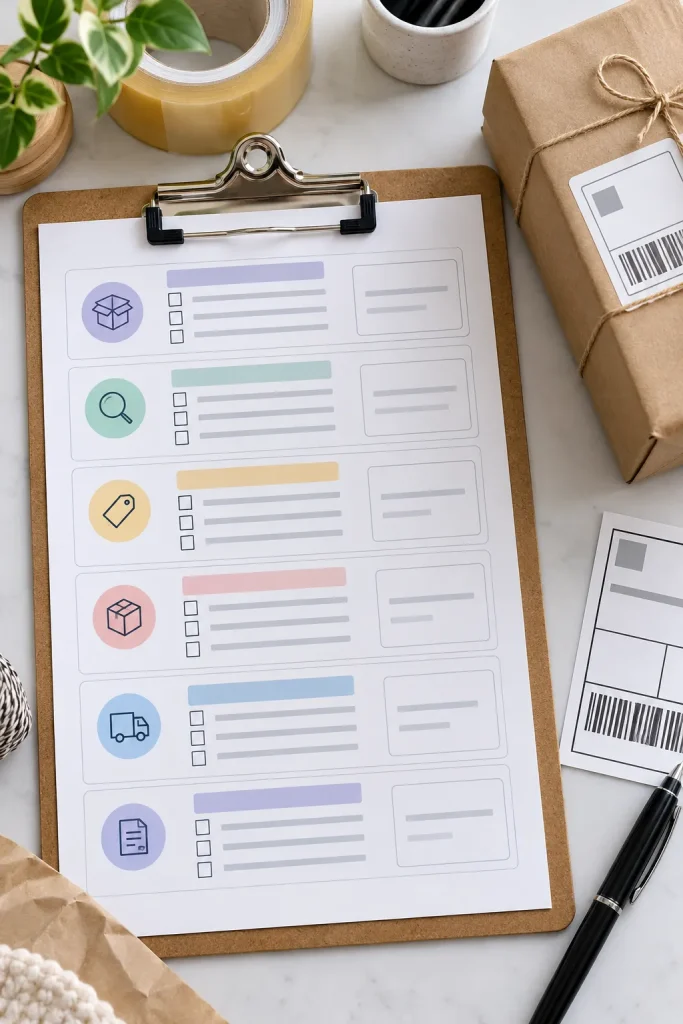
A simple rule keeps this product useful: every checkbox should represent a real action in the order process.
Start when the order arrives, then follow the sequence through checking details, preparing the item, packing, dispatching, and recording completion. That makes the checklist easier to follow during a busy day.
Include small fields for order number, customer name, due date, and special notes.
For sellers handling custom products, leave one editable step where they can add their own production check. A reusable checklist is most helpful when it catches the small task that is easy to forget.
📌 Good To Know
Add a final “record completed order” checkbox after dispatch. That small step reminds the user to update their own records instead of treating shipping as the end of the workflow.
13. Create a Small Business SOP Template Bundle
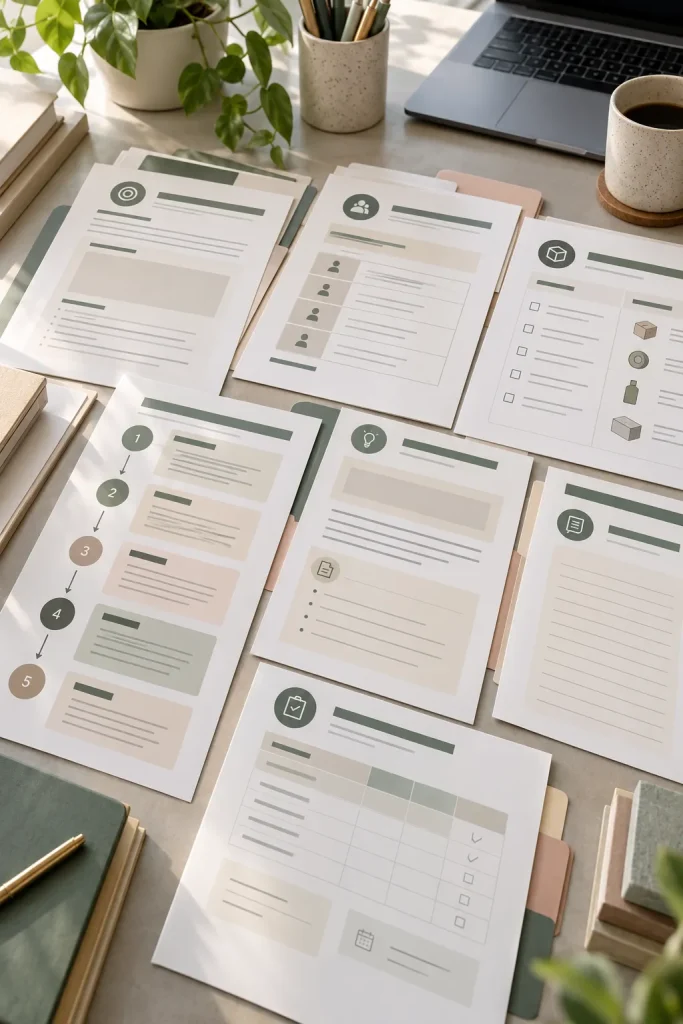
An SOP does not need to look like a heavy corporate manual to be useful.
For a small business, the best template usually breaks one repeated process into clear sections. Give buyers space to name the task, explain its purpose, list what is needed, assign responsibility, and record the steps in order.
A bundle can include several layouts for different kinds of work, such as:
- Repeating admin tasks
- Customer service processes
- Content publishing
- Order handling
Keep instructions easy to update as the business changes. The real value is making repeat work easier to document and hand over.
Design each SOP around one repeatable process. A buyer should be able to open the page, follow the steps, and update it later without rebuilding the document.
14. Build an Employee Onboarding Pack
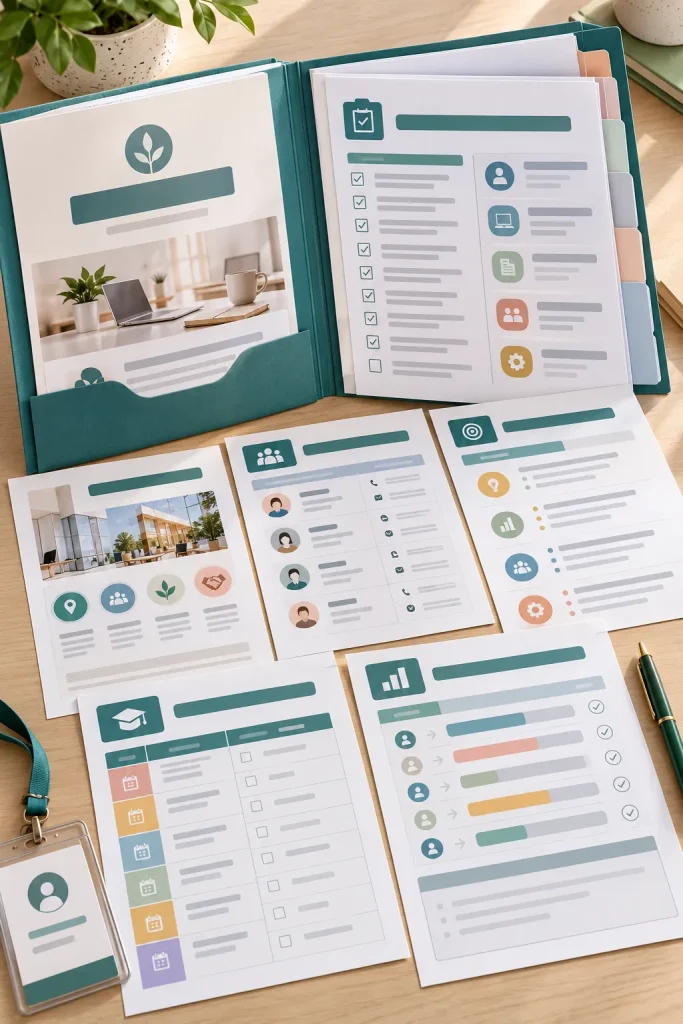
New hires can receive a surprising amount of information in their first few days, and loose notes make important details easy to miss.
An onboarding pack gives the business a repeatable structure. Start with the basics, then move into role-specific information instead of putting everything on the first page.
A clear sequence might be:
1. Welcome and key contacts
2. First-day tasks
3. Role expectations and tools
4. Training and progress check-ins
Leave editable sections for policies and company-specific information. Buyers should review the pack against their own current workplace requirements before using it.
Simple sequencing makes the document much easier to follow.
Start with the welcome, key contacts, and what the new hire needs on day one.
Explain the role, regular responsibilities, and the tools used for everyday work.
Lay out training tasks in a sensible order instead of presenting one long checklist.
Finish with space for progress notes, questions, and scheduled check-ins.
15. Sell a Meeting Notes and Action Tracker
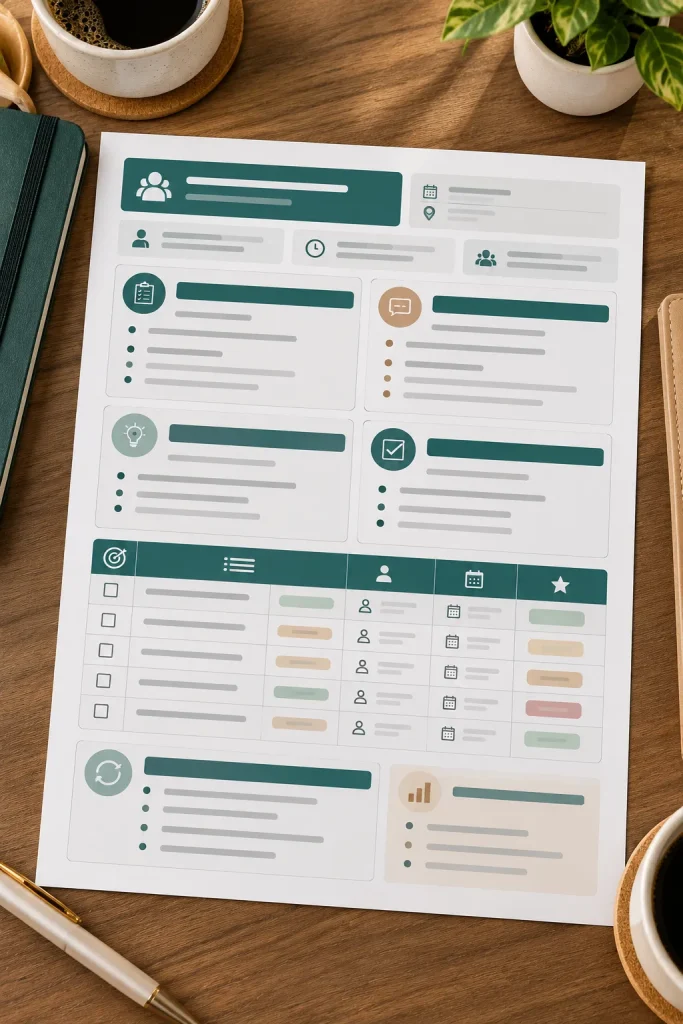
Ordinary meeting notes record what people said. An action tracker records what happens next.
That difference gives this product a clearer purpose. Divide the page into agenda points, discussion notes, decisions, and action items. Each action row should include an owner and a due date so follow-up does not disappear into a paragraph of notes.
A small section for unresolved questions can also help the next meeting start faster.
Keep the design compact enough to use during a real conversation. Too many decorative boxes can slow down note taking when people are speaking quickly.
Meeting notes sit in one long block, with decisions and follow-up tasks mixed into the conversation.
Decisions, owners, deadlines, and unresolved questions each have a clear place, making the next action easier to spot.
16. Create a Project Planning Dashboard
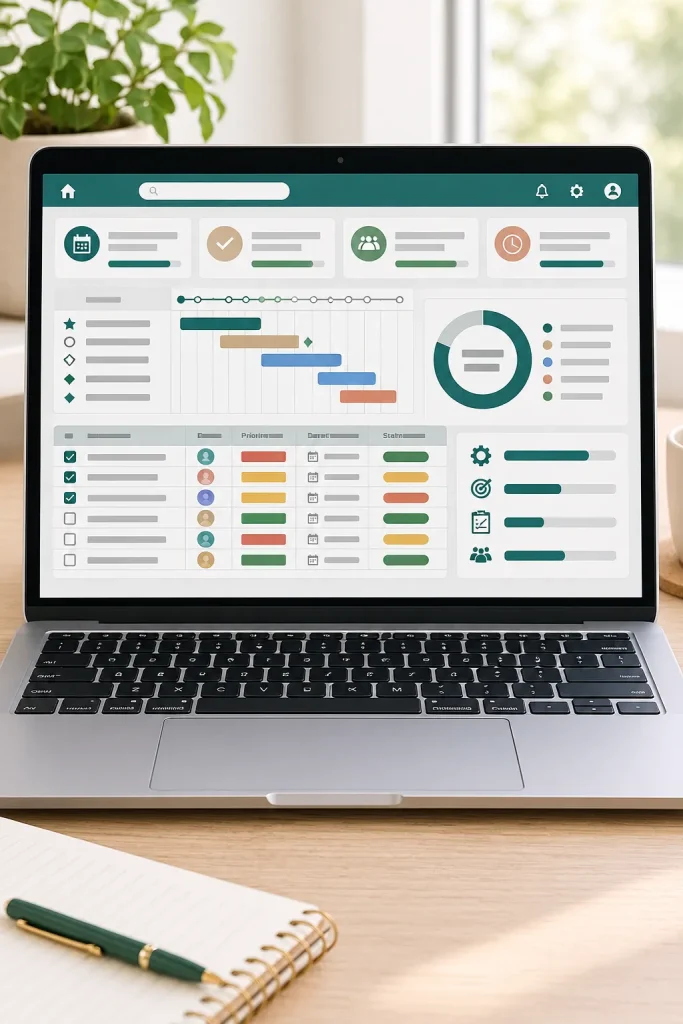
A common mistake is turning a dashboard into another giant task list.
The better approach is to show the few details someone needs to understand the project quickly. Keep individual tasks in a structured table, then use the top section for milestones, priorities, owners, deadlines, and current status.
For example:
- Milestones show major checkpoints.
- Priorities show what needs attention now.
- Owners show who is responsible.
- Status fields show where work stands.
A dashboard should answer “What needs attention?” without making the user read every row. Keep the overview short and let the detailed task area handle the rest.
| Task List | Project Dashboard |
|---|---|
| Shows individual pieces of work | Shows the overall project at a glance |
| Useful for daily updates | Useful for priorities, milestones, owners, and status |
| Can become long as work grows | Keeps the most important project information visible |
17. Make a Product Launch Planner
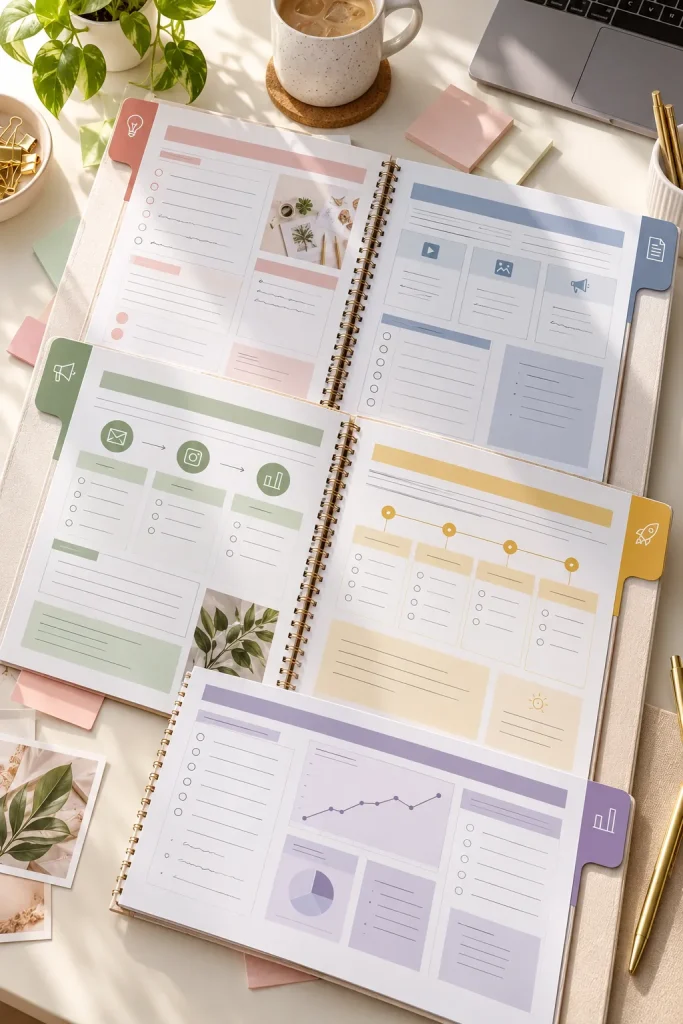
A launch feels much easier to manage when the work is separated into stages instead of sitting in one long task list.
Build the planner around preparation, content creation, promotion, launch day, and follow-up. Give each stage its own page or section with room for tasks, deadlines, assets, and notes.
Useful planning areas might include:
- Product preparation
- Promotional content
- Email and social posts
- Launch-day checks
- Follow-up tasks
Leave enough blank space for buyers to adapt the plan to a small release or a larger campaign. The structure should guide the launch without forcing every business into the same schedule.
18. Sell an Email Newsletter Template Pack
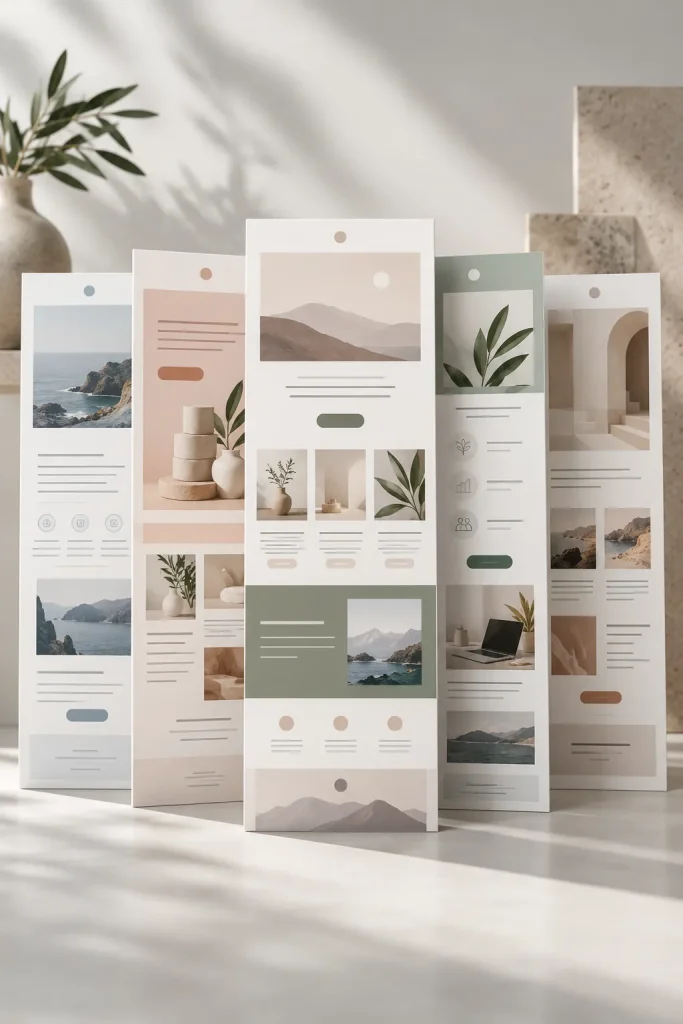
A business owner opens their email tool to send an update, then loses time deciding how the message should be arranged.
A newsletter template pack gives them several starting layouts for different jobs. Include formats for a promotion, educational email, company update, new product announcement, and simple editorial message.
Keep each layout easy to scan with clear places for:
- Main message
- Supporting details
- Image or product area
- Call to action
Do not make every version look like the same email with a different header. Vary the content structure while keeping the overall visual style consistent.
Useful newsletter layouts
19. Design a Lead Magnet Workbook Template
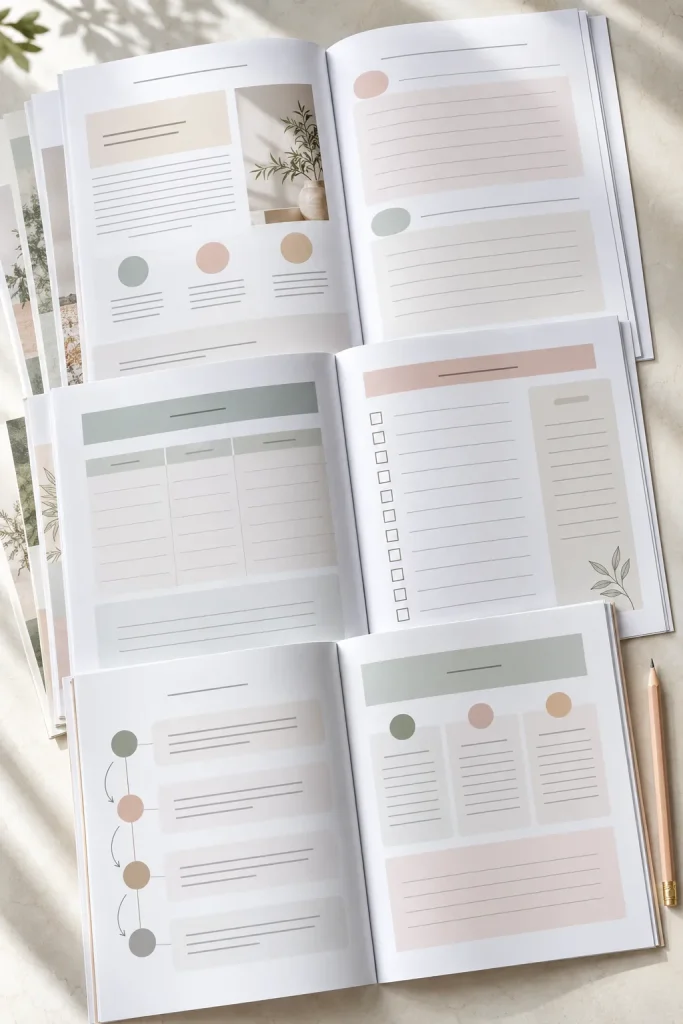
A lead magnet does not need dozens of pages to feel useful. Extra pages can actually make a short resource harder to finish.
Build the workbook around one clear outcome. Start with a brief introduction, then move through teaching points, prompts, worksheets, and one final action page. Each page should have a reason to exist.
A clean template might include:
- Cover and introduction
- Short teaching pages
- Fill-in prompts
- Simple worksheets
- Final action checklist
Give buyers enough layout variety to build a useful resource without turning it into a full course. A focused workbook is easier to understand and easier to customize.
Give each page one clear purpose, such as teaching, prompting, or helping the reader take action.
Use repeating page styles so the workbook feels consistent.
Do not add filler pages just to make the download look larger.
Avoid tiny writing spaces that make worksheets frustrating to use.
20. Create a Testimonial Request Kit
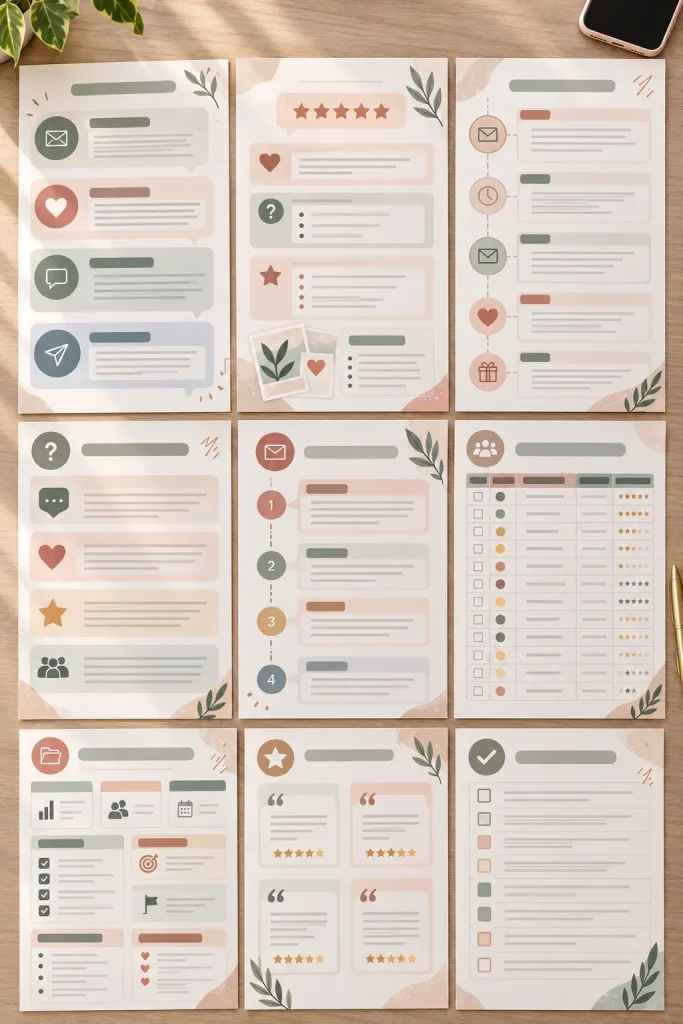
Collecting testimonials often gets delayed because the business owner has to decide what to ask and how to ask it every time.
A request kit can remove that small barrier. Include several message templates for email or direct messages, plus customer prompts that encourage useful feedback about the experience, process, or result.
Add a simple organization sheet where buyers can record:
- Customer name
- Date requested
- Response received
- Permission status
- Where the testimonial may be used
Keep the wording editable so different businesses can match their own tone. The kit should make requesting and organizing feedback feel like one repeatable process.
💡 Quick Tip
Include more than one request style. A short follow-up message, a warmer thank-you request, and a structured question set give the buyer options for different customer relationships.
21. Build a Customer Feedback Survey Template
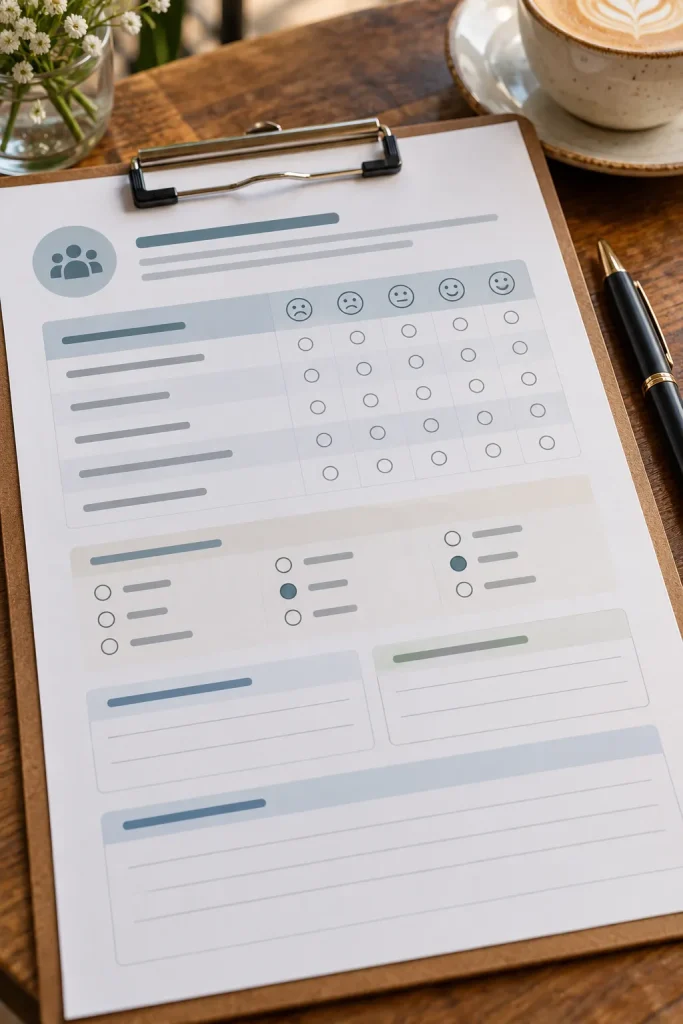
One useful rule for feedback surveys is to ask only questions the business may actually act on.
A strong template can mix quick ratings, multiple-choice questions, and a few open response fields. Organize the survey into sections such as overall experience, communication, product or service quality, and areas for improvement.
Keep it short enough that customers can understand the flow without facing a wall of questions.
The final section can give buyers space to ask what the customer wanted but did not receive. That type of prompt can reveal gaps without making assumptions about what every customer values.
22. Sell an Appointment Intake Form Bundle
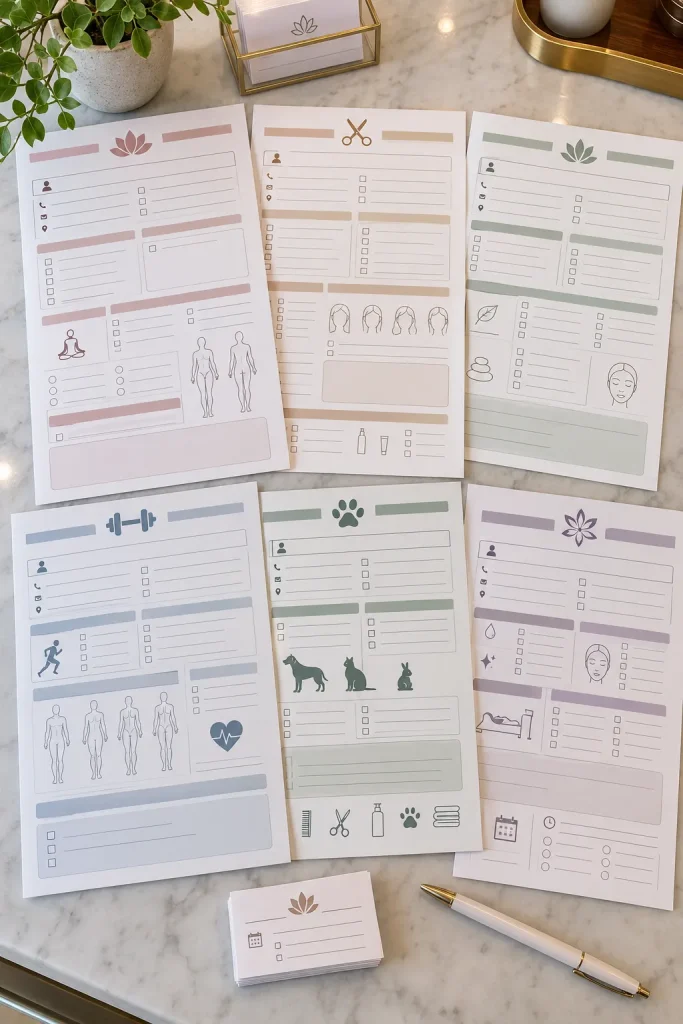
Build these forms around what the business needs to know before the appointment begins.
Start with basic contact information, then move into service needs, preferences, scheduling details, and preparation notes. Different versions can suit consultations, beauty services, coaching calls, photography sessions, or other appointment-based businesses.
A practical bundle can follow this order:
1. Client details
2. Appointment goals
3. Preferences or requests
4. Preparation information
Leave optional areas clearly marked so the buyer can remove anything that does not fit their service.
For fields involving sensitive information, buyers should review what they actually need to collect and follow current rules that apply to their business.
Collect the basic client and appointment details first.
Ask what the client wants help with or hopes to accomplish.
Add service-specific preferences and details that affect preparation.
Finish with instructions, notes, or information needed before the appointment.
23. Create a Vendor Comparison Spreadsheet

Supplier names across the top and decision factors down the side can turn a messy collection of notes into a useful comparison tool.
Give buyers fields for product or service category, contact details, lead time, minimum requirements, payment terms, notes, and current status. Keep factual fields separate from personal evaluation so the spreadsheet stays easy to scan.
A final decision column can record why one vendor was chosen without pretending that one factor matters most for every business.
This works especially well when the layout is wide enough to compare several options but simple enough to filter or duplicate when a new supplier appears.
Separate measurable vendor details from opinion fields. Lead time, terms, contacts, and requirements belong beside notes about fit, communication, or concerns.
24. Design a Wholesale Line Sheet Template
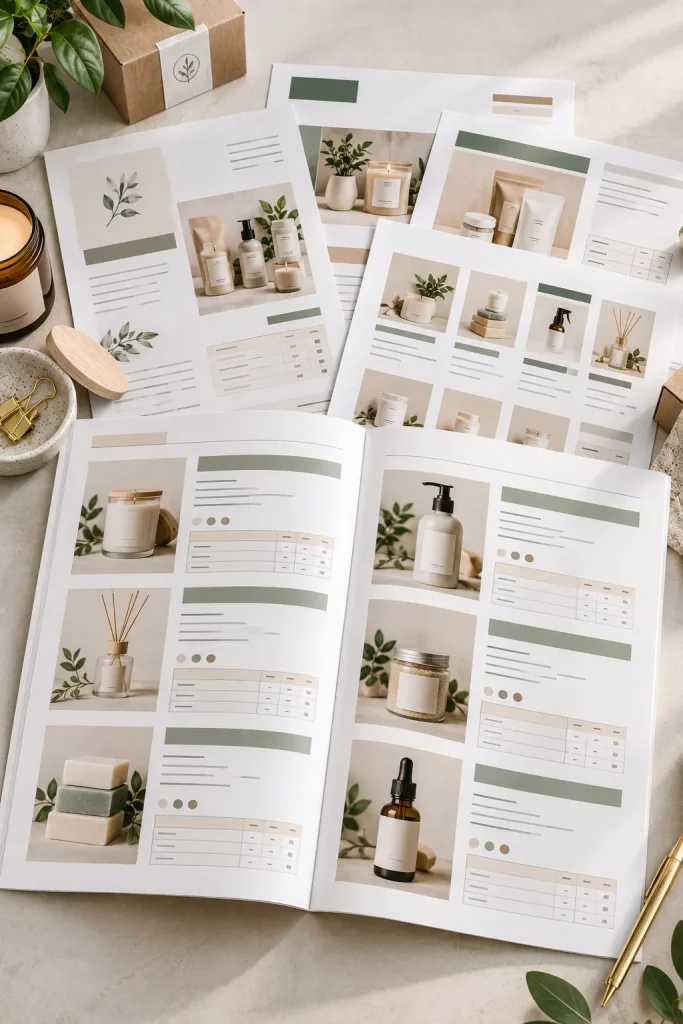
Wholesale buyers need product details quickly. A page that looks attractive but hides item codes, pack information, or ordering details can slow the buying process.
Design the line sheet so each product block has a consistent structure. Leave room for a product image, item name, code, short description, and the ordering information the seller needs to provide.
For larger collections, separate products by category instead of shrinking everything onto one page.
The layout should feel more like a clear catalog than a promotional flyer. Buyers can customize branding around the edges, but the product information should remain the easiest part to scan.
| Promotional Flyer | Wholesale Line Sheet |
|---|---|
| Focuses on attracting attention | Focuses on product and ordering details |
| May highlight one main offer | Shows several products in a repeatable structure |
| Can use larger promotional messages | Keeps item codes, descriptions, and ordering information easy to find |
25. Make a Small Business Media Kit

A clear media kit helps a business explain who it serves, what it offers, and what a potential partner needs to know without sending several separate files.
Build the template as a short set of pages rather than one crowded sheet. Give buyers room for:
- Business overview
- Audience information
- Products or services
- Collaboration options
- Brand visuals and contact details
Keep editable information easy to spot so owners can update the kit as their business changes. The layout should support the facts rather than compete with them.
This product works especially well for businesses that receive partnership, press, wholesale, or collaboration inquiries.
Business details, audience notes, services, and contact information live in separate files or messages.
One organized media kit gives partners a clear overview of the business, audience, offers, and ways to get in touch.
26. Sell a Business Goal Planner

Annual goals at the front, quarterly priorities in the middle, and weekly actions on the working pages give this planner a clear visual flow.
The point is to help buyers break one large goal into smaller pieces they can actually review. Include pages for yearly direction, quarterly focus, monthly actions, weekly priorities, and short reflection notes.
Useful sections include:
- Main business goal
- Current priority
- Next actions
- Progress notes
- Review questions
Avoid filling the planner with motivational pages that do not help with planning. A buyer should be able to trace a weekly task back to a larger business goal.
Goal planner page set
27. Build a Weekly Business Dashboard

Monday morning gets easier when the owner can open one page and see the work that matters this week.
A weekly dashboard should stay tighter than a full project planner. Give it sections for top priorities, customer work, marketing tasks, sales activity, deadlines, and unfinished items that need to move forward.
Keep the most important information near the top. Smaller areas can hold notes, wins, or reminders.
The dashboard can be built as a spreadsheet, printable page, or editable digital workspace template. Whatever format you choose, resist adding too many trackers. Its job is to provide a fast weekly overview.
28. Create a Promotional Flyer Template Pack
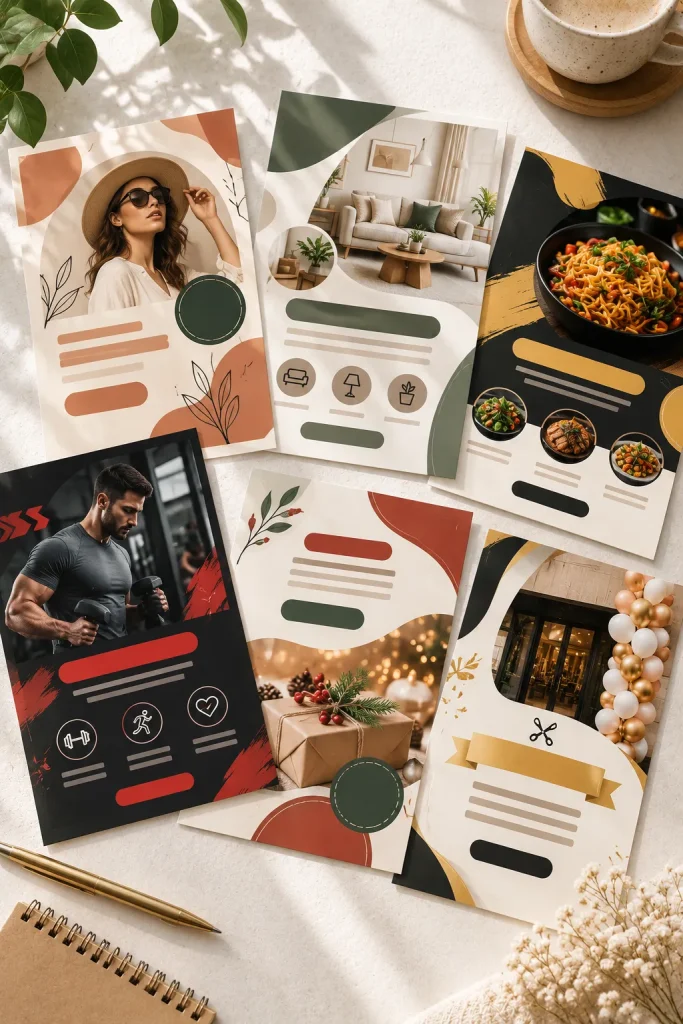
One mistake with flyer bundles is changing the background color and calling each version a new design.
Give every template a distinct communication job instead. One can introduce a new service, another can announce an event, while others handle a sale, seasonal offer, opening, or business update.
Vary the layout based on what needs attention first. A sale flyer may need a strong offer area, while an event flyer needs clear space for date, time, and location.
Keep the pack visually related through spacing, typography, and design details. Buyers get more value when the layouts solve different promotional needs.
💡 Quick Tip
Design each flyer around its main message before adding decorative details. The space needed for an event date, service description, sale offer, or announcement will naturally create different layouts.
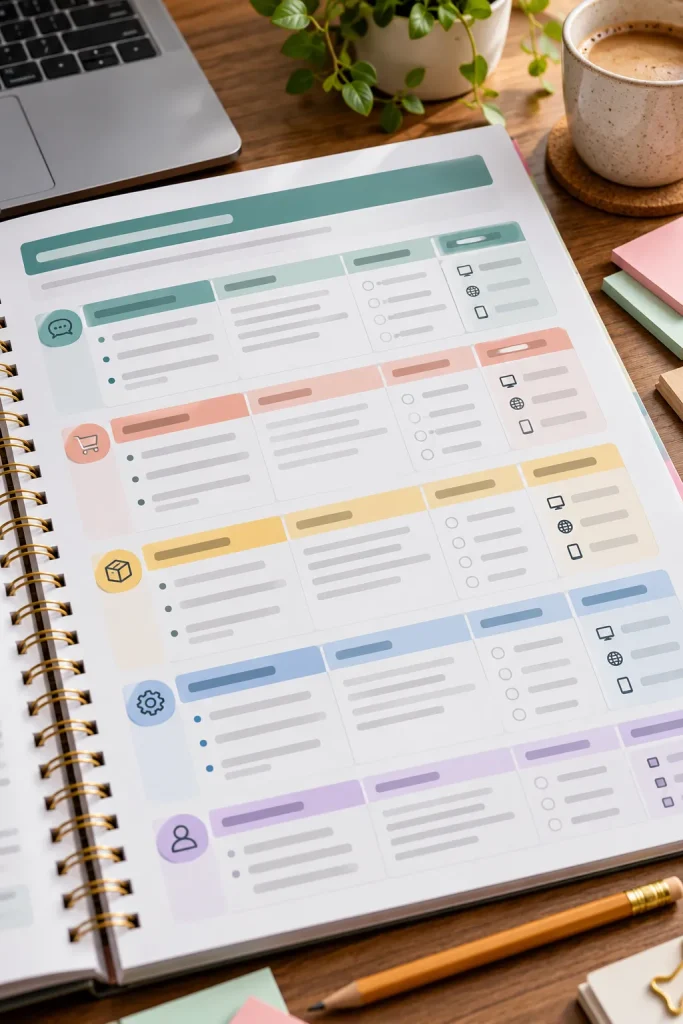
29. Sell an FAQ Builder Worksheet
An FAQ page is not simply a place to collect every question a customer has ever asked.
A useful builder worksheet helps the business find repeated questions, group them by topic, and write answers people can scan quickly. Include sections for ordering, services, timing, policies, delivery, preparation, or other categories the buyer can rename.
Give each question space for a short answer and a note about where that answer should appear, such as a website, product page, welcome packet, or email.
The worksheet should help remove repeated explanations, not create a huge page customers will avoid reading.
Group repeated questions into clear customer topics.
Write short answers and note where each answer should be published.
Do not add questions that customers rarely need answered.
Avoid long paragraphs when a direct answer would be easier to scan.
30. Design a Customer Referral Program Kit
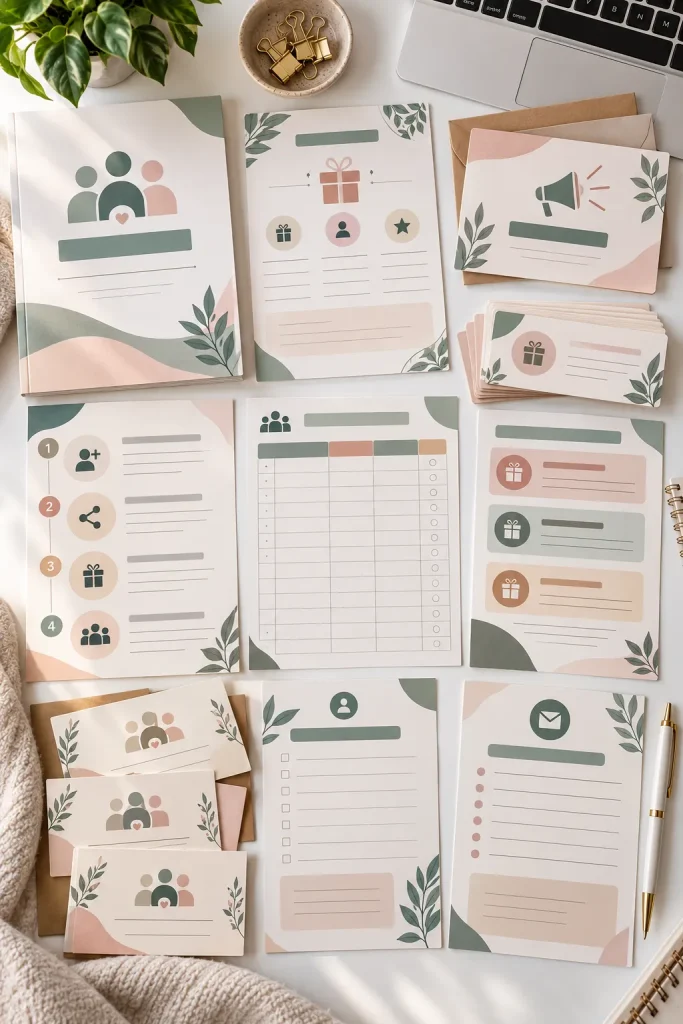
Build the kit around the full referral process, not just a single invitation graphic.
Start with a planning sheet where the business defines who can refer, what action counts as a referral, and how the program will be managed. Then add editable customer invitation messages, a tracking page, reward fields, and follow-up templates.
A useful sequence is:
1. Define the referral process
2. Prepare customer messages
3. Record incoming referrals
4. Track follow-up and rewards
Keep reward details editable because businesses will structure their programs differently. Buyers should also check any current platform, industry, tax, or local rules that apply before launching their program.
Define who can participate and what counts as a completed referral.
Prepare clear invitation and reminder messages for existing customers.
Record each referral, its source, status, and important follow-up notes.
Track any promised reward and close the loop with the referring customer.
Conclusion
The strongest digital products for small business usually solve a task the buyer already needs to handle. That could mean sending a proposal, planning content, tracking stock, organizing a launch, or giving a new client clearer information.
You do not need to create all 30 ideas at once. Pick one customer problem, build a clean first version, and make the editable parts obvious. Before selling anything tied to a platform or business process, check the current rules that apply.
Save this list on Pinterest so you have a practical bank of product ideas when you are ready to create your next download.
Save this list for later and come back when you need a new small business digital product idea.