
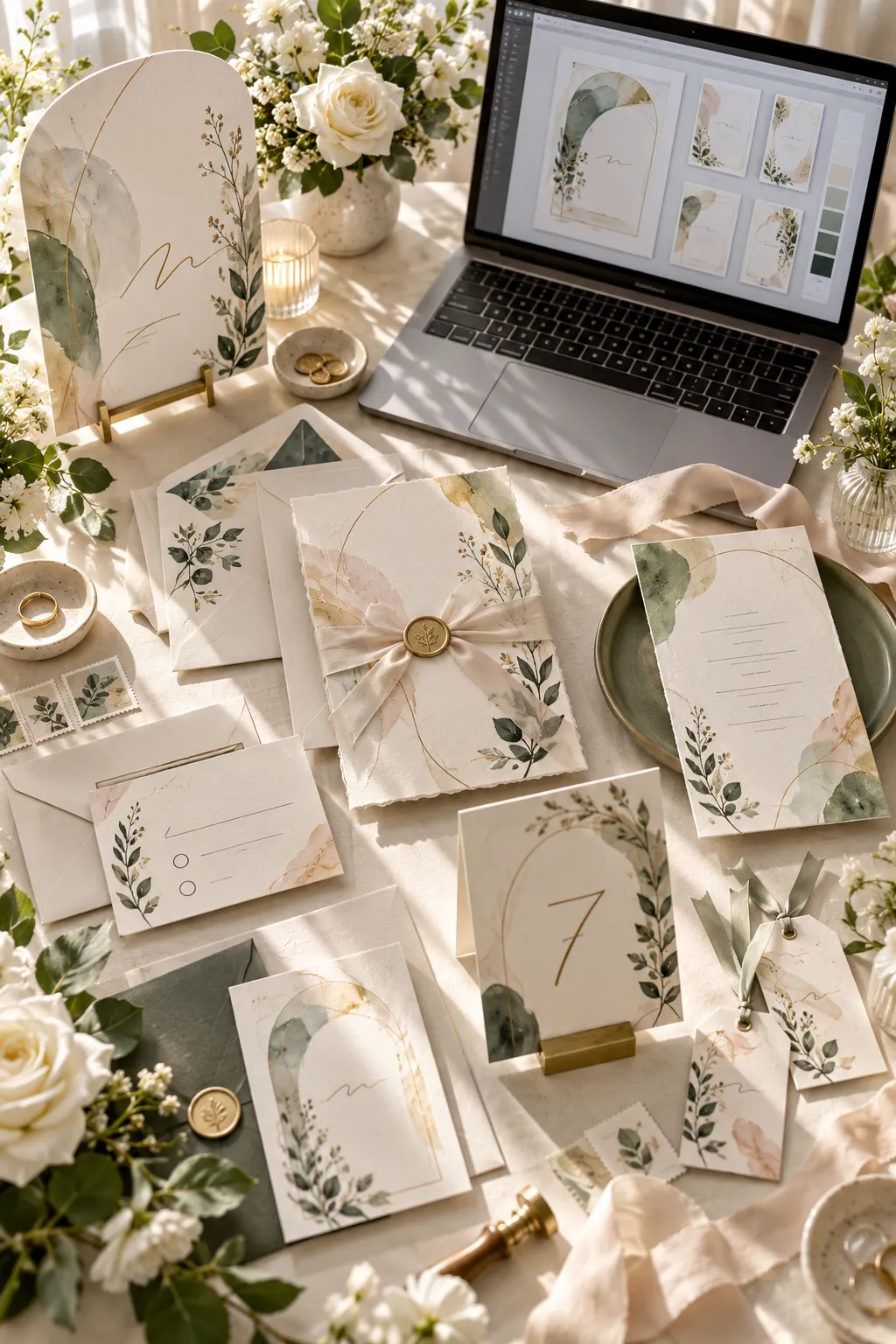
At the kitchen table, an invitation proof sits beside a stack of envelopes, and one small detail has changed. The ceremony starts half an hour later. Now the couple needs a design they can update without starting over.
That small problem explains why wedding printables to sell can be useful. Couples want paper details that feel personal, but they also need files that are simple to edit, print, and share. A wedding planner may need matching signs for a reception, while a bride might want a few printable games for her shower.
There is plenty to create beyond the usual invitation. Planning worksheets, party cards, ceremony signs, and table decorations all serve different parts of a wedding.
You do not need to build a full stationery collection on your first day. Start with one product, make the layout easy to use, and think about how the buyer will print it.
The following ideas cover different wedding events and planning tasks, with practical ways to turn each one into a digital download.
1. Save-the-Date Cards Couples Can Personalize
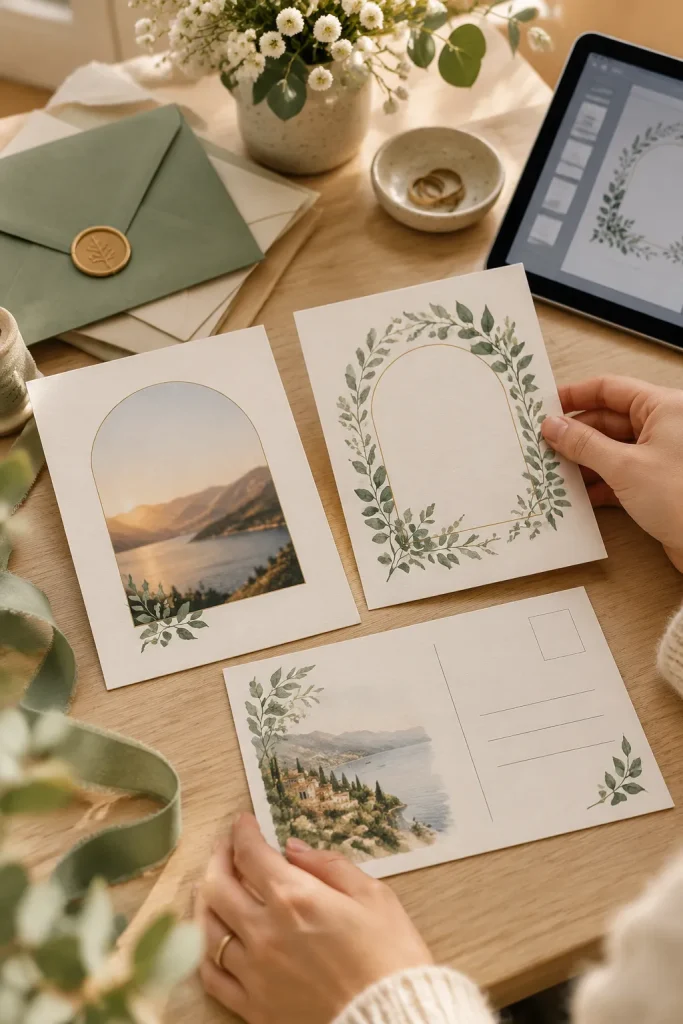
Save-the-date cards let couples tell guests about their wedding before the formal invitations are ready. They’re especially helpful when relatives need to arrange travel or take time off work.
An editable design gives buyers room to change their names, wedding date, and location without rebuilding the card.
Make the Details Easy to Change
Create a portrait card in Canva with separate text areas for each detail. Offer a photo version and a simple design with no photo.
Leave enough space around the words, especially near the edges where trimming happens. Include basic instructions for editing and printing the finished card.
A clean layout works better than squeezing in too many decorations.
2. Wedding Invitation Cards With Editable Details
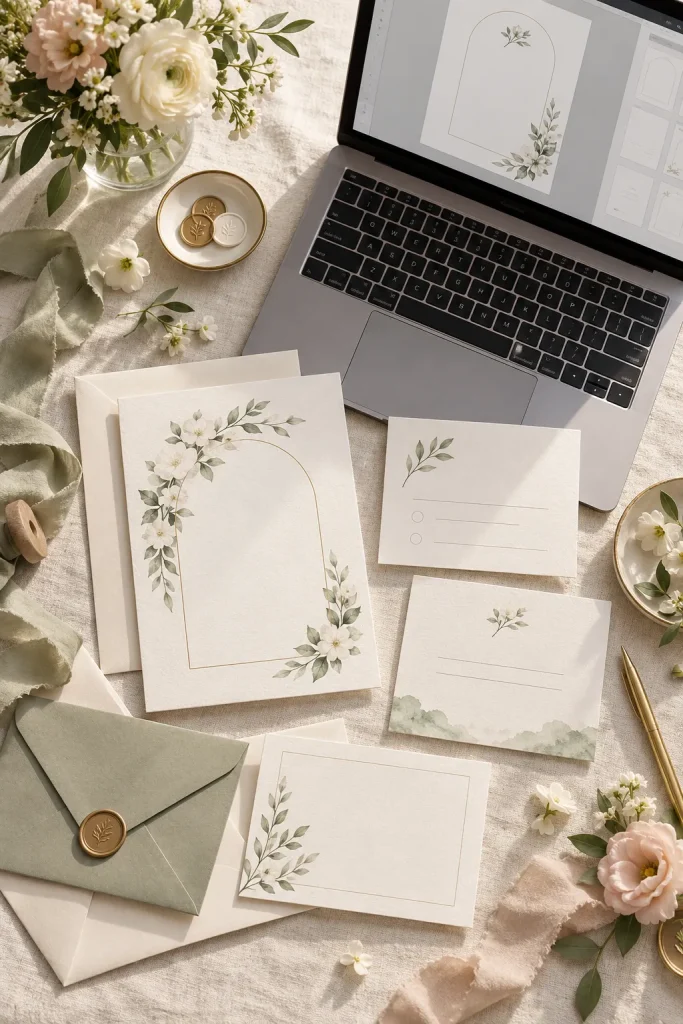
Start with the lines that guests need to read first. The couple’s names, wedding date, ceremony time, and venue should be clear before you add flowers or decorative borders.
Wedding invitations suit couples who want coordinated stationery but prefer to handle printing themselves.
Build a Matching Invitation Set
Design the main invitation first, then create a matching details card for extra information.
Keep these areas easy to edit:
- Couple’s names and wedding date
- Ceremony location and start time
- Reception details when needed
Use readable fonts and leave comfortable space between the lines. Before listing the product, check how it looks at its intended print size.
✉️ Invitation Download Checklist
3. RSVP Reply Cards With Clear Response Options
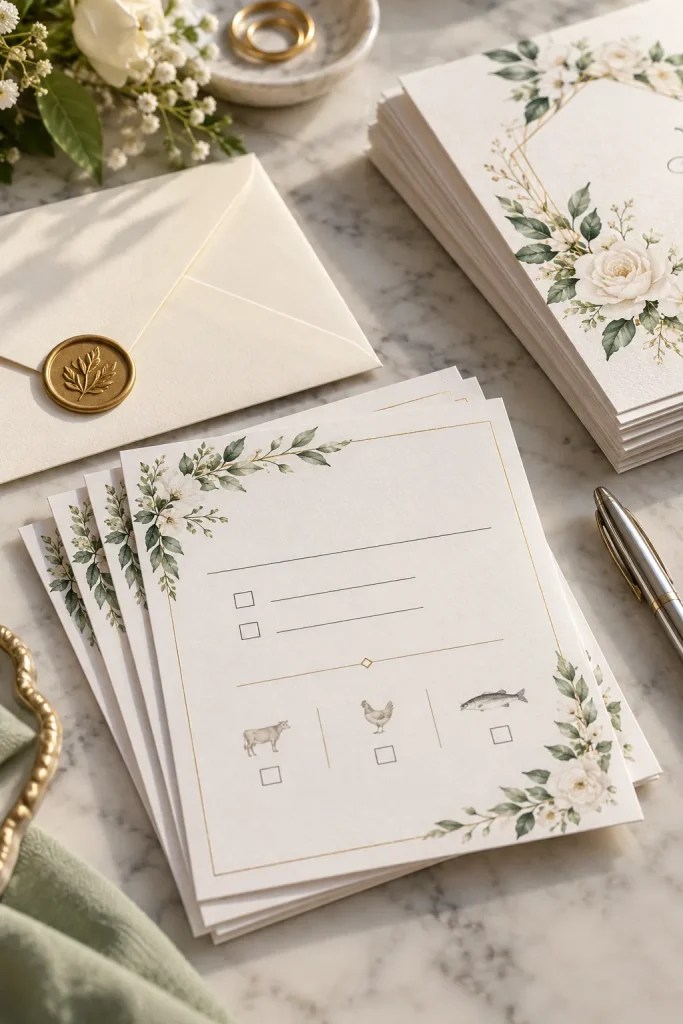
A reply card can look lovely and still confuse guests. Tiny response boxes, unclear deadlines, and crowded lines make a simple task harder than it needs to be.
Couples and wedding planners use RSVP cards to collect replies before making seating and meal arrangements.
Separate Each Response Clearly
Create a small card with obvious spaces for the guest’s name, attendance choice, and reply date.
If the wedding includes meal selections, add a separate area with room to choose an option. Don’t make guests search through decorative text to find it.
Show the finished card beside a matching invitation so buyers can see how the pieces work together.
One crowded area holds names, attendance, and meal choices.
The reply deadline is easy to miss.
Separate spaces guide guests through each answer.
The deadline sits directly below the response choices.
4. Bridal Shower Invitations for Different Party Themes
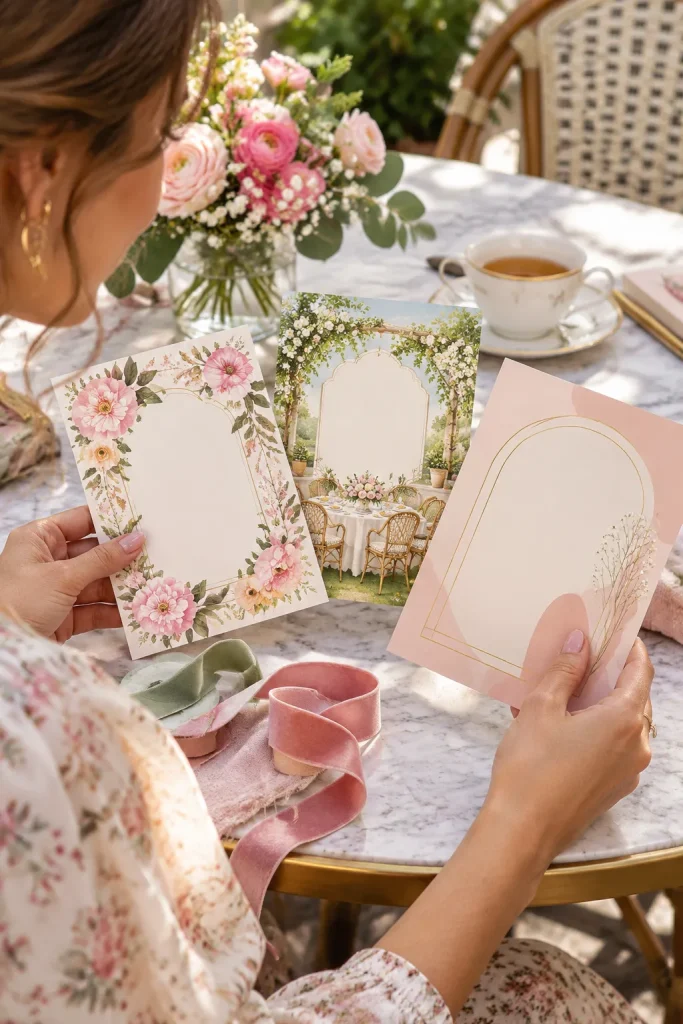
Soft florals and bold party colors tell two very different stories. A bridal shower invitation should help guests understand the celebration before they even read the details.
These printables suit bridesmaids, relatives, and friends who are organizing a shower.
Design Around One Clear Theme
Start with a recognizable theme, such as a garden brunch, afternoon tea, or modern pink celebration.
Use matching colors and small illustrations without crowding the event information. Leave editable spaces for the bride’s name, date, venue, and RSVP contact.
Create product preview images that show the invitation at a realistic size. Seasonal floral themes should be prepared well before the event season so sellers have time to finish and present them properly.
💡 Quick Design Tip
Let the theme guide the decoration, but keep the event details in a plain, readable area. Guests should find the date and location without looking twice.
5. Bridal Shower Bingo Cards for Guests
At a bridal shower, guests may be opening gifts, chatting across tables, or waiting for the next activity. A simple bingo game gives the host something easy to bring out without much setup.
Printable bridal shower bingo cards suit bridesmaids and party organizers who want a ready-to-print activity.
Make the Game Easy to Run
Create several card layouts with clear squares and plenty of writing space.
A gift-opening version can let guests fill squares with gifts they think the bride will receive. Another version can use wedding-themed words or pictures.
Include a separate instruction page. Keep the grid large enough for guests to mark each square comfortably with a pen.
6. Bridesmaid Proposal Cards With Personal Messages
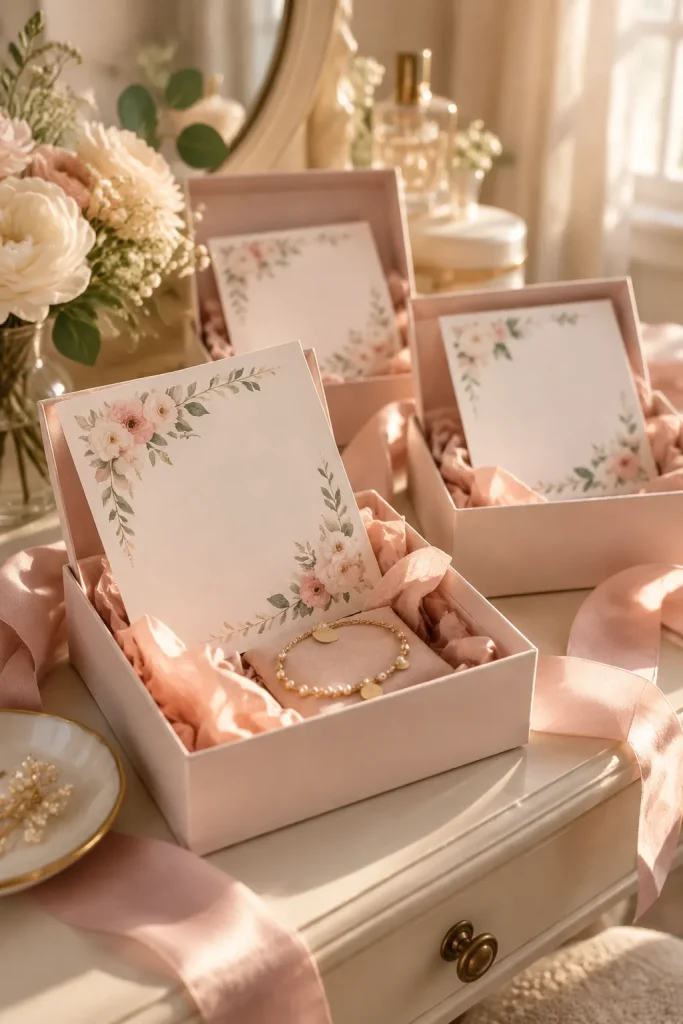
A bridesmaid proposal card does not need a long message or an elaborate gift box. A thoughtful question with room for a personal note can be enough.
These cards suit brides who want to ask friends or relatives to join their wedding party.
Keep the Message Personal
Make a small folded card with a decorative front and a mostly blank inside.
Offer versions for bridesmaids, a maid of honor, and a matron of honor. Each role needs its own wording, so buyers should not have to edit every line.
Soft colors and simple type work well for cards that may be printed at home. Show how the finished card looks inside an envelope or gift box.
Choose the correct wedding party role for the card.
Add the recipient’s name and a short personal message.
Print, fold, and place the card inside an envelope or small gift box.
7. Bachelorette Weekend Itinerary Cards
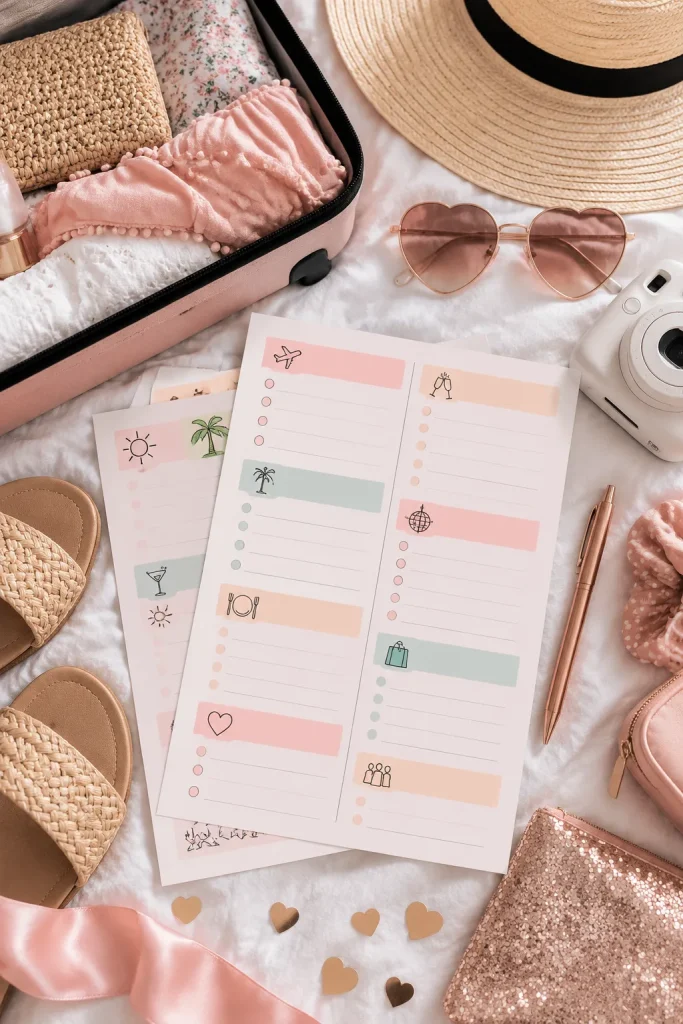
A one-page weekend itinerary is easier to check than a long string of messages in a group chat. Guests can see where they’re going and what comes next without asking the organizer again.
Bachelorette itinerary cards suit bridesmaids and friends planning a celebration with several activities.
Keep the Schedule Easy to Scan
Create an editable template with spaces for the date, activity, start time, and meeting place.
Use separate sections for each day if the trip covers a full weekend. Small icons can help guests spot meals, travel, and evening plans.
Include room for a short note about what to bring. Keep the design flexible since bookings and times may change.
8. Wedding Budget Worksheets for Tracking Expenses
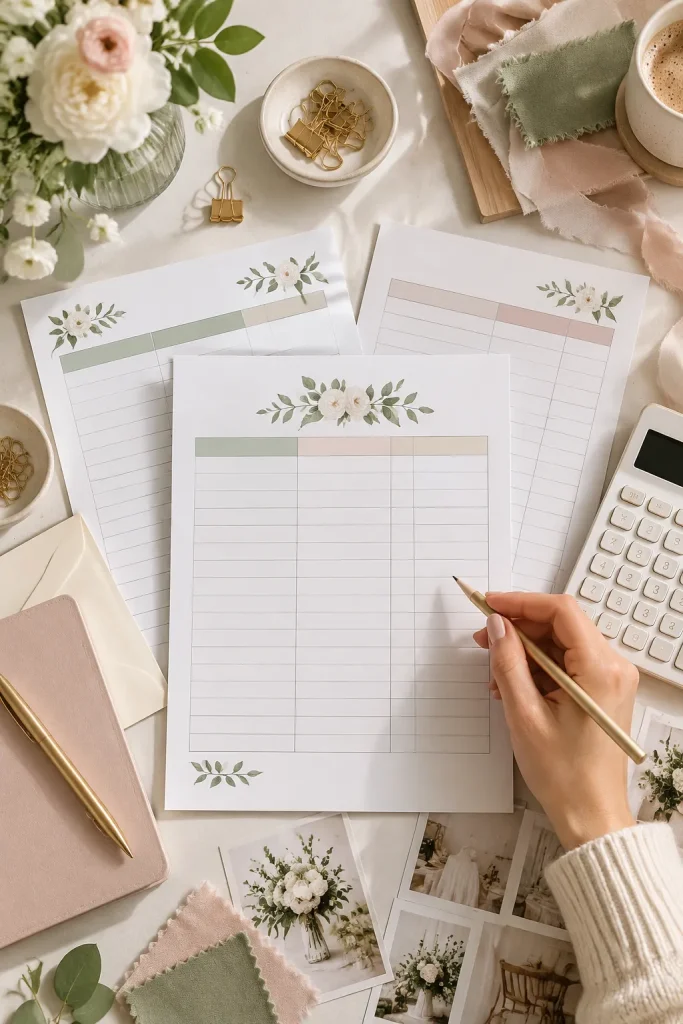
One common budget mistake is keeping planned expenses in one notebook and actual payments somewhere else. It becomes harder to tell what still needs attention.
Wedding budget worksheets help engaged couples and planners organize spending by category without losing track of deposits and remaining balances.
Give Each Expense Its Own Row
Create a printable worksheet with columns for the expense name, estimated amount, actual amount, payment status, and notes.
Add separate categories for the venue, clothing, flowers, food, and other services. Leave blank rows for costs that do not fit the main categories.
Keep the layout plain and spacious. Buyers should be able to write figures by hand without squeezing them into tiny boxes.
| Planned Expenses | Actual Expenses |
|---|---|
| Amount set aside for each category | Amount confirmed or paid |
| Expected vendor charges | Final charges entered as known |
| Space for an estimated total | Space for the final total and balance |
9. Wedding Guest List Trackers for Addresses and RSVPs
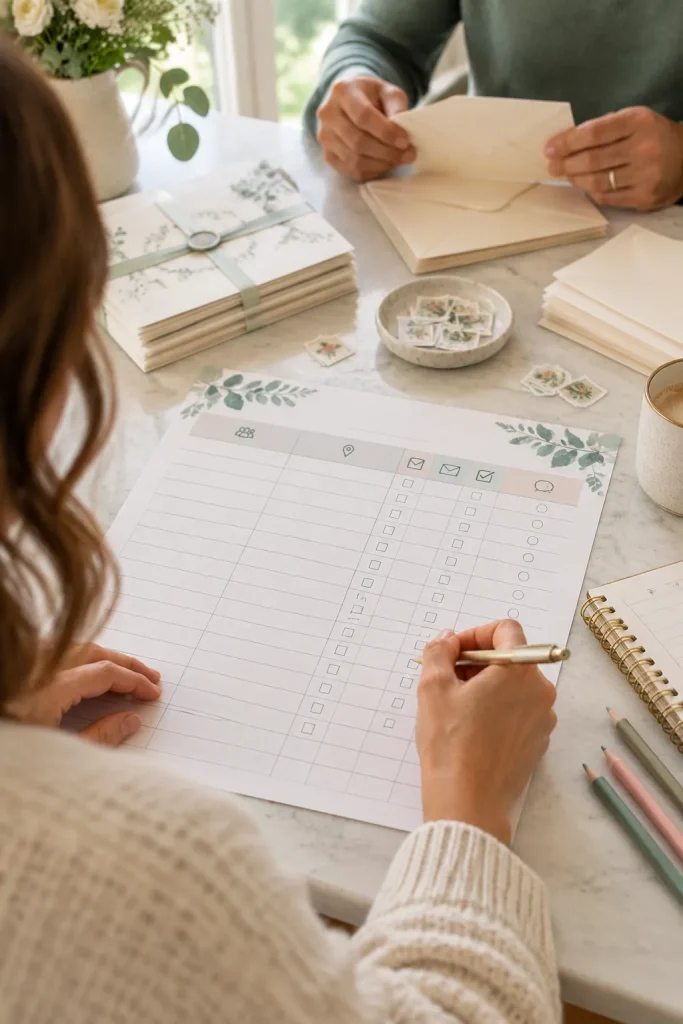
An address scribbled on a sticky note is easy to lose when a couple is managing dozens of wedding details. A printable guest list tracker keeps names, mailing information, and replies in one place.
Couples and wedding planners can use it while sending invitations and checking who has responded.
Organize Guests by Household
Create a landscape worksheet with separate columns for household names, guest counts, mailing addresses, and RSVP status.
Add a small space for special notes, such as a missing address or a guest who needs a follow-up.
Keep the rows tall enough for handwriting. A tracker that looks tidy but has tiny boxes is frustrating to use.
Give each household its own row.
Keep invited and confirmed guest counts in separate columns.
Use clear labels for replies and follow-ups.
Mixing several households into one narrow row.
Combining invitations sent and replies received into one checkbox.
Leaving no space for address corrections.
10. Wedding Vendor Contact and Payment Sheets
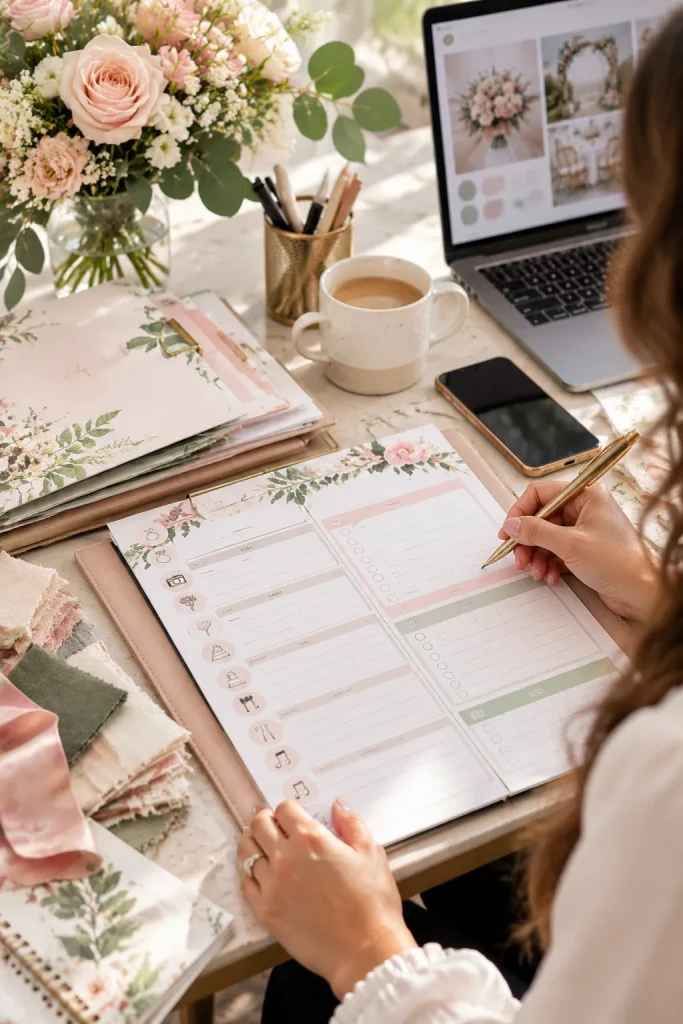
Keeping vendor details together makes it easier to find the right phone number or payment note when plans change.
Wedding vendor worksheets suit engaged couples, coordinators, and planners working with photographers, florists, caterers, and other service providers.
Unlike a general wedding budget sheet, this printable focuses on each vendor’s contact information and booking details.
Create a Separate Page for Each Vendor
Include spaces for the business name, contact person, phone number, email, booked service, deposit, remaining balance, and payment due date.
A larger notes section can hold delivery instructions or questions for the next meeting.
Use clear section labels rather than squeezing everything into one large table. Buyers should be able to find a contact number in seconds.
📋 Vendor Information Checklist
💡 Leave extra writing space for delivery times, setup instructions, and final confirmations.
11. Wedding Planning Countdown Checklists
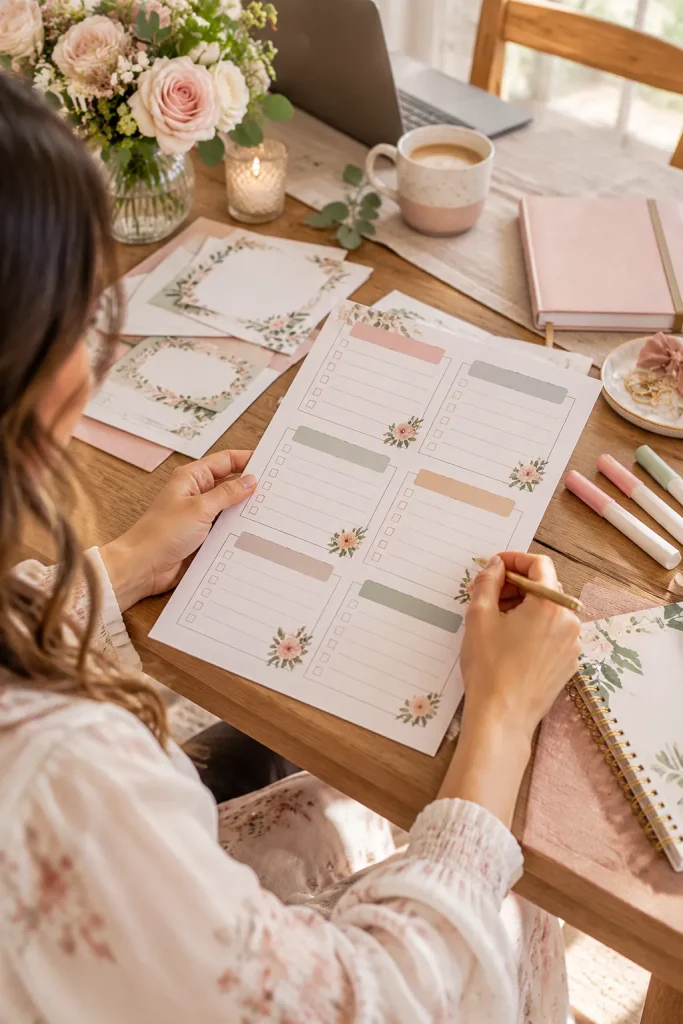
Break the months before a wedding into smaller groups of tasks. A long planning list feels much easier to manage when couples can see what needs attention next.
Wedding countdown checklists suit newly engaged couples and planners who want a flexible planning timeline.
Group Tasks by Planning Period
Create separate sections for early planning, several months before the wedding, the final month, and the last week.
Include common tasks such as confirming vendors, reviewing guest responses, and gathering ceremony details.
Make the dates editable because every wedding has a different planning schedule. Leave a few blank lines for personal tasks that do not appear on your list.
The finished printable should help couples track progress without treating every wedding timeline as identical.
One long list mixes early booking tasks with last-week reminders.
There is no clear place to mark completed work.
Tasks are grouped into clear planning periods.
Each task has a checkbox, with space for adjusted deadlines.
12. Wedding Welcome Signs for the Entrance
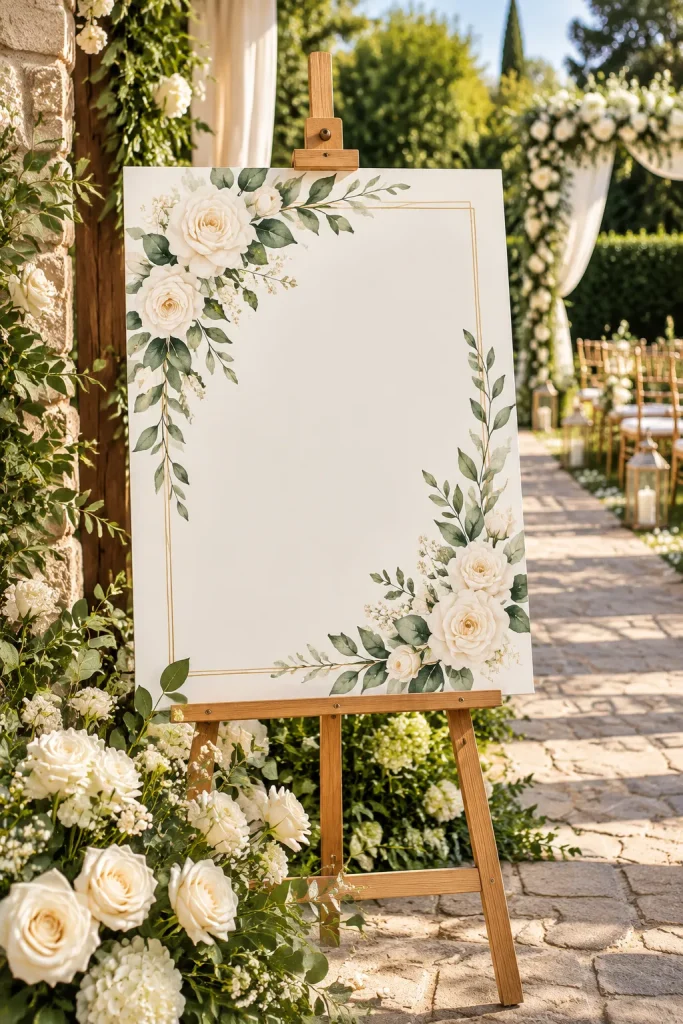
A welcome sign standing beside a flower arrangement can help guests recognize the wedding entrance as soon as they arrive.
These signs suit couples and decorators who want a personalized greeting for the ceremony or reception.
They’re also a useful product for sellers who enjoy creating larger printable designs rather than small stationery cards.
Design for Viewing From a Distance
Place the couple’s names and wedding date in a clear layout with generous empty space.
Create the sign at a defined print size, and explain how buyers can arrange printing at a suitable print shop.
Show the design inside a realistic frame or on an easel. Keep decorative flowers away from important words so the sign stays easy to read.
💡 Quick Printing Tip
Design large signs at their intended print dimensions. Check that the text remains readable at full size and explain whether the file is meant for a frame, poster display, or easel. A small invitation file should not simply be enlarged for poster printing.
13. Wedding Ceremony Programs With an Order of Events
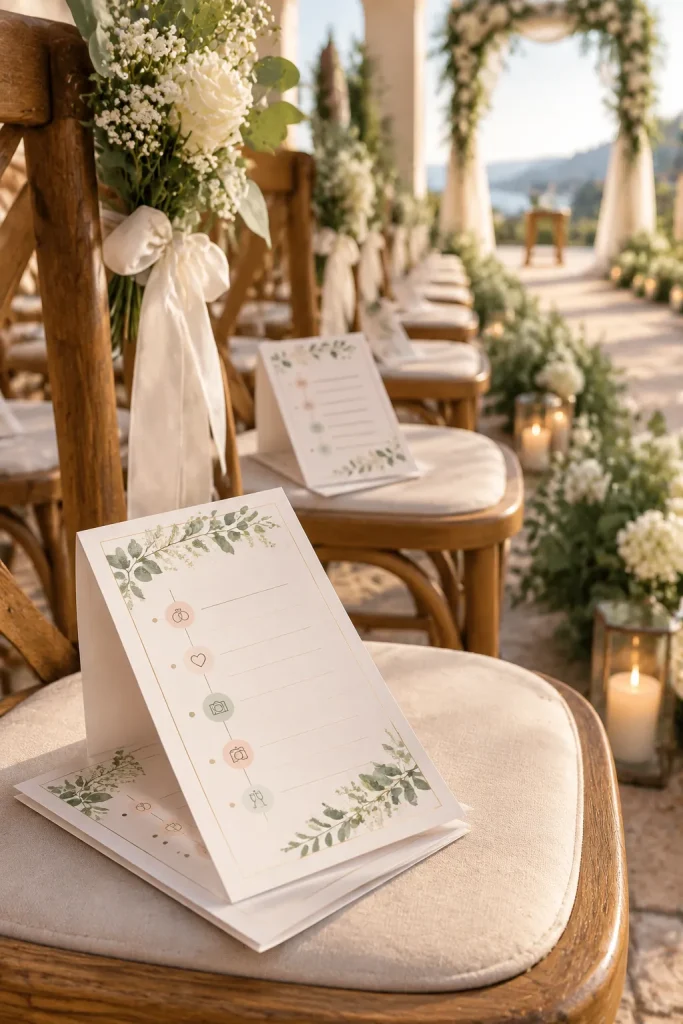
A ceremony program isn’t just a smaller version of the wedding invitation. It tells guests what will happen during the ceremony and may introduce the people taking part.
Couples planning traditional, religious, or personalized ceremonies may want a printed program for guests to follow.
Include the Ceremony Details That Matter
Start with the couple’s names and ceremony date. Add the order of events, such as the processional, readings, vows, ring exchange, and recessional.
Leave space for the names of readers, musicians, or other participants when needed.
You can create a flat card, a folded booklet, or a program that doubles as a handheld fan. Keep the order editable because ceremonies differ.
14. Unplugged Ceremony Signs for Phone-Free Vows
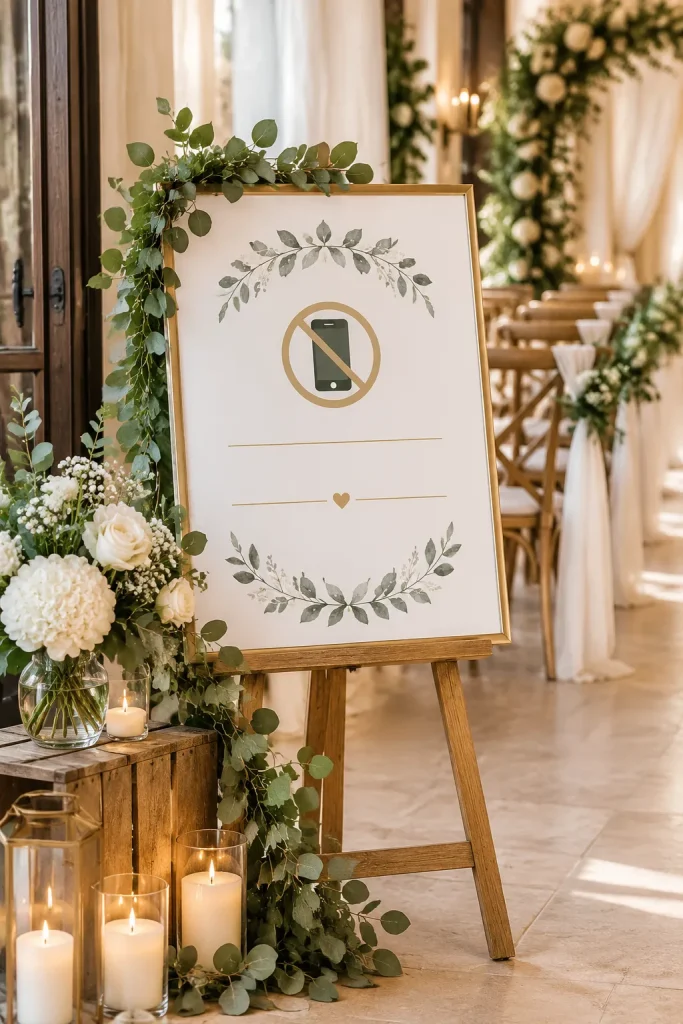
Keep one request at the center of an unplugged ceremony sign: guests should put their phones and cameras away during the vows.
Some couples prefer a ceremony without personal photography so guests can focus on the moment and the hired photographer can work without phones blocking the aisle.
Use Short, Courteous Wording
Create a printable sign with a polite message that is easy to read before guests take their seats.
Use a simple heading, a few short lines, and a small decorative detail.
Offer portrait and landscape versions for different frames. Show where the finished sign might stand near the ceremony entrance.
The message should be clear without sounding like a warning notice.
State the request. Ask guests to keep phones and cameras put away during the ceremony.
Add a kind explanation. Let guests know the couple would like everyone to be present for the vows.
Finish with thanks. Keep the closing friendly and short enough to read while walking past.
15. Printable Wedding Vow Booklet Pages
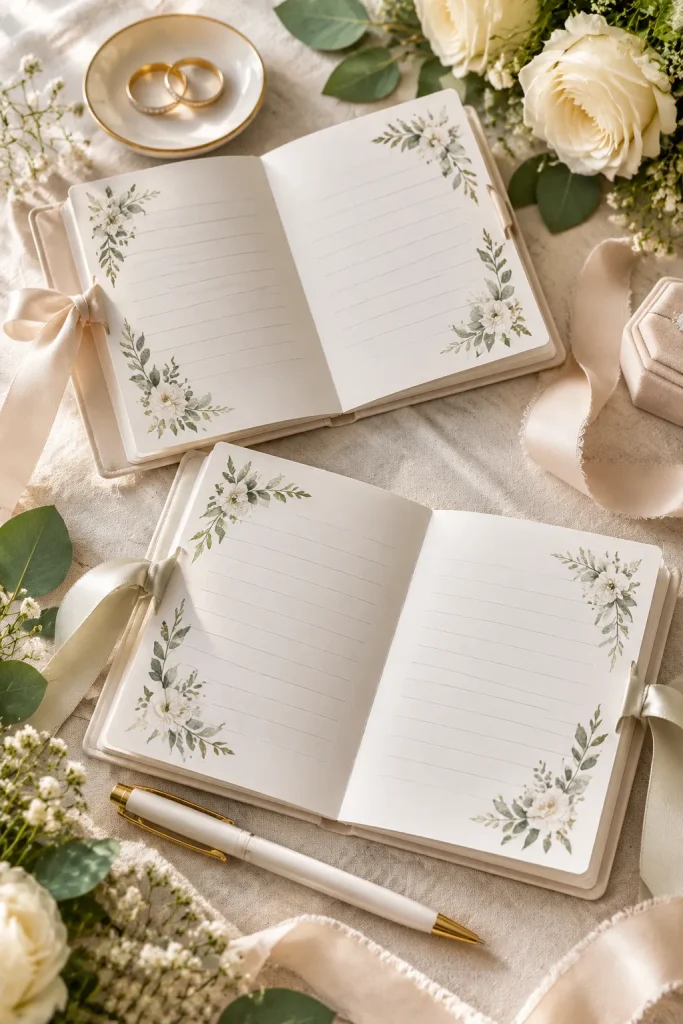
A small vow booklet can hold some of the most personal words spoken during a wedding. The design should leave those words plenty of room.
Printable vow pages suit couples who want to write their vows by hand and carry them during the ceremony.
Focus on Writing Space
Make a booklet cover and matching inner pages with simple lines or blank writing areas.
Offer separate cover wording for each partner or an editable version that buyers can personalize themselves.
Choose a readable layout with wide margins, since handwriting takes more space than typed text. Include folding and assembly instructions if the pages form a booklet.
Avoid placing large illustrations where the couple needs to write.
A vow booklet should make the words easier to write and read, not compete with them.
Layout check: Leave a comfortable writing area, keep the page folds clear, and avoid decorations near the inner margins. Simple covers and roomy pages make a more practical printable.
16. Reserved Seating Cards for Family and the Wedding Party
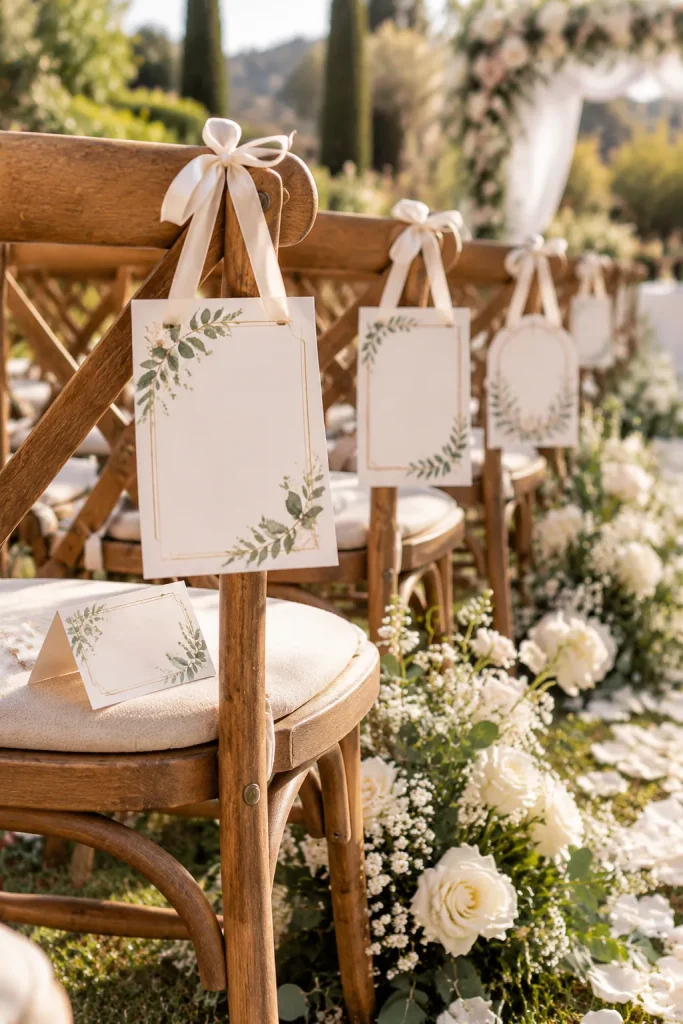
A reserved sign for an entire ceremony row serves a different purpose from a small card on one chair. The first keeps a group of seats together, while the second marks a specific place.
Couples and wedding coordinators use these signs to organize seating for close family members and wedding party participants.
Offer Two Clear Formats
Design a folded card for individual chairs and a larger sign that can hang from or rest against a row of seats.
Keep wording short, with options such as Reserved for Family or Reserved for Wedding Party.
Use bold, readable text and leave room for personalized names if needed. Show each design on an actual ceremony chair so buyers understand the intended size.
| Individual Chair Card | Reserved Row Sign |
|---|---|
| Marks one specific seat. | Marks several seats kept together. |
| Can include a person’s name or role. | Usually names a family or wedding party group. |
| Works as a small folded or flat card. | Needs larger text for guests approaching the row. |
17. Wedding Seating Chart Posters for Reception Tables
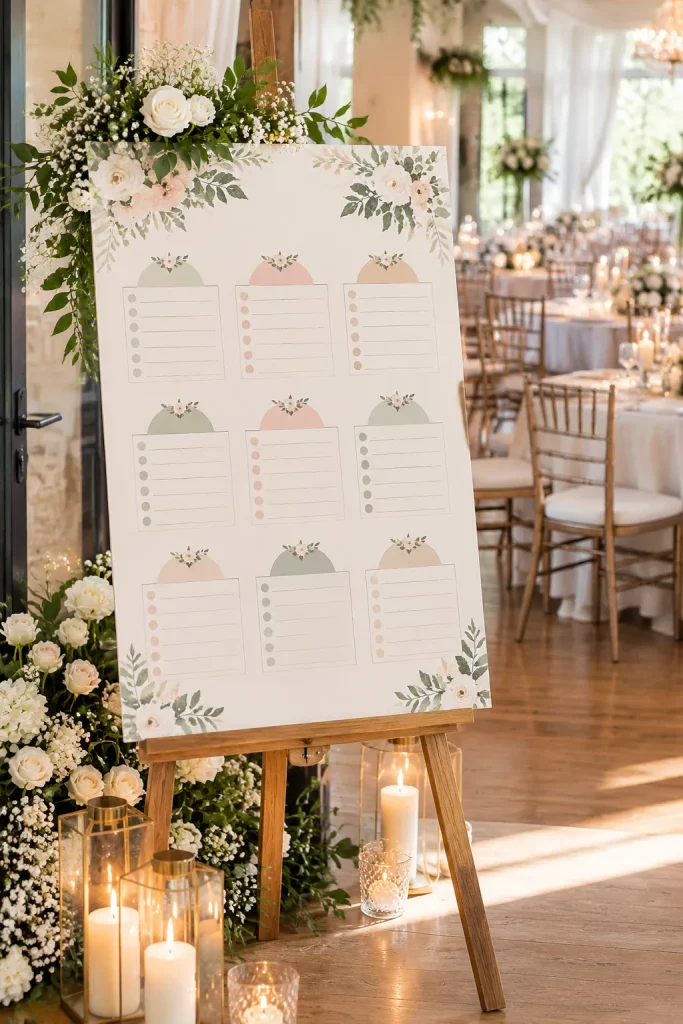
Guests should not have to search through tiny names while a line forms behind them at the reception entrance.
A wedding seating chart poster helps guests find their assigned tables before entering the dining area. Couples and wedding planners use these signs to keep arrival and seating organized.
Make Names Easy to Find
Create a large printable poster with guests listed alphabetically or grouped by table number.
Keep the heading simple and leave enough space between names. A crowded floral border can make an otherwise useful chart difficult to read.
Offer an editable layout so buyers can update names when RSVPs change.
Remind them to check the final seating list before sending the poster to print.
Use one clear system for finding guests.
Keep table numbers easy to identify.
Leave room for a separate head table or family table.
Mixing alphabetical and table-based ordering.
Using script fonts for every guest name.
Placing names over busy floral artwork.
18. Wedding Place Cards for Each Guest’s Seat
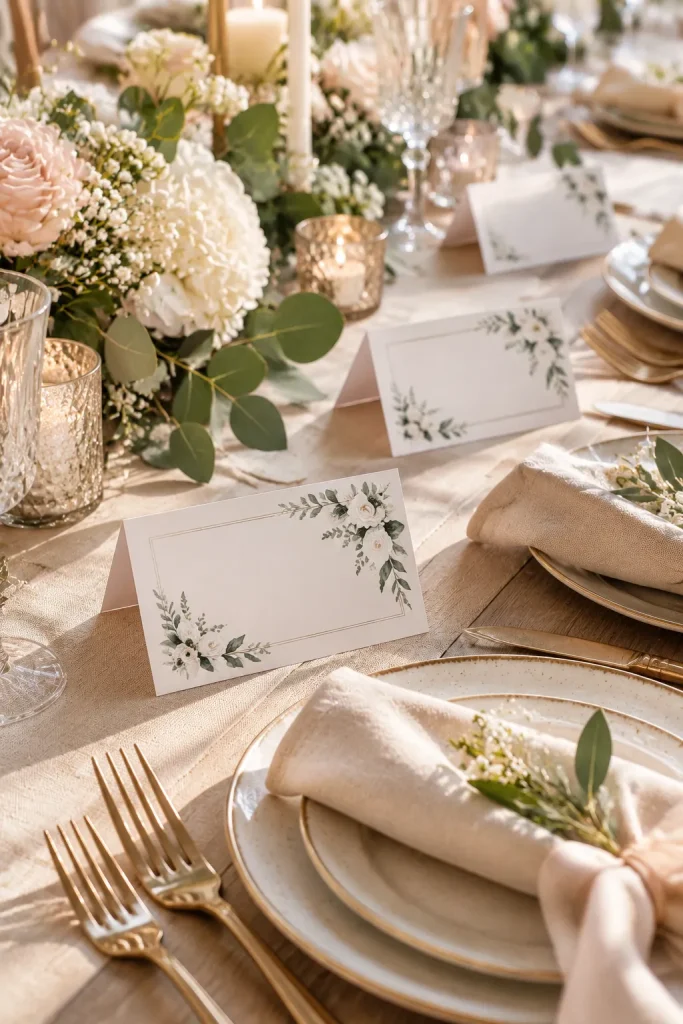
A folded name card beside a linen napkin does more than decorate the reception table. It tells each guest exactly where to sit.
Wedding place cards suit couples and planners arranging assigned seats, especially when guests need to find their places at larger tables.
Unlike a seating chart, which directs guests to a table, these small cards identify individual seats.
Design for Easy Personalization
Create a printable sheet with several matching cards and editable name fields.
Offer flat and folded versions, with simple trim and fold guides. Leave enough room for longer names so buyers do not need to shrink the text too much.
Small decorations work best around the edges, away from the names.
🏷️ Place Card File Checklist
19. Printable Table Number Tents for the Reception
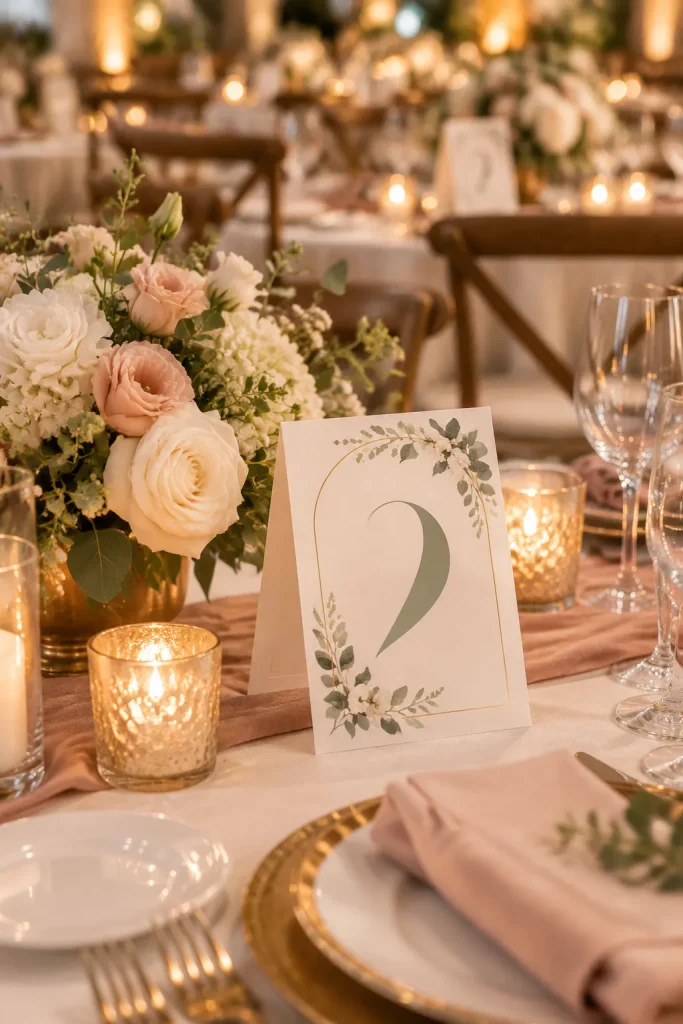
Table numbers need to be visible before guests reach the centerpiece. A lovely design tucked behind a tall flower arrangement cannot do its job.
Printable table number tents help couples and reception planners label dining tables clearly.
These products work particularly well as matching pieces for a coordinated wedding stationery collection.
Create a Two-Sided Table Tent
Design each number so it appears on both sides of the folded card.
Use a large numeral, a simple border, and enough empty space to keep the design readable from different angles.
Include folding instructions and a way to add more numbers if the table count changes.
Show the finished tent standing beside a centerpiece, rather than only displaying a flat digital preview.
20. Wedding Dinner Menu Cards for Each Place Setting
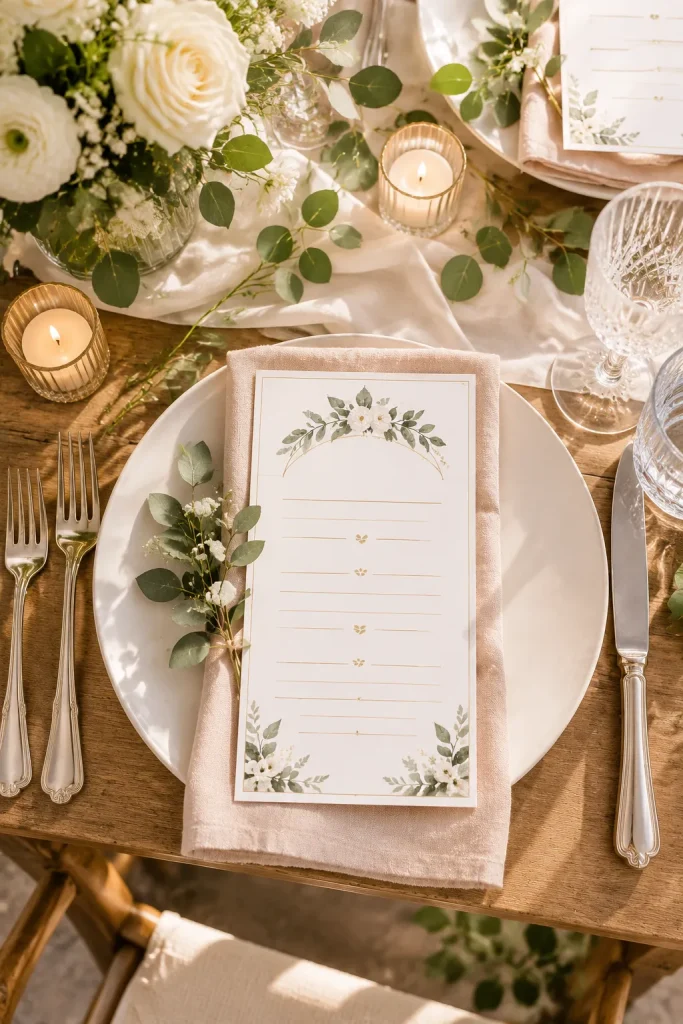
A dinner menu gives guests something useful to read while they settle into their reception seats.
Couples, caterers, and wedding planners may want individual menu cards that match the table decorations without taking up much space.
Give Each Course Room to Breathe
Design a narrow vertical card with separate areas for starters, main courses, and desserts.
Make the food descriptions editable because menus often change during planning.
Avoid filling the card with oversized illustrations. A small decorative detail at the top and plenty of spacing between courses can look polished without making the words hard to read.
If dietary information appears on the menu, tell buyers to confirm it with their caterer before printing.
💡 Menu Design Tip
Use one clear text style for food descriptions and a slightly larger style for course headings. If a menu includes choices, leave enough room to list them separately. Check the finished card beside a plate and folded napkin before settling on its print size.
21. Signature Wedding Drink Signs for the Bar
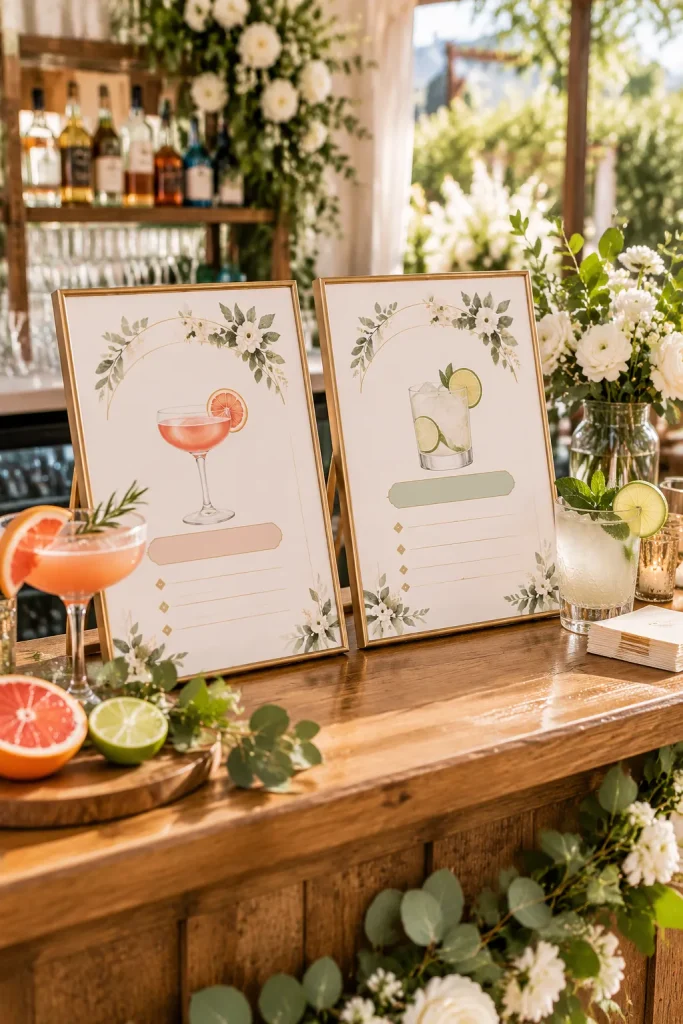
A playful drink name is less useful when guests cannot tell what is actually in the glass.
Signature wedding drink signs help couples display their chosen beverages at the reception bar. They’re also useful for planners organizing a bar area with limited space.
Show the Name and Main Ingredients
Create a printable sign with a large drink name, a short ingredient list, and a small illustration.
Offer designs for one featured drink or a matching pair of drinks. An alcohol-free drink sign can be a useful addition.
Keep the ingredient descriptions editable in case the recipe changes.
Show each sign in a small frame on a realistic bar counter so buyers can judge its size.
22. Wedding Favor Tags With Thank You Messages
Small gift boxes can look unfinished until a matching tag brings the packaging together.
Wedding favor tags are printable labels that couples and party planners attach to guest gifts. They usually include a short thank you message, the couple’s names, or the wedding date.
Make Them Simple to Cut and Attach
Create a sheet of small rectangular or circular tags with enough space around each design for trimming.
Include an optional marked area for punching a ribbon hole. Offer a version without the hole for tags that will be taped onto boxes.
Use short messages and readable lettering.
Before finishing the product, print a sample sheet to check that the tags are easy to cut without damaging the design.
Personalize. Add the couple’s names, celebration date, and chosen message.
Print and trim. Print the tag sheet at actual size and cut along the marked edges.
Attach to favors. Use ribbon, string, or adhesive depending on the tag and packaging.
23. Wedding Guest Book Signs With Simple Instructions
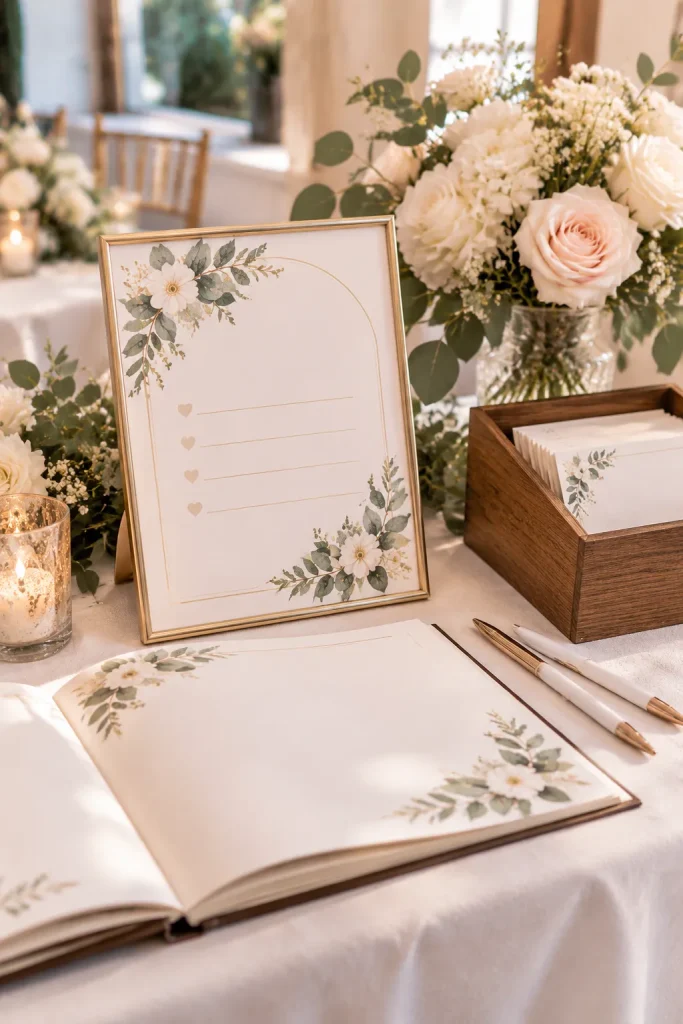
An empty guest book can go unnoticed when people are busy greeting friends or finding their seats.
A small sign beside the book helps guests understand where to leave a message. Couples and wedding planners can use these printables to finish a guest book table without adding much decoration.
Give Guests a Clear Invitation to Write
Create a framed sign with a short heading and a friendly instruction.
For a traditional guest book, invite guests to sign their names and leave a message. For a photo guest book, include space for directions about adding a picture.
Choose a print size that fits beside the book without hiding the pens or writing area.
A decorative sign simply says Guest Book.
Guests may not know whether to sign, write a message, or add a photo.
A short welcome message explains what to do.
A small prompt offers inspiration, such as sharing a favorite memory.
24. Wedding Day Schedule Signs for Guests
A wedding planner’s schedule may include delivery times, vendor arrivals, and setup instructions. Guests do not need all those details.
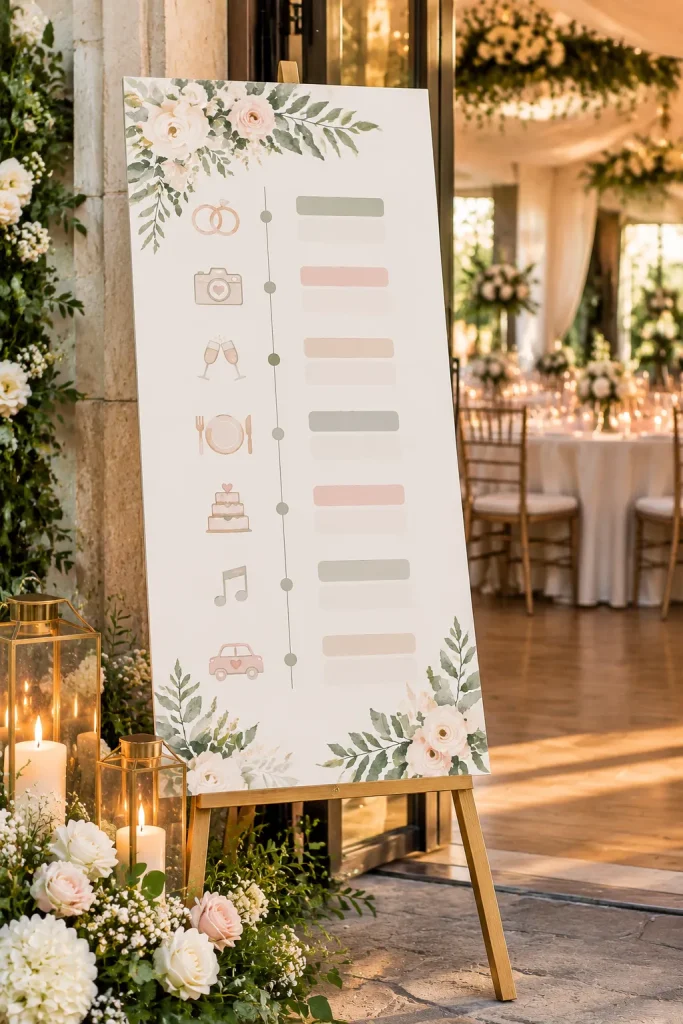
A wedding day timeline sign shows visitors the main events so they know what is happening next.
Couples and wedding coordinators can display one near the reception entrance or another easy-to-find location.
Keep the Timeline Guest-Focused
Create a vertical printable sign listing the ceremony, drinks, dinner, dancing, and other planned activities.
Use clear times, short event names, and generous spacing. Small icons can help separate the events without making the sign busy.
Leave each time editable because wedding schedules can change.
The finished sign should be readable while guests are walking past, not just when viewed up close.
| Guest Timeline Sign | Private Planning Schedule |
|---|---|
| Ceremony start time | Ceremony setup and vendor arrival |
| Reception and dinner times | Catering setup and service instructions |
| First dance and celebration events | Music cues and coordination notes |
| Guest departure information when needed | Vendor breakdown and cleanup tasks |
25. Wedding Thank You Cards for After the Celebration
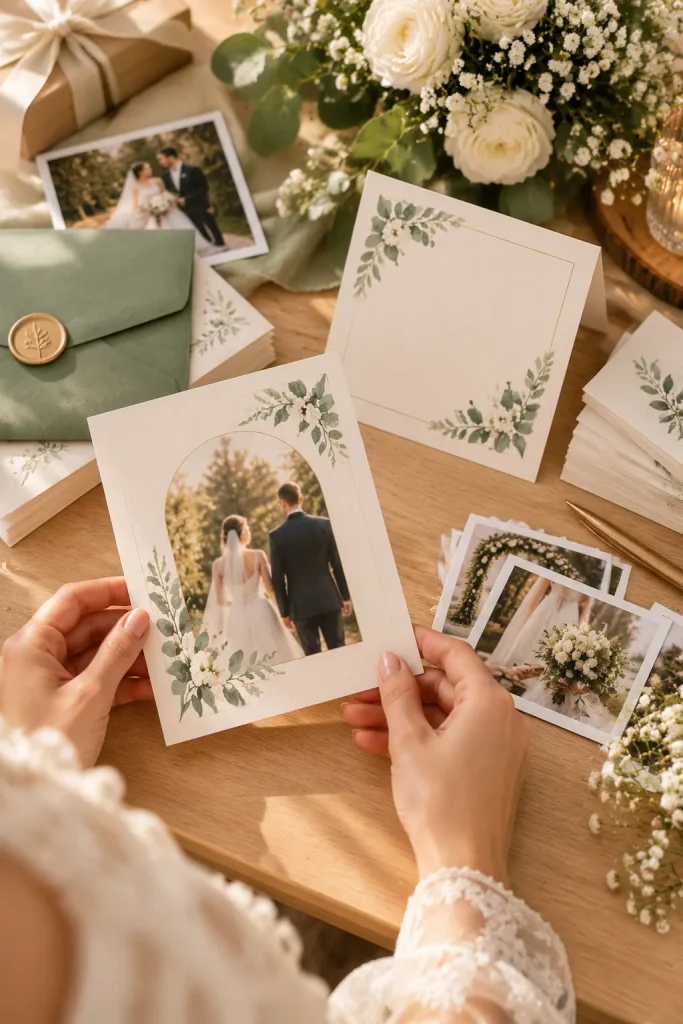
Once the wedding photos arrive, couples often have a list of guests and gifts to thank. A printable thank you card gives them a coordinated design without forcing every message into the same wording.
Couples can use these cards after the celebration, and planners may include them in a matching stationery package.
Leave Space for a Real Message
Create a folded card with a simple photo area on the front or a floral design with no photo. Keep the inside mostly blank, with an optional short printed greeting.
Include editable names, print dimensions, and folding instructions. Show the card beside an envelope so buyers can judge the finished size.
The personal note matters more than the decoration.
Leave room for a personal thank you. The printed design should support the message, not replace it.
Simple layout idea: A personalized front cover, a mostly blank inside, and enough space for several handwritten sentences. Include folding instructions so the finished card looks as intended.
Make Your First Wedding Printable Simple
A useful first product solves one small wedding task. Start with the printable you can explain clearly, such as RSVP cards, budget sheets, or a table number set.
Give buyers editable details, readable layouts, realistic previews, and straightforward print instructions. Before listing on Etsy or another platform, check its current rules for digital products and template elements.
Plan seasonal designs early so you have time to prepare mockups and descriptions before buyers need them. As you build more wedding printables to sell, keep related colors and fonts consistent, but give each item its own job.
Save this list to your Pinterest wedding product ideas board so you can return to it when you’re ready to create your next printable.