
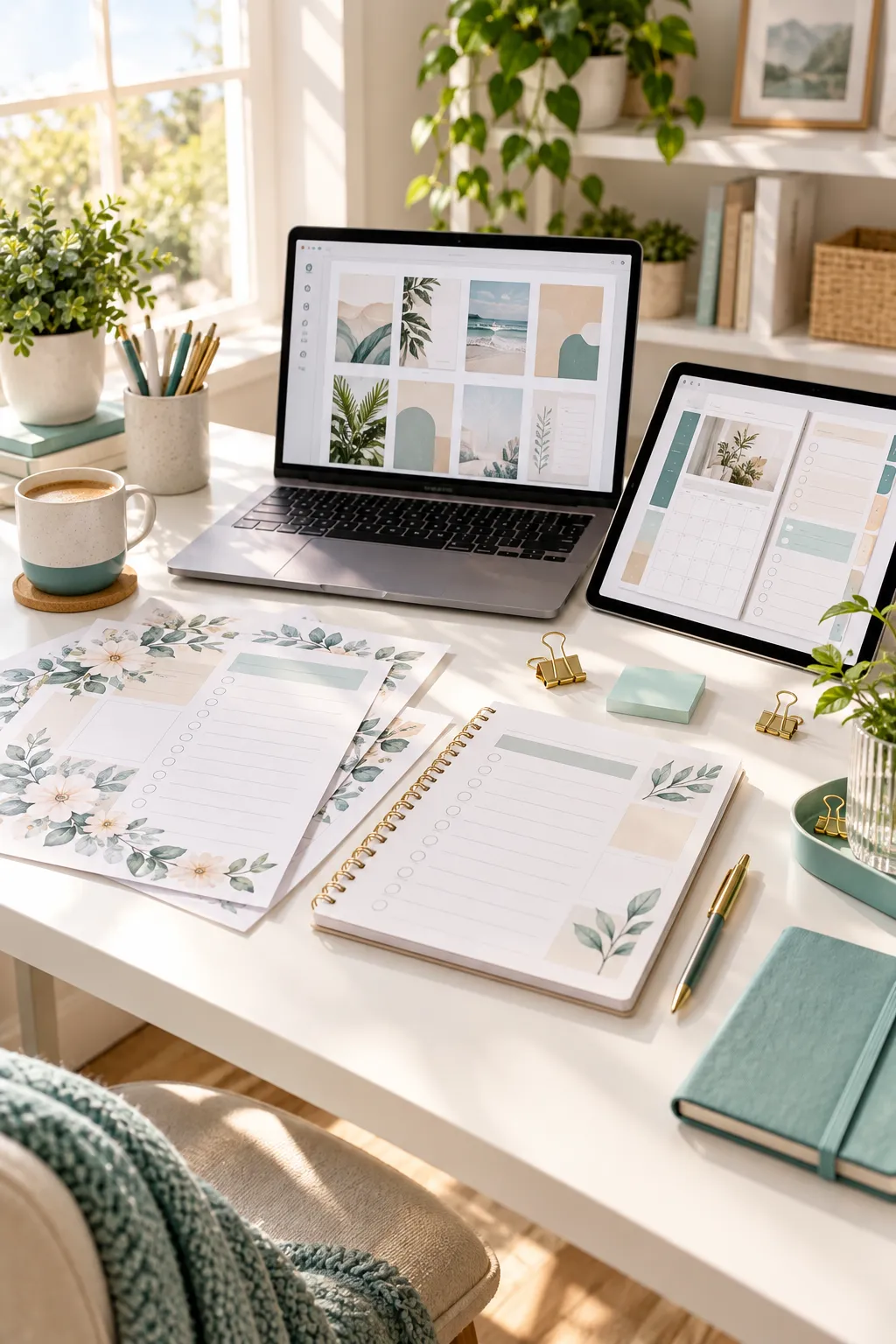
Choosing a product to sell gets confusing when every beginner tutorial calls something “easy.” A printable planner may be simple to design, yet still print badly at home. An editable template can look simple on screen, but buyers may need extra software or instructions before they can use it.
The first thing to clear up is that printables are digital products. People download both. The difference is how they use them. Printables are meant for paper, while many other digital files stay on a phone, tablet, or computer. That small detail changes how you design, test, describe, and support what you sell.
So the useful question in printable vs digital products is not which one promises better sales. It is which one you can make well, explain clearly, and help someone use without a long back-and-forth.
We will compare the work involved, the tools you need, customer questions, editing options, and the rules worth checking before you list anything. By the end, you should have a sensible first product to try, not another folder of unfinished ideas.
1. Compare What Buyers Actually Receive
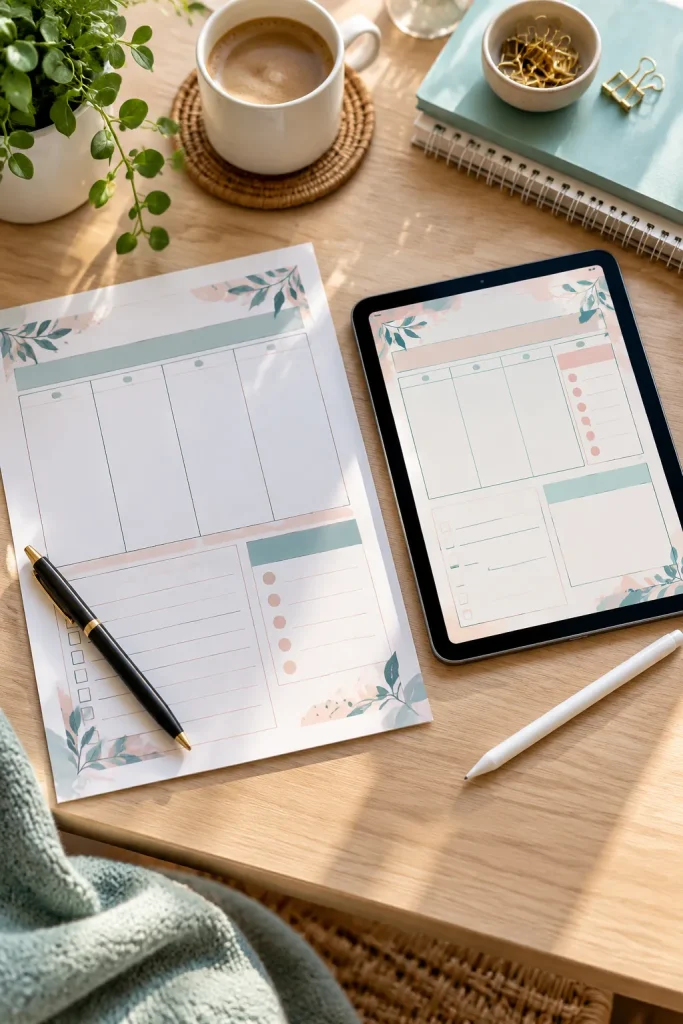
You are not choosing between a physical item and an online item. Both reach the buyer as downloadable files. What changes is what buyers are expected to do next.
Two Different End Uses
A printable weekly schedule is usually a PDF that someone opens, prints, and writes on with a pen. A digital planner may be filled in on a tablet, while an editable social media template is changed in a design tool before use.
Ask one question before making the first page: Where will the buyer use this?
That answer helps you choose the file type, page size, instructions, and product photos.
Verdict: Both can be simple, but printables often have a clearer first use for beginners.
Buyer needs: A printer or printing service
Seller checks: Page size, margins, readability
Buyer needs: A compatible app or device
Seller checks: Access, editing, file compatibility
2. See Which Product Takes Less Work to Create

An ordinary habit tracker and a complex budget spreadsheet may both be downloads, but building them takes different skills. Product complexity matters more than its label.
Start With One Small Job
A printable checklist needs a readable layout, enough writing space, and a test print. An editable template needs clear editing areas and testing with the file or link customers receive.
A spreadsheet with working formulas needs another round of checks.
Keep your first product narrow. A single meal planner or simple editable invitation is easier to manage than a large bundle you have not tested.
Verdict: A straightforward printable is often quicker to finish. A basic editable digital product can be close behind.
| Printable Workflow | Editable Digital Workflow |
|---|---|
| Design a finished page. | Design a layout buyers can change. |
| Export a suitable print file. | Prepare the editable file or access link. |
| Check print scale and margins. | Check editing access and compatibility. |
| Give paper size and printing instructions. | Give clear opening and editing instructions. |
3. Compare the Tools and Startup Costs

Buying software before you know what to make can create unnecessary work. Start with the file you want buyers to receive, then find a tool that can produce it.
Keep Your Setup Small
You can create simple worksheets in Canva and export them as PDFs. Editable designs may use Canva, while spreadsheet products can be built in Google Sheets.
More complex products may require features or tools you have not learned yet.
You do not need to own a printer to sell printable files, but a test print helps you check margins and readability. Digital products may need testing on a suitable device or app.
Verdict: Either format can begin with basic tools. Familiar software usually makes the first product easier to finish.
4. Find Out Which Product Is Easier to List and Explain

Buyers cannot hold your product before paying. Your photos and description have to show exactly what arrives.
Show the Finished Experience
For printables, include a clear page preview and state the paper size, file format, and whether the sheet can be edited.
For an on-screen template, show a realistic preview and name the tool or device needed to use it.
Do not call a flat PDF editable just because you made it in a design program. Tell people what is included and what they will do after downloading.
Verdict: Printables are often easier to demonstrate in one picture. Editable files may need extra instructions.
🛍️ Check Your Product Listing
5. Compare Printing Problems and Digital Support Questions
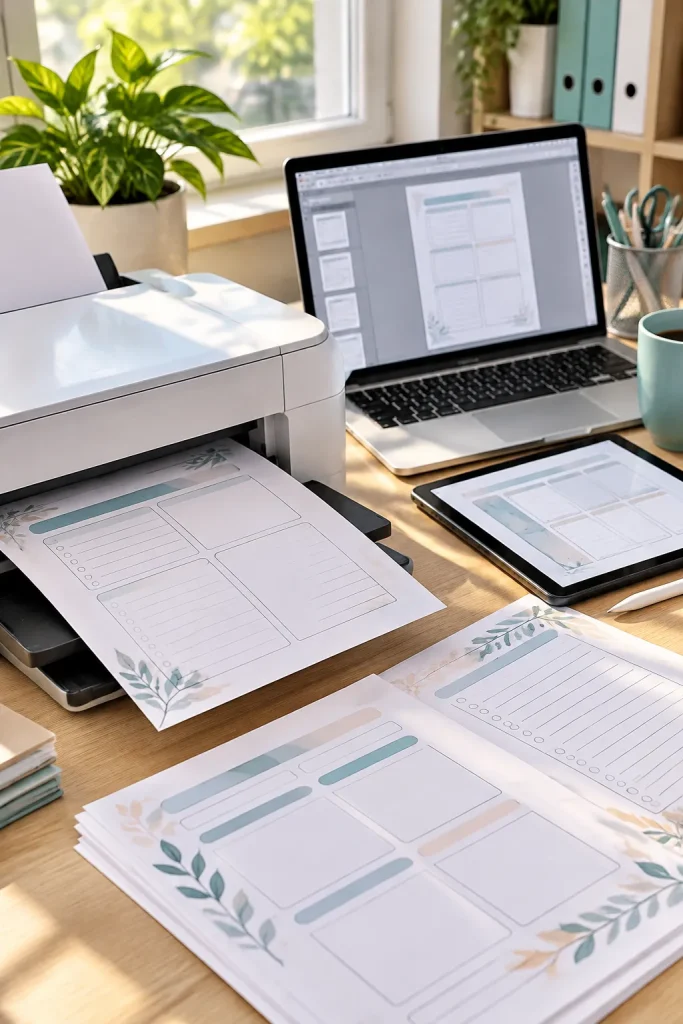
A file that looks fine on your computer can still disappoint a buyer. The trouble usually appears when they try to use it.
Test the Handoff
Printable buyers may deal with clipped edges, incorrect scaling, or faint colors. Buyers of editable files may struggle with a broken link, the wrong app, or a document they cannot change.
Before listing a printable, test it at actual size and check a black-and-white print if that fits the design.
Before selling an editable file, open a fresh copy through the same access method buyers will use. Include short instructions for both formats.
Verdict: Neither format removes support questions. Careful testing prevents many avoidable problems.
Printables: Test the actual page size and check that nothing important gets cut off.
Editable files: Check access permissions and confirm buyers can edit a separate copy.
Printables: Assuming a beautiful screen preview guarantees a clean print.
Editable files: Assuming every buyer already knows the editing tool.
6. Decide How Much Customization Buyers Really Need
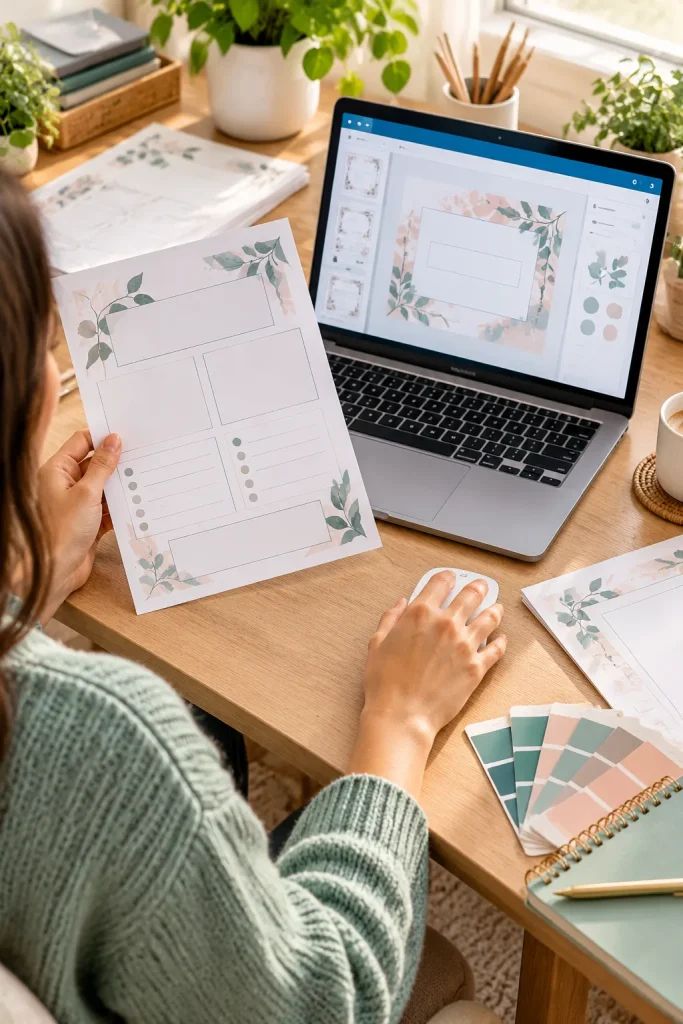
Giving buyers more control sounds helpful until they have to learn how to use it. Some people simply want to print a page and get on with their day.
Match the Format to the Job
A chore chart with fixed boxes works well as a printable. A wedding invitation with changeable names and dates may work better as an editable template.
A monthly budget that recalculates totals belongs in a spreadsheet rather than a static PDF.
Ask what the buyer actually needs to change.
If the answer is nothing, you do not have to add editing features.
Verdict: Printables are simpler for ready-made layouts. Editable digital products suit tasks where customization matters.
| Ready-to-Print File | Editable Digital File |
|---|---|
| Buyer action: Print and use the finished layout. | Buyer action: Open, customize, and save changes. |
| Good fit: Checklists, trackers, and routine sheets. | Good fit: Invitations, reusable templates, and spreadsheets. |
| Seller prepares: Correct page size and printing guidance. | Seller prepares: Editable fields and clear access steps. |
| Main limitation: Fixed content and layout. | Main limitation: May require compatible software and more learning. |
7. Understand the Selling Rules and Risks for Both

An attractive template is not automatically yours to sell. That applies to a printable worksheet just as much as a file edited on screen.
Check Rights Before You Publish
Create original work and make sure any fonts, images, and design elements allow your planned commercial use.
A Canva design may contain elements with different licensing conditions, especially when you sell an editable template. Review the current rules instead of assuming every library element can be included in a product for sale.
Marketplaces also set requirements for eligible products, listings, and digital file delivery. Check the current Etsy policies or your store platform’s rules before publishing.
Verdict: Neither format avoids these responsibilities. Clear ownership and correct delivery matter more than the file type.
Keep a short record of where each font, photo, and graphic came from and which permission covers its use. Recheck licenses and marketplace rules when you update the product.
8. Choose the Easier Product to Sell Based on Your Skills

The easiest first listing is usually one you can explain without a long instruction sheet.
Pick Your Starting Lane
Choose a printable if you enjoy simple page layouts and can check that the file prints correctly. A grocery list, daily routine sheet, or basic tracker makes a manageable first project.
Pick an editable digital file if you already know the tool, enjoy creating flexible templates, and can write clear editing steps.
Either way, create one useful item, test the buyer experience, and write a listing that leaves little room for guessing.
Verdict: For a total beginner, a simple printable often has fewer moving parts. Experience with an editable tool can change that answer.
💡 Your First Product Decision
Can you create, test, and explain the product with the tools you already understand?
If not, reduce the features before you start. One reliable page or template is a better first project than a complicated file you cannot fully test.
Start With the Product You Can Explain Clearly
Simple wins only when it stays simple for the person using the file. A printable can be quick to design, but paper size and print quality still need checking. An editable template can be flexible, but clear access and editing instructions are part of the product.
For most first-time sellers comparing printable vs digital products, a one-page printable is a practical starting point. That is a starting suggestion, not a rule.
If you already work comfortably in Canva or Google Sheets, you might find a screen-first product easier.
Choose one small idea you can test from download to use. Build from there.
Save this comparison on Pinterest for your next product-planning session.