
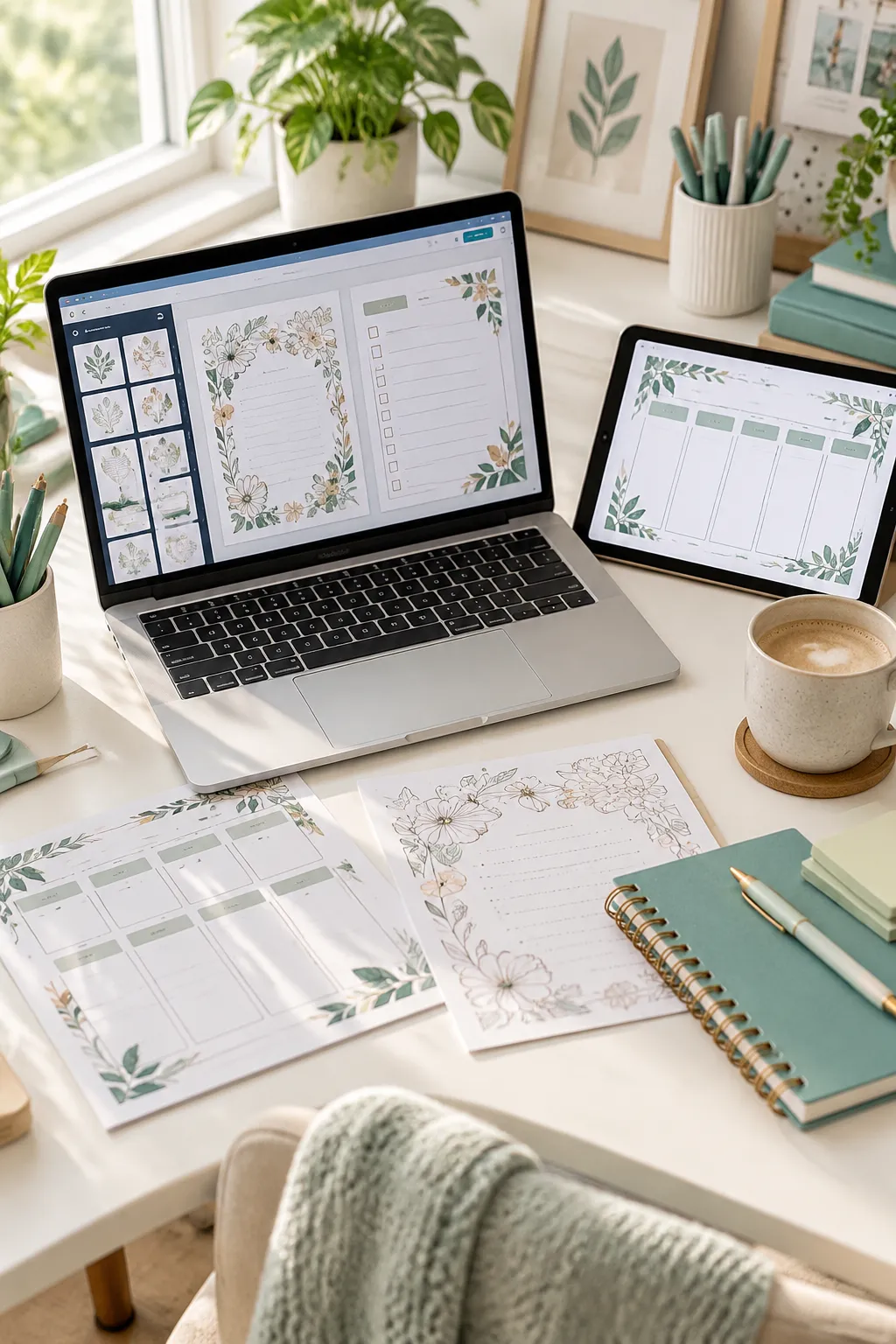
Buying the most powerful laptop on the shelf is an easy way to spend money you did not need to spend. A shop filled with printable planners, Canva templates, and digital downloads often begins with browser tabs, a few sample PDFs, and a folder that needs better names. The real question is not which laptop looks the most impressive. It is which one keeps that everyday work comfortable.
The best laptop for digital products depends on what you actually make. A seller building simple worksheets may care more about a clear screen and a reliable keyboard than heavy graphics power. Someone editing large mockups or video previews has different needs. Screen size matters when you are moving text boxes around. Storage matters when drafts and exported files start piling up.
This list covers familiar Apple and Windows options, including simpler machines and models for bigger creative projects. Each has a useful strength and a tradeoff worth knowing. Before you buy, check the exact configuration and make sure your design apps, printers, and selling platforms support it.
1. Apple MacBook Air M5 for Everyday Digital Product Design
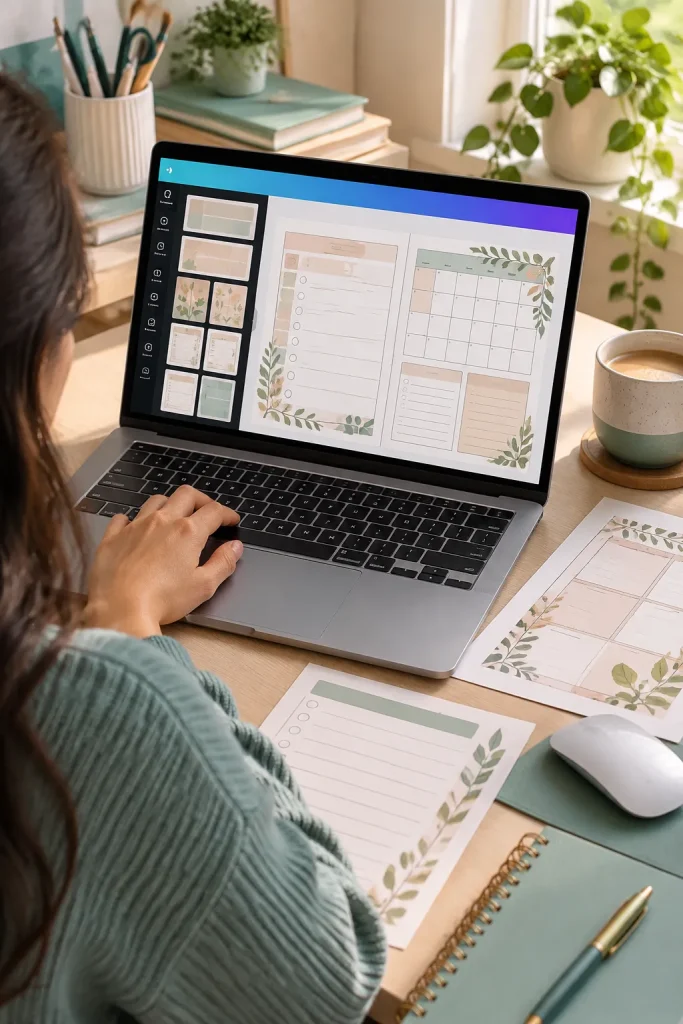
Most digital shops involve more switching between tasks than heavy rendering. The Apple MacBook Air M5 suits someone who creates Canva planners, edits listing photos, writes descriptions, and keeps browser tabs open for shop management. Its light design and clear display support that routine without taking over the desk.
Where It Helps
Keep your original editable template separate from the exported PDF. Use two windows when comparing a design with its customer instructions, then review the finished file at actual size.
The main limitation is macOS compatibility. A favorite Windows-only tool or printer utility may need a replacement, and connecting several accessories can require an adapter.
2. Apple MacBook Neo for Simple Printables and Online Shops
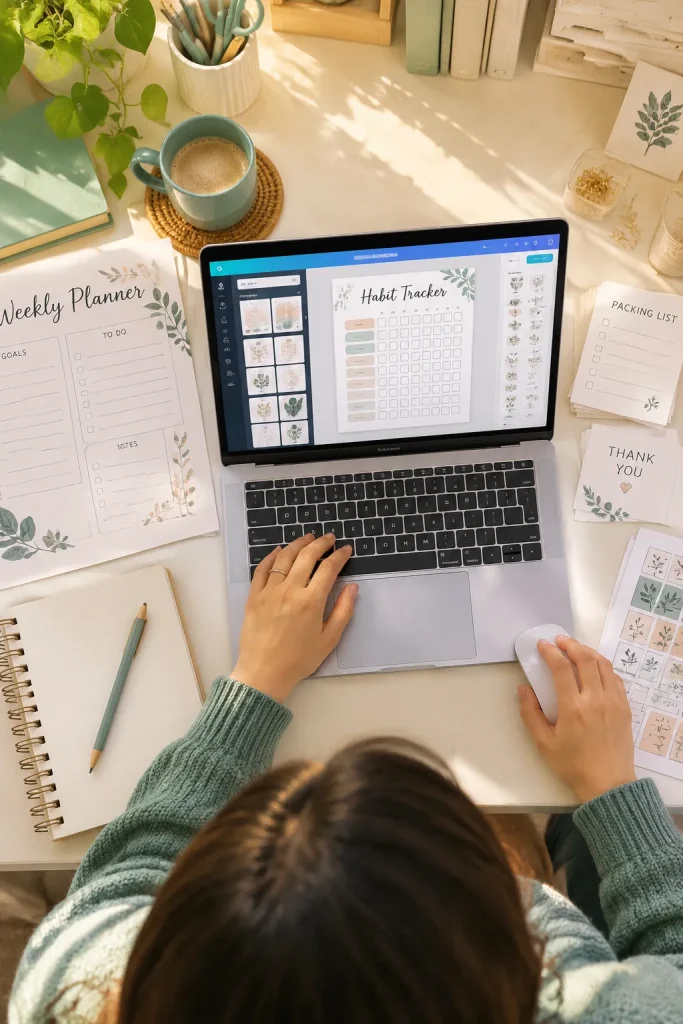
A small laptop can be enough when your products are simple. The MacBook Neo suits beginners making habit trackers, classroom checklists, or basic planners through a browser, then uploading finished files to an online shop. Its compact size works well on a small home desk.
Know the Ceiling
The fixed 8GB memory gives you less room for demanding creative tasks and heavy multitasking. Its smaller display can also feel crowded when comparing a template with its instructions.
Start with one complete sample product rather than opening dozens of designs at once. That helps you understand your usual workload before choosing a machine you will depend on every day.
💡 Quick Tip: Test Your Usual Workload
Write down the apps and browser tabs you normally keep open. If you regularly edit large images, videos, and complex templates together, consider a laptop with more memory instead of choosing by size alone.
3. ASUS Vivobook 14 for Beginner Canva Sellers
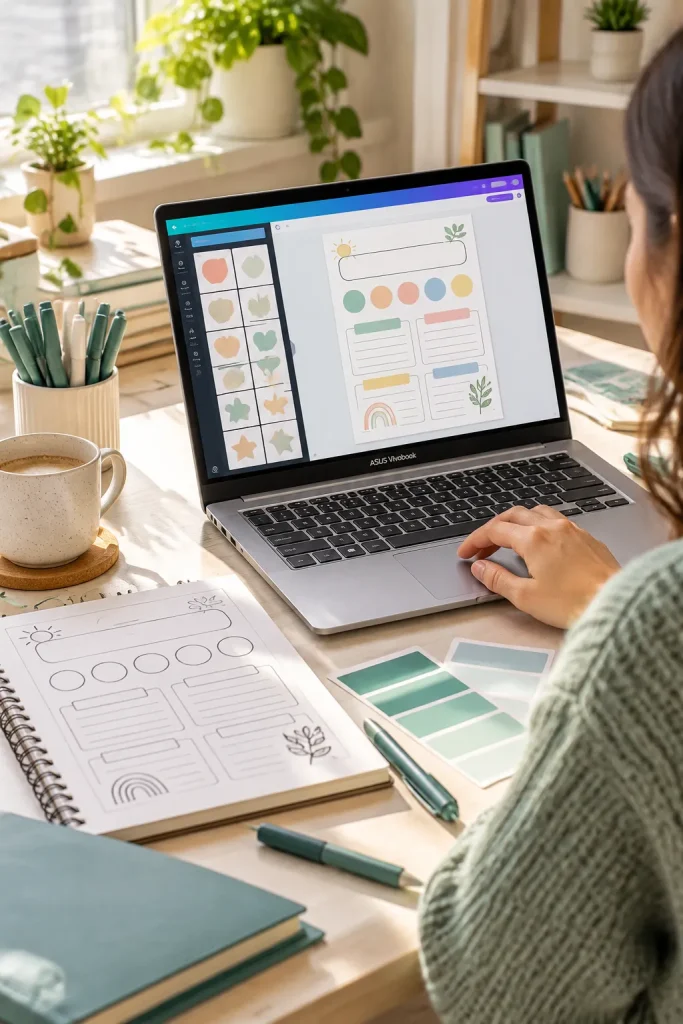
That first week of selling often involves more typing than designing: file names, product descriptions, and customer notes. The ASUS Vivobook 14 is a practical Windows choice for those tasks, along with Canva layouts and light image editing.
Check the Version, Not Just the Name
Vivobook 14 configurations differ in screen quality, memory, and storage. A model with a clear display and enough memory can be more helpful than an extra feature you rarely use.
The compact screen fits a small desk, but a detailed worksheet may feel easier to edit on a larger display. Before ordering, compare the exact model code and its specifications with the tools you actually use.
Compare memory and display specifications on the exact model listing.
Check that the available ports work with your accessories.
Assuming every Vivobook 14 has the same screen and memory.
Choosing the case color before checking the hardware.
4. Acer Aspire Go 15 for Printable Planning on a Budget
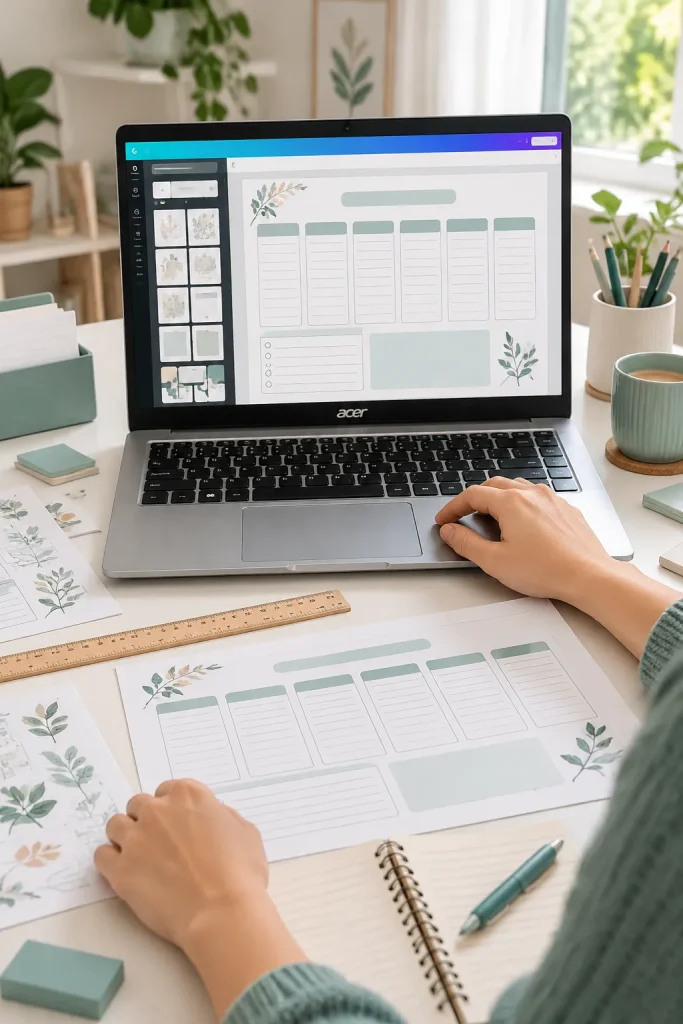
Moving tiny text boxes across a printable worksheet gets tiring on a cramped screen. The Acer Aspire Go 15 gives beginners a larger display area for arranging planners, checking margins, and reviewing product preview images.
For someone mainly using browser tools, documents, and PDFs, that extra room can be more useful than a premium-looking case.
The Tradeoff
Aspire Go 15 versions come with different processors and memory options. Some basic configurations may struggle with large files and many open tabs.
Check the exact hardware before buying. A roomy display helps with layout work, but it cannot make a slow configuration handle demanding design tasks comfortably.
✅ Check Before You Buy
5. Lenovo IdeaPad Slim 5x for a Larger Design Workspace
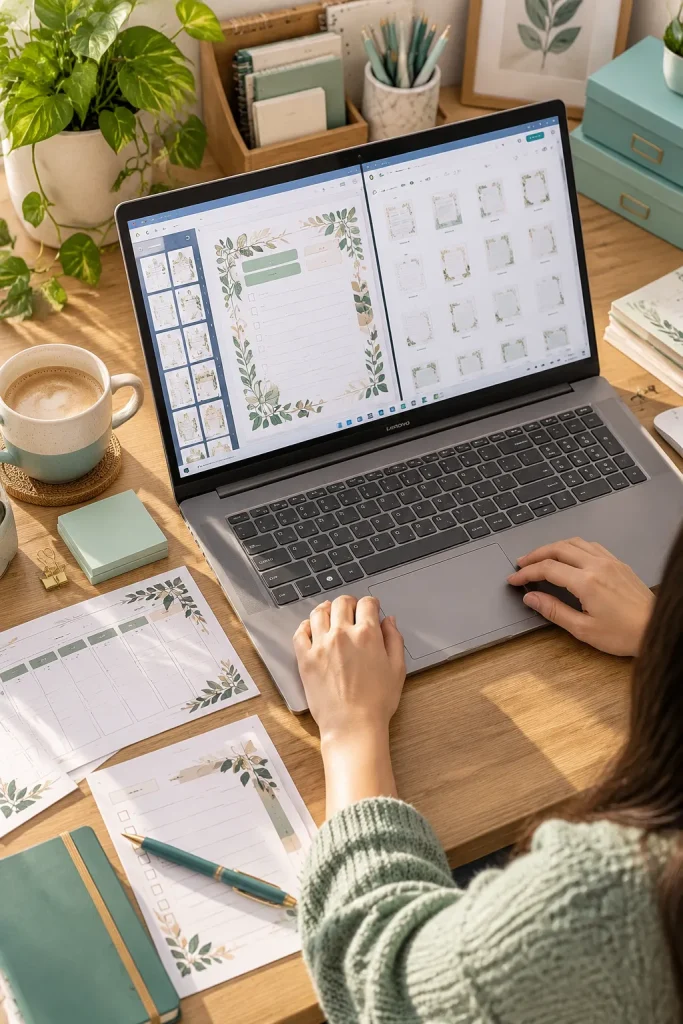
Two windows open at once can make digital product work less fiddly. The Lenovo IdeaPad Slim 5x has larger-screen options that suit sellers who regularly compare a template, a listing draft, and a folder of preview images.
A Simple Working Layout
Keep your design on one side of the screen and customer instructions on the other. Save a separate copy for export so changes do not overwrite the editable source.
Its Snapdragon-based versions run Windows on Arm. Many everyday apps work, but specialized printer drivers and older desktop tools still need a compatibility check. This matters when your shop relies on software beyond a browser.
You keep switching between the design, product listing, and file folder. It becomes easy to lose track of the latest version.
Arrange the design and listing side by side. Keep exports in a named folder so the correct files are easier to find.
6. HP OmniBook 7 Aero for Sellers Who Work Anywhere
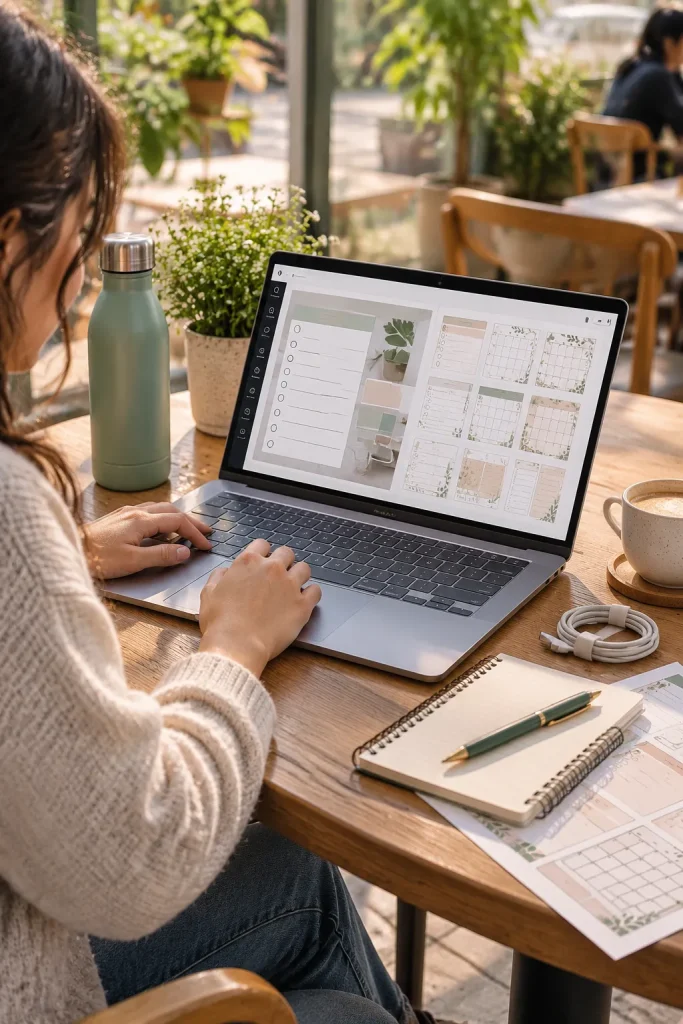
If you write product descriptions at a cafe and finish templates at home, carrying a bulky laptop becomes a daily annoyance. The HP OmniBook 7 Aero is built with portability in mind, making it a useful option for digital sellers who move between workspaces.
Build a Travel-Ready Routine
Keep a charger handy and save your active files in an organized folder. Download anything you may need offline before leaving home.
Its light design is the main attraction, but the smaller screen gives you less room than a larger laptop. Sellers who spend long sessions adjusting tiny text and decorative borders should consider whether a more spacious display would be comfortable.
A Simple Work-Anywhere Routine
Download your reference files and template drafts before leaving.
Save a working copy before editing your existing design.
Check the exported PDF before adding it to your store.
Back up the finished files once you have a reliable connection.
7. ASUS Zenbook S14 for Detailed Digital Product Designs
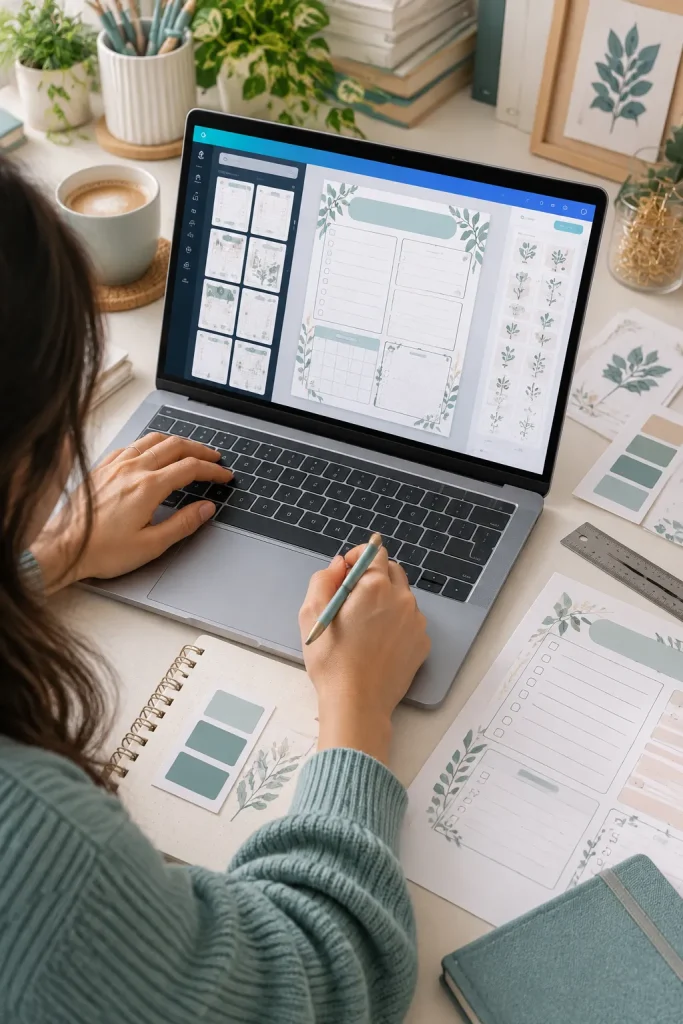
Fine borders, pale labels, and closely spaced boxes can be difficult to review on a dull screen. The ASUS Zenbook S14 offers a sharp OLED display, which makes it appealing to sellers creating detailed planners, digital worksheets, and polished mockups.
Screen Color Is Not Paper Color
A beautiful display does not guarantee that a printable will look the same on paper. Export a test PDF, check fine lines at actual size, and make a paper proof when possible.
This is more laptop than many simple Canva shops need. Its glossy screen may also catch reflections near a sunny window, which matters if your workspace has strong daylight.
8. Microsoft Surface Laptop 8 for Everyday Shop Management
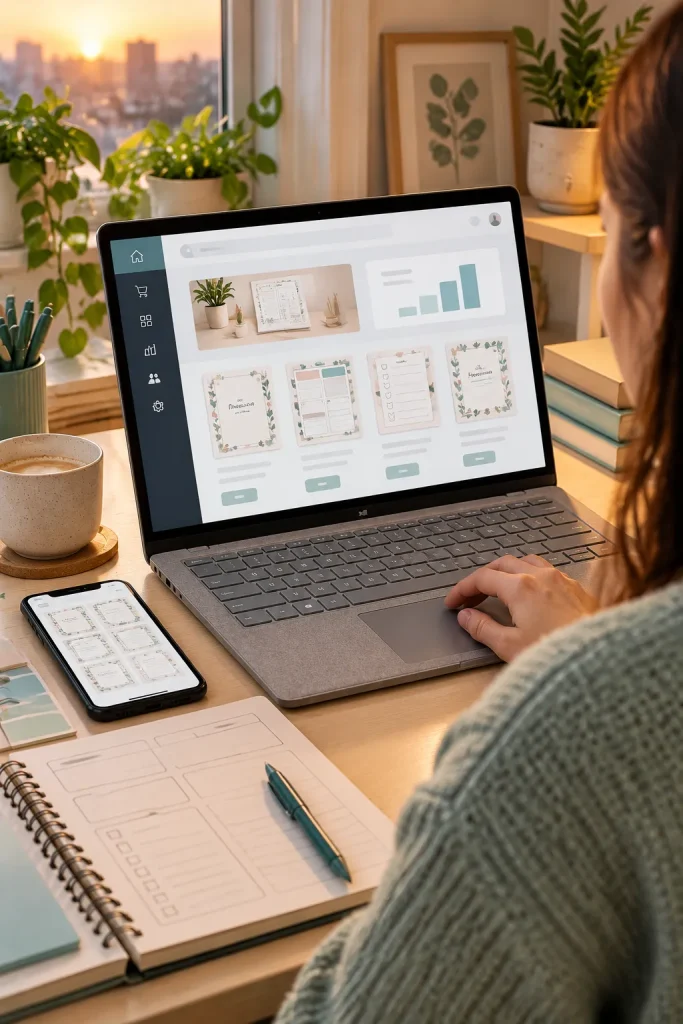
Customer messages, order notes, listing edits, and design tabs can fill an afternoon before you open a demanding creative app. The Microsoft Surface Laptop 8 suits sellers who want a refined Windows laptop for this mixed work. Its touchscreen is also handy for browsing previews and navigating pages.
Check How Your Tools Run
Snapdragon versions use Windows on Arm. Many common apps work, but certain printer drivers, older plug-ins, and desktop utilities need extra checking.
The main limitation is not everyday browser-based shop management. It is the possibility that a specialized program in your workflow may need an Arm-compatible version or another solution. Verify that before buying.
| Usually Straightforward | Verify Before Buying |
|---|---|
| Browser-based product listings | Older desktop shop utilities |
| Online Canva editing | Special design plug-ins |
| Basic browser PDF viewing | Printer drivers and specialist PDF software |
| Email and document work | Legacy software and accessory drivers |
Compatibility depends on the exact software version and hardware. Check the publisher’s current support information.
9. HP OmniBook X Flip 14 for Flexible Template Creation
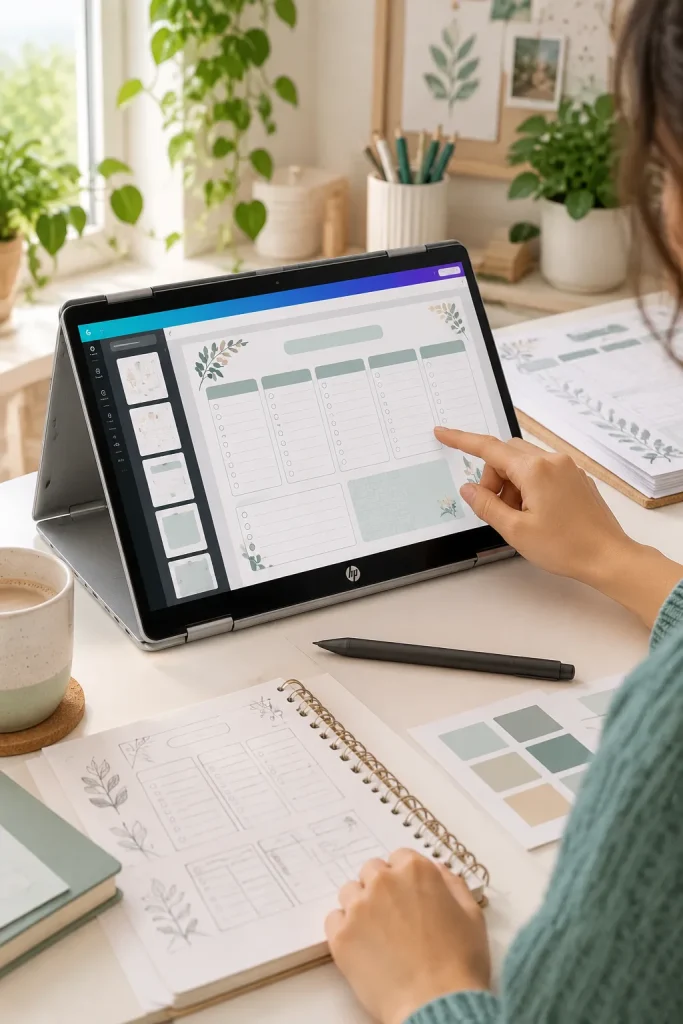
Fold the screen back, and the HP OmniBook X Flip 14 changes how you work with your designs. Its convertible touchscreen suits sellers who sketch planner ideas, review digital worksheets, and switch between typing and touch-friendly layouts.
Where Flexibility Helps
Use laptop mode for writing product descriptions, then change the screen position to review a template or show someone a mockup. It can be handy when working at a small desk with limited space.
The tradeoff is its compact display. Detailed editing can still feel crowded. Also, check stylus compatibility and whether a pen is included with the exact model you choose.
A convertible screen is useful when you regularly switch between typing, touch navigation, and reviewing layouts. For detailed drawing, check stylus support before buying.
10. ASUS ProArt P16 for Advanced Creative Product Work
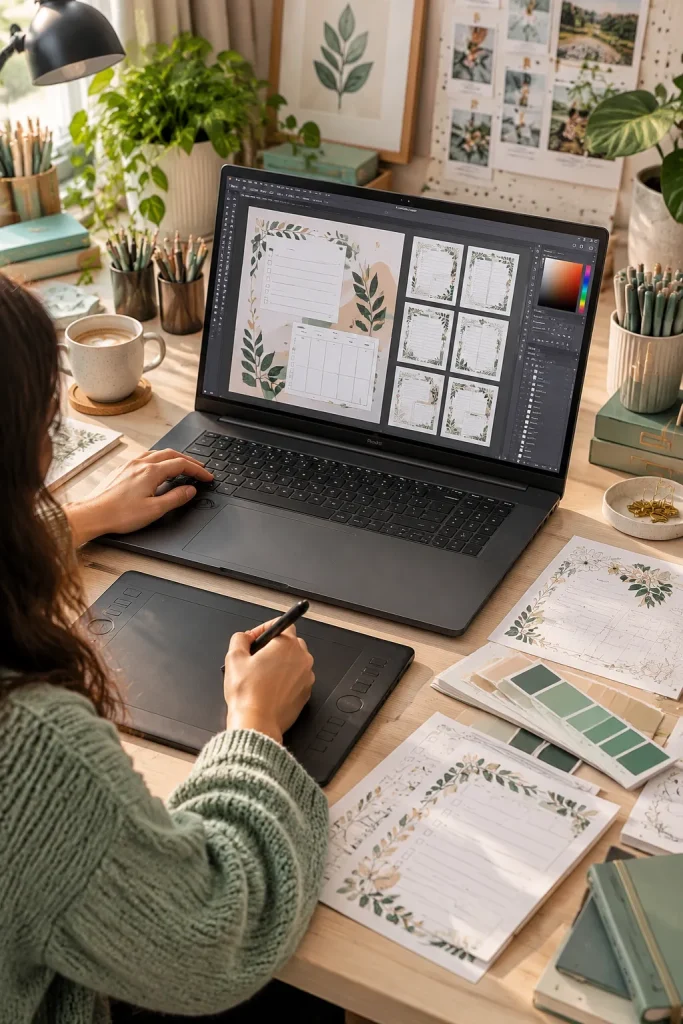
Large layered mockups and video previews can demand more from a laptop than simple printable worksheets. The ASUS ProArt P16 suits experienced digital product creators who use demanding photo, graphics, or video software alongside their online shop.
Its large OLED display and dedicated graphics options provide room and hardware support for more complex creative work. That can be useful when preparing detailed product visuals or editing promotional videos.
Who Actually Needs It?
A seller making basic Canva checklists probably does not need this level of hardware. The larger screen also takes up more desk and bag space than a compact laptop.
Choose it for demanding creative tasks, not ordinary PDF exports.
💡 Quick Tip: Match Power to Your Projects
List the largest files and most demanding apps you use. If your work includes layered graphics, complex mockups, or video editing, check the recommended hardware for those apps. If you mainly create browser-based planners and PDFs, focus on a clear screen, comfortable keyboard, and enough memory first.
Choose the Laptop That Fits Your Work
Picking a laptop gets easier once you look at the work already on your desk. A simple printable shop needs a dependable browser, a readable display, and enough storage to keep files organized. Detailed artwork, layered mockups, and video previews may call for stronger hardware.
The best laptop for digital products is the one that fits your actual routine, not the longest specification sheet. Before ordering, confirm the exact model configuration, check design software and printer compatibility, and review the current rules for any selling platform you use.
Start with your everyday tasks. Choose a laptop that makes those tasks comfortable.
Save this list to Pinterest so you can compare your options before choosing a laptop for your digital product shop.