
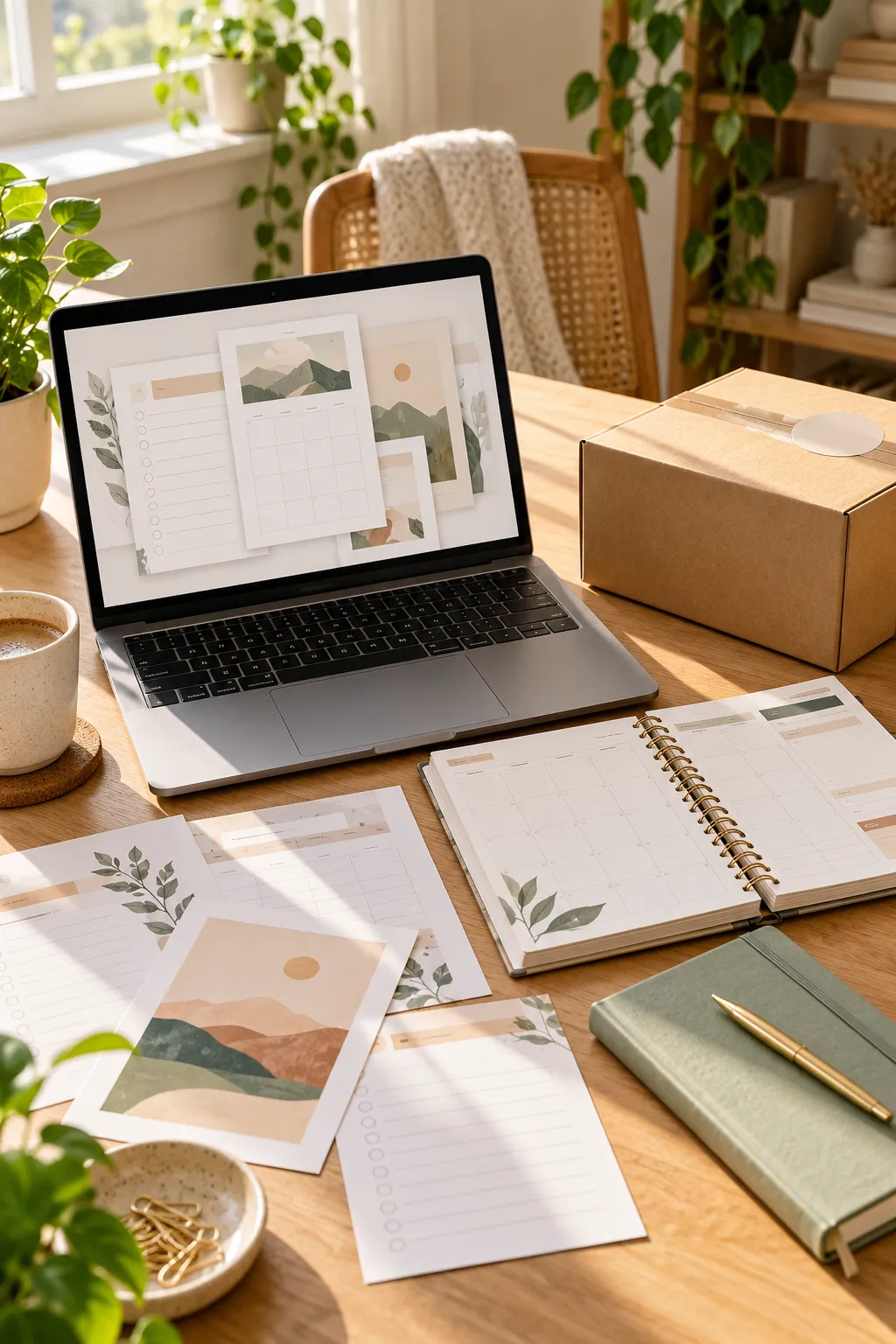
You sit down with your laptop, ready to start a small online shop. On your screen is a weekly planner you designed. Beside your laptop is a paper planner you could print, package, and sell. Both look useful, but selling them would involve very different kinds of work.
That’s where the digital vs physical products choice starts to matter.
A digital product is something a customer downloads or accesses online. A physical product is something they can hold, use, and store. Neither type is automatically easier or better for every beginner.
Think about a printable cleaning checklist. You could design it on your computer and offer it as a downloadable file. Or you could print the pages, turn them into a notepad, and ship the finished item.
The design might be similar, but the tools, storage, delivery, and customer needs are different.
Before opening your shop, it helps to understand how each type works. These ten simple comparisons will help you see what fits your skills, your available time, and the kind of products you want to create.
1. What Counts as a Digital Product or a Physical Product?

Two products can look almost identical in photos, even when customers receive completely different things.
A digital product is a file or online resource. Printable planners, downloadable budget sheets, digital invitations, and editable Canva templates are common examples.
A physical product is something a customer can hold. Printed planners, sticker sheets, handmade bookmarks, and bound notebooks belong in this group.
Check What the Customer Receives
A digital planner might arrive as a PDF file. A physical planner arrives as a printed item.
Make that difference clear in your product title and description. Buyers should know exactly what they’re ordering before they reach checkout.
Two Types of Products at a Glance
Format: Downloadable or online file
Buyer needs: A compatible device or software
Examples: PDF checklist, planner template, digital invitation
Format: Finished, tangible item
Buyer needs: A delivery address and space for the item
Examples: Printed planner, notebook, sticker pack
2. How Does a Buyer Receive Each Type?
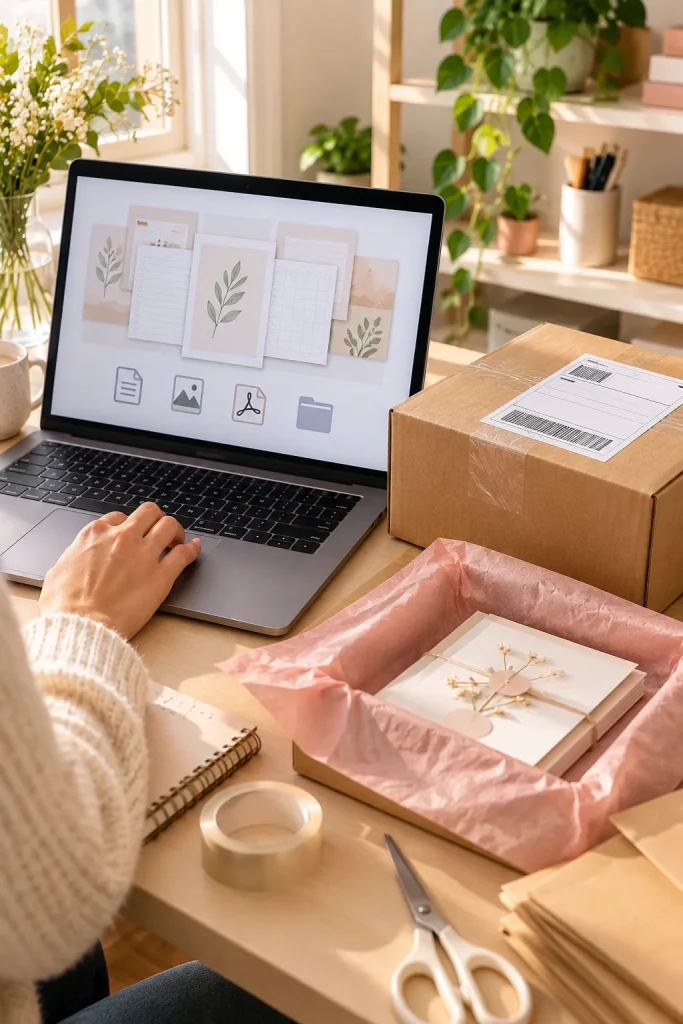
Someone buying a printable invitation might want to edit it that afternoon. Someone ordering printed invitations needs to wait for the finished package.
Both orders begin at checkout, but what happens next is different.
Follow the Delivery Path
With a digital download, the seller uploads the correct file and sets up delivery through the selling platform. The buyer receives access according to the platform’s process.
With a physical product, the seller must prepare the item, pack it, and arrange delivery.
Digital delivery can be quick, but buyers may still need help opening files. Physical delivery takes longer and involves shipping.
Be clear about both before someone orders.
💻 Digital Delivery
The customer places an order for the digital file.
The customer follows the platform’s download or access instructions.
📦 Physical Delivery
The customer orders a finished item.
The seller checks the item, packs it, and sends it.
The carrier transports the package to the customer’s address.
3. What Do You Need to Create Your First Product?

A laptop and a few simple tools may be enough to start making digital downloads. Physical products usually need extra supplies or a production service.
Start With One Small Product
For a printable weekly planner, you could use Canva to arrange boxes, dates, and writing spaces. Then you would save the design in a suitable file format.
For a printed planner, you also need paper, printing, and a way to finish the pages neatly.
Check your finished product before listing it.
Open digital files to make sure they work. For physical products, inspect a sample for paper quality, printing, and neat edges.
Both need careful checking.
4. Where Do Stock, Storage, and Shipping Fit In?
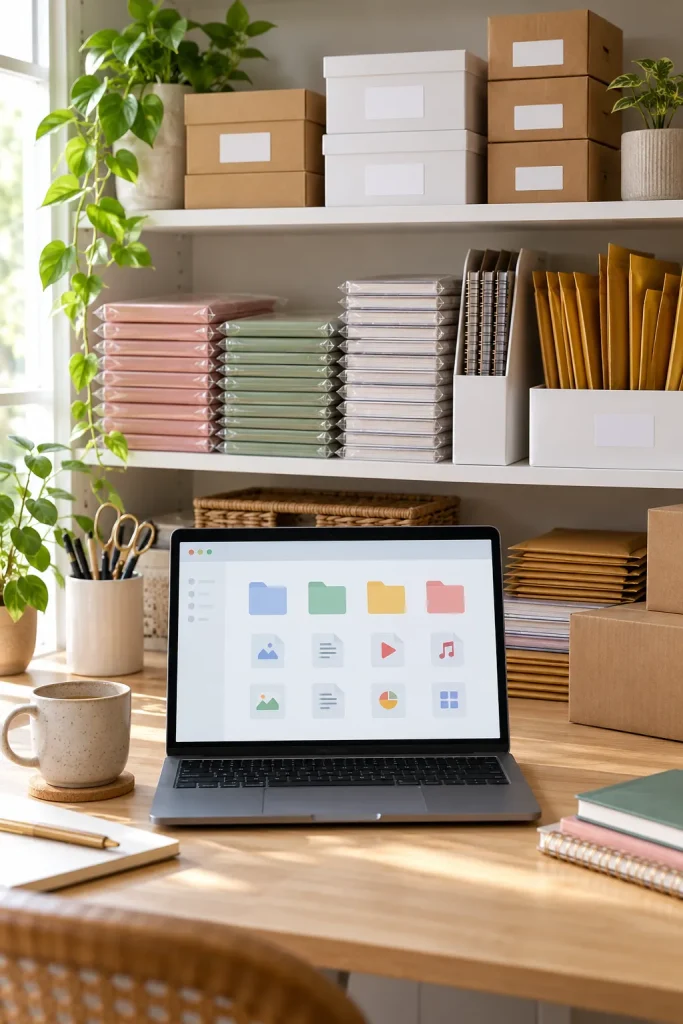
Digital products don’t fill your shelves, but that doesn’t mean they organize themselves.
A messy folder full of files named “final,” “final2,” and “newfinal” can make it difficult to find the right version.
Physical products need a different kind of organization. You must know how many finished items you have, where they’re stored, and which packing supplies are available.
Build a Simple Storage Routine
- Give your digital files clear names.
- Keep backup copies in a safe place.
- Count your physical stock regularly.
- Protect printed items from moisture, bends, and dust.
Even a small shop benefits from organized files or storage boxes. You don’t need a complicated system to keep track of your products.
📋 Weekly Shop Organization Check
A few quick checks can prevent order mix-ups.
5. Can a Customer Buy or Use the Same Item Again?

A printable meal planner can often be printed more than once, depending on the terms of use. A paper meal planner is a finished item, so getting another physical copy usually means ordering another one.
That difference matters when you’re deciding what to sell.
But buying a digital file doesn’t automatically give someone permission to share it, resell it, or claim the design as their own.
Explain What Reuse Means
Tell buyers whether your download allows personal use, commercial use, or specific types of projects.
For a physical item, explain what comes in the package and whether additional pieces are sold separately.
Clear instructions help customers understand what their purchase actually includes.
Make Product Usage Rules Clear
State how many files or pages the buyer receives.
Explain any printing, editing, or usage permissions.
Tell buyers what extra copies or items would require another purchase.
Assuming a downloaded file can always be shared with others.
Treating permission to use a design as permission to resell it.
Leaving buyers to guess what the listed product includes.
📌 Check current marketplace rules and applicable laws when setting product usage terms.
6. What If a Customer Asks for a Refund?
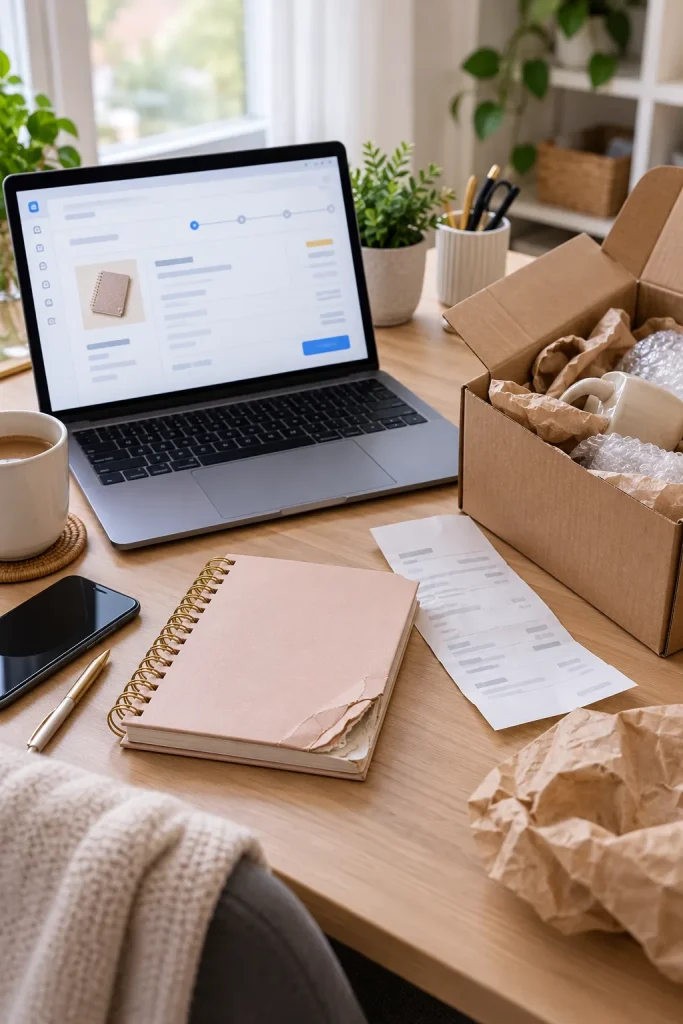
A digital download might fail to open. A printed notebook could arrive with damaged corners. Both situations can lead to an unhappy customer.
Refunds and returns work differently depending on the product, the selling platform, and applicable consumer laws.
Handle Problems One Step at a Time
First, ask the customer to explain the issue and provide their order details.
For digital products, check the file format, download instructions, and whether the correct file was delivered.
For physical products, review the item’s condition, packaging, and shipping details.
Don’t assume digital products can never be refunded. Check your platform’s current policies and applicable laws, then explain your shop’s process clearly.
⚠️ Before You Write a Refund Policy
Don’t copy another seller’s rules without checking whether they apply to your product and location.
💻 Digital issue: Decide how buyers should report broken links, missing pages, or incorrect files.
📦 Physical issue: Explain how buyers should report damaged or incorrect items.
📌 Important: Follow current platform rules and applicable consumer laws, even when your shop policy says something different.
7. What Does a Good Product Listing Show?

A pretty product photo doesn’t always tell buyers what they’ll receive.
A digital planner shown beside a coffee mug might look like a printed notebook. Without clear details, a shopper could order the wrong format.
Show the Product, Not Just the Styling
For digital downloads, include sample pages, file types, and any software needed to open or edit them.
For physical products, show the actual item from different angles. Explain its size, materials, and what’s included.
Use clear photos and simple descriptions instead of filling the listing with decorations.
If you’re using a digital mockup, say so. The customer should understand what’s real, what’s a preview, and what’s included in the order.
Make Your Listing Easier to Understand
Photo: Styled planner mockup
Description: Beautiful weekly planner
Missing: Product format, file details or physical dimensions, and contents
Digital: PDF format, page previews, included files, and download instructions
Physical: Real product photos, measurements, materials, and package contents
Result: Buyers can understand the item before ordering.
8. What Costs Matter When You Set a Price?

A printable file doesn’t need packaging, but that doesn’t mean creating it takes no work.
You still spend time designing, checking, and preparing the download.
Physical products may involve those same tasks plus materials, printing, packaging, and delivery.
List the Work Before Choosing a Price
Start by writing down everything needed to create and deliver one product.
For digital items, consider design tools, licensed assets, file preparation, and selling platform fees.
For physical items, include materials, production, packaging, and shipping arrangements.
Don’t copy another shop’s prices without understanding your own work and costs.
Check your selling platform’s current fees and rules before publishing. A simple cost worksheet helps you make a more informed choice.
Cost Planning: What to Include
| 💻 Digital Product | 📦 Physical Product |
|---|---|
| Design time and file preparation | Design time and item production |
| Software and licensed design assets | Paper, materials, and printing supplies |
| File delivery setup | Packaging and delivery arrangements |
| Selling platform fees | Selling platform fees |
| Download help and file updates | Shipping support and item issues |
📌 Your actual costs depend on what you sell and how you create and deliver it. Check current fees before pricing.
9. How Easy Is It to Fix or Update a Product?
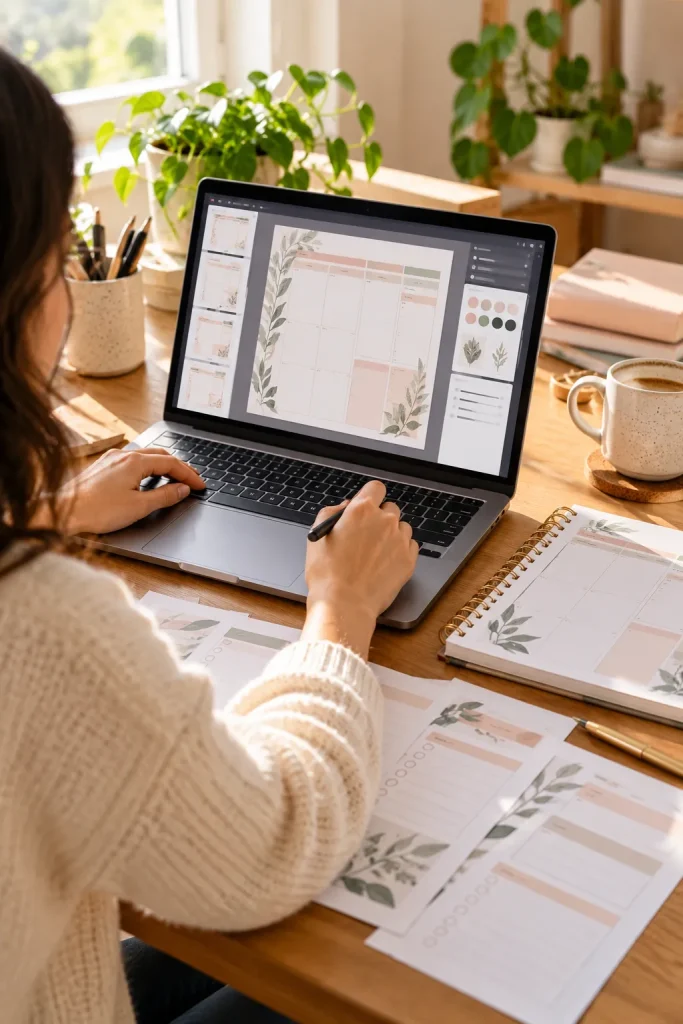
Fixing a mistake in a digital planner usually starts with the original design file. Correct the page, export a fresh PDF, and update the download in your shop according to the platform’s instructions.
Remember Earlier Customers
A corrected file in your listing may help new buyers, but people who already downloaded the old version might not receive it automatically. Check how your platform handles previous orders, then explain how customers can get an updated copy if needed.
Printed planners need a different response. A revised design cannot change paper copies already made.
Depending on the problem, you may need to reprint pages, replace stock, or contact affected customers.
Keep old and new versions clearly labeled so you know what was sent.
Changing the original design is not the same as fixing every copy already sold.
🔍 Before You Publish a Correction
💻 Digital: Test the revised file on another device and check that all pages appear correctly.
📦 Physical: Inspect a newly made sample before producing more finished copies.
10. Which Product Type Fits Your First Shop?

Choose the kind of product you can make, explain, and deliver without guesswork.
You don’t need to sell both types just because other shops do.
Try a One-Product Test
Start with something simple, like a weekly planner.
If you enjoy designing PDFs and can help customers download files, a digital planner may fit.
If you prefer making finished paper goods, have room for supplies, and don’t mind handling shipping, a physical planner might suit you better.
Before opening your shop, write down the tools you have, the space you can use, and the help your buyers might need.
Ask someone to look at your sample and explain what they’d expect to receive.
Start small enough to learn from each step.
✅ Your First-Shop Fit Check
Work through these five small checks before choosing what to list.
Your first product doesn’t need to be complicated. It needs to be clear, usable, and manageable for you.
Start With the Product You Can Deliver Well
The best starting point is a product you understand well enough to make, describe, and deliver.
Digital files can spare you packing and shipping, but they still need clear instructions and careful checking. Physical items let customers hold a finished product, while bringing material, storage, and delivery work into your routine.
When comparing digital vs physical products, look at the tasks behind each order, not just the finished picture.
Choose one simple item, make a sample, and see what questions come up before adding more listings.
Save this comparison to your Pinterest board so you can revisit it when you’re ready to plan your shop.