
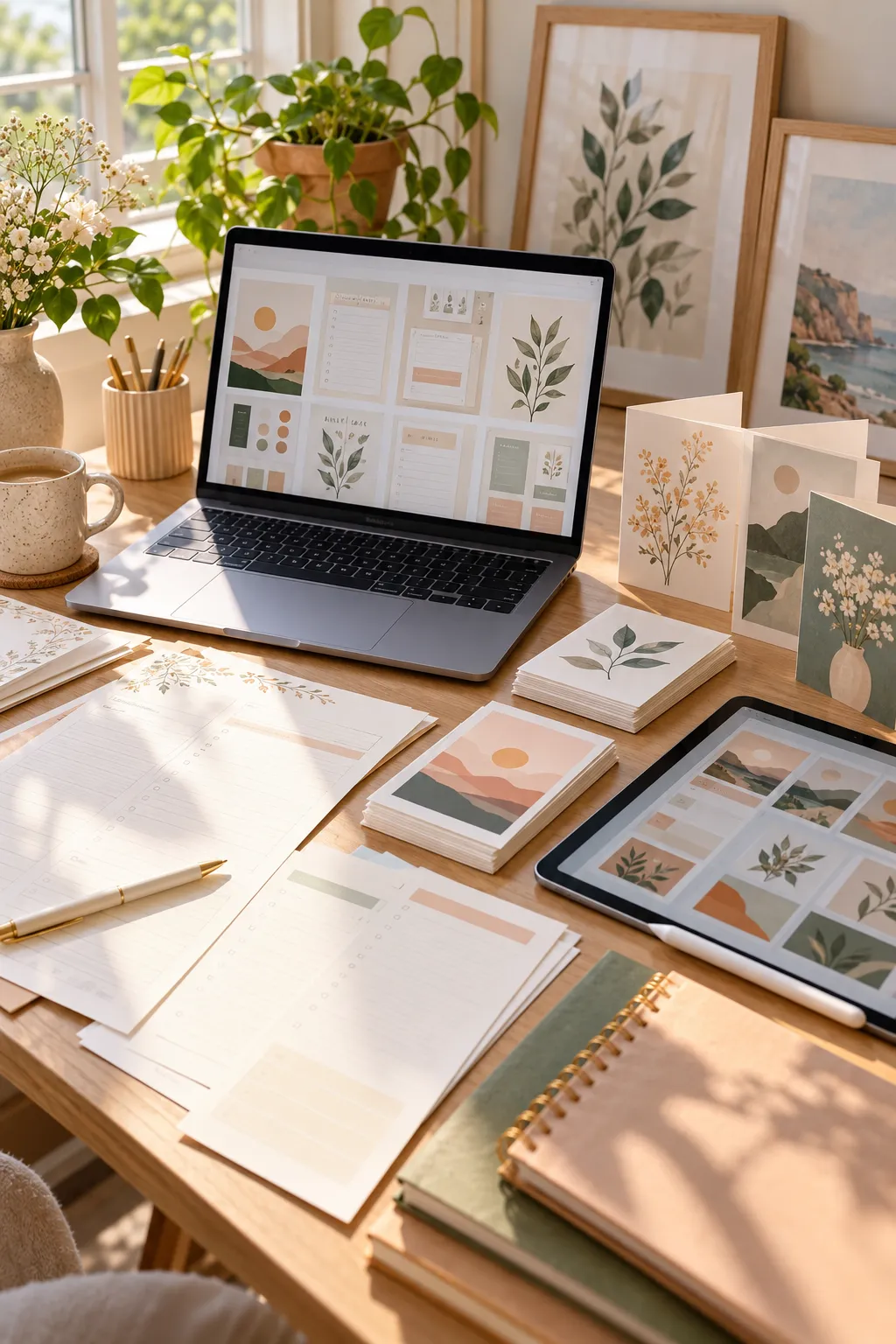
You do not need expensive software, years of design experience, or a huge online following to start creating digital downloads. Some of the most useful products are simple files that help people organize their days, plan celebrations, or finish small tasks.
Think about a parent trying to organize the school week, a small business owner who needs an invoice, or someone planning a birthday party. They are looking for something useful that saves them the trouble of making it themselves.
That is where digital download ideas come in. You can create planners, templates, worksheets, printable art, and other files that buyers download and use at home.
The important part is making something clear, practical, and easy to use. A beautiful design is nice, but a confusing file will still frustrate the person who buys it.
Below are 30 different things you can create and sell as digital downloads. Each idea includes who might buy it and a simple way to get started. You can begin with one small product and learn as you go.
1. Design Printable Daily Planner Pages
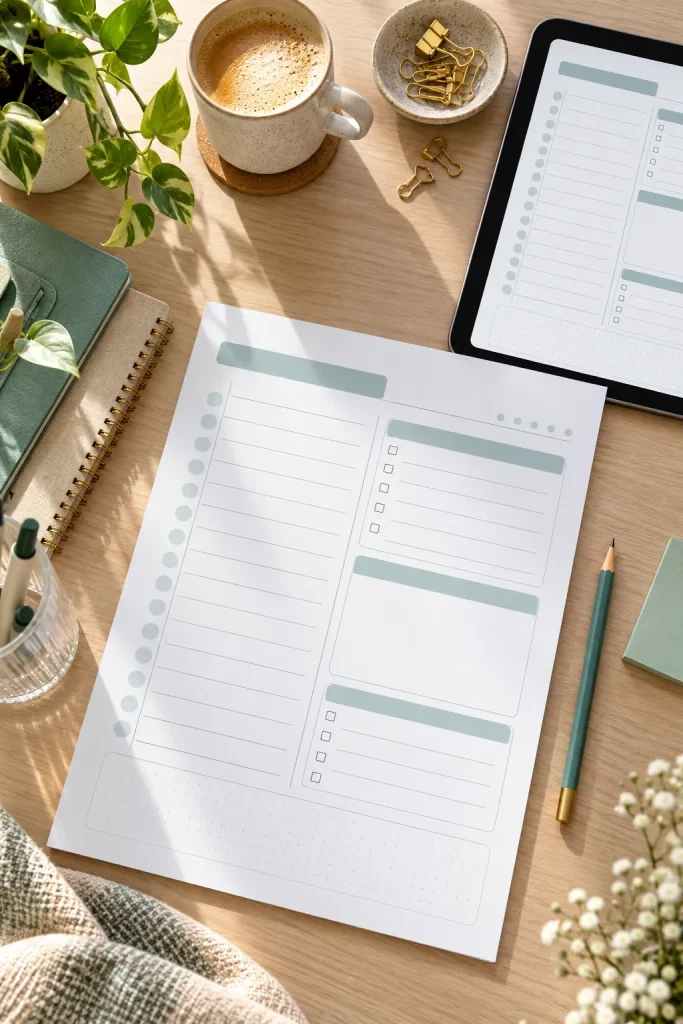
A daily planner does not need fancy illustrations to be useful. People often want a clean page where they can write appointments, errands, and important tasks without feeling crowded.
Printable daily planners are useful for students, busy parents, freelancers, and anyone who prefers writing plans on paper.
Make a Simple First Version
Open Canva and create a letter-size page with three main areas:
- Today’s priorities
- Appointments and tasks
- Notes and reminders
Leave enough white space for handwriting. Use clear headings and lines that print well in black and white.
Save the finished page as a PDF so buyers can print fresh copies whenever they need them.
2. Make Weekly Meal Planning Sheets

Deciding what to cook every evening can feel like another chore, especially when the fridge is full of ingredients but nobody knows what to make.
A weekly meal planner gives families a place to organize meals before grocery shopping.
Parents, students, and people who cook at home may find these printables useful.
Keep the Layout Practical
Create a page with seven days of the week and spaces for breakfast, lunch, and dinner.
Add a separate grocery list so users can write down missing ingredients while planning their meals.
You can design it in Canva or Google Docs. Keep the background light so the planner does not use too much printer ink.
🥗 Meal Planner Extras Worth Including
Keep these extras optional so the page stays uncluttered.
3. Build Simple Budget Tracker Spreadsheets

A budget spreadsheet can organize numbers and calculate totals automatically. That makes it different from a basic printable worksheet.
People who want to track household spending, savings goals, or monthly bills may prefer an editable spreadsheet.
Start With a Small Tracking Sheet
Use Google Sheets or Microsoft Excel to create columns for the date, expense category, description, and amount.
Add a simple formula that totals the amounts entered.
You can include separate areas for income and regular bills, but avoid filling the first version with complicated charts.
Before sharing the file, enter sample expenses to check that the formulas work. Remove personal information and make a clean copy for buyers.
4. Create Printable Habit Tracking Calendars
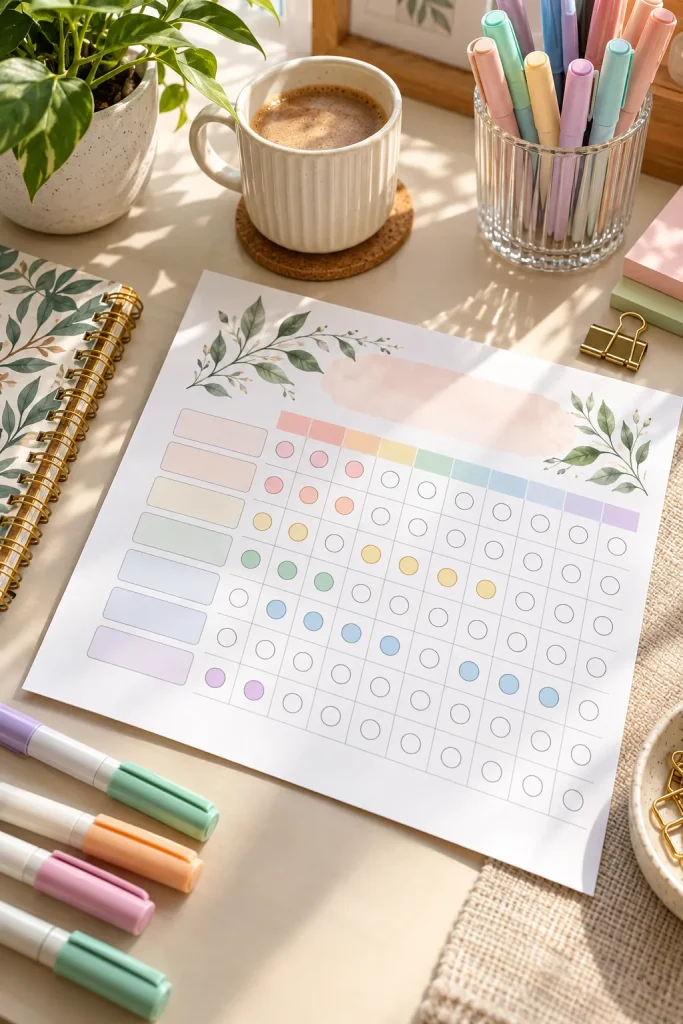
Start with a simple calendar grid and add small boxes people can mark each day.
Habit trackers help users see whether they are following routines such as reading, exercising, practicing a hobby, or drinking water.
Students, adults building routines, and people who enjoy paper planners may buy them.
Make Each Habit Easy to Track
Design a monthly page with a blank space for the habit name and a row of daily checkboxes.
An undated layout works well because buyers can begin whenever they want.
You can also make themed versions for reading, studying, or household routines.
Keep the checkboxes large enough to mark with a pen. Tiny boxes look neat on a screen but can be frustrating on paper.
🖨️ Check Your Printable Before Sharing
Print the tracker at its intended paper size.
Mark several boxes with a pencil or pen.
Check that the calendar stays inside the page margins before exporting the final PDF.
5. Sell Kids’ Chore Chart Printables

A chore chart taped to the fridge can make daily responsibilities easier for children to understand.
Parents often want a simple way to show which jobs need doing without giving the same reminders all day.
Printable chore charts can include tasks such as making the bed, putting away toys, or feeding a pet.
Make the Chart Easy for Kids to Follow
Create a weekly grid with days across the top and chores down the side.
Add small pictures beside tasks for younger children who are still learning to read.
Keep the chart cheerful but not overcrowded. Leave some blank rows so parents can write their own chores.
Chores are scattered across verbal reminders, and children may forget which jobs belong to them.
Each child can see their assigned jobs and mark completed tasks on one easy-to-follow chart.
6. Offer Editable Wedding Invitation Templates
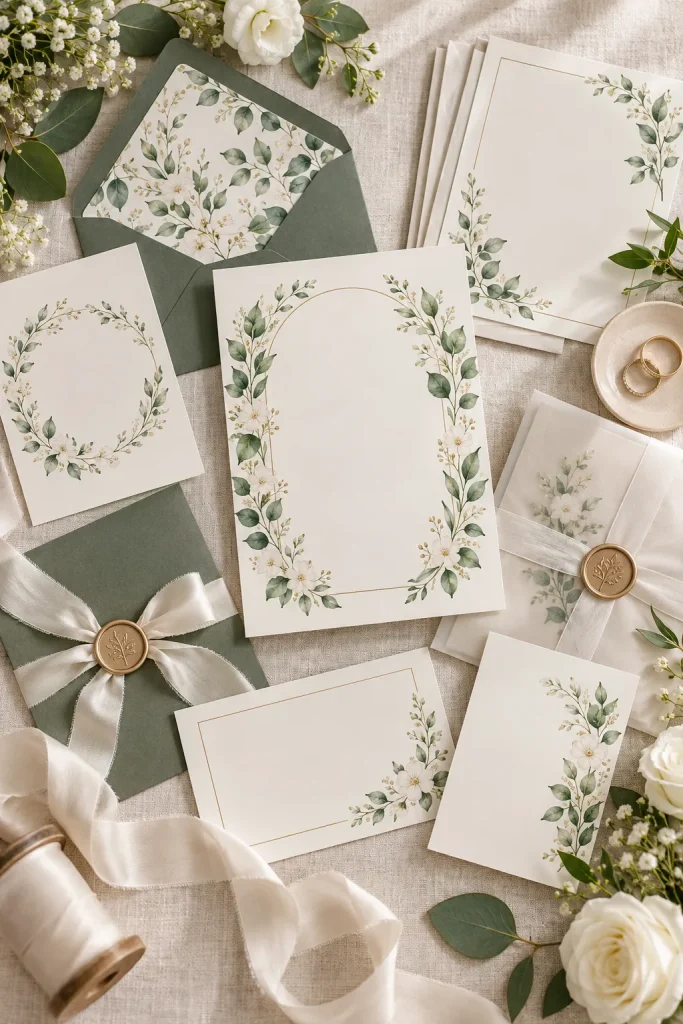
Wedding invitations do not need complicated artwork to look thoughtful and polished.
Some couples prefer simple designs they can personalize with their names, wedding date, and venue details.
Editable invitation templates give buyers a starting design rather than asking them to create everything themselves.
Design With Editing in Mind
Use Canva to create an invitation with clear text areas and a coordinated color palette.
Leave enough space for longer names and venue addresses.
You could offer floral, minimalist, or classic invitation styles, but keep each design easy to read.
Before listing, check the current platform rules and the licenses for any fonts, graphics, or template elements you use.
| Printable Invitation | Editable Invitation |
|---|---|
| Can include blank spaces for handwriting. | Lets the buyer type their own details. |
| Usually provided as a print-ready PDF. | Requires access to the supported editing tool. |
| Useful for handwritten personalization. | Useful for typed names, dates, and locations. |
7. Bundle Baby Shower Game Printables
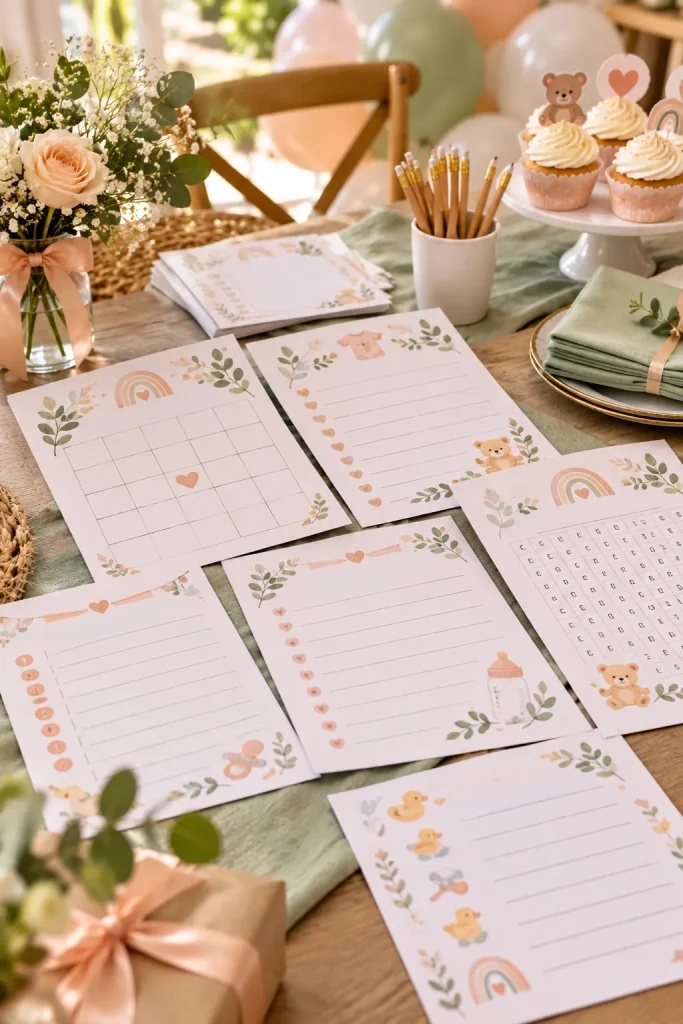
A stack of matching game sheets can make a baby shower table look organized before guests even sit down.
People planning showers often look for simple activities that guests can enjoy without much preparation.
Printable game bundles might include baby bingo, baby word scrambles, and guessing games.
Create a Small Matching Set
Start with three different games that share the same colors and design details.
Make each activity easy to understand, with short instructions printed directly on the page.
Use large writing spaces and clear text so guests can complete the games comfortably.
Include an answer sheet for games with fixed answers. It makes hosting a little easier.
Use familiar games guests can understand quickly.
Leave room for handwriting and use readable type.
Avoid tiny text that becomes difficult to read after printing.
Do not require private family details unless buyers can customize the activity.
8. Create Birthday Invitation Templates

A birthday invitation should make the party details easy to spot.
Parents and party hosts may prefer a ready-made design they can edit instead of arranging text and decorations from scratch.
Birthday invitations can use themes such as dinosaurs, flowers, rainbows, sports, or simple colorful shapes.
Make the Important Details Stand Out
Create a design in Canva with clear spaces for the birthday person’s name, date, time, location, and RSVP information.
Choose a theme and add a few matching illustrations around the edges.
Keep decorations away from the main text so longer names still fit.
You can also create matching thank-you cards as a separate product idea for the same celebration theme.
💡 Quick Tip: Test the Invitation Size
Create the invitation at a standard print size and leave a safe margin around the edges. Print one sample with longer names and venue details. If everything remains readable without touching the edges, the layout is easier for buyers to customize.
9. Design Printable Wall Art Sets

A blank wall can be easier to decorate when the artwork already comes as a matching set.
Printable wall art is popular with people decorating bedrooms, home offices, nurseries, and small apartments. Buyers can download the files and print them in sizes that fit their frames.
Create a Coordinated Collection
Start with three designs that share the same colors and style.
For example, make a botanical set with simple leaf illustrations, soft green backgrounds, and matching borders.
Use Canva or another design tool to arrange your original artwork.
Export clear, print-ready files and include a simple size guide. Check each print size carefully so buyers know which frames will fit.
Make the prints look related, but give each one a different design.
Keep the same color family, illustration style, and border treatment. Change the main illustration or arrangement on each print so the finished collection feels balanced rather than repetitive.
10. Sell Printable Greeting Card Designs
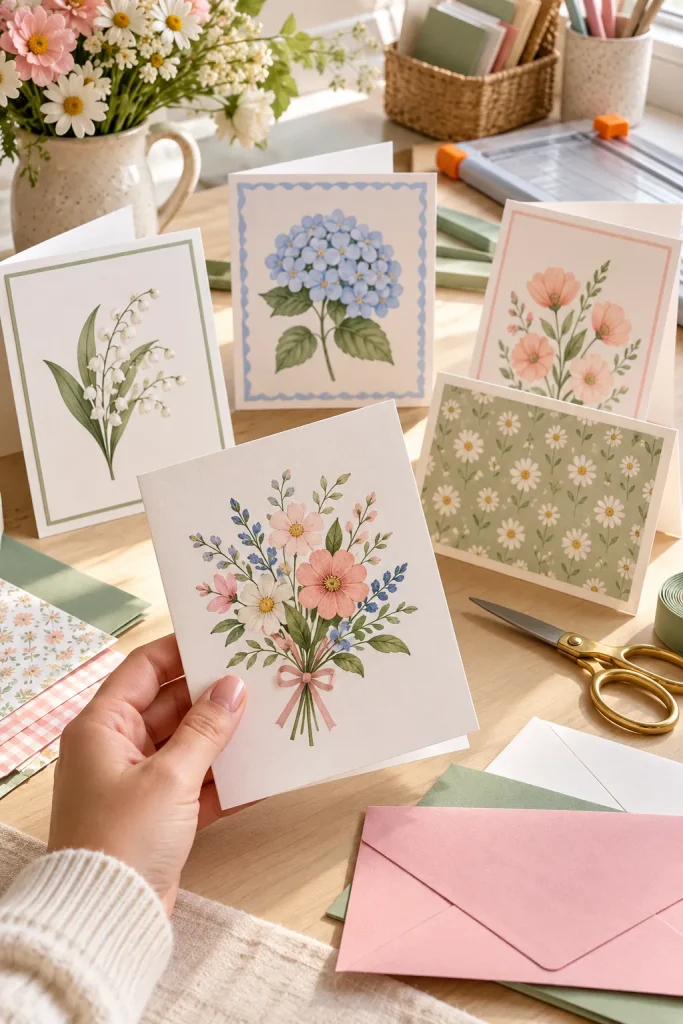
Finding a greeting card at the last minute can be frustrating, especially when someone wants a design that feels more personal than a standard store card.
Printable greeting cards give buyers a file they can print, fold, and write inside.
People may buy them for birthdays, thank-you notes, anniversaries, holidays, or small celebrations.
Make a Card That Folds Properly
Create a folded card layout in Canva with artwork on the front and a blank interior.
Use simple illustrations, readable lettering, and enough space for a handwritten message.
Export the finished design as a PDF and include short printing and folding instructions.
A matching envelope template can be a useful extra.
💌 Greeting Card File Checklist
11. Make Gift Tag Sheets for Holidays
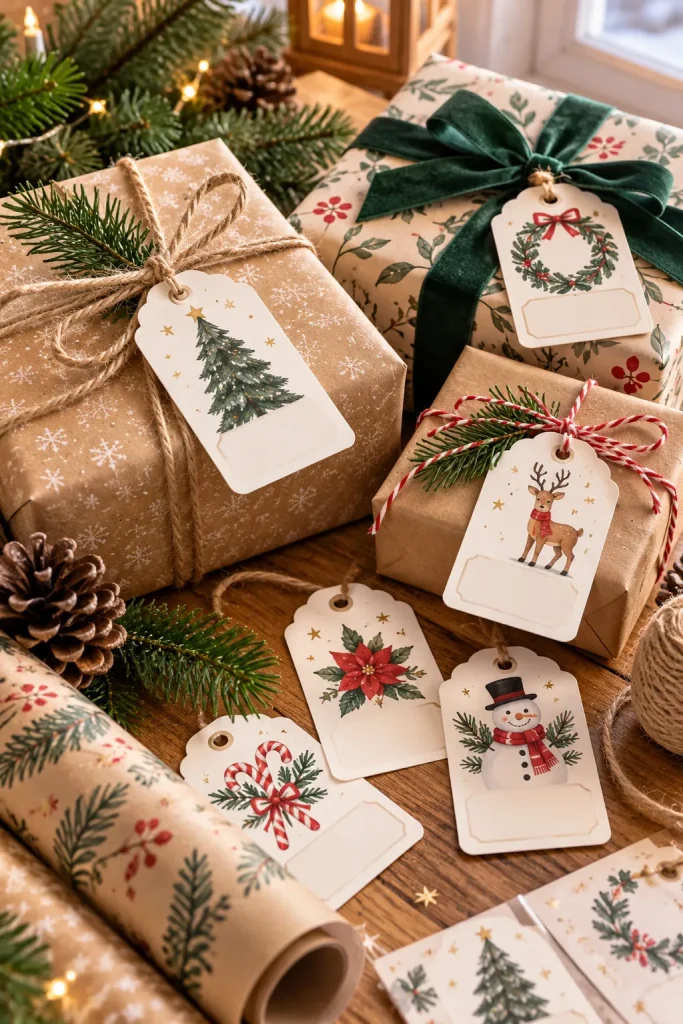
Gift tags need enough space for a name and a simple way to attach them to a present.
People wrapping holiday gifts, birthday presents, or handmade packages may look for printable tags that match their wrapping paper.
Instead of designing one tag at a time, create a whole printable sheet.
Build a Sheet With Several Styles
Use Canva to arrange small tag shapes on a standard paper-size page.
Include designs with simple borders, seasonal illustrations, or tiny decorative patterns.
Leave room for the recipient’s name and a short message.
Keep enough space between each tag for cutting. Make the outlines easy to see without using heavy black borders.
12. Build Easy-to-Edit Resume Templates
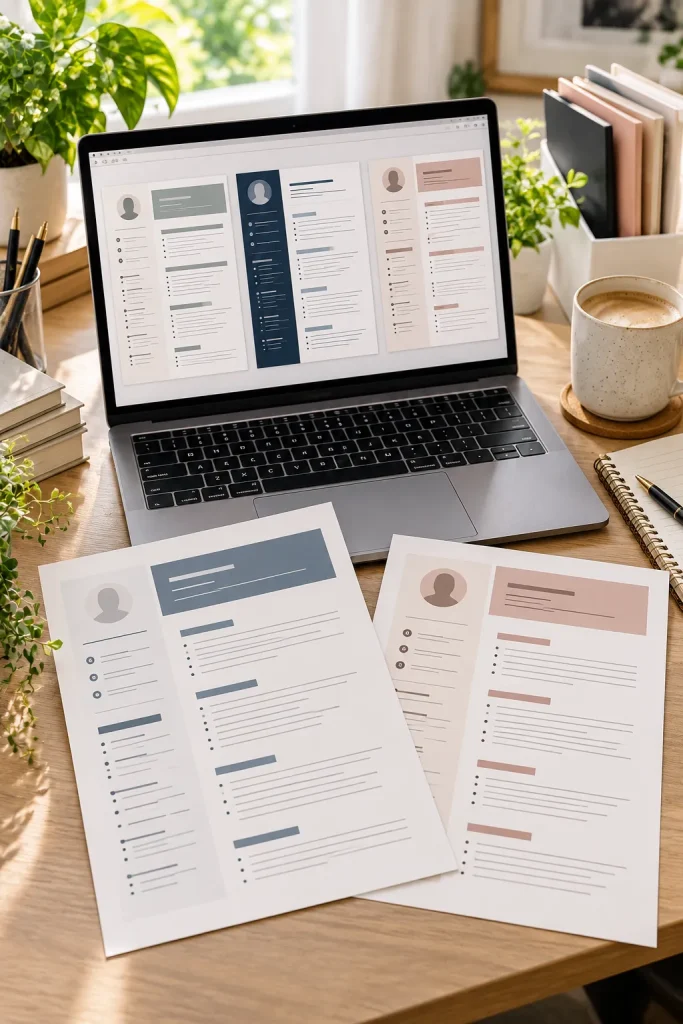
A resume does not need several decorative fonts to look professional. Clear sections and readable text are much more useful.
Job seekers, recent graduates, and people changing careers may buy editable resume templates to organize their work history.
Keep Editing Simple
Create a clean layout in Microsoft Word or Google Docs.
Include clearly labeled spaces for contact details, work experience, education, and skills.
Use ordinary text fields rather than complicated graphics that are difficult to move.
Add sample placeholder details so buyers understand where information belongs.
Before sharing, replace the examples with fictional information and check that the layout still works when someone enters longer job descriptions.
| Single-Column Resume | Two-Column Resume |
|---|---|
| Places all sections in one vertical reading order. | Places smaller details beside the main work history. |
| Easier to expand when adding longer descriptions. | Needs careful spacing when text gets longer. |
| A sensible starting layout for beginners. | Useful for a more visual layout when the application permits it. |
13. Create Small Business Invoice Templates
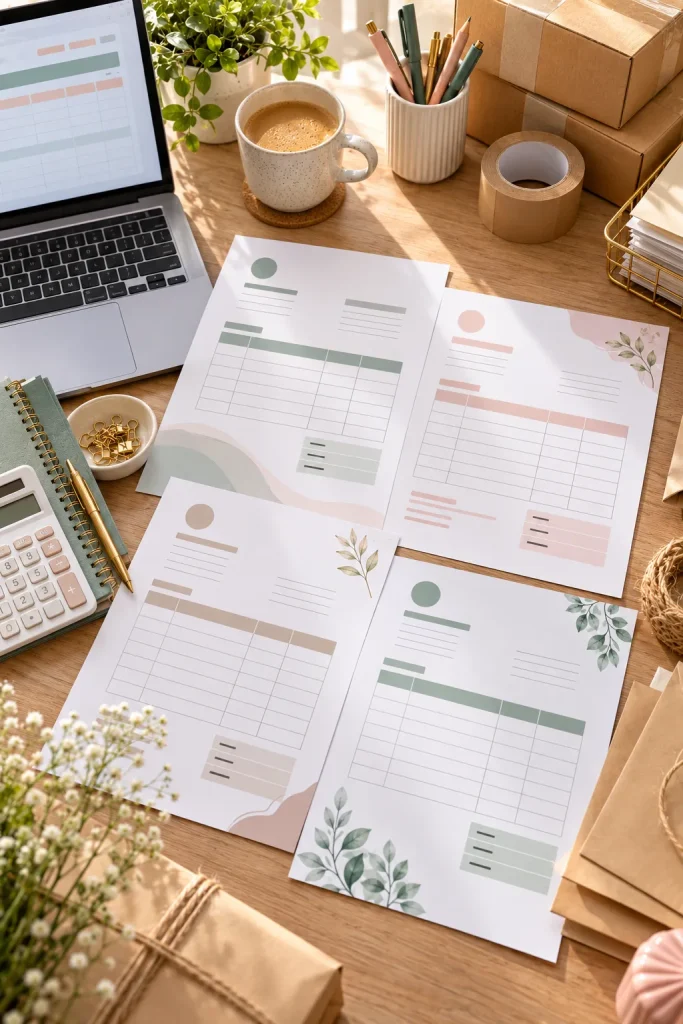
An invoice that makes people hunt for the total or payment details can create unnecessary confusion.
Freelancers, handmade business owners, and small service providers often need a simple way to organize invoices.
Editable templates help them prepare documents without starting with a blank page.
Give Each Field a Clear Purpose
Use Google Sheets or Microsoft Excel to build a clean invoice layout.
Include spaces for the business name, customer details, invoice number, date, item descriptions, and total.
You can add formulas for calculations in a spreadsheet version.
Use clear labels and leave enough room for longer descriptions. Include a blank example so buyers can see how the finished invoice should look.
14. Sell Client Intake Form Templates
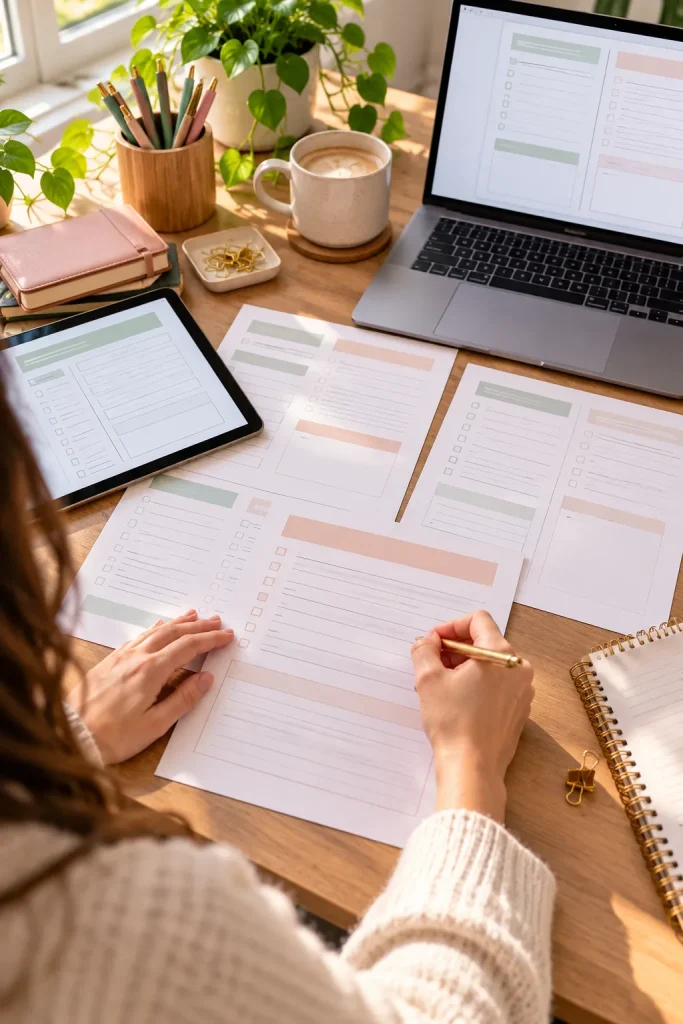
Before a designer starts a logo project, they need to know what the customer wants. A photographer may need location details, while a tutor needs to understand a student’s learning goals.
Client intake forms help service providers collect useful project information in one place.
Freelancers, consultants, photographers, and other small business owners may buy editable forms suited to their work.
Ask Only What Matters
Create a simple questionnaire using Google Docs or Canva.
Include sections for the project goal, preferred style, expected deadline, and important instructions.
Leave enough writing space for detailed answers.
Keep the form short enough that a new client can complete it comfortably. Avoid collecting information that is not necessary for the project.
⚠️ Watch Out: Do Not Collect Sensitive Details Casually
A basic client intake form should not request passwords, full payment card numbers, or unrelated private information. Keep questions focused on the project. If a business needs sensitive information, it should use an appropriate secure collection method rather than an ordinary editable document.
15. Build Inventory Tracker Spreadsheets
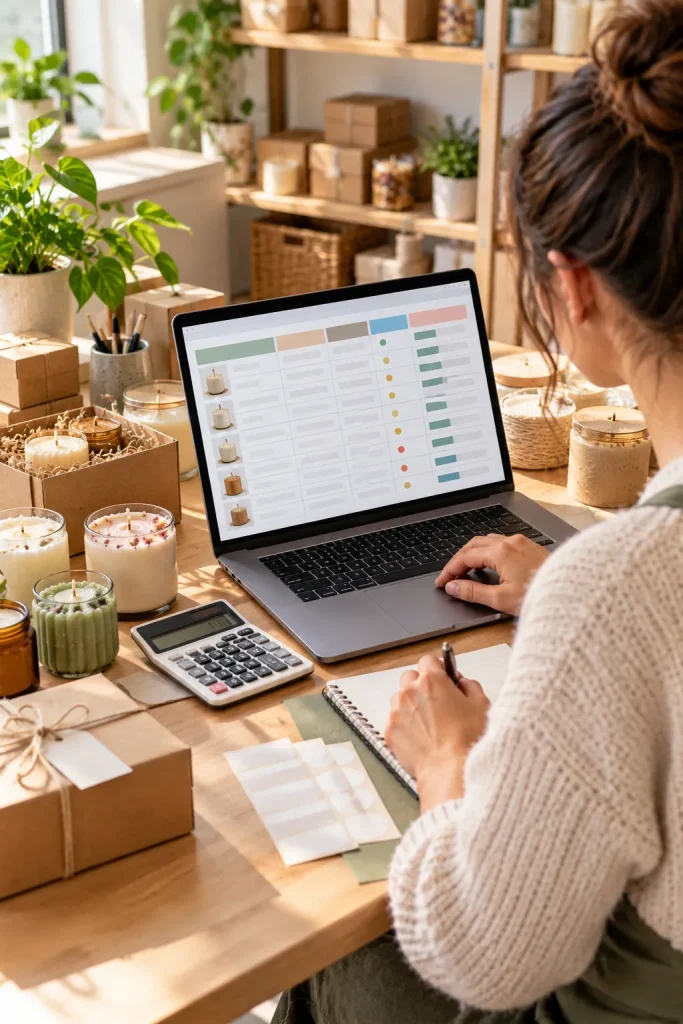
Two boxes of handmade candles can quickly become none if a shop owner forgets to update their stock list.
Inventory spreadsheets help small sellers keep track of what they have available and which products need replacing.
People who sell physical products, craft supplies, or handmade items may find these trackers useful.
Build a Sheet That Is Easy to Update
Open Google Sheets and create columns for:
- Product name and item code
- Quantity available
- Stock changes and restock notes
Add a simple formula for calculating the remaining quantity if the tracker includes incoming and outgoing stock.
Test the formula with sample entries before sharing the file.
Keep instructions beside the sheet so buyers understand which cells to edit.
Give every product variation its own clear row or item code.
Make editable input cells easy to identify.
Add a clear note when stock falls below a chosen level.
Do not mix different product sizes in one quantity field.
Avoid hiding important calculations without instructions.
Never assume the sheet updates automatically from a shop unless it has a working connection.
16. Design Social Media Post Templates
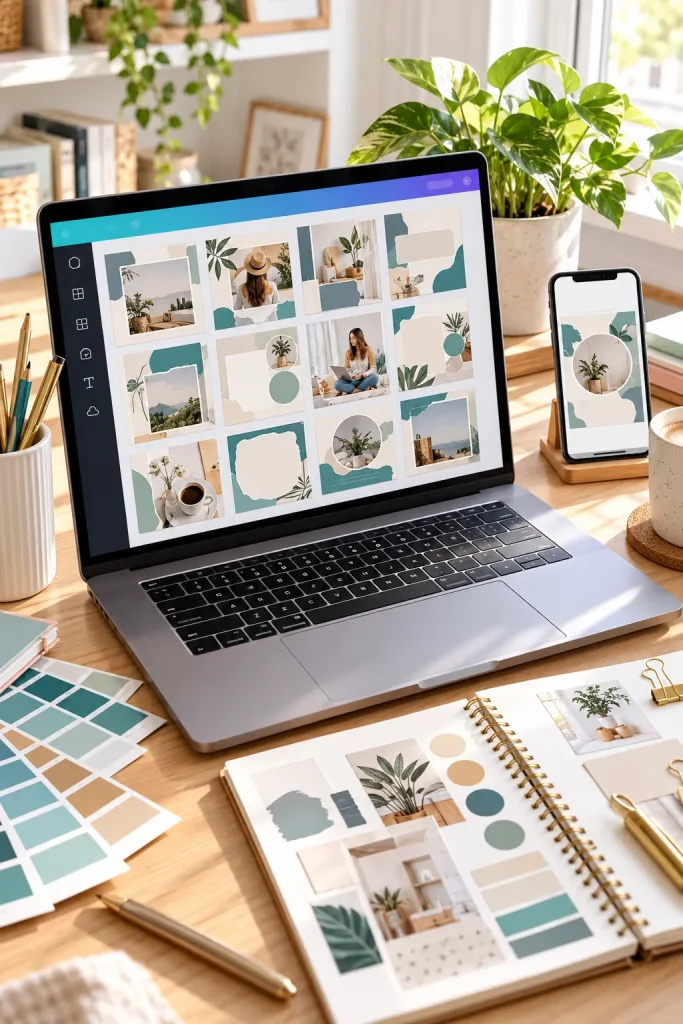
A bakery sharing its weekly menu needs different content from a coach posting helpful tips. Both can benefit from consistent, reusable graphic layouts.
Social media post templates help business owners and content creators prepare graphics without rebuilding each design.
Small shop owners, freelancers, and people managing social accounts may buy matching template collections.
Build Around a Repeatable Layout
Create a set of editable designs in Canva.
Include different layouts for announcements, tips, product photos, and short quotes.
Keep text areas editable and give buyers room to replace photos, headings, and colors.
Make sure the graphics remain readable on a phone screen.
Before selling, check the design tool’s current template-sharing and asset-licensing rules.
📱 Build a Useful Social Template Pack
Choose the post purposes. Include layouts for announcements, educational tips, and product highlights.
Create matching variations. Use different arrangements while keeping the same type styles and color system.
Package the files clearly. Include access instructions, example previews, and details about which software buyers need.
17. Sell Ready-to-Edit Pinterest Pin Templates
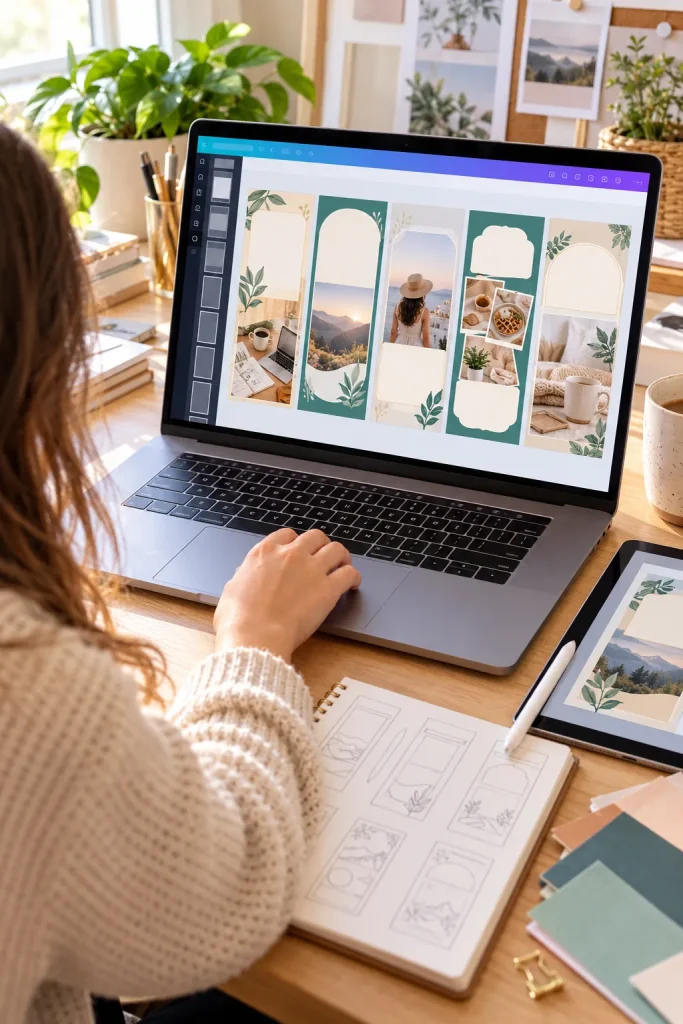
A Pinterest graphic can look attractive on a laptop but become difficult to read when someone sees it on a phone.
Bloggers, digital product sellers, and small business owners often need vertical Pinterest graphics that are easy to customize.
Ready-to-edit templates give them layouts for adding their own photos, headlines, and branding.
Make the Main Message Easy to Read
Open Canva and create vertical designs suited to Pinterest’s current image guidelines.
Use large headlines, clear contrast, and space for a product photo or illustration.
Make several layouts with different image placements rather than changing only the colors.
Include editing instructions and check current platform and design asset rules before selling.
Small headline squeezed between decorative shapes.
Too many fonts and little space for a useful image.
Large, readable headline with strong contrast.
A clear photo area and enough room for buyers to replace the text.
18. Create Ebook Page Layout Templates
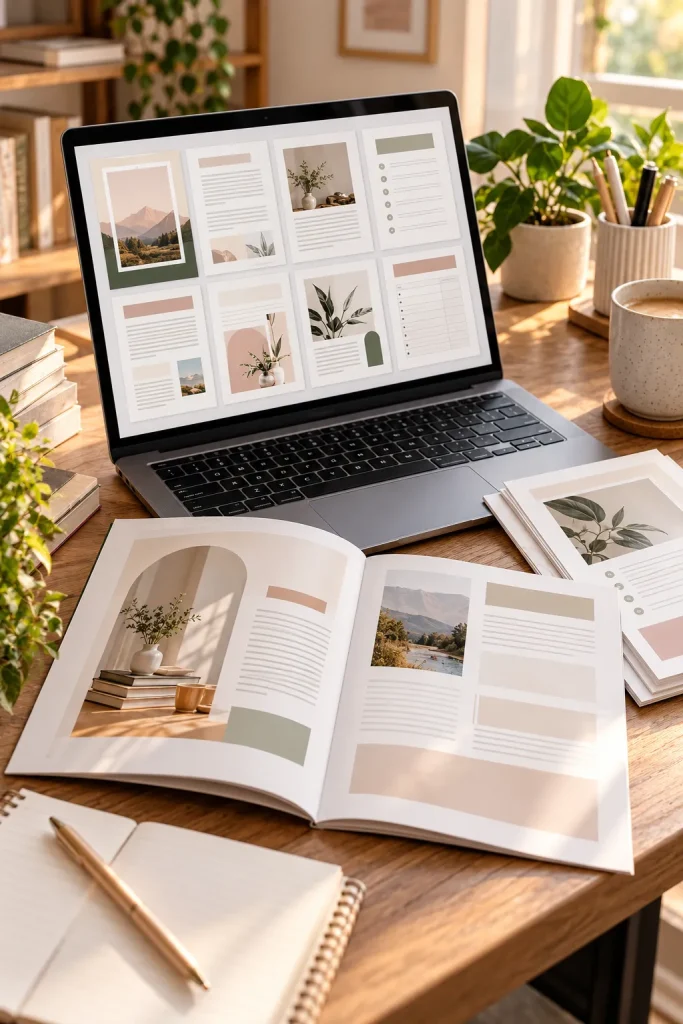
Start with the inside pages of an ebook, not just its cover.
A useful ebook template helps writers organize chapters, headings, images, and short activities without designing every page separately.
Bloggers, teachers, coaches, and small business owners may buy these layouts for guides and educational downloads.
Build a Small Collection of Page Types
Create an editable document in Google Docs, Microsoft Word, or a suitable design tool.
Include a cover, contents page, chapter opener, standard text page, and worksheet layout.
Use consistent margins, readable fonts, and plenty of spacing.
Add sample text to show how each page works, then test the layout with longer paragraphs. The pages should still look tidy when buyers add their own content.
📖 Ebook Layout Checklist
19. Make Product Mockup Templates
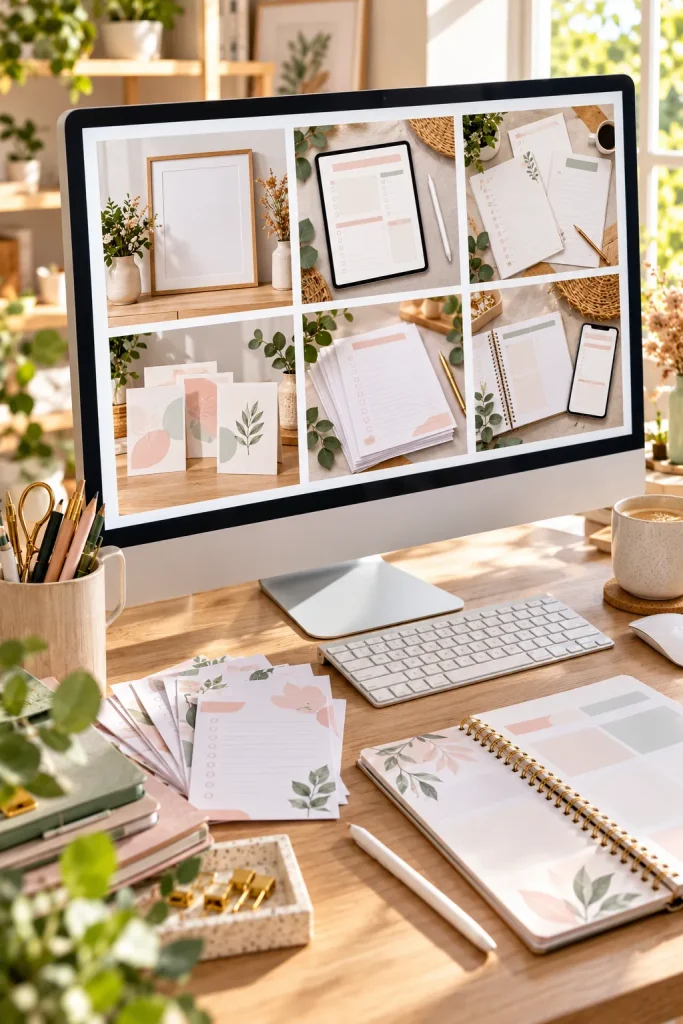
A printable planner shown inside a realistic desk scene helps shoppers understand what the finished product might look like.
Product mockup templates give sellers a way to display their designs without arranging a new photograph for every listing.
Digital product creators, Etsy sellers, and small online shop owners may buy reusable mockups.
Create a Scene With an Editable Area
Start with an original photograph or a properly licensed image of a blank notebook, tablet, or frame.
Add a clearly marked space where buyers can place their artwork using a compatible editing tool.
Keep shadows, angles, and proportions believable.
Explain what software is needed and whether buyers can replace the design themselves.
20. Design Digital Planner Sticker Packs
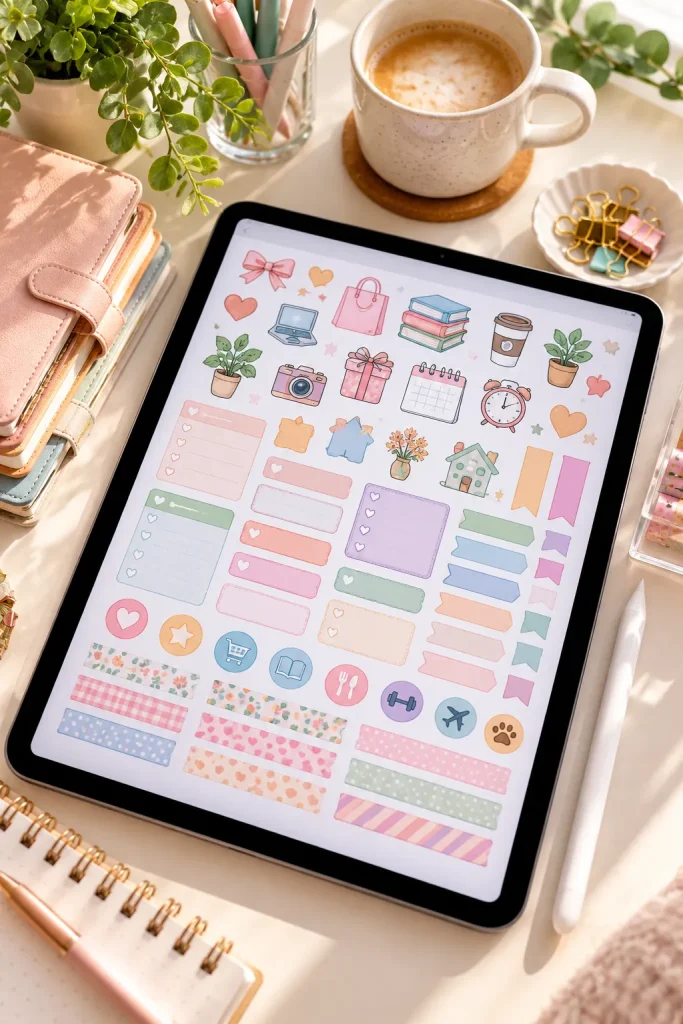
Digital stickers are small graphic elements people can place inside compatible digital planning apps.
They are different from printable paper stickers because buyers use them directly on a tablet or another device.
People who keep digital planners, study notes, or personal journals may enjoy themed sticker collections.
Keep the Graphics Simple
Draw small icons in Canva or another design app.
Try useful symbols such as appointment reminders, shopping bags, books, stars, or colored labels.
Export stickers as individual PNG files with transparent backgrounds when the design tool supports that option.
Keep the illustrations consistent in color and line thickness.
Test the files in a compatible planning app before listing the pack, and clearly explain the supported format.
💡 Quick Tip: Check Sticker Edges
Place each sticker on both a light and a dark digital planner page. Look for unwanted white boxes, rough edges, or outlines that disappear. A small amount of transparent space around the artwork makes stickers easier to position without covering nearby planner details.
21. Sell Coordinated Phone Wallpaper Sets
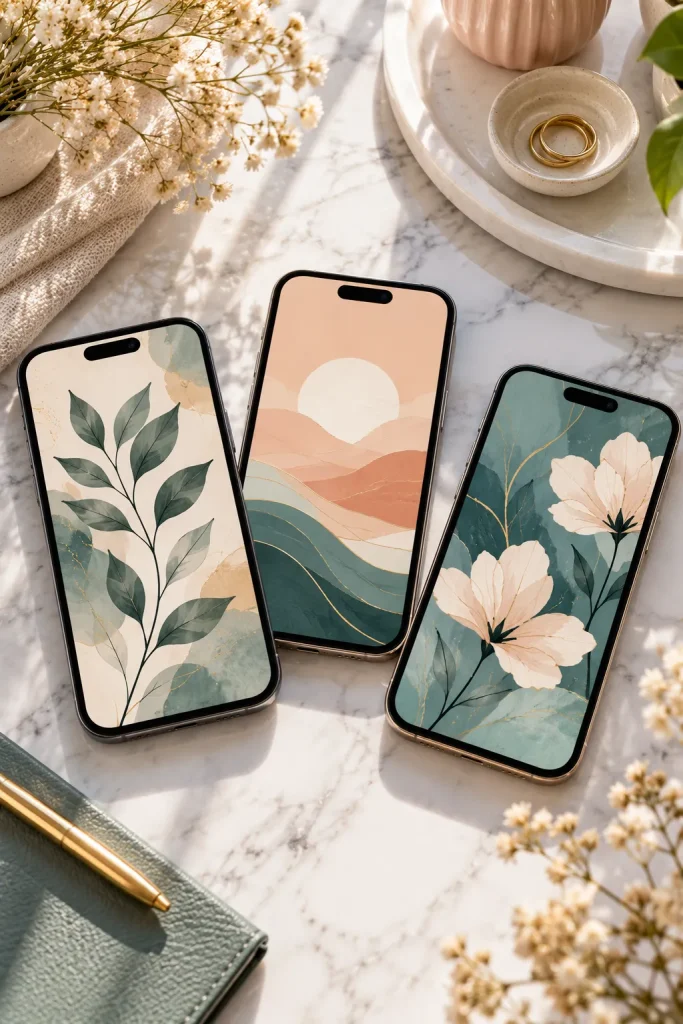
A phone wallpaper is a small design, but the screen gets seen throughout the day.
People who enjoy personalizing their phones may buy matching wallpaper collections in colors or patterns they like.
Unlike printable artwork, these downloads are designed for digital screens.
Create a Matching Collection
Make several original designs using Canva or another graphics program.
You could use soft watercolor shapes, simple flowers, geometric patterns, or illustrated skies.
Keep important artwork away from areas where the clock and app icons usually appear.
Export high-quality image files and check how the designs look on different phone screens.
Include clear dimensions and compatibility information so buyers know what they are downloading.
Leave the busiest part of the wallpaper away from common clock and icon areas.
A simple background often works better beneath app icons. For matching lock and home screens, use a more detailed illustration on the lock screen and a quieter version behind the apps. Preview both before packaging the files.
22. Draw Printable Coloring Pages for Adults
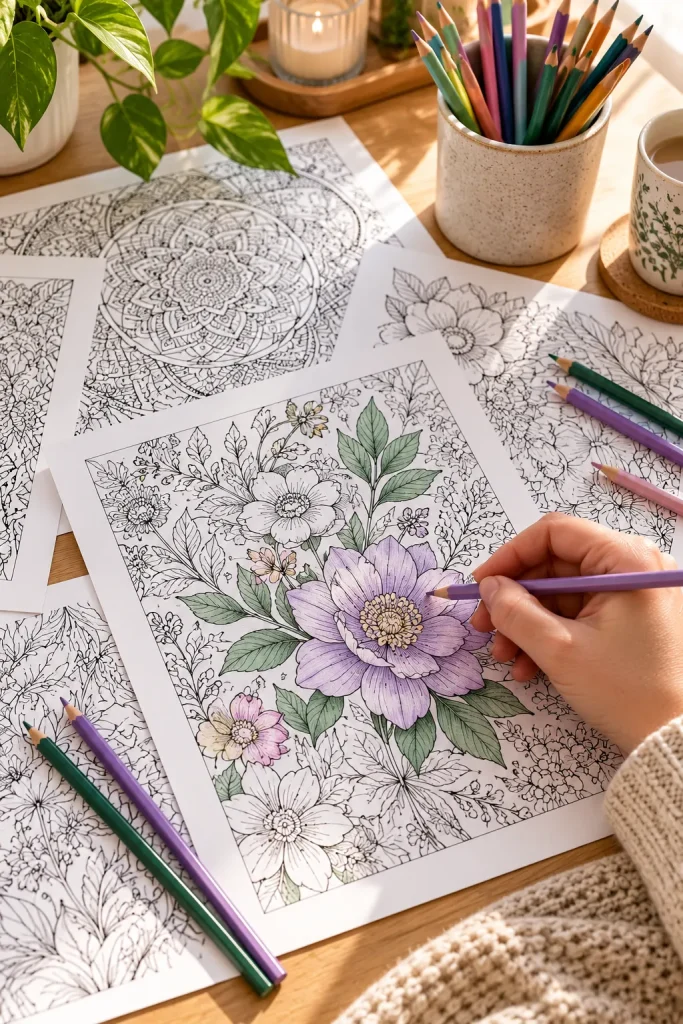
Start with a black-and-white illustration that has enough open space for someone to color comfortably.
Adult coloring pages can feature flowers, garden scenes, geometric shapes, or relaxing nature designs.
People who enjoy creative hobbies, quiet activities, and printable crafts may buy themed coloring collections.
Make Artwork That Prints Clearly
Draw your own outlines using a digital drawing app or create simple original shapes in a design program.
Keep the lines dark and avoid filling every small area with tiny details.
Arrange the artwork on a standard paper-size page and leave a clear margin around the edges.
Save the finished pages as PDFs.
A themed collection with varied difficulty gives buyers more choices than a set of nearly identical drawings.
🎨 Check Your Coloring Pages in Three Steps
Print a sample. Use ordinary printer settings to check the line quality.
Color a small section. Make sure narrow spaces are still easy to fill.
Inspect the finished page. Look for broken lines, cut-off details, and accidental dark areas.
23. Make Preschool Counting Worksheets
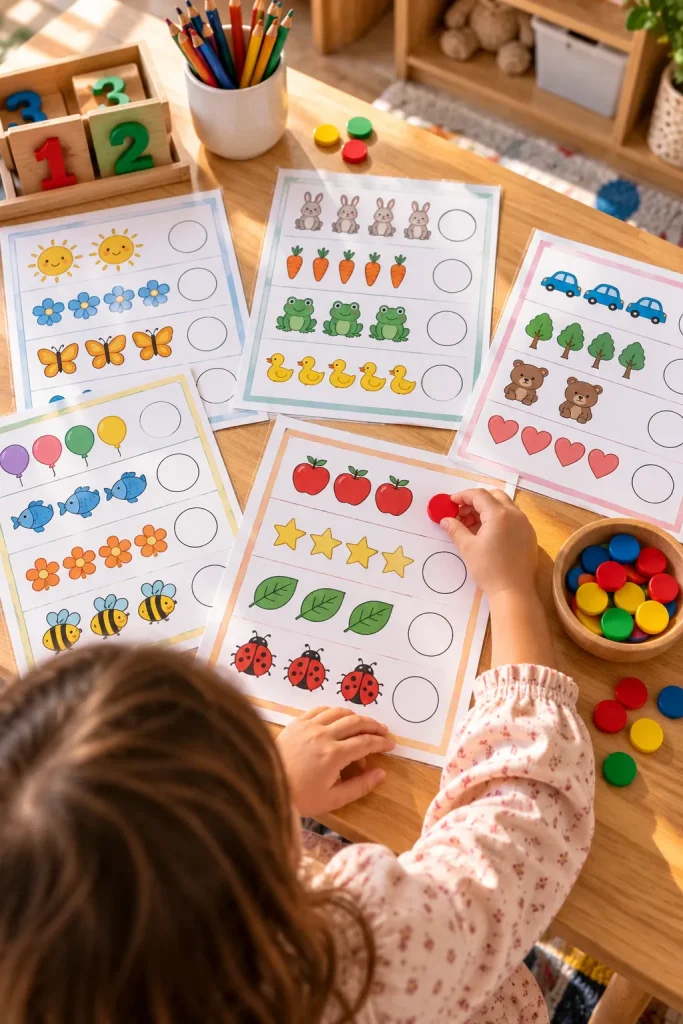
Little children can lose interest when a counting worksheet is crowded with too many pictures and instructions.
Preschool counting printables work better when each page focuses on one clear activity.
Parents, preschool teachers, and homeschool families may buy worksheets that help children practice recognizing numbers and counting objects.
Begin With Small Numbers
Create simple pages for counting objects from one to ten.
Use original illustrations of familiar things such as apples, stars, blocks, or balloons.
Ask children to count the pictures and circle or match the correct number.
Keep instructions short and leave enough room for pencil marks.
Review the answers carefully before exporting the worksheets as printable PDFs.
24. Create Sight Word Flashcard Sets
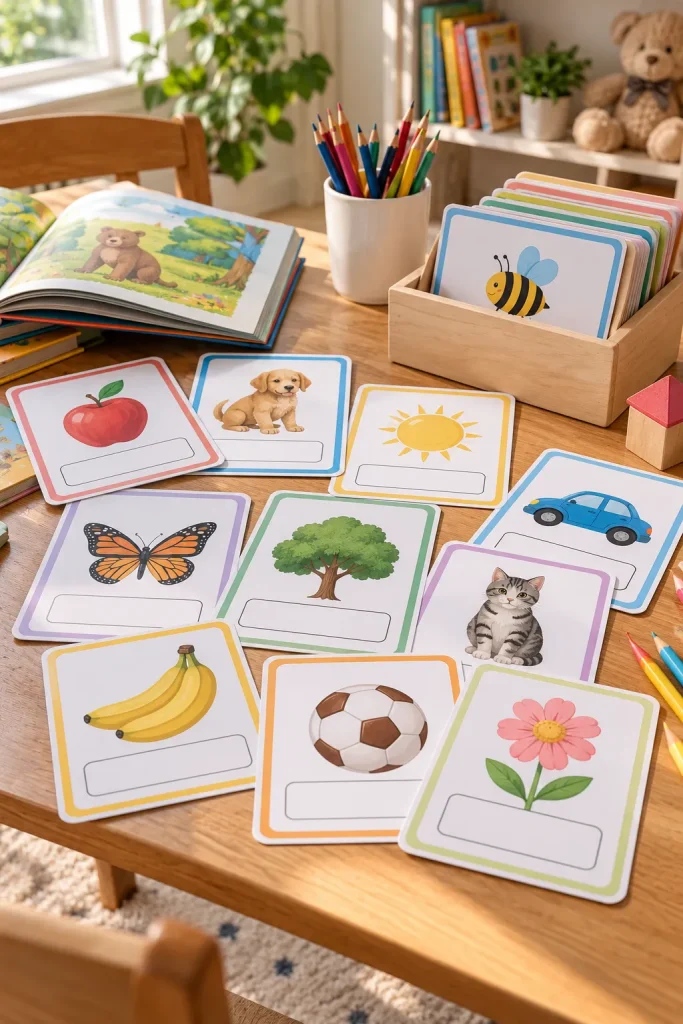
A small stack of reading cards can give children a simple way to practice familiar words.
Sight word flashcards show common written words that early readers are learning to recognize.
Parents, tutors, homeschool families, and early childhood teachers may look for printable sets they can cut apart and reuse.
Choose Words for One Reading Level
Select a suitable beginner word list from a trusted teaching resource.
Use Canva or Google Docs to place one word on each card.
Choose large, plain lettering with good spacing.
Arrange several cards on each printable page and add light cutting guides.
Check every word for spelling mistakes and make sure the cards remain readable after printing.
| Single-Word Cards | Word-and-Picture Cards |
|---|---|
| Shows one written word without other clues. | Adds a picture for words that are easy to illustrate. |
| Useful for focused word recognition practice. | Useful for introducing concrete vocabulary. |
| Works with words such as “the” and “and.” | Works with words such as “cat” and “ball.” |
25. Design Classroom Reward Certificates

A colorful certificate on a teacher’s desk can turn a small classroom achievement into something a child feels proud to take home.
Teachers, tutors, and homeschool parents may buy printable certificates for reading progress, helpful behavior, completed projects, or classroom participation.
Make the Certificate Easy to Personalize
Create a landscape page in Canva with a cheerful border and plenty of blank space.
Include clear areas for the student’s name, achievement, date, and teacher’s signature.
Use original illustrations that suit different ages without making the page too busy.
Keep the wording encouraging and specific. A certificate for finishing a reading challenge feels more meaningful than one that simply says someone is the best.
Make the achievement easy to identify, such as finishing a reading goal or helping a classmate.
Leave generous space for longer student names.
Offer a version that prints clearly without color ink.
Avoid tiny writing areas surrounded by oversized decorations.
Do not make every certificate depend on a competition or ranking.
Avoid light lettering on pale backgrounds that may print poorly.
26. Sell Homeschool Lesson Planner Pages
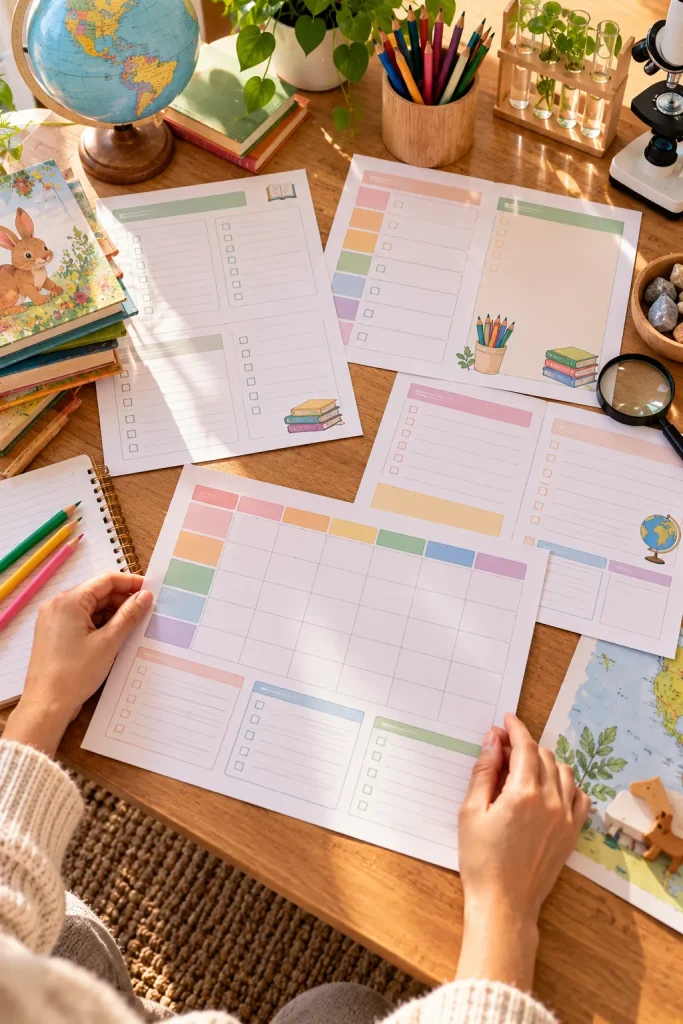
Keeping several subjects, books, and activities organized across the week can leave homeschool parents with notes scattered everywhere.
A homeschool lesson planner brings those details together on printable pages.
Parents teaching at home may want spaces for daily lessons, learning goals, supplies, and completed work.
Build a Flexible Weekly Layout
Use Google Docs or Canva to create a weekly grid with room for different subjects.
Add smaller sections for materials needed, reading assignments, and notes about what needs more practice.
Avoid filling the planner with fixed school times. Some families prefer flexible routines.
Make an undated version so buyers can start at any point in the year.
📚 Homeschool Planner Page Checklist
27. Make Printable Recipe Card Sets
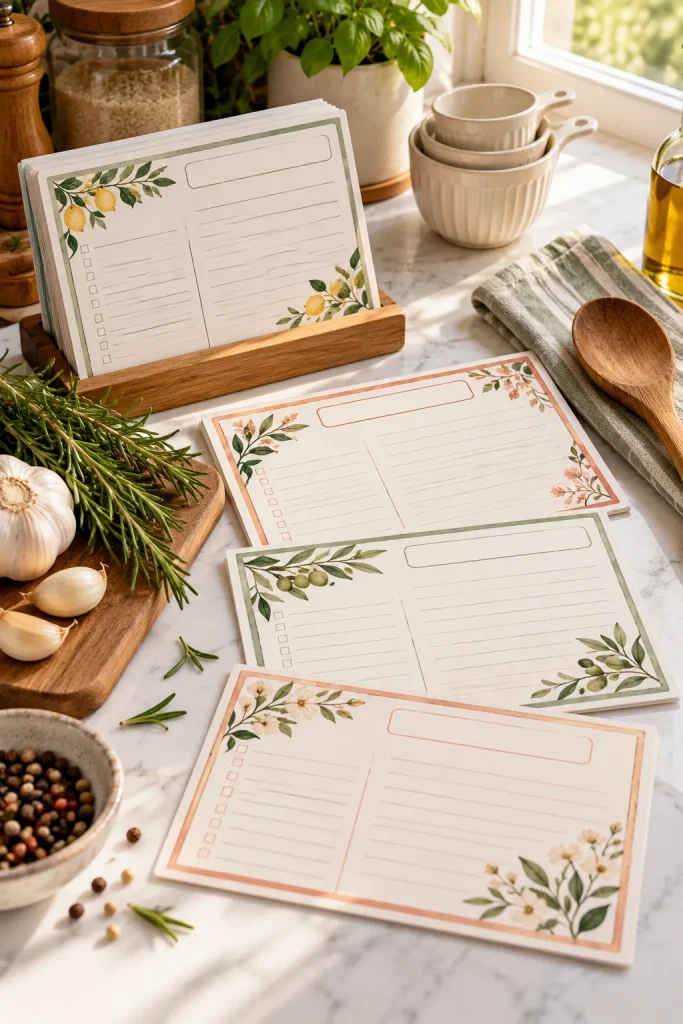
A handwritten recipe from a grandparent deserves a card that is easy to read and store.
Printable recipe cards help home cooks organize favorite meals without searching through loose paper or old messages.
Home cooks, newlyweds, and people making family recipe collections may buy matching card designs.
Create Cards That Work in Real Kitchens
Design a simple recipe card in Canva with separate areas for ingredients, instructions, preparation time, and servings.
Leave plenty of writing space, especially for ingredient lists.
You can create matching designs with different borders or small food illustrations.
Keep backgrounds light to make printing easier. Include clear cutting guides if several cards share one page.
28. Create Travel Packing Checklists
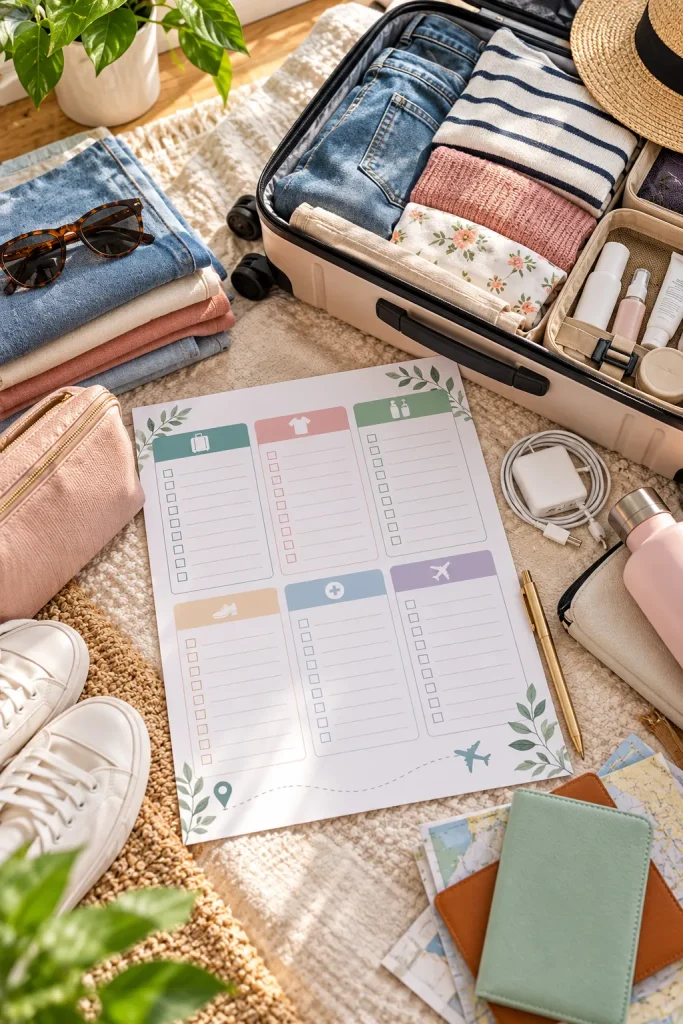
A suitcase can be packed neatly and still be missing a phone charger, toothbrush, or important document.
Travel packing checklists help people organize what they need before leaving home.
Families planning vacations, students moving into dorms, and people preparing for short trips may buy printable packing lists.
Organize Items by Category
Use Canva or Google Docs to design a page with checkboxes beside common travel essentials.
Group the list into clothing, toiletries, electronics, documents, and other necessities.
Leave blank lines for personal items that are not included.
You could make separate versions for weekend trips, family vacations, and camping.
Keep the page easy to print and mark with a pen.
💡 Quick Tip: Add a Last-Minute Check
Include a small section labeled “Before Leaving” with reminders to check travel documents, phone chargers, medications, and home essentials. Some things cannot be packed until the morning of departure. Giving them a separate checklist makes the printable more practical than one long packing list.
29. Design Printable Bookmarks
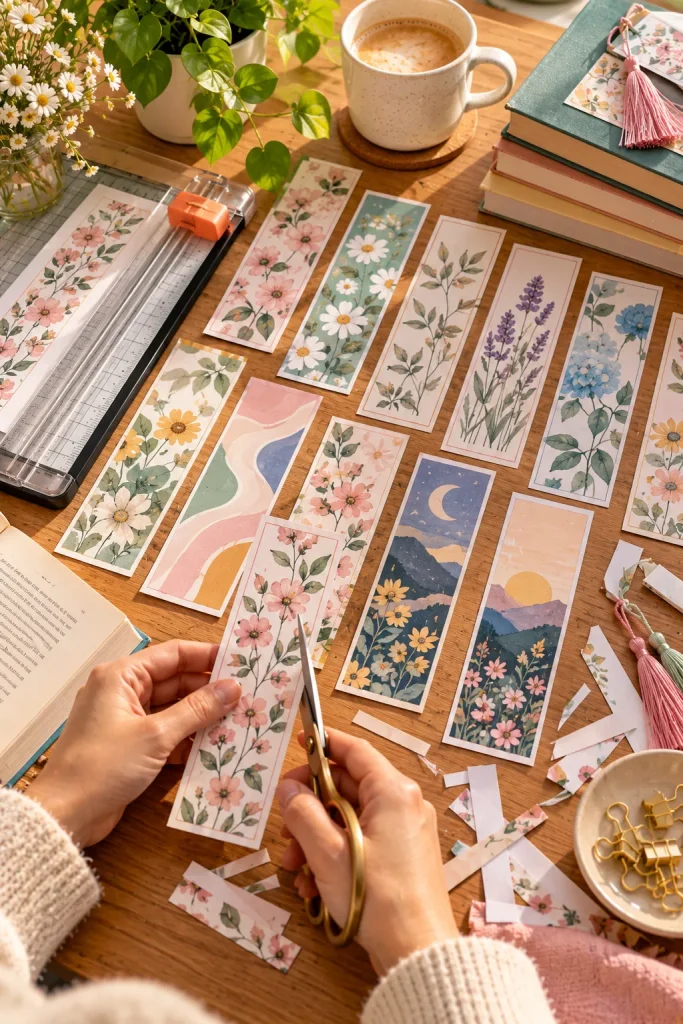
A bookmark is small enough to fit several designs on one printable page, making it a manageable first digital product.
Readers, teachers, students, and book club organizers may buy printable bookmarks with original artwork, patterns, or short reading prompts.
Make a Set With Different Designs
Create narrow rectangular layouts in Canva and arrange them on a printable sheet.
Use coordinating colors while changing the illustrations on each bookmark.
You might include flowers, simple geometric patterns, books, or abstract shapes.
Leave a clear margin around the artwork so buyers can cut the bookmarks without losing important details.
Print a sample and check the size inside an ordinary paperback book before exporting the PDF.
Several bookmarks have different widths, uneven borders, and designs placed too close to the cutting lines.
Every bookmark has matching dimensions, consistent margins, and enough space between designs for clean cutting.
30. Write Beginner Crochet Pattern PDFs
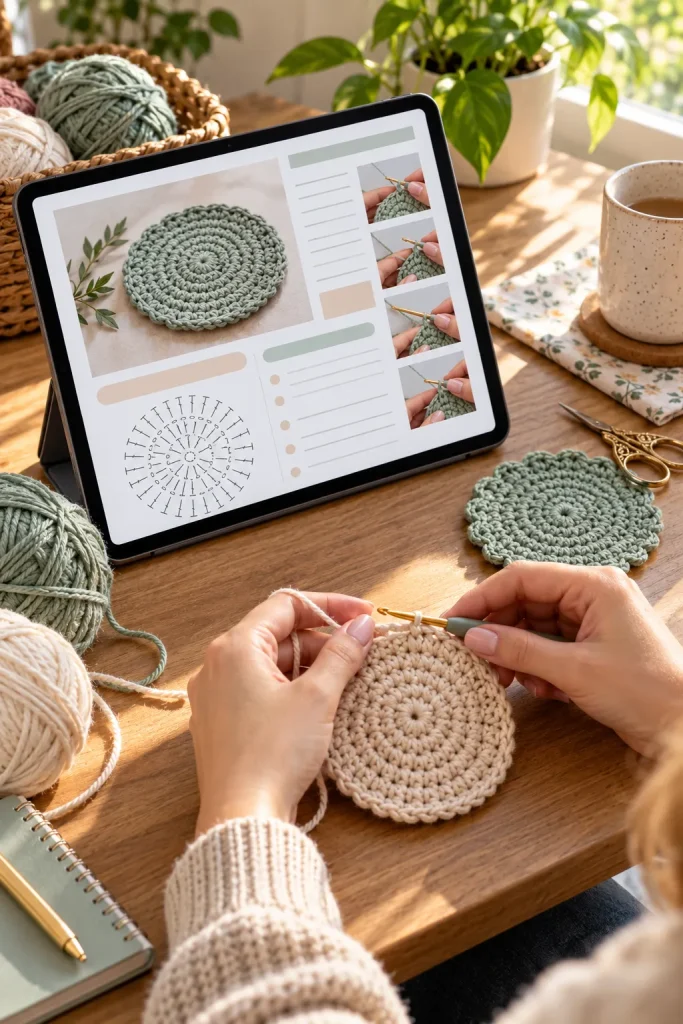
A beginner crochet pattern should explain each step clearly enough that someone can follow it without guessing what comes next.
People learning crochet may buy downloadable patterns for simple projects such as dishcloths, scarves, or small coasters.
Unlike decorative printables, these files need instructions that match a real, workable project.
Document One Simple Project
Choose a crochet project you can make and explain accurately.
Write down the yarn type, hook size, stitch abbreviations, and instructions for each row or round.
Photograph important steps and include close-up pictures where the instructions could be confusing.
Make the PDF in Google Docs or Canva.
Check the pattern by following it from beginning to end before offering it for sale.
🧶 Build a Beginner Crochet Pattern
List the supplies. State the yarn, hook size, other materials, and finished project measurements.
Explain each stitch. Include the abbreviations and clearly identify the stitch terminology used.
Check the finished instructions. Follow the complete pattern, confirm the stitch counts, and add photographs for difficult steps.
Start With One Download You Can Make Well
You do not need to create all 30 products to begin selling digital downloads. Pick one idea that matches your interests and the skills you already have.
A meal planner, recipe card set, or simple worksheet can be a sensible first project.
Focus on making the file easy to understand, edit, print, or use. Check the current rules of the platform where you plan to sell and make sure you have permission to use every design element.
These digital download ideas are starting points, not a promise of sales. Begin with one useful product, review it carefully, and improve it as you learn what buyers need.
Save this list on Pinterest so you can come back when you’re ready to choose your first digital download.