
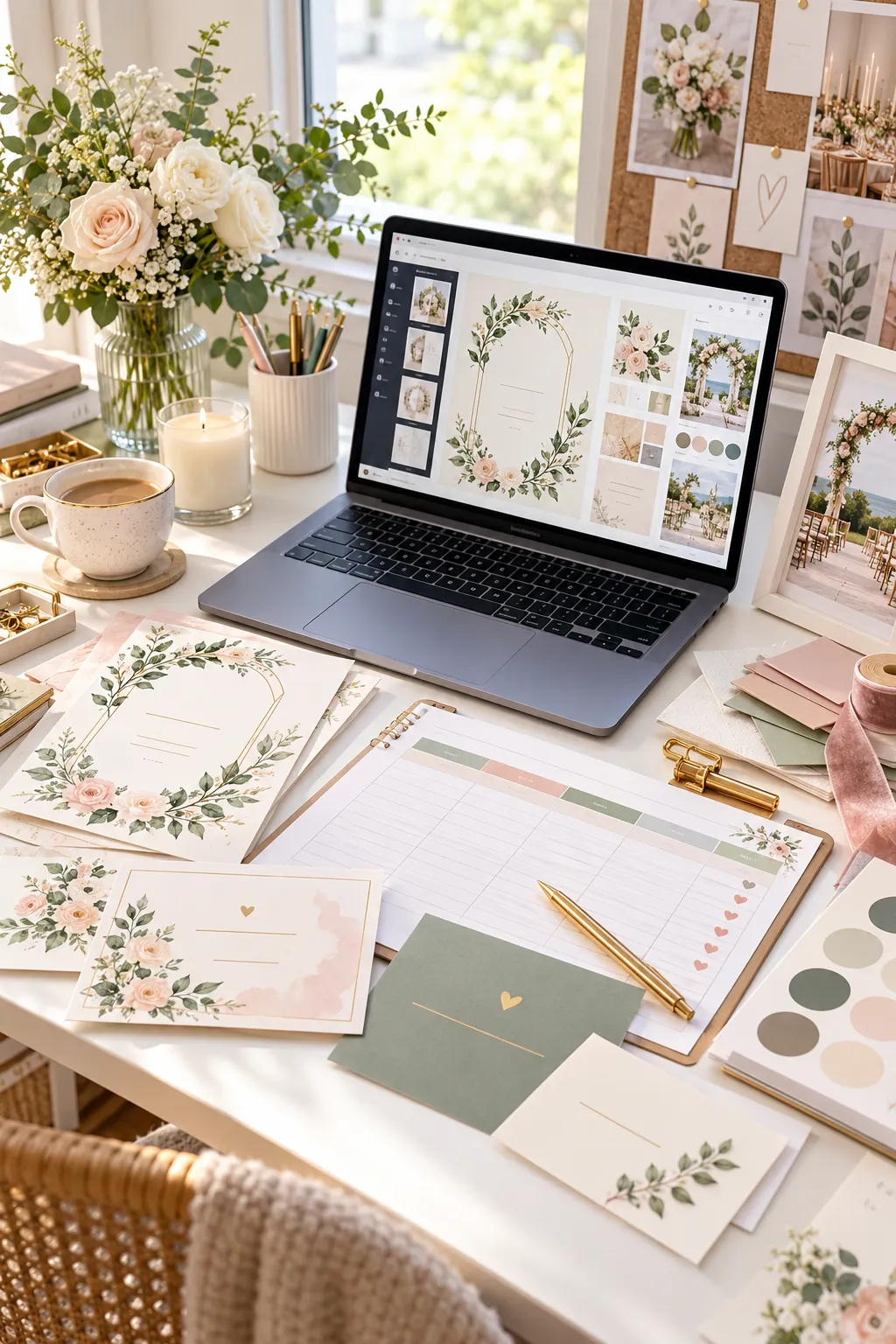
Imagine creating a useful wedding template once and offering it to couples who need help planning their big day. From invitation cards to budget trackers, digital products can save buyers time while giving creators a practical way to build an online shop. You do not need to design all thirty ideas at once. Start with one product you understand, make it easy to edit, and show buyers exactly what they will receive. Some products are made for printing, while others work best as spreadsheets, digital graphics, or planning pages. Think about the problem each item solves: helping guests reply, keeping a budget organized, or making a celebration feel personal. As you explore these digital wedding products, focus on clear layouts, useful instructions, and realistic previews. Check the licensing rules for fonts, photos, and design elements, and review the current requirements of your selling platform before publishing. A small, well-made collection can grow over time as you learn what your audience needs.
Editable Save the Date Cards With Photo Slots
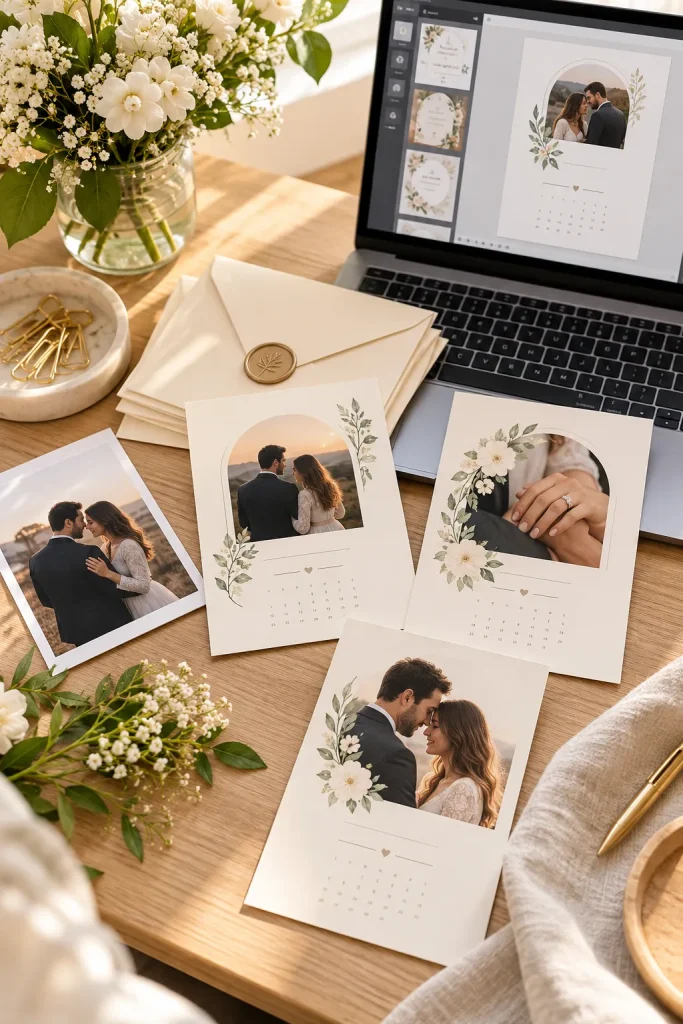
A save the date card gives guests an early look at the celebration and helps them reserve the day. For a digital product, make the photo area easy to replace without moving the date or names.
Include layouts with portrait and landscape photo slots, plus a few coordinated color choices. Buyers should be able to edit the couple’s names, wedding date, and location details in a familiar design tool. Offer a print-ready file and an editable template where licensing allows.
In your preview, show how the same design looks with different photos and neutral color palettes.
Replace sample images without moving the layout.
Keep the information clear, flexible, and easy to personalize.
Wedding Invitation Suites With Matching Details Cards
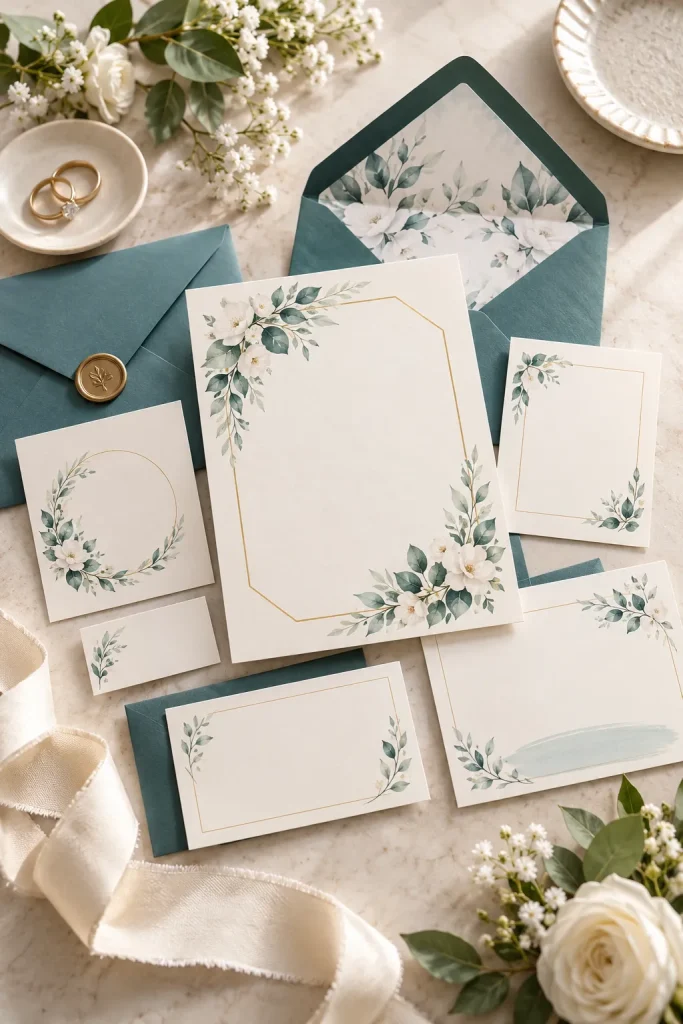
Matching invitation pieces make a wedding stationery set feel complete. Along with the main invitation, couples may need a details card for travel, accommodation, dress guidance, or other useful information.
Create a coordinated suite with consistent colors, borders, and type styles. Keep the main invitation focused on essential event details, while the insert carries extra information. Offer a few sizes and explain which files are included.
Buyers should be able to edit each card separately without losing the shared design.
| Main invitation | Helpful detail |
|---|---|
| Names, date, and ceremony details. | Details insert |
RSVP Cards With Meal Choice Checkboxes
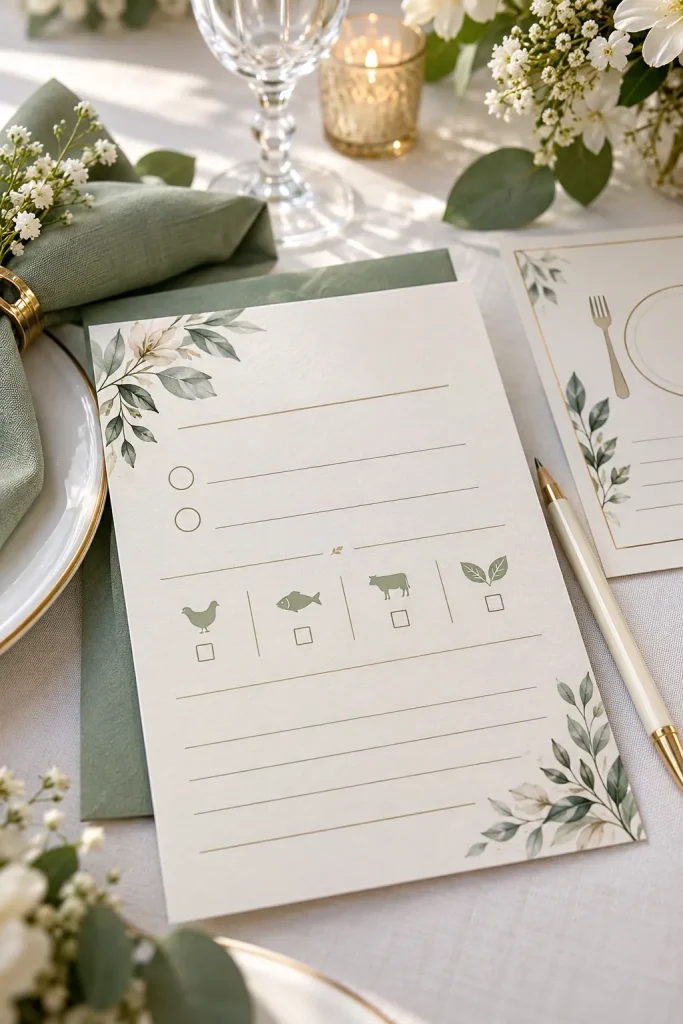
An RSVP card becomes more useful when guests can reply clearly and share the meal choice they need. Design a printable layout with a reply deadline, a response area, meal options, and space for dietary notes.
Keep the checkboxes large enough to mark by hand, and avoid squeezing too many questions onto one small card. A digital version can use a simpler layout for sharing with guests.
Test the card at its final print size so every field remains easy to read.
A clear reply deadline and contact method.
Use a clear, editable layout and preview it at its intended size.
Wedding Website Graphics Kits With Matching Icons

A couple may already have a wedding website but want its small visual details to match the rest of their celebration. A graphics kit can provide coordinated icons, dividers, floral accents, and simple decorative shapes.
Build the set around one clear style, such as modern line art, soft botanicals, or classic minimal shapes. Include light and dark versions when useful, and explain the file types and editing options buyers receive.
Make sure the graphics are your own or properly licensed, and check the terms of any platform where you sell the kit.
Offer icons in matching line weights and sizes. Include light and dark versions when useful. Keep every screen preview abstract.
Wedding Budget Spreadsheets With Spending Categories

The budget gets confusing when deposits, final payments, and small extras live in different places. A wedding budget spreadsheet can bring the numbers together in one editable workspace.
Include spending categories, estimated costs, actual costs, payment status, and a remaining-budget summary. If you use formulas, test them with sample entries and make sure totals update when buyers add or remove rows.
Provide a short instruction sheet so beginners can customize the spreadsheet without breaking its calculations.
Track available funds and contributions.
Keep the information clear, flexible, and easy to personalize.
Guest List Trackers With RSVP Status Columns
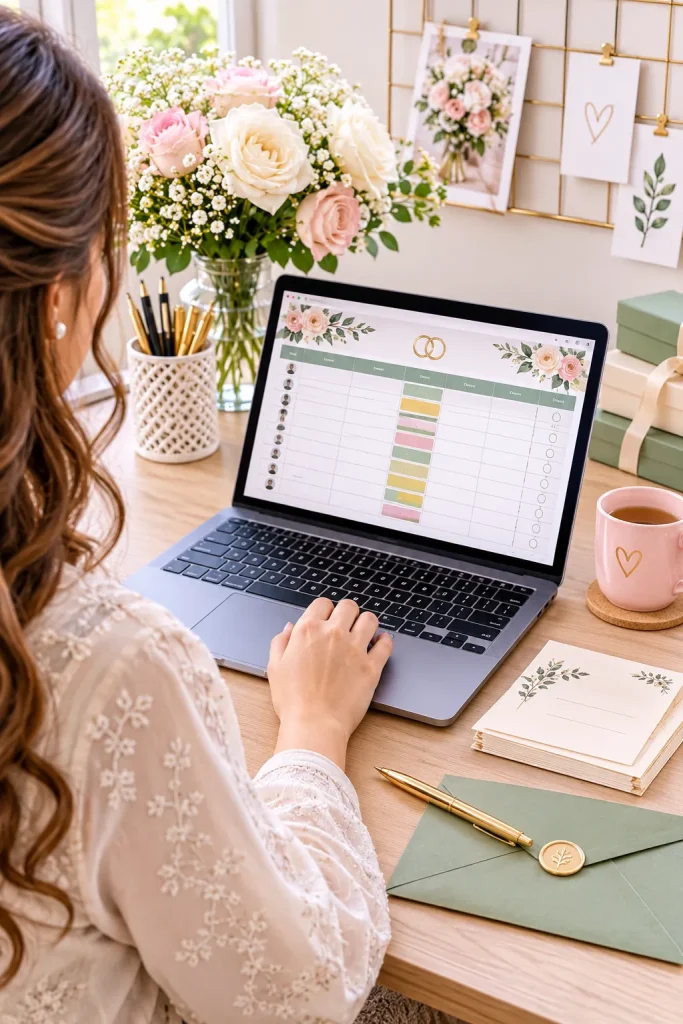
Guest information changes quickly as invitations go out and replies arrive. A guest list tracker helps couples keep names, contact details, RSVP status, meal notes, and plus-ones organized in one place.
Use clear column headings and simple status choices such as invited, attending, and not attending. Leave enough room for notes without making the sheet too wide to use on a laptop.
Include a sample version with fictional entries so buyers can see how the tracker works before entering their own guest information.
1. Add each guest
Keep names in a consistent format.
2. Update replies and check totals
Vendor Comparison Worksheets With Quote Sections
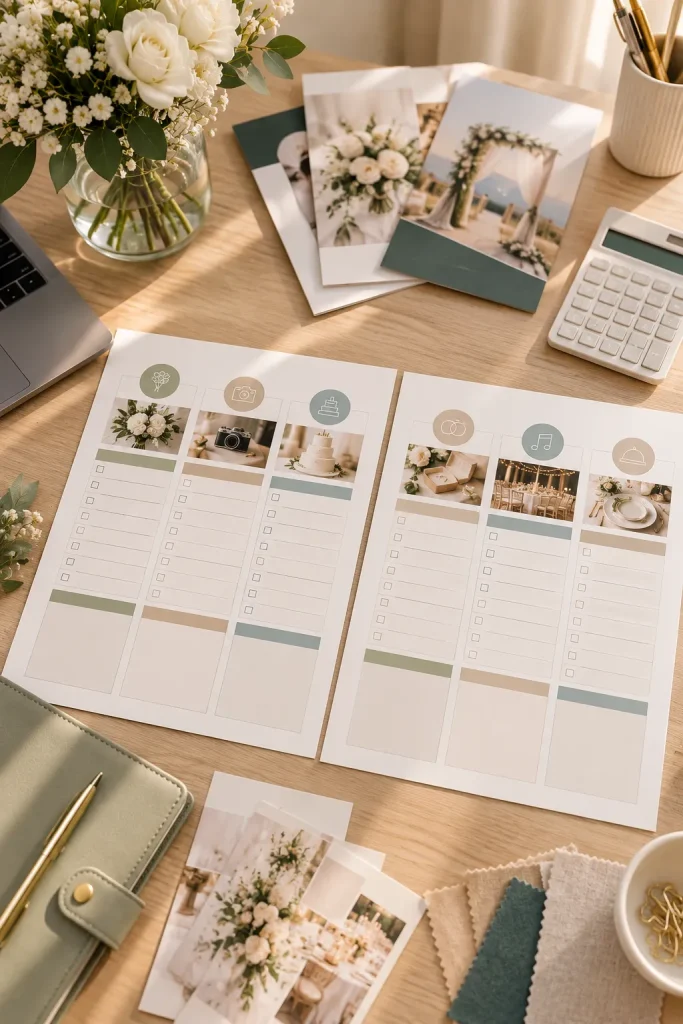
Two vendor quotes can look very different, even when both services seem similar. A comparison worksheet gives couples a consistent way to review prices, included services, extra fees, availability, and notes.
Design one page for comparing a few vendors side by side, with room to record questions before making a decision. Keep the worksheet neutral rather than suggesting that the lowest price is always the best choice.
Include a printable version and an editable spreadsheet option if you want to serve buyers with different planning habits.
Quotes arrive in different formats and are hard to compare.
Use a clear, editable layout and preview it at its intended size.
Wedding Mood Board Templates With Color Swatches
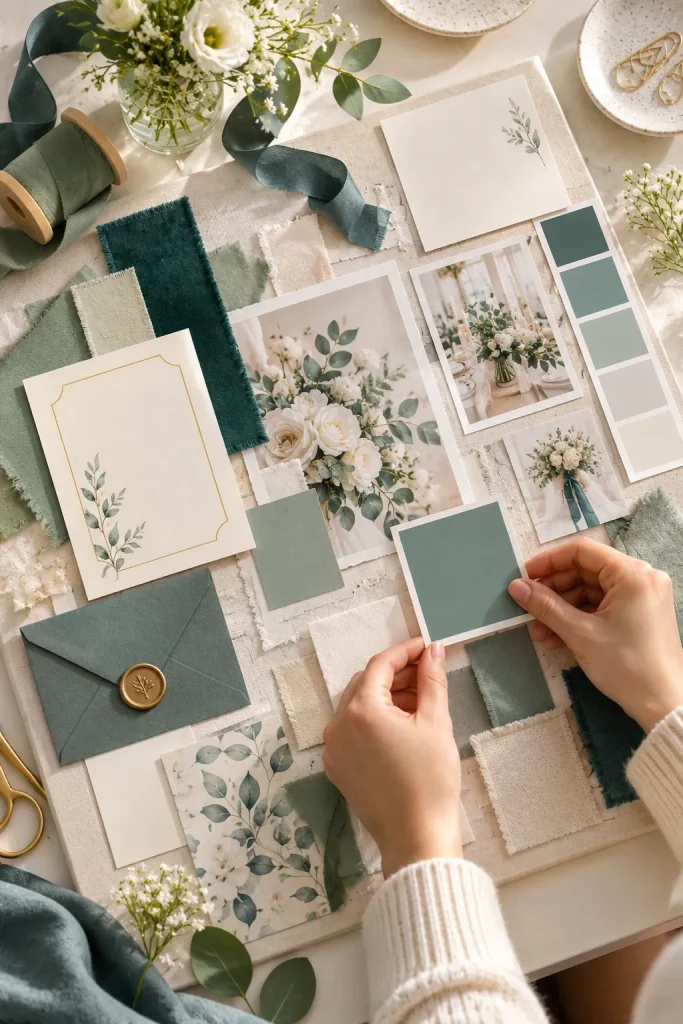
A row of color swatches can help a couple picture how flowers, stationery, fabric, and table details might work together. A mood board template turns those early ideas into one visual reference.
Include spaces for a color palette, floral inspiration, textures, venue details, and notes. Make it easy to replace sample images and move swatches around without disrupting the layout.
Offer a few styles, such as garden-inspired, modern neutral, or classic romantic, while keeping the template flexible enough for a couple’s own vision.
Show colors with flowers, fabric, and paper samples. A palette is easier to understand when shades appear together in context. Keep the layout flexible.
Wedding Countdown Calendars With Monthly Tasks
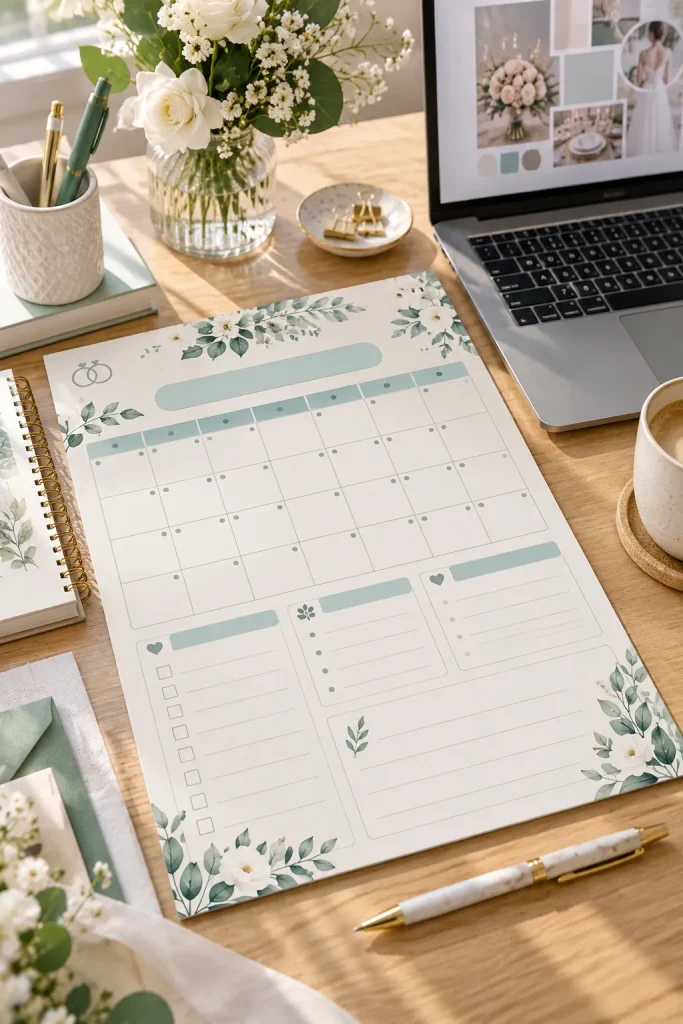
Six months before a wedding, the task list can already feel crowded. Couples may have booked their venue but still need to manage dozens of smaller decisions.
A wedding countdown calendar gives them a place to see what needs attention each month. Create an editable monthly layout with task boxes, deadline spaces, and a small notes area.
Include common planning reminders such as confirming vendors, reviewing guest replies, and checking final arrangements. Offer both a printable version and an editable digital version.
Track venue decisions, major bookings, and guest list drafts.
Keep the information clear, flexible, and easy to personalize.
Wedding Day Timeline Templates With Arrival Slots
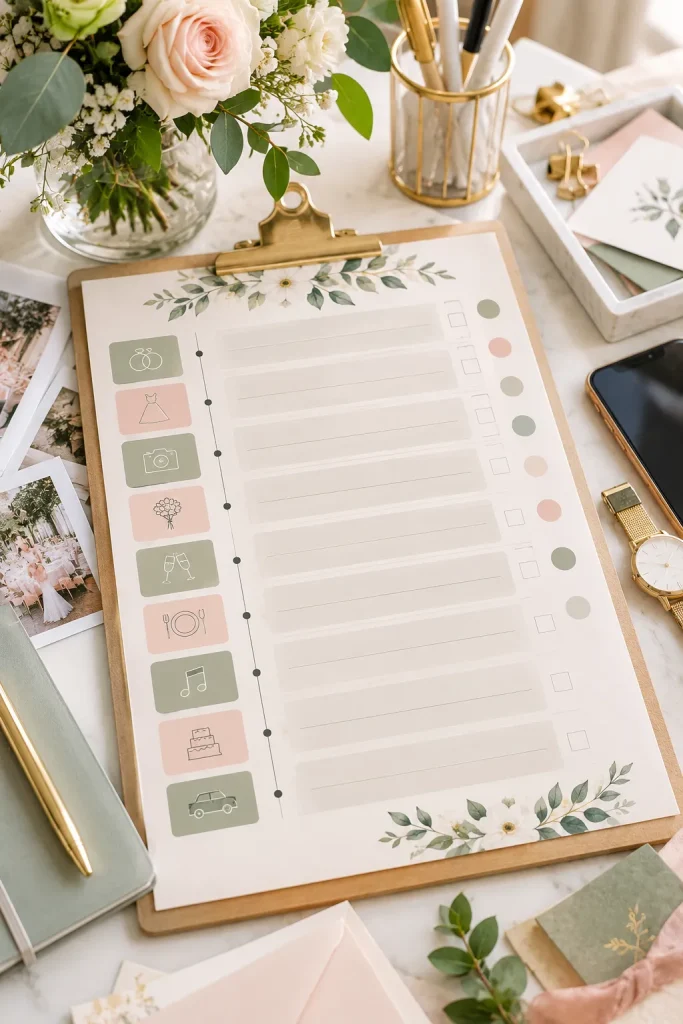
Start with the wedding ceremony time, then build a schedule around the activities that happen before and after it. Couples need to coordinate getting ready, transportation, vendor arrivals, photographs, and reception events.
Design a template with columns for time, activity, location, and the person responsible. Allow buyers to add or remove rows without breaking the layout. Include space for contact names and backup instructions.
Leave room for travel, room changes, and moving between activities.
1. Confirm arrival details
Gather agreed arrival times before filling the schedule.
2. Share the final version
Wedding Photography Shot Lists With Checkboxes
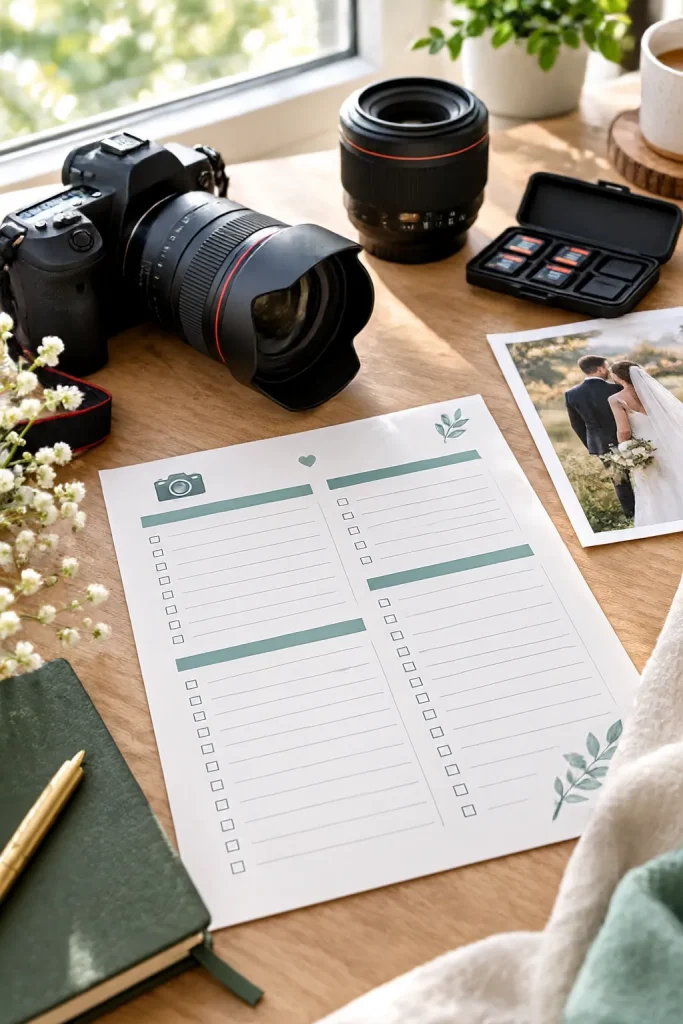
A photography checklist should not tell the photographer how to take every picture. Its main job is to help couples identify the people and moments they especially want captured.
Design a printable shot list with checkboxes and sections for getting ready, family and wedding party portraits, ceremony moments, and reception traditions. Add blank spaces for specific family groupings and meaningful details.
Couples can discuss their priorities with their photographer before the wedding. The list is a planning aid, not a guarantee that every photograph will be possible.
List important family combinations and priority moments.
Use a clear, editable layout and preview it at its intended size.
Folded Ceremony Programs With Event Order
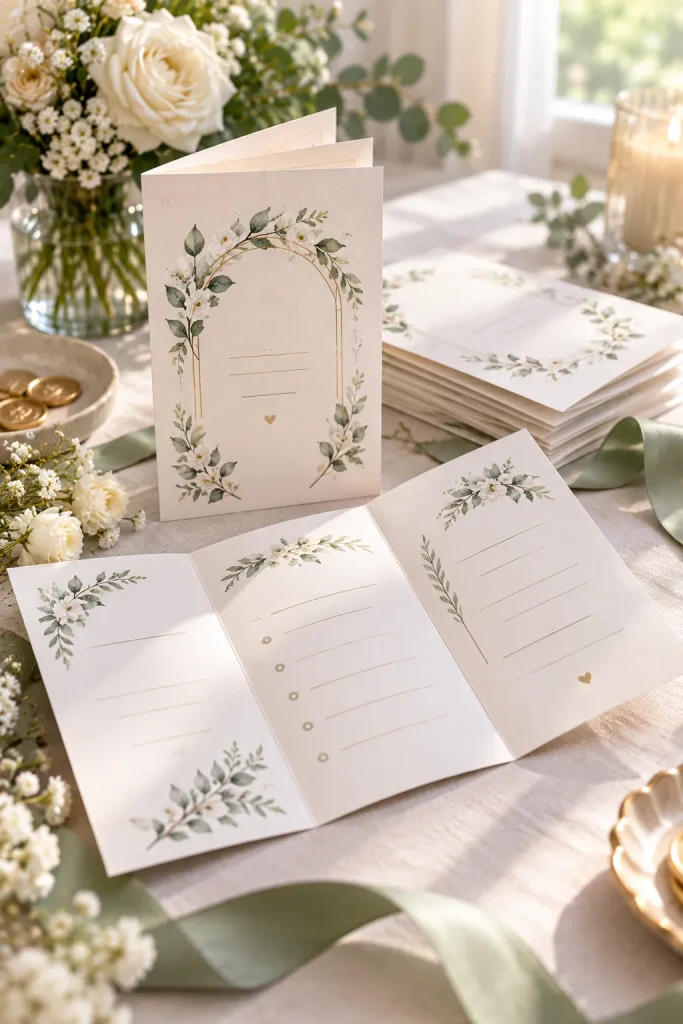
Guests arriving at a wedding ceremony may receive a small folded program before taking their seats. It gives them a simple way to follow the order of events and recognize the people taking part.
Create an editable program with a front cover for the couple’s names, date, and venue. Reserve the inside panels for the ceremony order, wedding party names, and optional acknowledgments.
Include printing and folding instructions so buyers know how the finished program should look.
| Front cover | Helpful detail |
|---|---|
| Names, date, and venue. | Inside panels |
Printable Wedding Vow Booklets With Writing Pages
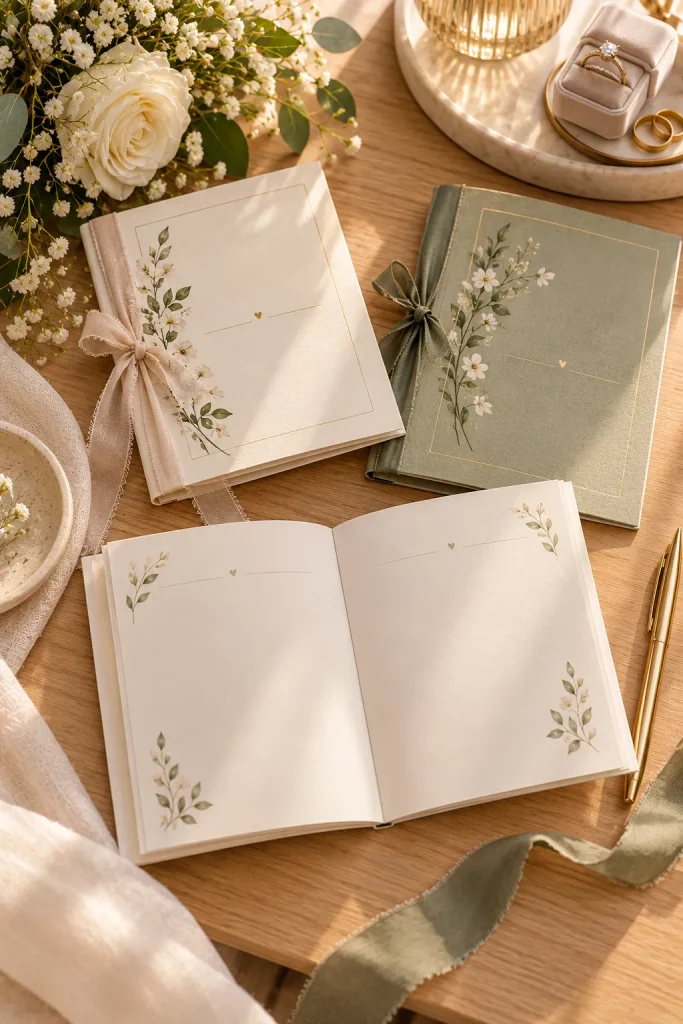
Personal wedding vows deserve a little more care than a folded sheet pulled from a pocket. A small vow booklet gives couples a neat place to write their promises and keep them afterward.
Create printable booklets with a decorative cover and simple writing pages inside. Use wide writing lines, generous margins, and a layout that works when the pages are folded or bound.
Offer a blank version and an optional planning page with gentle writing prompts. Keep the design quiet enough that the handwritten words remain the main feature.
Loose notes can be difficult to read during the ceremony.
Use a clear, editable layout and preview it at its intended size.
Wedding Seating Charts With Table Groups
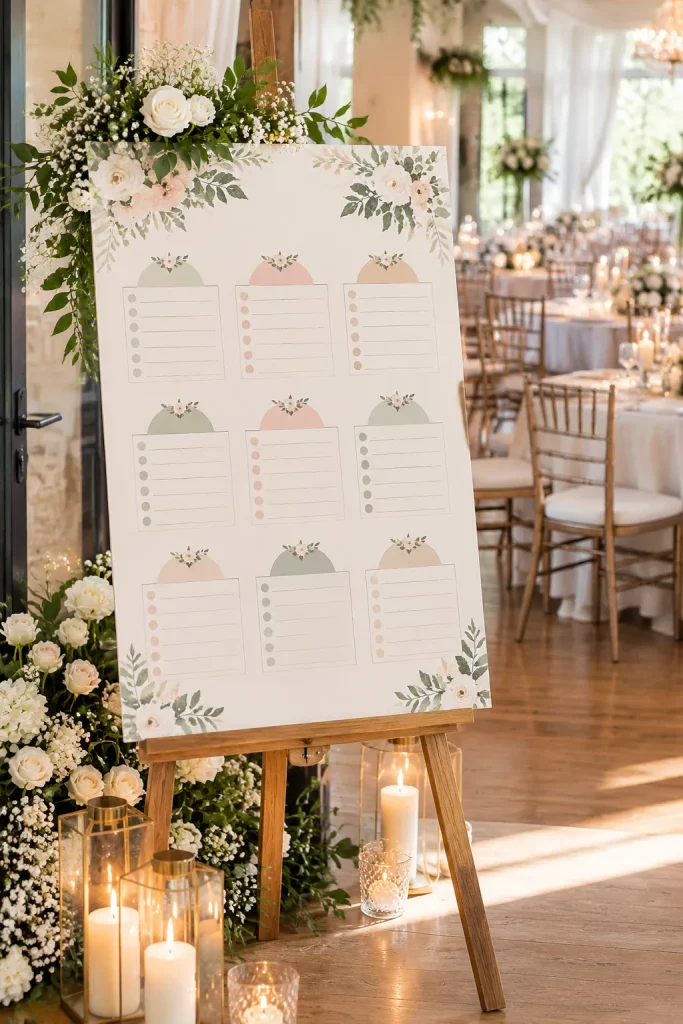
An alphabetical guest chart and a table-by-table chart solve the same problem in different ways. One helps guests find their names quickly, while the other displays everyone assigned to each table.
Create an editable seating chart with clear group sections and space for table labels. Use repeatable text boxes so buyers can add names without rebuilding the whole design.
Provide a preview at the intended print size. Couples should check that guests can read the names easily near the reception entrance.
| Alphabetical chart | Helpful detail |
|---|---|
| Guests search by name. | Table groups |
Editable Escort Cards With Guest Names
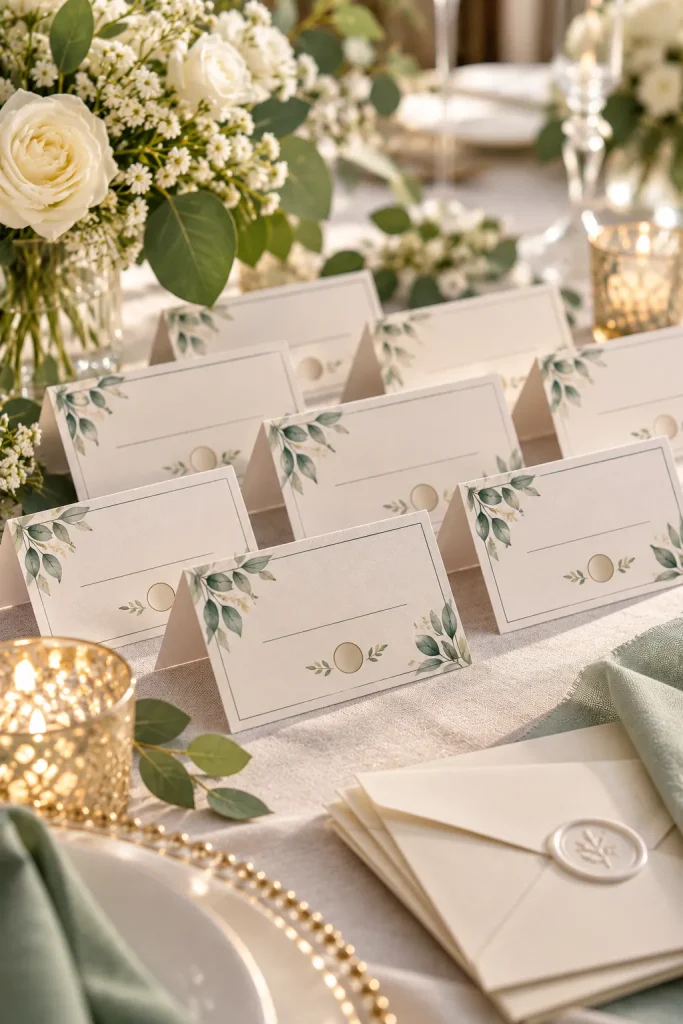
Keep the guest’s name easy to read. That simple rule matters more than adding another decorative flourish to an escort card.
Create a repeatable card layout with space for the guest name and table assignment. Arrange several cards on one printable page, with a light border or subtle floral corner to match the rest of the stationery.
Include trimming guides where useful and explain the final card dimensions. Buyers should be able to change the names without shifting the design on every card.
Use a readable typeface and clear spacing.
Keep the information clear, flexible, and easy to personalize.
Reception Table Number Cards With Matching Frames
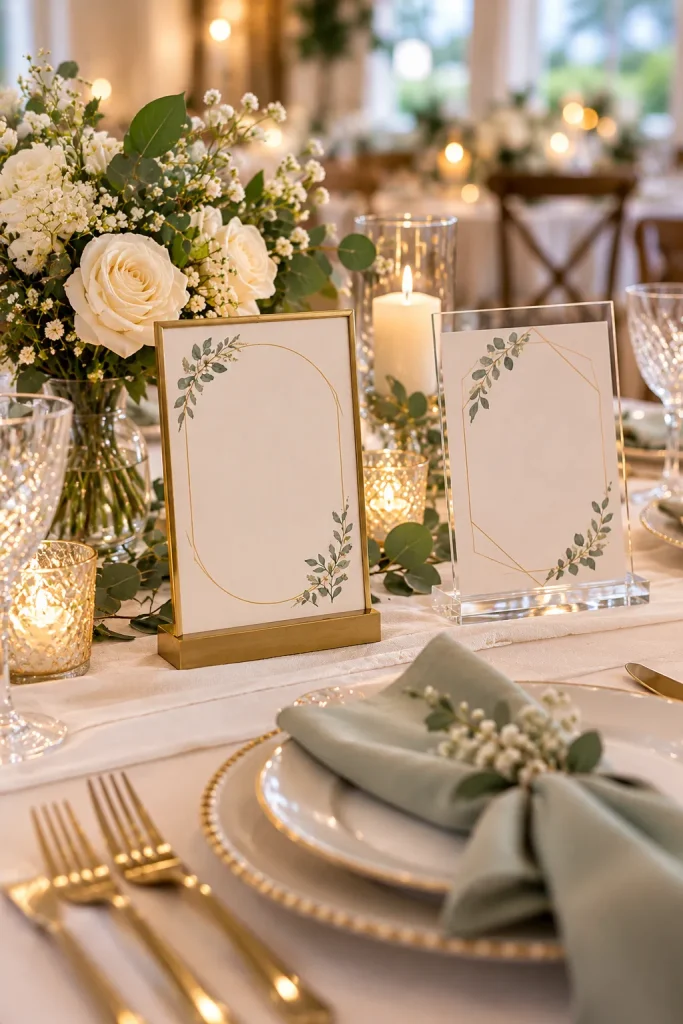
Small table numbers can disappear behind flower arrangements, especially when the cards sit low on a crowded reception table. A matching table number set helps guests identify their destination.
Design numbered cards with consistent spacing, typography, and optional decorative borders. Provide vertical and horizontal layouts that fit common tabletop holders, while clearly stating each version’s dimensions.
Keep the number large and avoid placing busy artwork directly behind it. Include a sample showing the print setup.
Show the card inside a real frame or holder. This helps buyers judge the card’s proportions and visibility. Ask buyers to measure their holders.
Editable Wedding Menu Cards With Course Sections
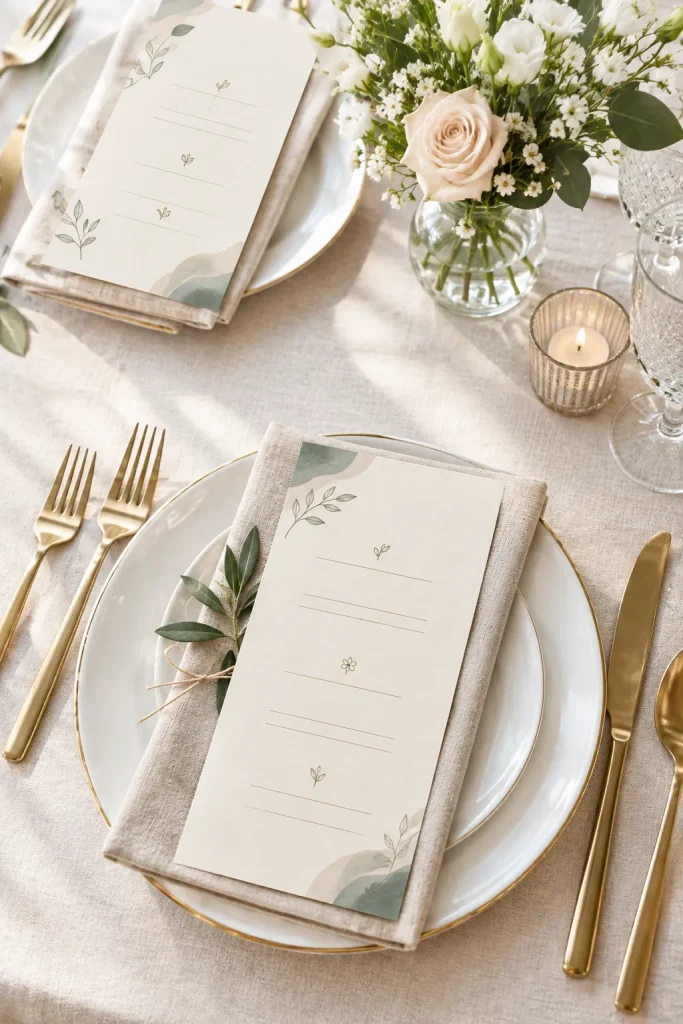
A neatly arranged dinner menu helps wedding guests know what food to expect without asking the serving staff about every course. It also gives each place setting a small, coordinated detail.
Create editable wedding menu templates with separate spaces for starters, main courses, desserts, and drinks. Provide a formal multi-course layout and a simpler version for couples serving a buffet or family-style meal.
Keep food descriptions short enough to fit without shrinking the font. Let couples confirm dietary details with their caterer.
Separate sections for each course and its description.
Keep the information clear, flexible, and easy to personalize.
Wedding Welcome Signs With Venue Details
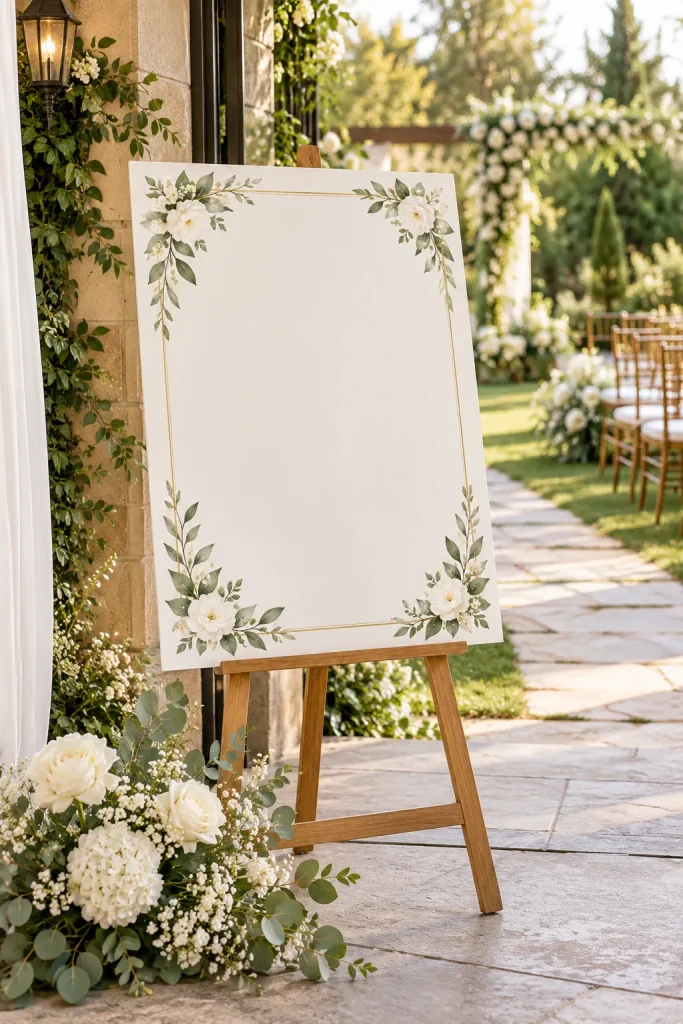
The entrance to a wedding venue is an easy place for guests to feel unsure. They might wonder whether they have reached the correct event or where they should go next.
Design an editable large-format sign with the couple’s names, wedding date, and a short welcome message. Leave room for optional details such as the ceremony area or a simple direction.
Offer clearly labeled print dimensions and explain how buyers should prepare the file for their chosen printer. Keep important words away from the outer edges.
1. Use readable lettering
Choose strong contrast and safe margins.
2. Preview the full sign
Wedding Guestbook Prompt Cards For Reception Tables
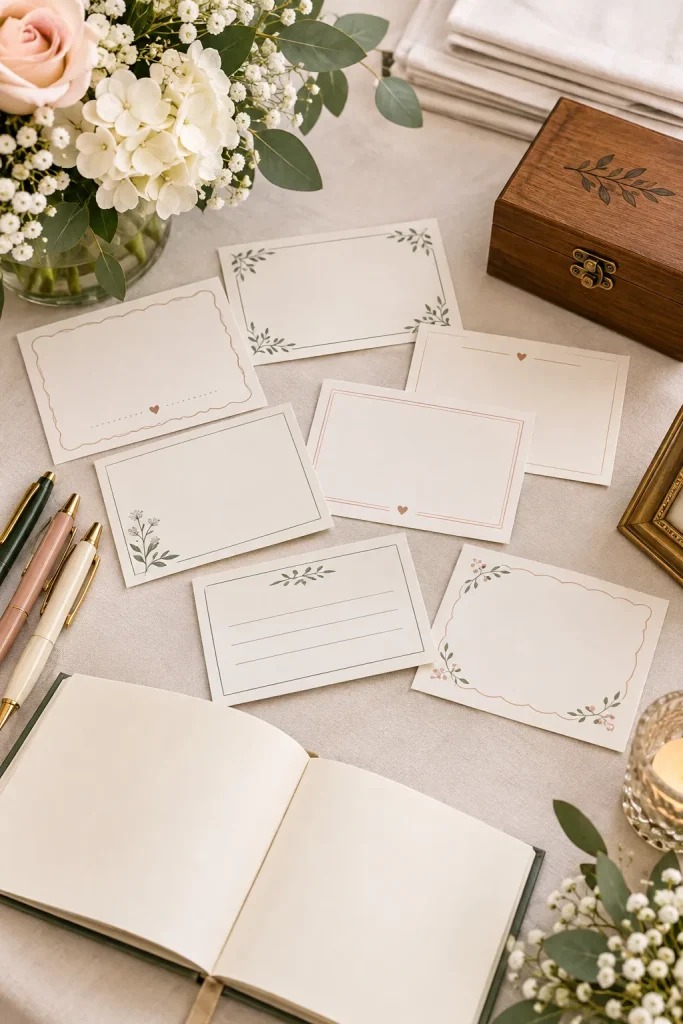
Writing a thoughtful guestbook message sounds simple until someone sits down with a pen and cannot think of anything beyond congratulations. Prompt cards give guests a little direction without telling them exactly what to write.
Create printable cards with short questions about memories, advice, and wishes for the couple. Leave enough space for handwritten responses and offer matching blank cards for guests who prefer their own message.
These work especially well beside a guestbook station with pens and a small collection box.
Invite a real memory. Mix funny memories, shared experiences, future wishes, and simple advice. Keep prompts warm and appropriate
Printable Wedding Favor Tags With Guest Messages
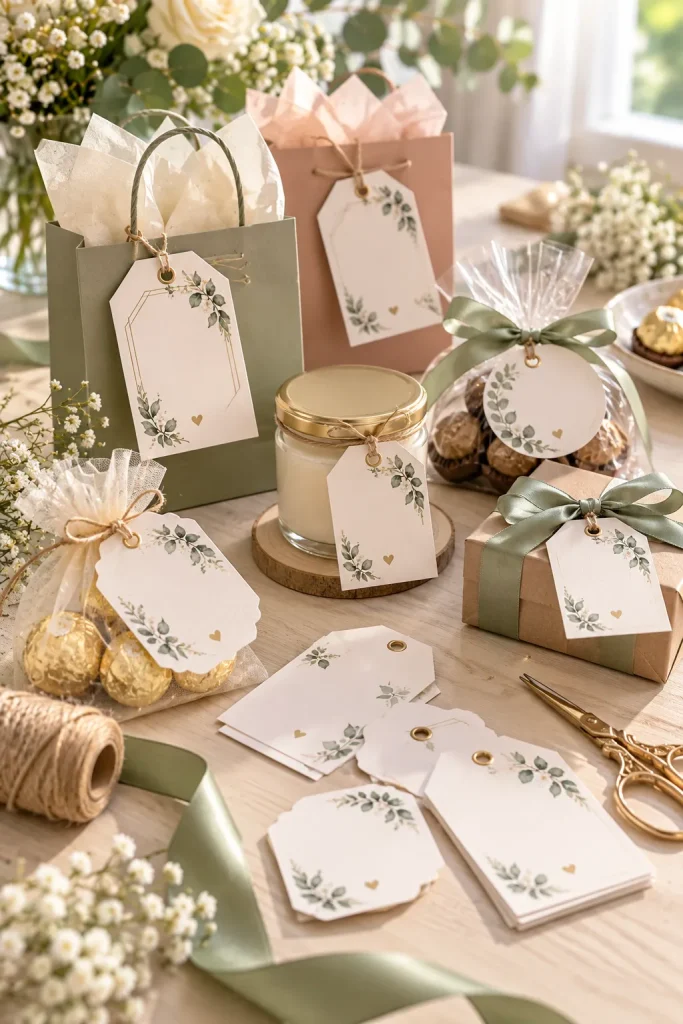
Attach a small printed tag to a wedding favor, and even a plain paper bag can look like part of the celebration. Favor tags are useful for couples preparing gifts such as wrapped chocolates, candles, or handmade treats.
Design printable tags with room for a thank you message, the couple’s names, and the wedding date. Create several identical tags on one page and leave enough space between them for trimming.
Offer rectangular and circular versions as separate layouts. Display the tags on different gift packages so buyers can see how each shape works.
1. Measure the favor
Check the package width and choose a suitable tag shape.
2. Print a sample sheet
Printable Wedding Photo Booth Prop Sheets
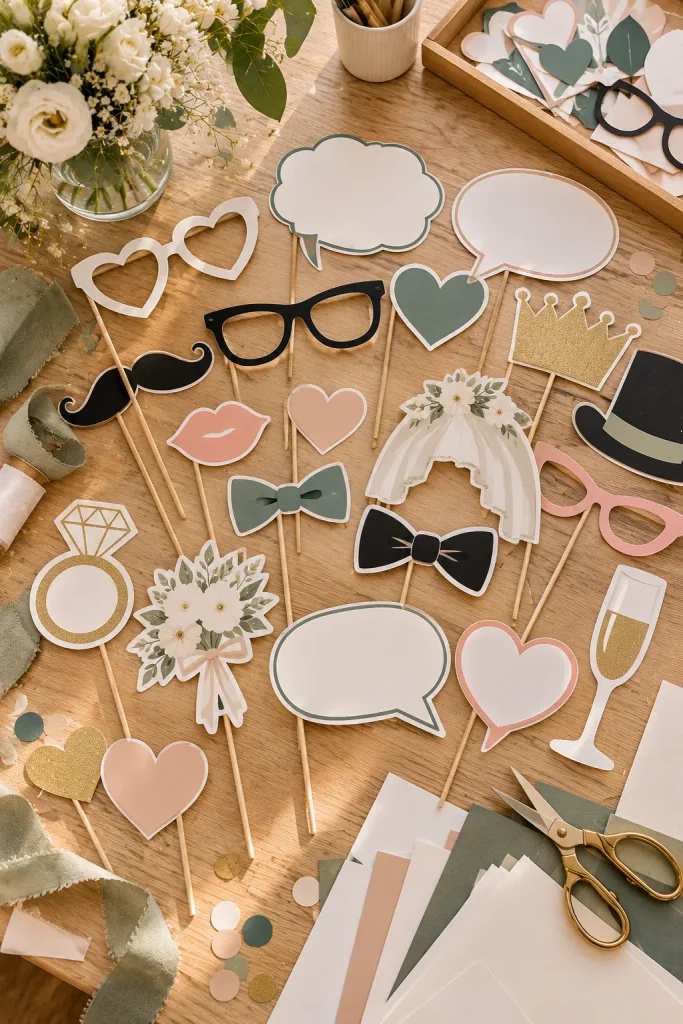
A photo booth doesn’t need elaborate decorations to help guests have fun. A few sturdy, easy-to-hold props can make group pictures more playful.
Create printable prop sheets featuring simple shapes such as bow ties, hearts, speech bubbles, glasses, and celebration symbols. Keep outlines clean and avoid tiny details that are difficult to cut with scissors.
Buyers should know whether the templates are intended for regular paper or sturdier cardstock. Show a finished sample with the printed shapes attached to paper sticks.
Use bold outlines and simple silhouettes.
Use a clear, editable layout and preview it at its intended size.
Bridal Shower Invitation Cards With RSVP Details
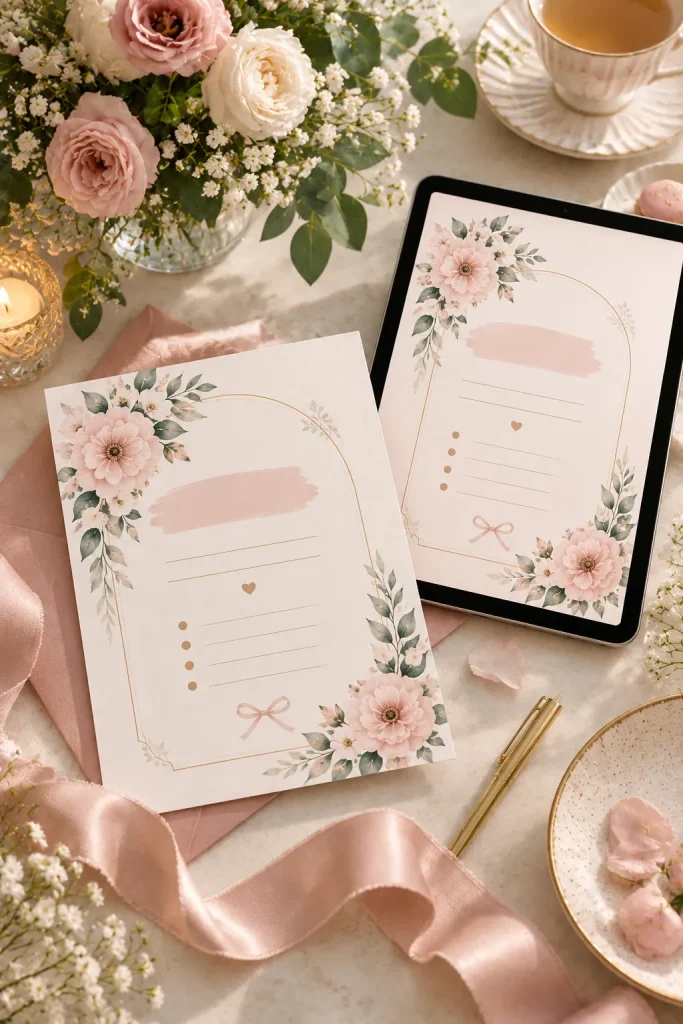
A bridal shower invitation has a different job from the main wedding invitation. It announces a separate gathering, often with its own host, location, activities, and reply instructions.
Create editable invitations with clearly labeled fields for the guest of honor, event date, venue, and RSVP contact. Offer a printed card and a matching digital version, checking the spacing and text size for each format.
Leave optional space for registry information or a short note about the event theme.
| Printed invitation | Helpful detail |
|---|---|
| Designed for a chosen paper size. | Digital invitation |
Bridal Shower Bingo Cards With Gift Grids
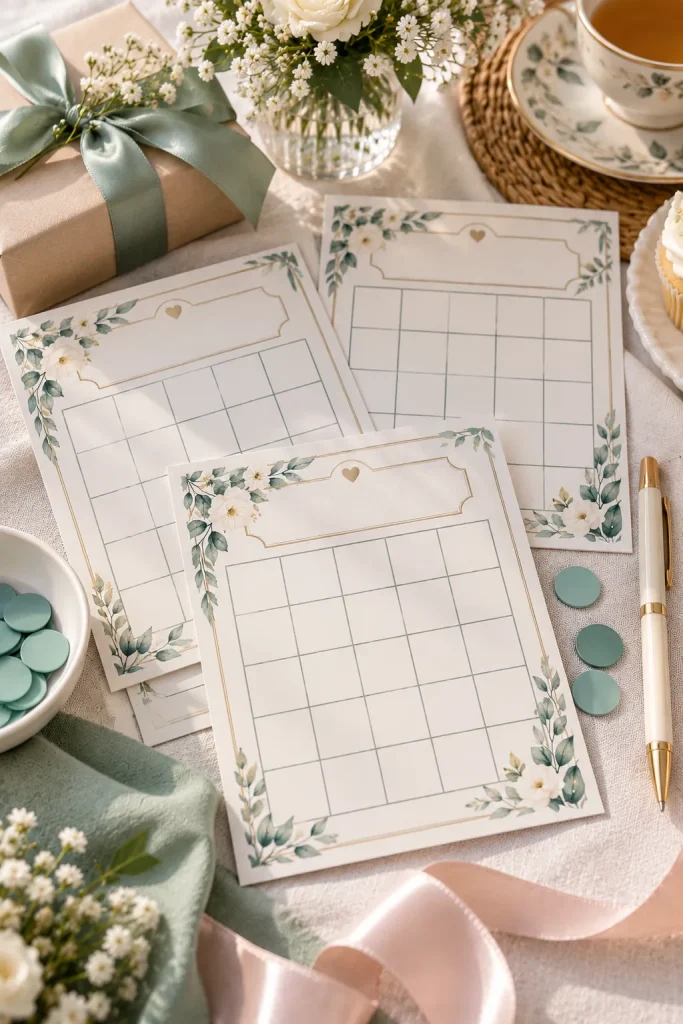
Rows of empty squares can become a simple bridal shower activity when guests fill them with gift predictions. Players mark a square when a matching gift appears as the guest of honor opens presents.
Design bingo cards with clear grids, a short instruction sheet, and sample gift ideas. Offer blank cards that guests fill in themselves or different prefilled cards with common gift categories.
Make writing spaces large enough for short words, and include a reminder that hosts can adjust the game to suit their event.
Guests write their own gift predictions.
Keep the information clear, flexible, and easy to personalize.
Bachelorette Weekend Itinerary Templates With Booking Slots
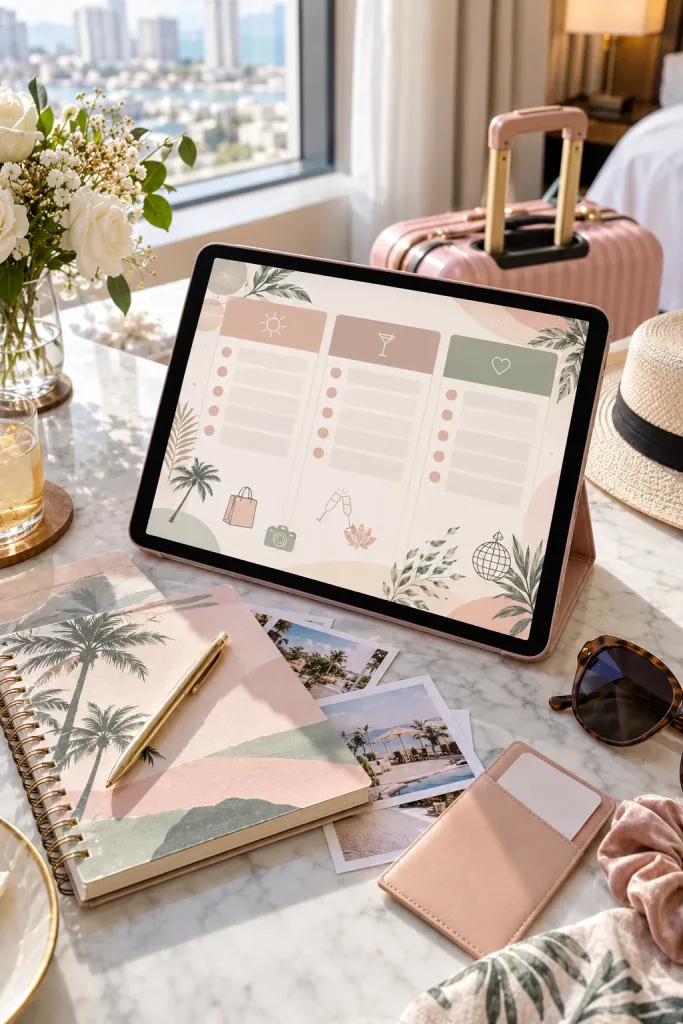
Friday’s dinner reservation is in one message, Saturday’s activity address is in another, and someone still needs the hotel check-in details. A bachelorette weekend itinerary puts those plans into a single schedule the group can follow.
Create an editable template with sections for each day, activity times, locations, booking references, and important notes. Include a space for the organizer’s contact information and reminders about what guests should bring.
Avoid making every time slot mandatory. Groups often need flexibility for rest, travel delays, and changes in plans.
Include meeting points and dress notes. Keep private booking codes in a version shared only with the group. Leave flexible time slots.
Rehearsal Dinner Invitation Cards For Family
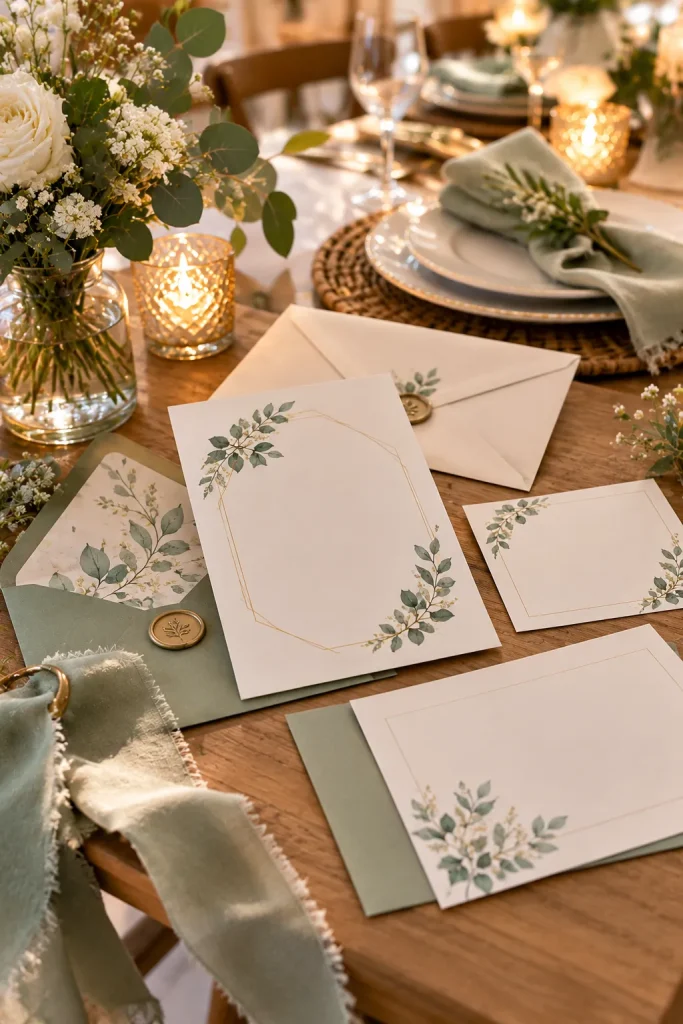
Sending the main wedding invitation again can confuse guests who are also invited to the rehearsal dinner. This smaller gathering needs its own details, especially when the location and start time are different.
Create editable rehearsal dinner invitation cards with spaces for the hosts’ names, dinner date, venue address, arrival time, and RSVP contact. Offer a simple printed card and a matching digital version.
Leave optional room for dress notes or parking instructions.
A short message may omit the full address or reply instructions.
Use a clear, editable layout and preview it at its intended size.
Wedding Party Proposal Cards With Personal Messages
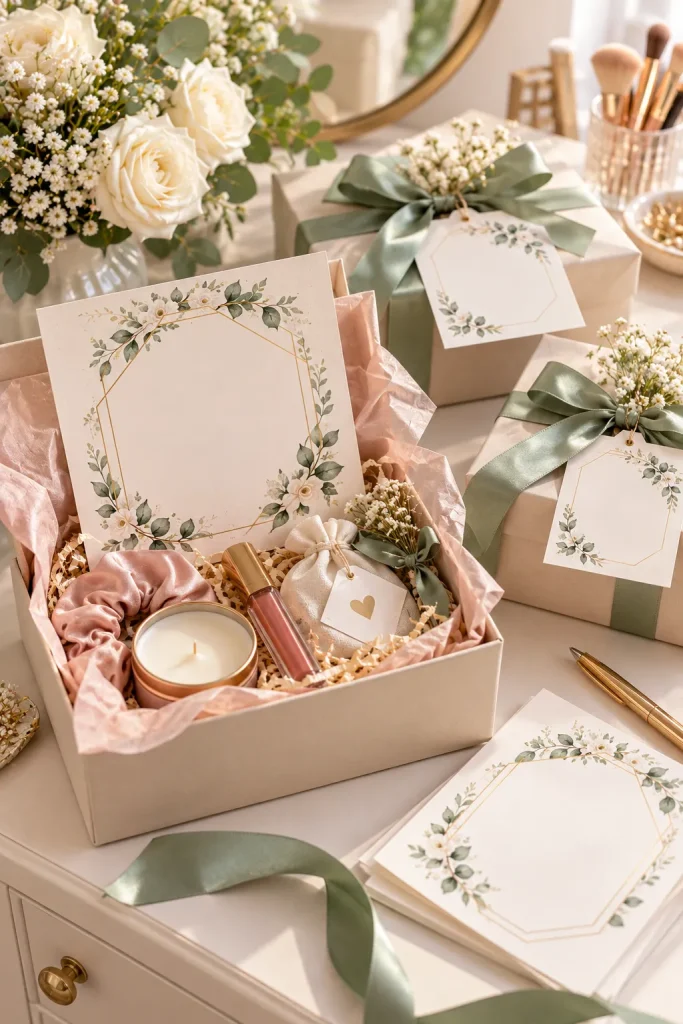
Small cards tucked inside gift boxes can make asking someone to join the wedding party feel more personal. They also give friends and family members something meaningful to keep.
Create editable proposal cards for bridesmaids, groomsmen, maids of honor, best men, and other wedding party roles. Keep the front design simple and provide a blank area for a personal message.
Offer folded and flat card layouts, and avoid locking role names into artwork so buyers can adjust the wording.
1. Choose editable role names
Leave room for a personal message.
2. Show folded and flat layouts
Wedding Speech Prompt Worksheets For Toasts
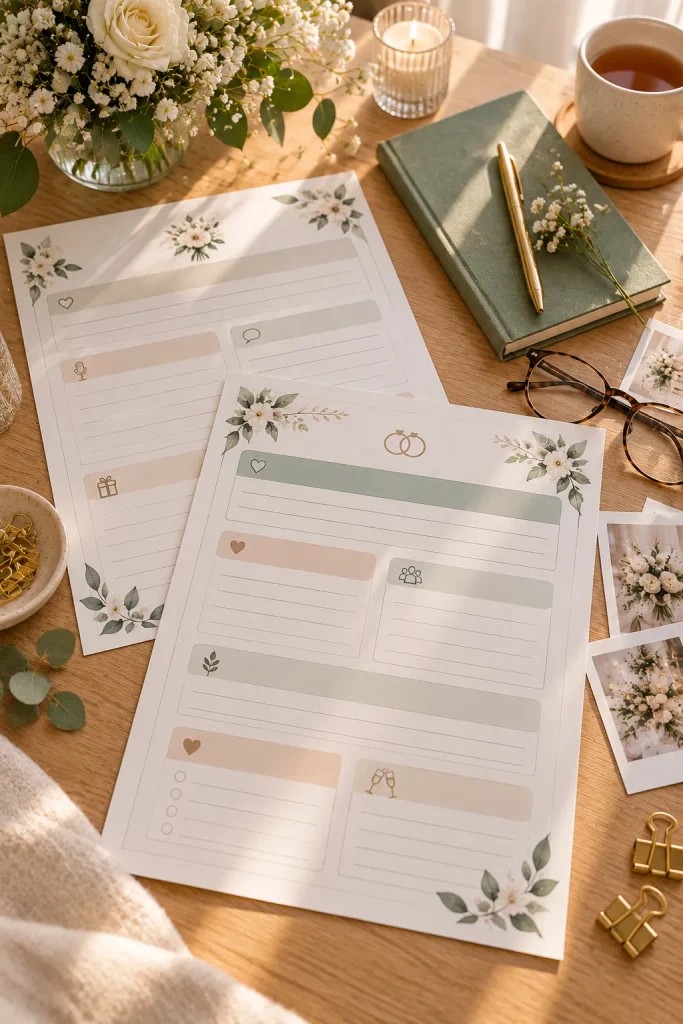
A wedding toast becomes easier to write when the speaker has a clear starting point. The difficult part is often choosing which memories to include and how to connect them.
Create a printable worksheet with separate sections for the opening, a meaningful memory, a message to the couple, and the final toast. Add short questions that help speakers recall personal stories without providing an entire scripted speech.
Leave enough writing space for rough notes and revisions, plus a final blank page for organizing the speech.
Introduce yourself and your connection to the couple.
Keep the information clear, flexible, and easy to personalize.
Wedding Day Emergency Kit Checklists
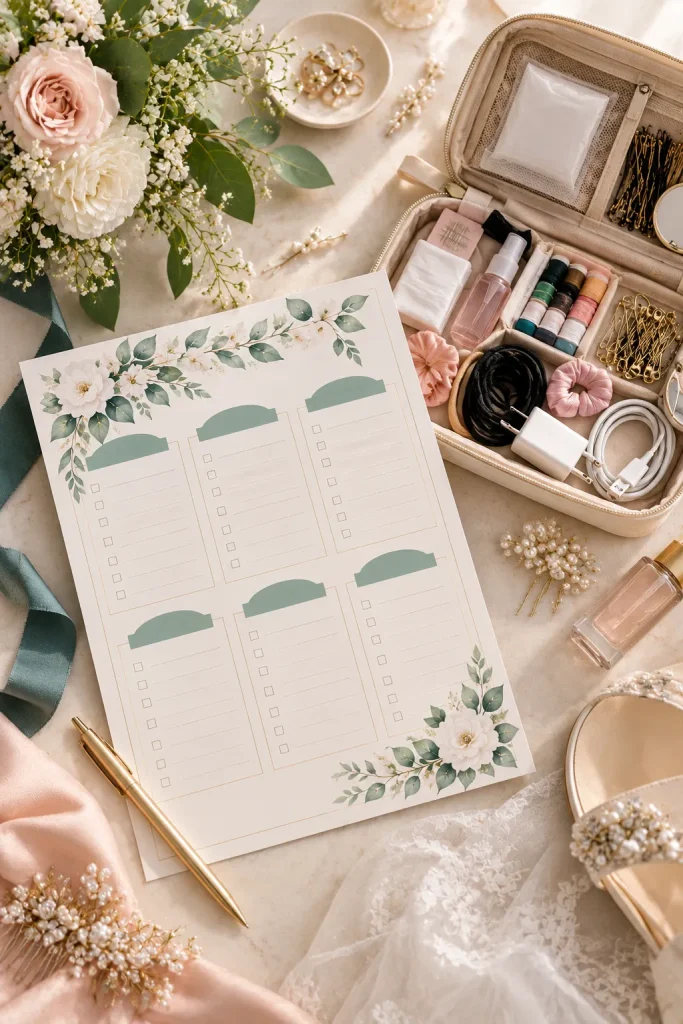
Build a wedding day emergency kit checklist around the small problems that could interrupt getting ready. Loose buttons, missing hairpins, and wrinkled clothing are easier to handle when useful supplies are already packed.
Create a printable checklist that couples can customize for their wedding party and venue. Separate the list into clothing repairs, personal care, accessories, and useful extras.
Include checkboxes for packed items and a blank section for personal needs, without assuming every couple needs the same supplies.
1. Choose the supplies
Review the venue, outfits, and getting-ready arrangements.
2. Check the bag beforehand
Honeymoon Packing Lists By Travel Category
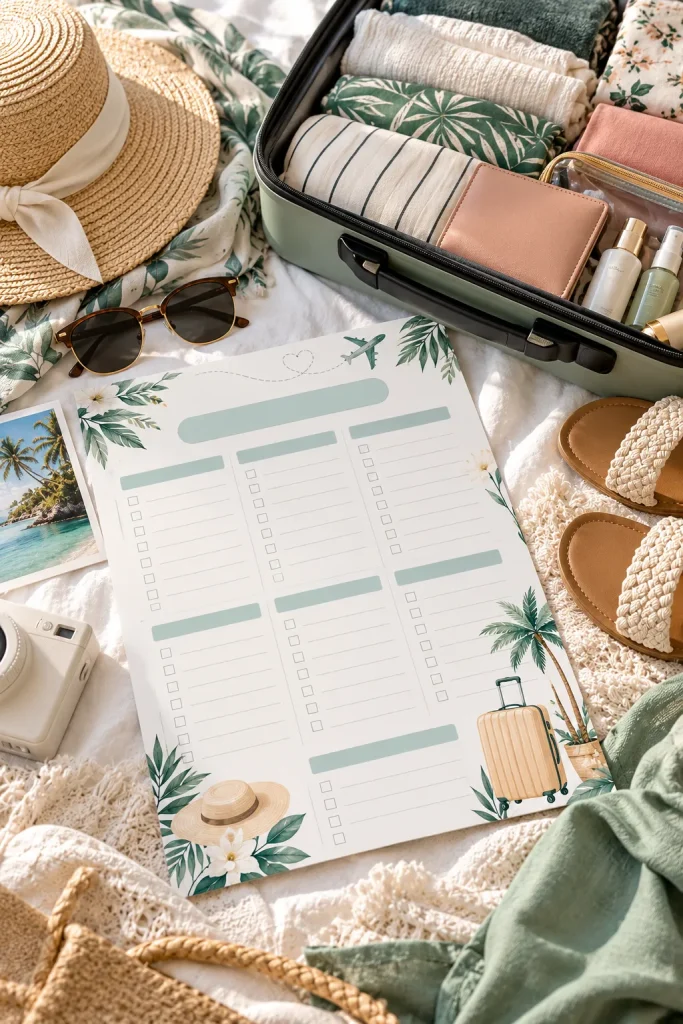
A beach honeymoon and a cold-weather city trip call for different packing lists. A single generic checklist may leave couples with unnecessary items while missing things specific to their destination.
Create editable packing lists organized by clothing, toiletries, electronics, travel documents, and activity supplies. Add optional pages for beach trips, outdoor adventures, or cooler destinations.
A small carry-on checklist is another useful addition. Keep the layout simple enough to print and mark by hand before departure.
Start with the destination. Check the weather, planned activities, transport restrictions, and required travel documents. Personalize the list
Wedding Thank You Card Templates With Photo Space
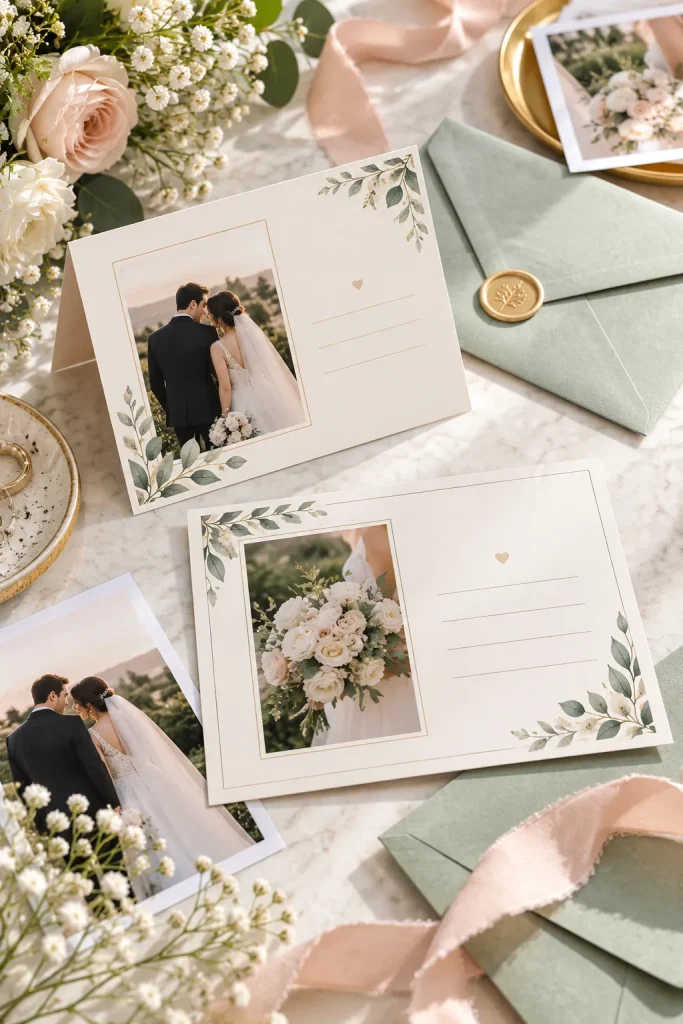
The wedding photos have arrived, but the couple still needs to thank everyone who celebrated with them or sent a thoughtful gift. An editable thank you card with a photo space helps turn a favorite wedding picture into a personal message.
Create a template with a replaceable photo frame, a short greeting, and enough room for a handwritten or typed note. Offer a folded version for mailing and a flat layout for couples who prefer a simpler card.
Show a matching envelope mockup so buyers can picture the finished stationery.
Leave space around the photo. Avoid placing faces too close to cutting edges. Preview portrait and landscape photos
Start With One Wedding Product That Solves a Real Problem
Creating a wedding product shop does not mean designing everything at once. Pick one idea that matches your skills and think about the couple who would use it.
A clear invitation template, an organized planning sheet, or a printable activity can each serve a specific purpose. The strongest digital wedding products are easy to understand, customize, and use.
Before publishing, check the current selling platform rules, template permissions, and file requirements. Show accurate previews and explain exactly what buyers receive.
Start with one useful product, then build related designs as your collection grows.
Save this list to your Pinterest board so you can return when you’re ready to create your next wedding download.