
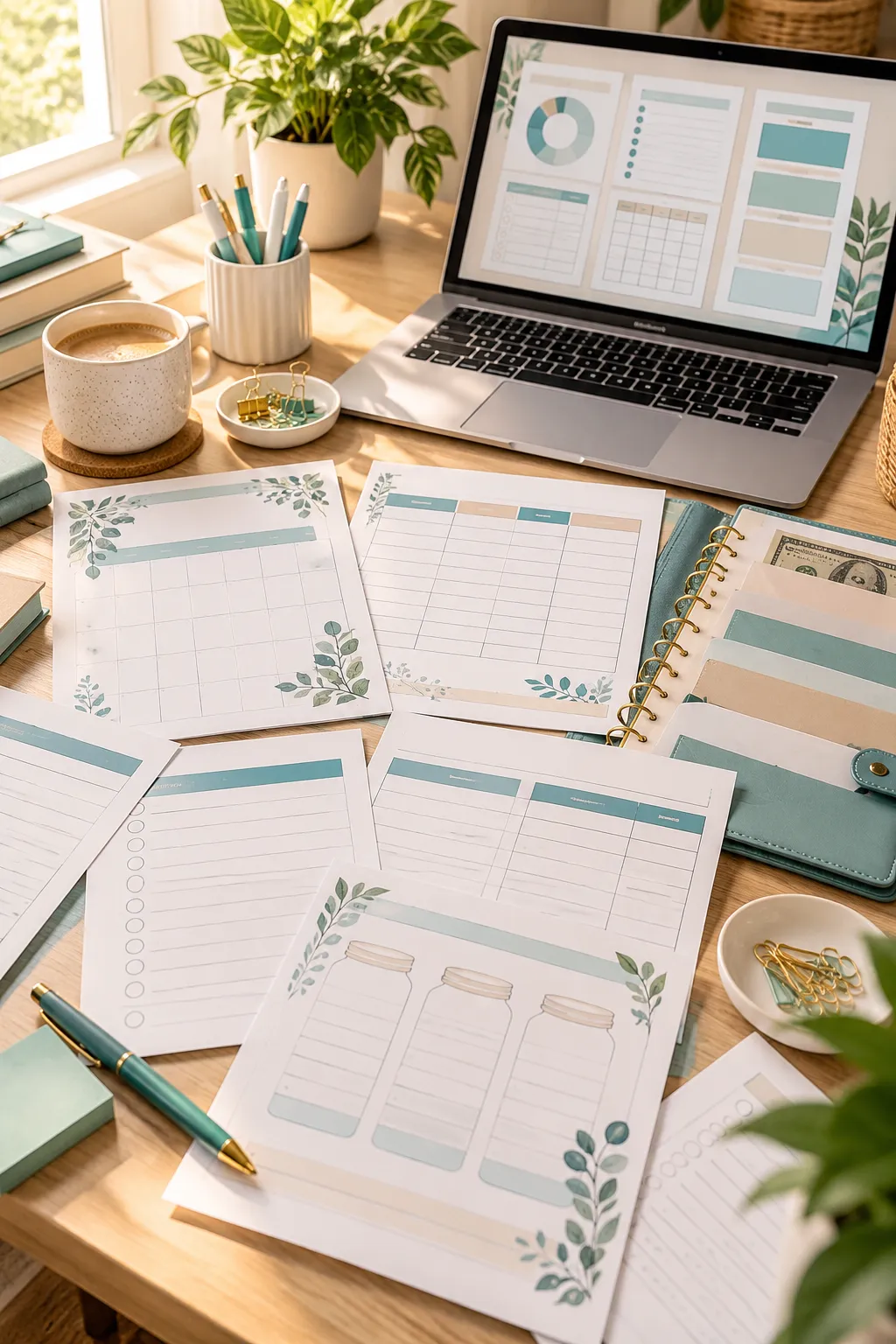
A new month starts, and someone is staring at a pile of receipts, a banking app, and a notebook with half-finished spending notes. They want to get their money organized, but building a budget from scratch feels like another chore. A simple printable worksheet can make that first step much easier.
That everyday problem creates an opportunity for digital product creators. People look for practical pages they can print at home, fill out by hand, and keep in a binder. Some need help managing weekly expenses. Others want to plan around payday, remember bills, or keep their savings goals in sight.
If you’re looking for budget printables to sell, the best place to start is with a specific money problem. A clean layout, useful writing space, and clear labels often matter more than fancy decorations.
Below are 30 printable product ideas you can design using tools like Canva. Each idea covers a different budgeting need, along with ways to make the finished download more useful for potential buyers.
1. Monthly Budget Planner With Income and Expense Boxes
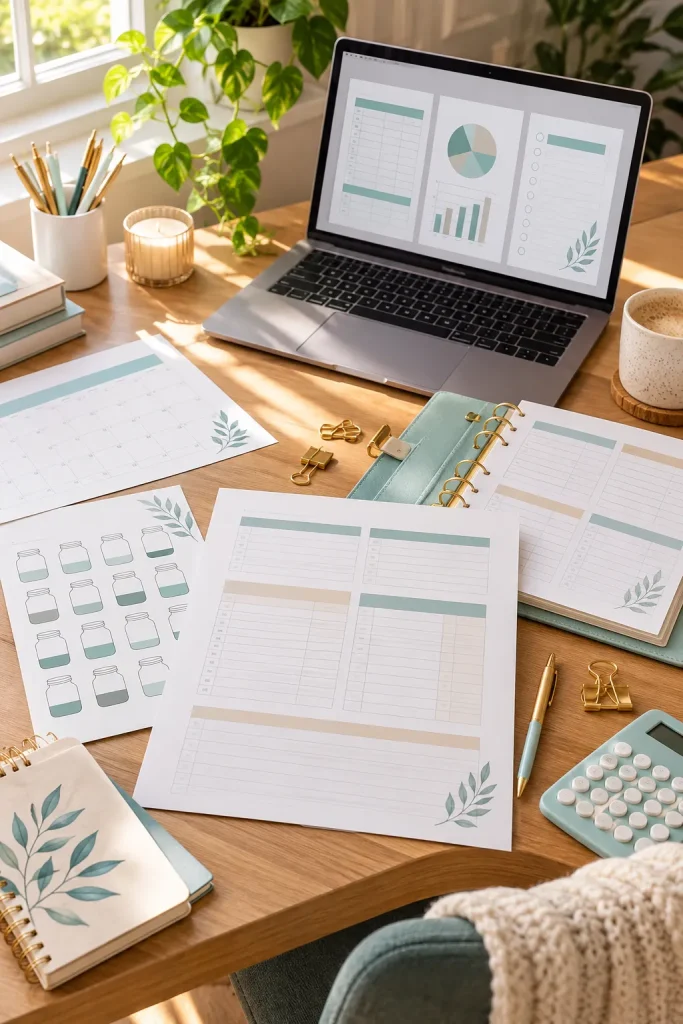
A monthly budget planner gives people one place to organize their expected income, regular bills, and everyday spending. It works well for beginners who want a clear picture of their money without learning complicated budgeting methods.
What to Include in Your Design
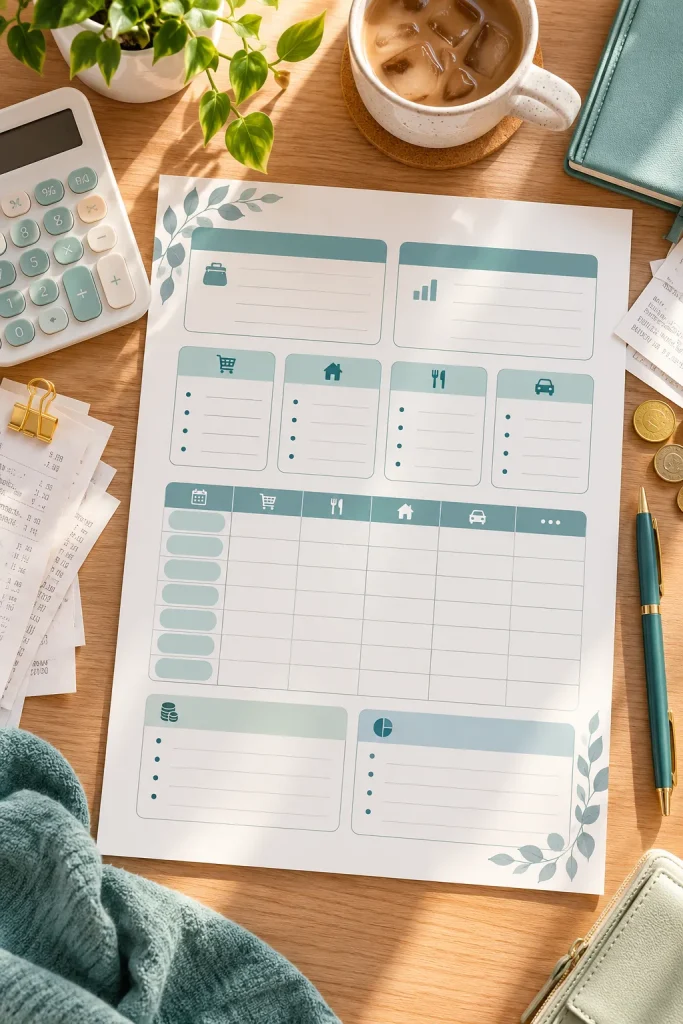
Divide the worksheet into income, expenses, and a monthly summary. Include salary, freelance payments, rent, groceries, transport, planned spending, actual spending, and money remaining. Use clear section headings and enough space for handwriting. Create the layout in Canva and offer US Letter and A4 sizes. Include a simple black-and-white version for low-ink printing.
Monthly Budget Planner: Income and Expense Boxes
Main layout
Clear fields for the buyer
Quick entries
Space for handwritten records
Summary
An easy progress or total section
2. Weekly Spending Tracker With Daily Entry Rows
Small purchases are easy to forget. A coffee on Monday, an extra grocery stop on Wednesday, and a weekend snack can disappear from memory before the week ends. A weekly spending tracker helps buyers record purchases while they are still fresh. It suits students, busy households, and anyone reviewing daily spending.
Make the Tracker Simple to Fill Out
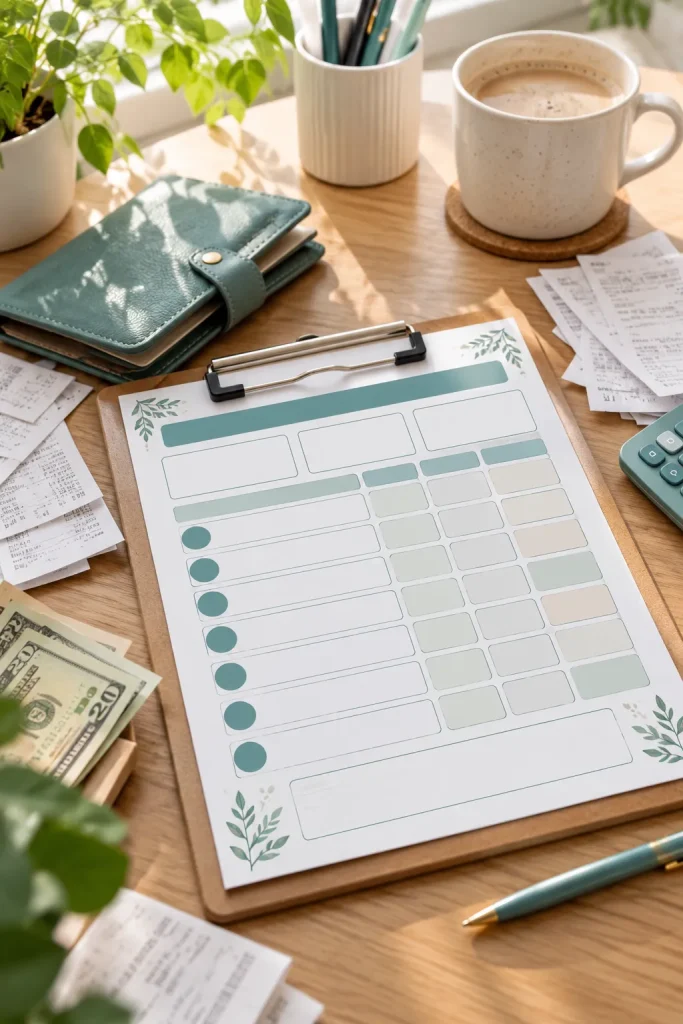
Create seven daily sections with columns for date, purchase, category, and amount. Add a weekly total box at the bottom, plus a notes area for unexpected purchases. Keep the rows tall enough for handwriting.
3. Paycheck Budget Planner for Every Payday
Not everyone plans their spending one month at a time. Someone paid every Friday may need a different worksheet from someone receiving two paychecks each month. A paycheck budget planner focuses on money available during one pay period.
Design Around Each Payday
Start with pay date and take-home income. Add bills due before the next paycheck, living costs, savings, and remaining money. It suits hourly workers and anyone budgeting weekly or biweekly. Sell an undated version and include a narrow column for bill due dates.
Paycheck Budget Planner: Every Payday
Date
Record the relevant period
Details
Use category-specific fields
Review
Compare the recorded results
4. Zero Based Budget Worksheet for Assigning Every Dollar
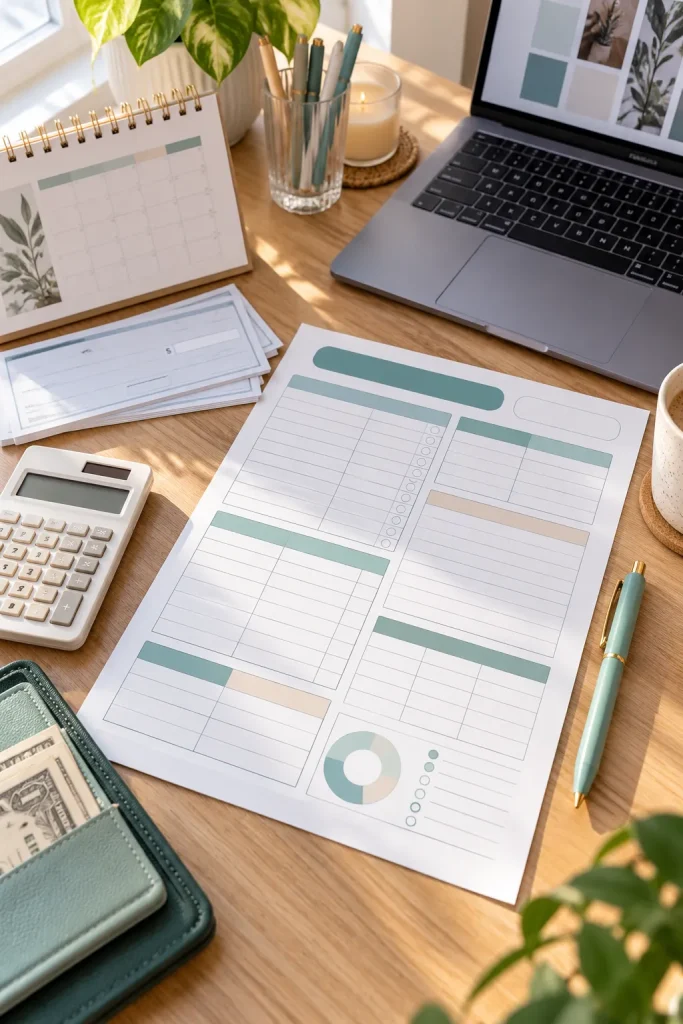
A zero-based budget gives every dollar of planned income a job. The goal is to allocate income across expenses, savings, debt payments, and other categories until the unassigned amount reaches zero. That does not mean spending every dollar, since savings also has a purpose.
Build a Clear Allocation Worksheet
Place income at the top, budget categories in the middle, and a remaining-to-assign calculation at the bottom. Include a small example, and leave enough room to adjust amounts. This suits buyers wanting a more detailed plan than an expense list.
5. Cash Envelope Budget Labels and Tracking Inserts
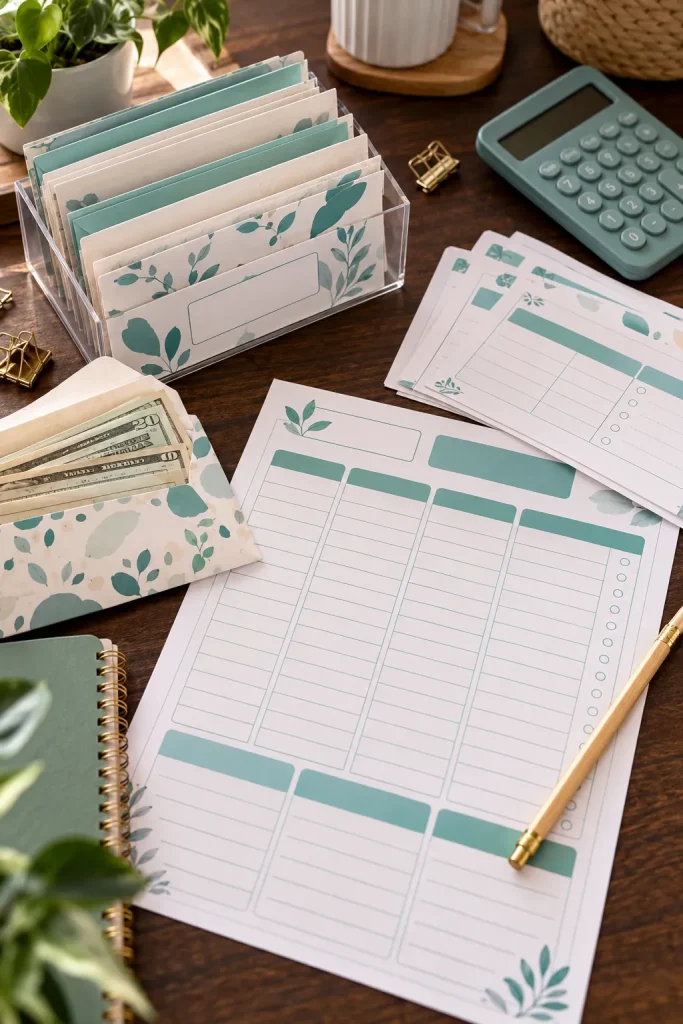
Cash envelope budgeting gives people a physical way to separate money for different spending needs. Instead of another ordinary worksheet, design printable envelope labels and small tracking inserts that buyers can cut out and organize.
Make It Easy to Assemble
Include labels for groceries, fuel, entertainment, and household supplies, plus blank labels. Tracking inserts should show date, money added, money spent, and balance. Add cutting guides and finished dimensions, so cash budgeters know whether the inserts fit their envelopes or binder.
BEFORE Scattered notes
Records are difficult to review.
AFTER Organized printable
Related information is kept together.
6. Bill Payment Calendar With Due Date Reminders
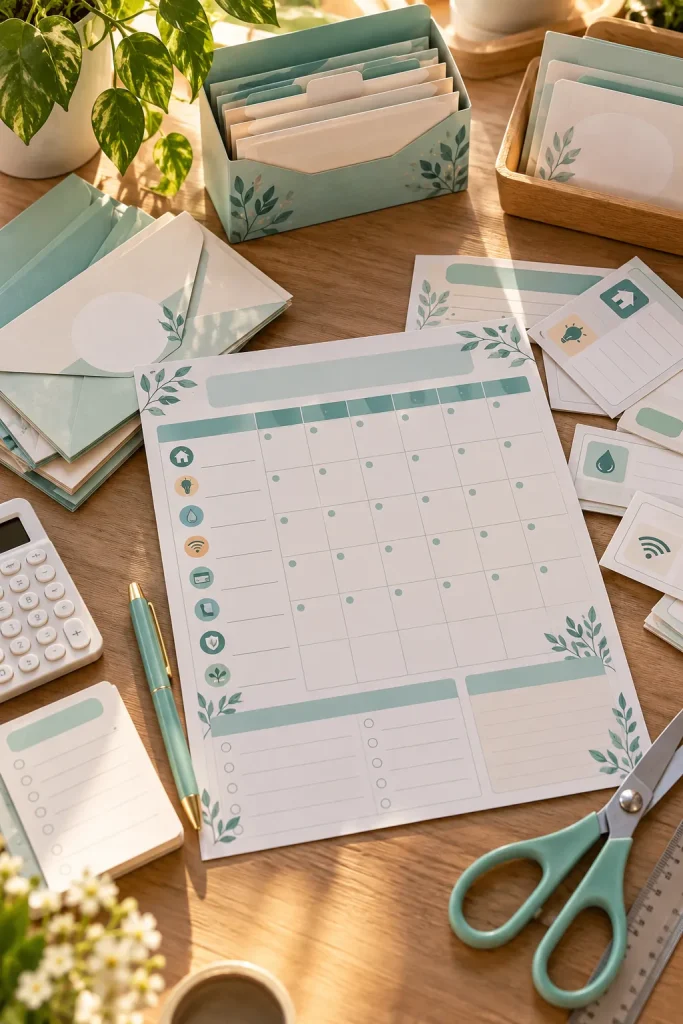
A bill payment calendar helps buyers see upcoming due dates without searching through emails or separate account reminders. The printable can look like a normal monthly calendar, but each date box needs space for a bill name and payment amount.
Add Useful Payment Details
Include a legend for scheduled, paid, and outstanding bills. Beneath the calendar add recurring payments and confirmation notes. An undated layout works throughout the year. Avoid decorations that take up handwriting space.
💡 Quick tip
Include a legend for scheduled, paid, and outstanding bills. Beneath the calendar add recurring payments and confirmation notes. An undated layout works throughout the year. Avoid decorations that take up handwriting space.
7. Expense Category Tracker for Finding Spending Patterns
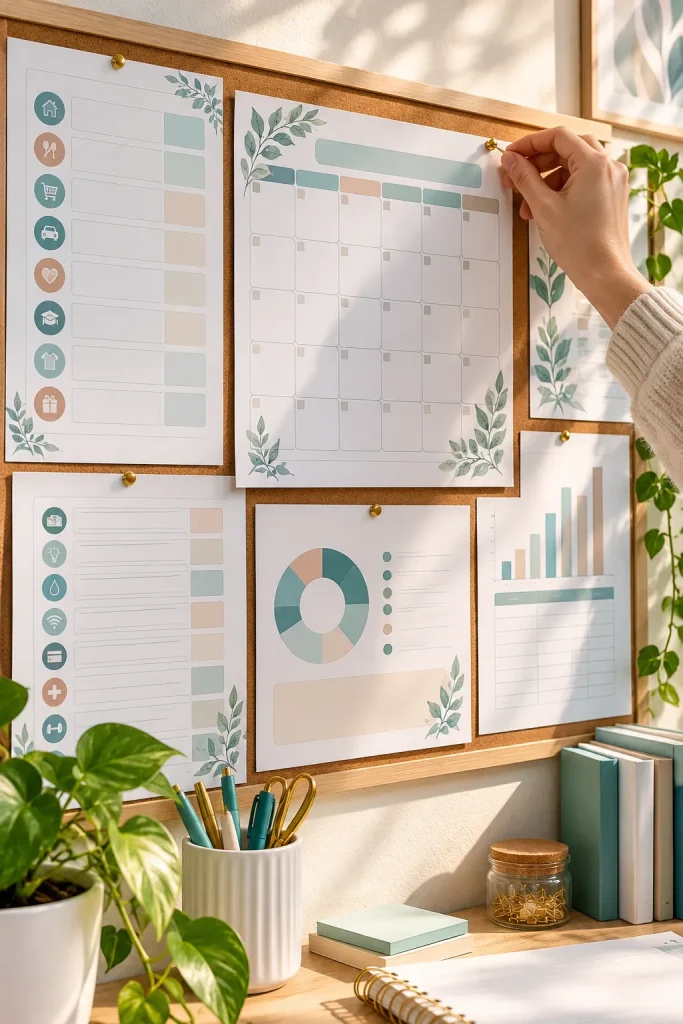
A long list of purchases shows what someone spent but does not easily reveal which spending types take up the most money. An expense category tracker groups purchases into food, transportation, personal care, entertainment, and other categories.
Give Every Category Its Own Space
Provide planned amounts, actual totals, differences, and blank category rows. This suits end-of-month budget reviews. Make the writing areas generous and add a clear overall total so recorded expenses can be checked against spending.
✅ Do this
Keep labels and fields clear.
🚫 Avoid
Crowded layouts and unsupported assumptions.
8. Annual Budget Overview With Twelve Monthly Sections
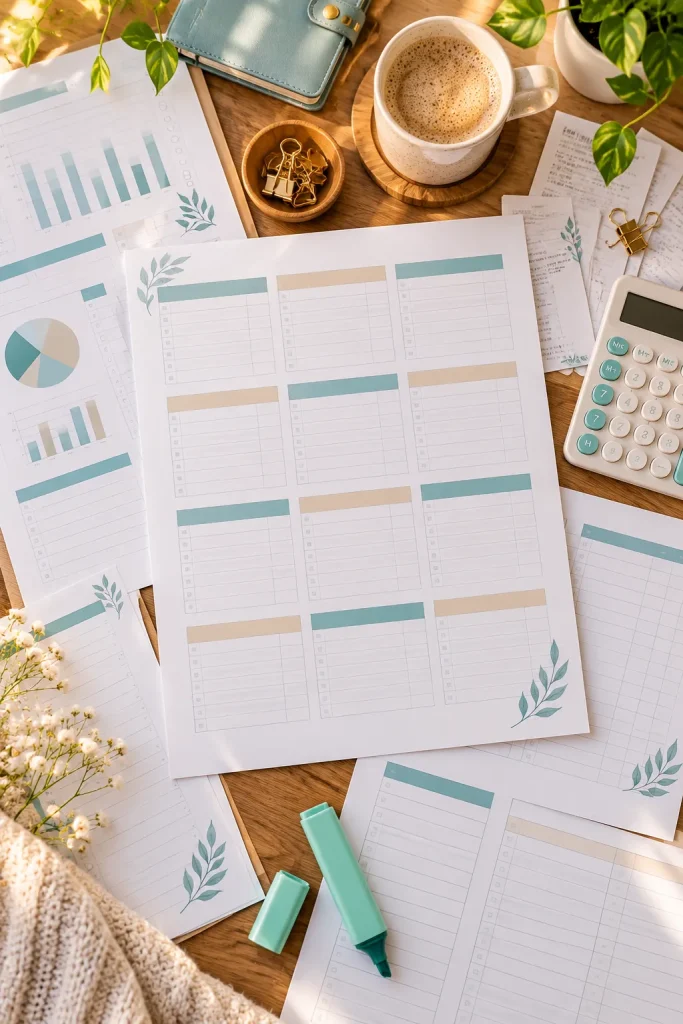
Monthly worksheets help with daily money management, but buyers may also want to see how finances change over a full year. An annual overview brings twelve monthly summaries onto one page or a small set of pages.
Keep the Year Easy to Scan
Make twelve labeled sections with total income, spending, and savings added. A landscape version gives more writing room. A matching year-end review sheet can hold major expenses and goals for the following year.
| Compact version | Expanded version |
|---|---|
| Quick summary of the main information | Extra room for detailed records |
9. Savings Challenge Tracker With Fillable Progress Shapes
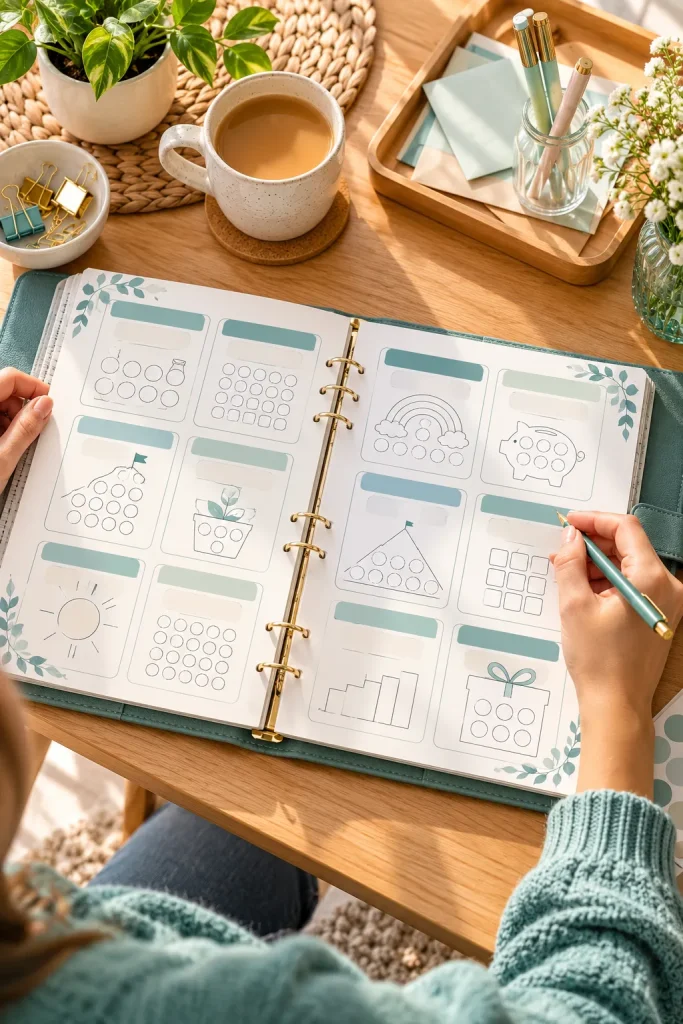
A savings challenge feels more rewarding when people can see progress on paper. Rather than filling out another table, buyers color small shapes whenever they put money aside. Create trackers with empty circles, stars, jars, or honeycomb shapes.
Offer Different Challenge Designs
Provide spaces for custom deposit amounts or a version with values already assigned. These suit visual planners. Make shapes large enough for colored pencils and include a low-ink version with plain outlines.
Savings Challenge Tracker: Fillable Progress Shapes
Main layout
Clear fields for the buyer
Quick entries
Space for handwritten records
Summary
An easy progress or total section
10. Emergency Fund Tracker With Milestone Checkboxes

An emergency fund can take time to build, especially when saving small amounts between regular expenses. A milestone tracker breaks a larger goal into checkpoints that buyers mark as they reach them.
Create an Adjustable Goal Layout
Add starting balance, target amount, date, current savings, customizable milestone amounts, and a progress review area. Do not force one savings target on every household. This differs from a coloring challenge by focusing on clear milestones and money still needed.
11. Sinking Fund Planner for Future Expenses
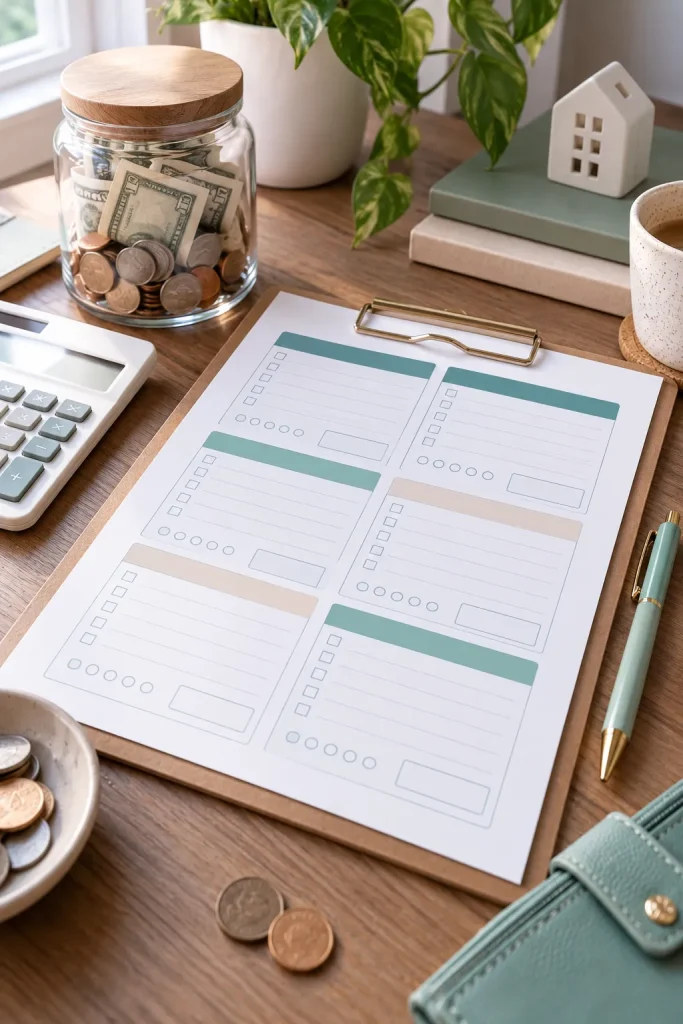
Car repairs, annual insurance payments, and home maintenance may not happen monthly, but still need room in a budget. A sinking fund planner helps buyers put aside money for expected future costs, unlike emergency savings for the unexpected.
Give Each Fund Its Own Page
Include the fund name, target amount, deadline, balance, and contributions. Add a deposit and withdrawal log. Offer a set with category labels plus blank versions for custom funds, and allow buyers to revise cost estimates.
Sinking Fund Planner: Future Expenses
Date
Record the relevant period
Details
Use category-specific fields
Review
Compare the recorded results
12. Debt Snowball Tracker With Balance Reduction Steps
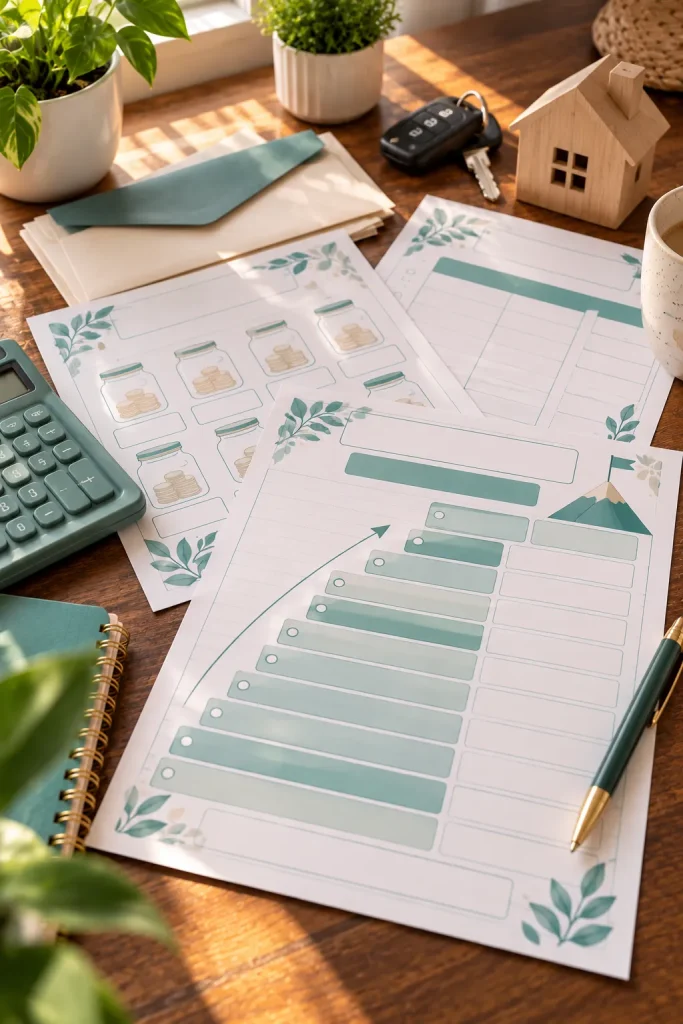
Start this printable with space to list debts from smallest balance to largest. In the debt snowball method, buyers focus extra payments on the smallest debt while continuing required payments on others. Once cleared, that payment can go toward the next debt.
Show the Repayment Sequence
Create columns for creditor, starting balance, required payment, updated balance, and a completion checkbox. Use actual statements to account for interest and fees. Note that interest rates and repayment costs matter when choosing a strategy.
13. No Spend Challenge Calendar With Daily Checkoffs
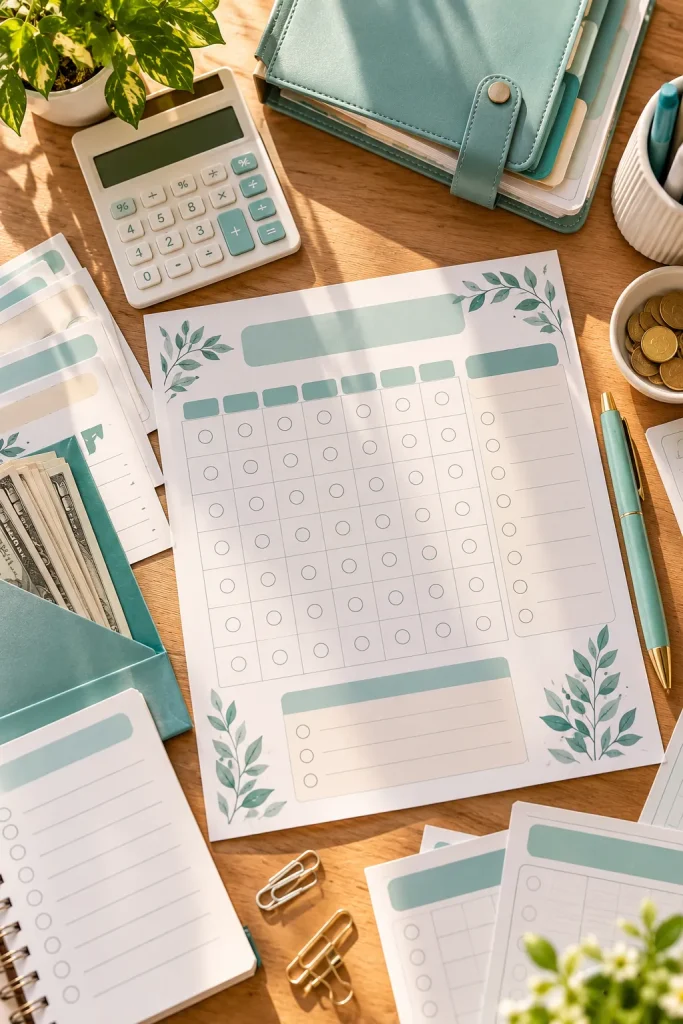
A calendar filled with checkmarks helps someone notice how often they shop out of habit rather than necessity. A no-spend calendar lets buyers mark days when they avoid purchases outside the essential expenses they have defined.
Leave Room for Personal Rules
Add an undated calendar, a challenge goal, essential-spending rules, and notes for triggers such as online browsing. It helps people reflect on impulse spending. Never frame necessary purchases, bills, or food as a failure.
BEFORE Scattered notes
Records are difficult to review.
AFTER Organized printable
Related information is kept together.
14. Vacation Savings Planner With a Trip Budget Breakdown
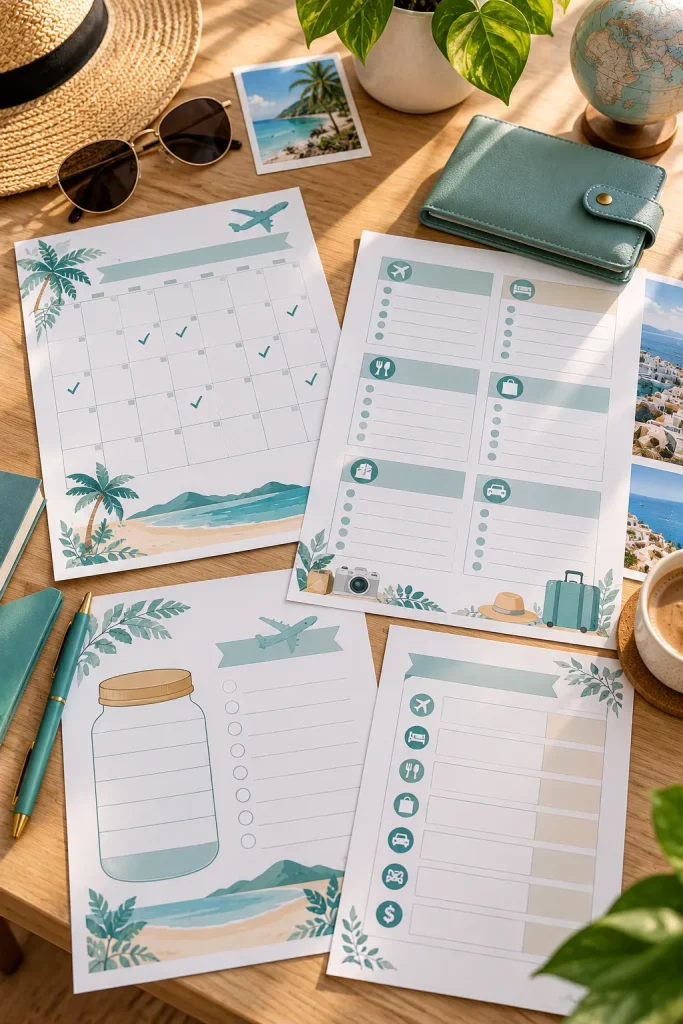
Flights, accommodation, meals, and activities all compete for space in a vacation budget. A trip planner helps travelers estimate those costs before booking and brings the travel budget together with the savings goal.
Build Around the Trip Details
Start with destination, travel dates, and number of travelers. Add transportation, lodging, food, activities, miscellaneous expenses, estimated and actual costs. Offer a page for payment deadlines and a customizable buffer for surprises.
💡 Quick tip
Start with destination, travel dates, and number of travelers. Add transportation, lodging, food, activities, miscellaneous expenses, estimated and actual costs. Offer a page for payment deadlines and a customizable buffer for surprises.
15. Holiday Gift Budget Planner With Recipient Lists
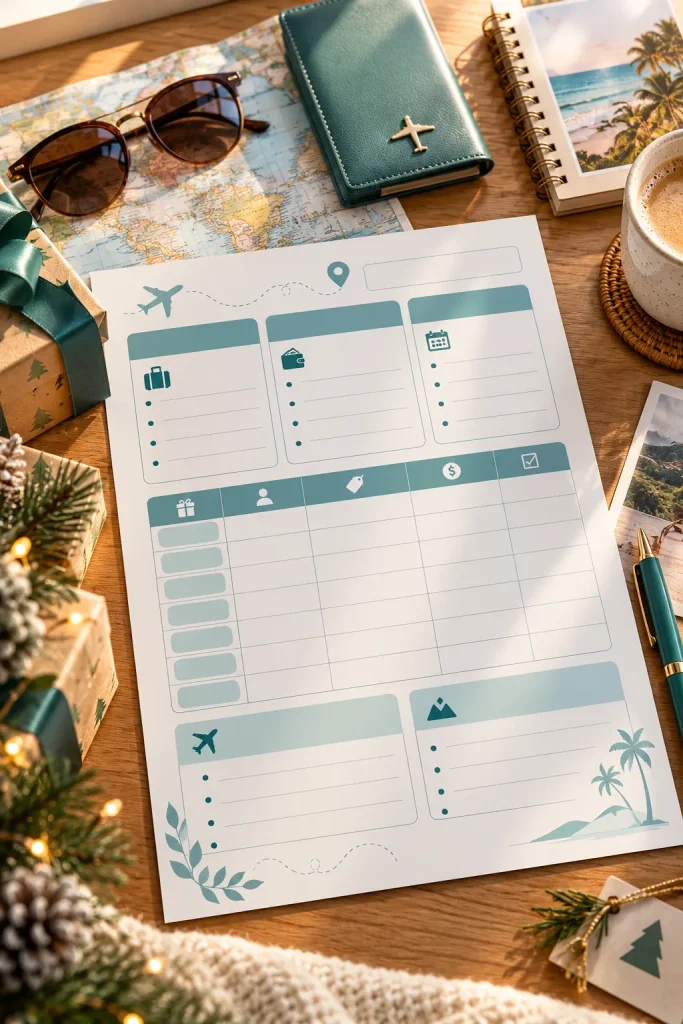
Buying gifts for several people gets confusing when shopping happens across different weeks or stores. A holiday gift budget printable keeps recipients, gift ideas, and planned spending together.
Make the Gift List Useful
Add recipient name, gift idea, spending limit, actual cost, and status fields. Include wrapping, cards, and postage. Offer undated neutral decoration so it works for different occasions, and leave room for more than one gift per person.
✅ Do this
Keep labels and fields clear.
🚫 Avoid
Crowded layouts and unsupported assumptions.
16. Home Down Payment Savings Tracker With Goal Milestones
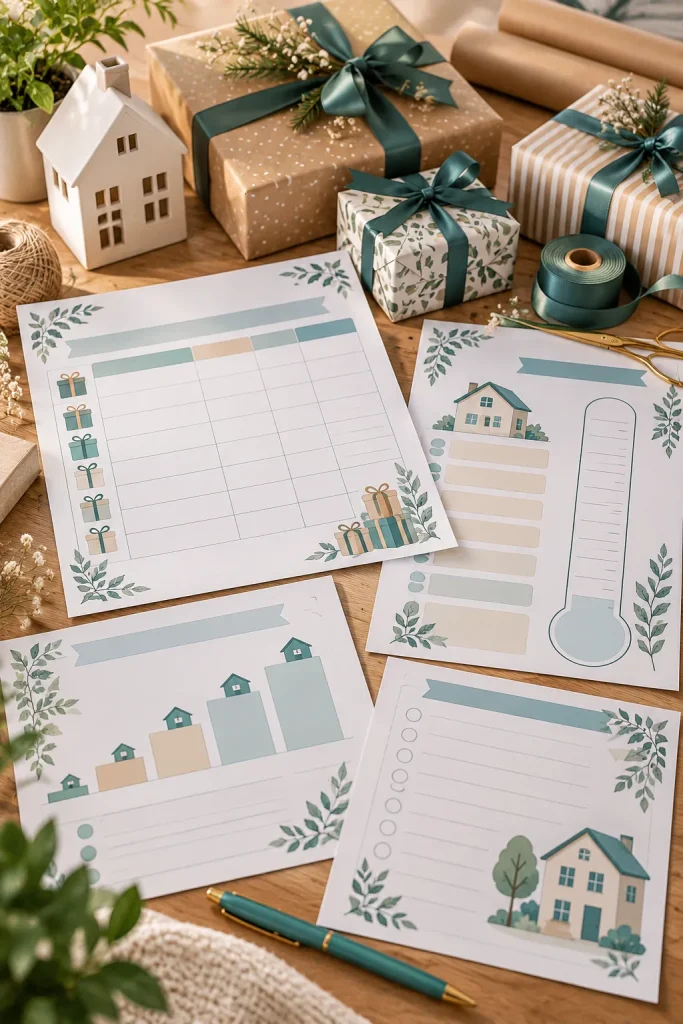
Saving toward a home purchase is a longer project than preparing for a normal monthly bill. A home down payment tracker focuses on one large goal, with milestone spaces updated over time.
Design for a Changing Savings Goal
Include target deposit, current balance, contribution, date, and progress boxes. Offer a compact tracker and a detailed contribution log. Avoid universal deposit recommendations or claims about mortgage qualification.
| Compact version | Expanded version |
|---|---|
| Quick summary of the main information | Extra room for detailed records |
17. Grocery Budget Planner With a Shopping Cost Estimate
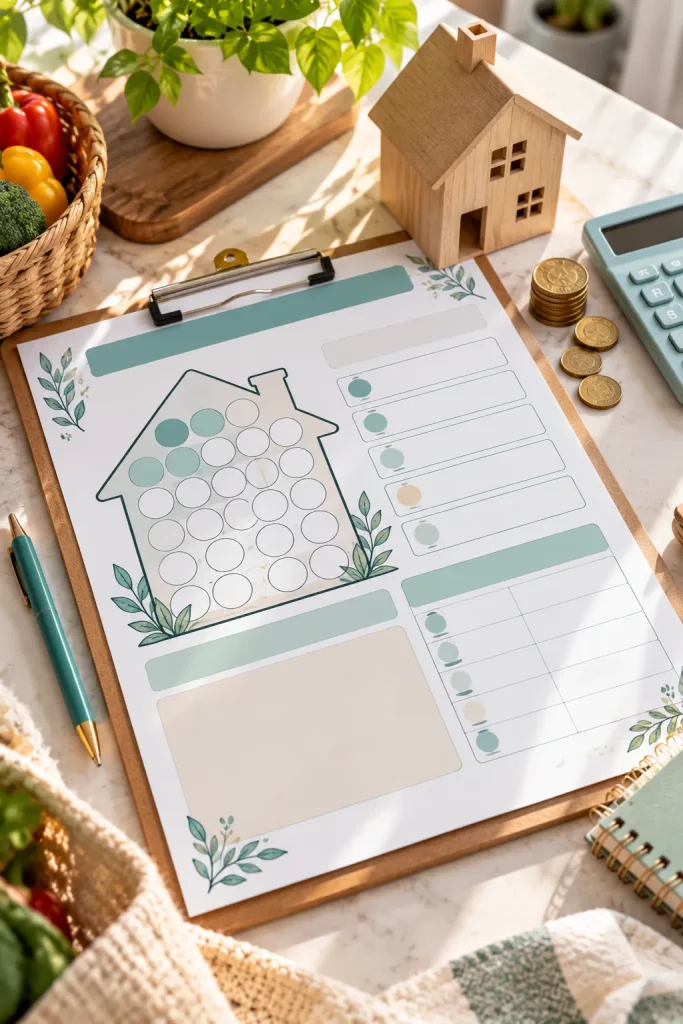
A grocery list tells shoppers what to buy, but not what the trip might cost. A grocery budget planner adds estimated prices beside items. It suits families, students, and anyone working within a planned food budget.
Make the Shopping List Work as a Budget
Divide into fresh food, pantry items, and household essentials. Include quantities, estimated costs, actual costs, a spending limit, and final total. Make it compact enough to use on a store clipboard.
Grocery Budget Planner: a Shopping Cost Estimate
Main layout
Clear fields for the buyer
Quick entries
Space for handwritten records
Summary
An easy progress or total section
18. Meal Planning Budget Worksheet With Ingredient Costs
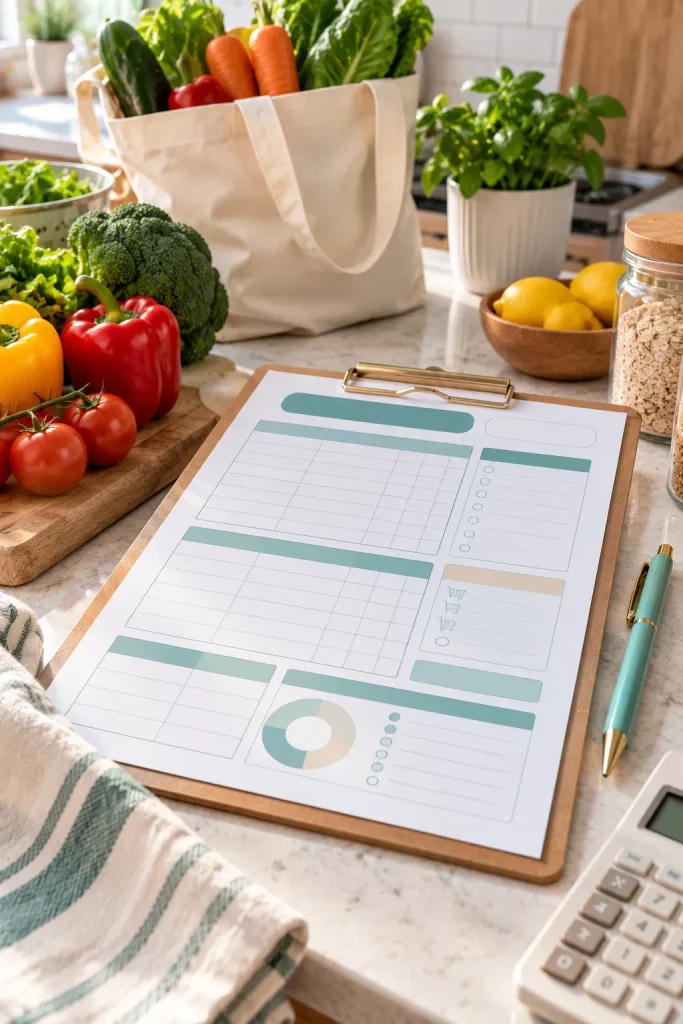
Planning meals and planning groceries solve different problems. A meal budget worksheet estimates what individual meals cost before deciding what to cook. Start with a weekly breakfast, lunch, and dinner menu.
Include These Practical Fields
Add meal names, servings, ingredients, quantities, costs, and total estimated meal cost. Allow shared ingredients and a space to note pantry items already at home. This suits households that cook regularly and compare meal options.
19. Family Budget Planner With Shared Household Expenses
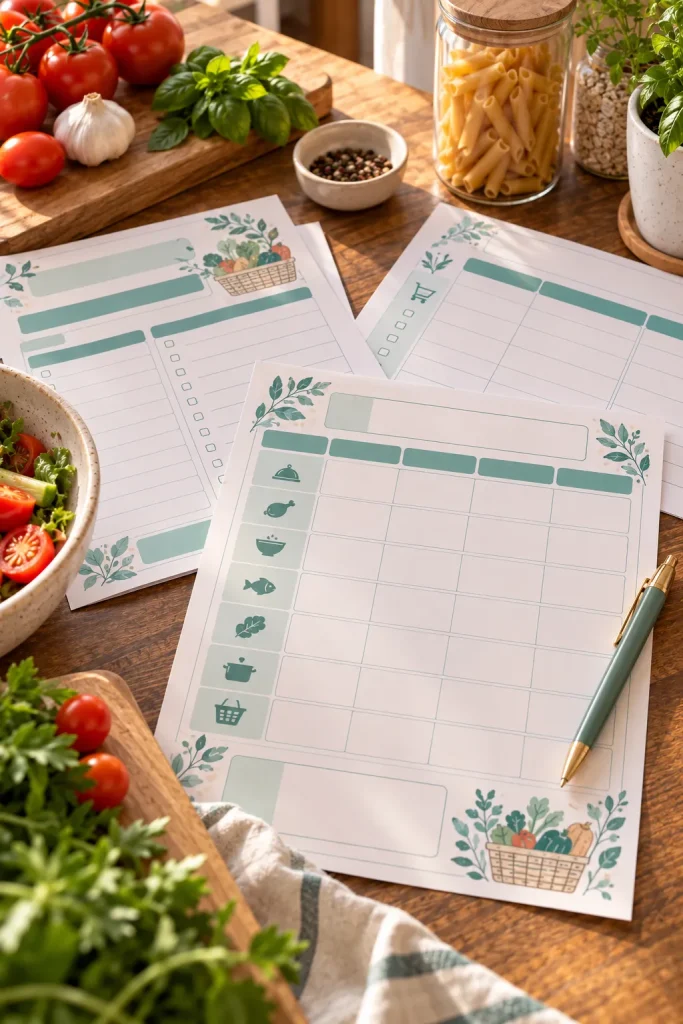
When several people contribute to household expenses, a basic personal budget may not give enough detail. A family budget planner brings shared income, bills, and spending responsibilities into one place for couples and families.
Design for Shared Money Decisions
Add contributors, planned contributions, housing, utilities, groceries, childcare, transport, and a payment responsibility column. Keep private spending separate. Include a family budget meeting page for upcoming expenses and decisions.
Family Budget Planner: Shared Household Expenses
Date
Record the relevant period
Details
Use category-specific fields
Review
Compare the recorded results
20. Wedding Budget Planner With Vendor Payment Tracking

A wedding budget needs more than expected expenses. Couples may pay deposits months before the event, then remaining balances closer to the date. A vendor payment tracker organizes those separate obligations.
Build a Vendor Payment Worksheet
Include wedding budget, vendor name, agreed total, deposit, outstanding balance, deadline, and invoice reference. This suits couples planning their own wedding. Keep the page readable so payment dates are easy to find.
21. Back to School Budget Planner With Supply Categories
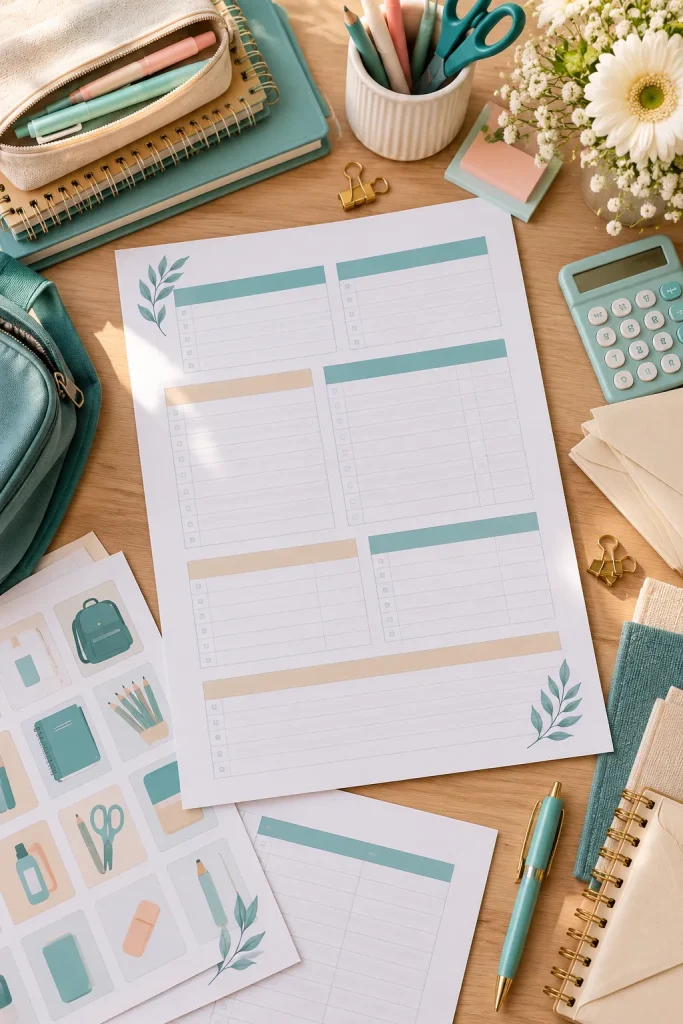
School shopping can involve more than notebooks and pencils. Families may need uniforms, backpacks, classroom supplies, and other items depending on grade. A back-to-school budget page organizes purchases before shopping.
Organize the Page by Shopping Needs
Separate stationery, clothing, bags, and school requirements. Add quantities, cost estimates, purchased status, and items already owned. Offer a multi-child version with a student name column.
BEFORE Scattered notes
Records are difficult to review.
AFTER Organized printable
Related information is kept together.
22. Subscription Tracker With Renewal Dates and Monthly Costs
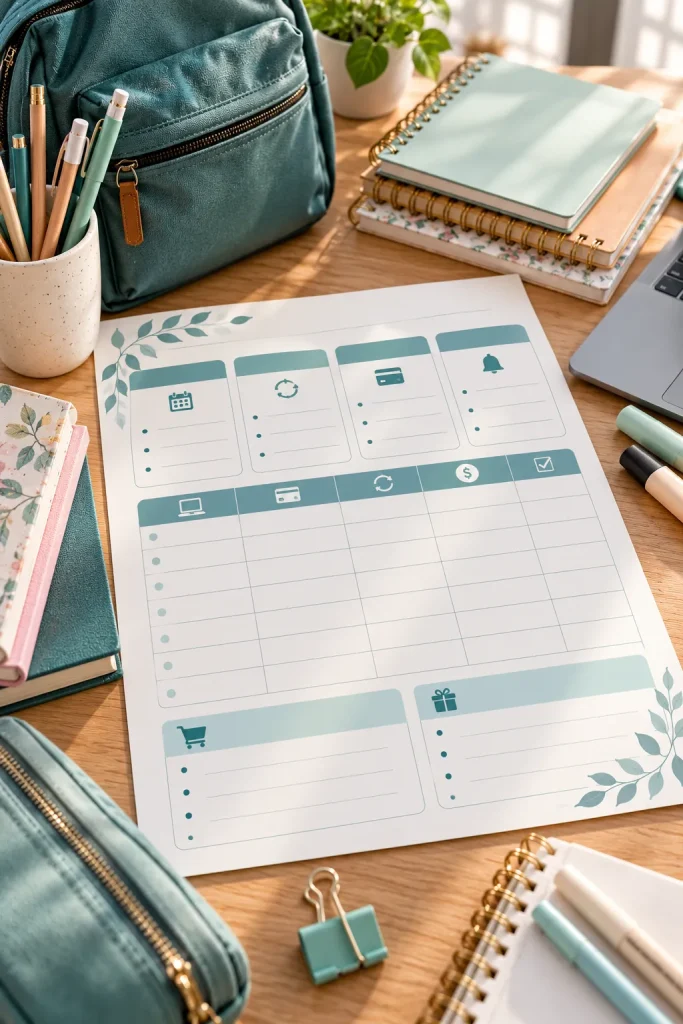
Streaming services, software subscriptions, and memberships can renew on different dates. People juggling multiple accounts may lose track of upcoming payments. A subscription tracker gives buyers a record of recurring charges.
Add Fields That Help With Reviews
Use service name, cost, billing frequency, renewal date, cancellation notice deadline, and a review checkbox. Support annual and monthly plans. Remind buyers to check each provider’s current billing terms.
💡 Quick tip
Use service name, cost, billing frequency, renewal date, cancellation notice deadline, and a review checkbox. Support annual and monthly plans. Remind buyers to check each provider's current billing terms.
23. Car Maintenance Budget Planner With Service Records
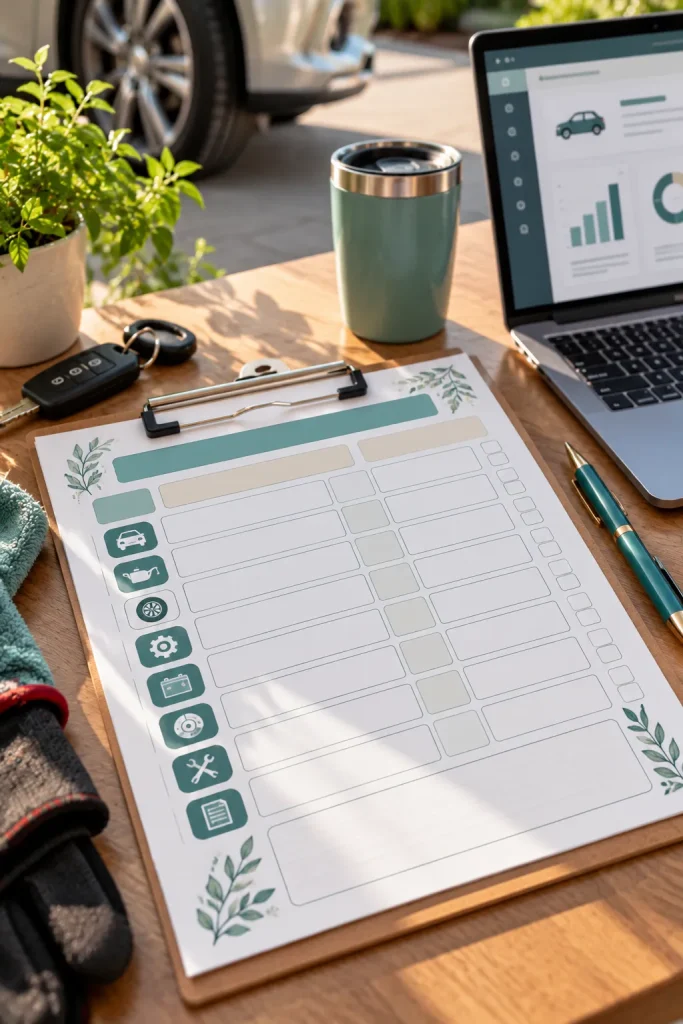
A vehicle can go months without needing attention, then require several expenses close together. A car maintenance budget planner tracks the spending history without replacing a professional service schedule.
Separate Completed Work From Future Costs
Log dates, mileage, work done, actual cost, upcoming maintenance, estimated costs, garage details, and receipt references. Do not print universal service intervals, since requirements vary by vehicle.
✅ Do this
Keep labels and fields clear.
🚫 Avoid
Crowded layouts and unsupported assumptions.
24. Moving Budget Planner With Room and Service Costs
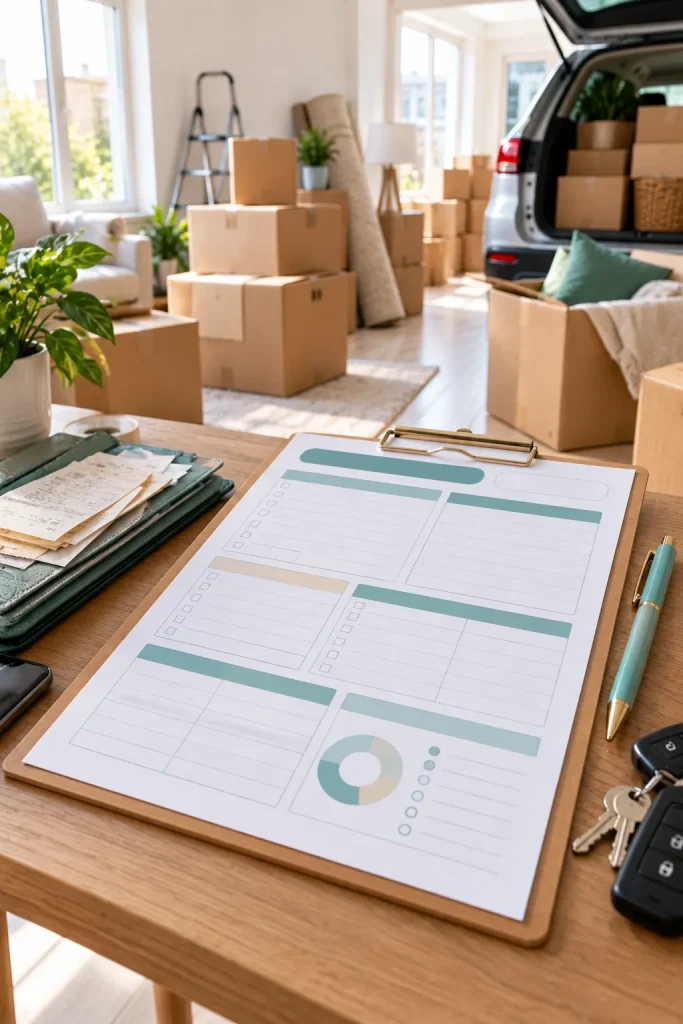
Moving costs are easy to underestimate while packing boxes and arranging transportation. A moving budget planner organizes one-time relocation expenses, unlike an ordinary household budget.
Divide the Budget Into Moving Stages
Include packing supplies, moving services, transport, storage, cleaning, and setup. Track estimates, actual payments, balances, and costs grouped by room. Separate refundable deposits from nonrefundable expenses.
| Compact version | Expanded version |
|---|---|
| Quick summary of the main information | Extra room for detailed records |
25. Side Hustle Income Tracker With Multiple Income Sources
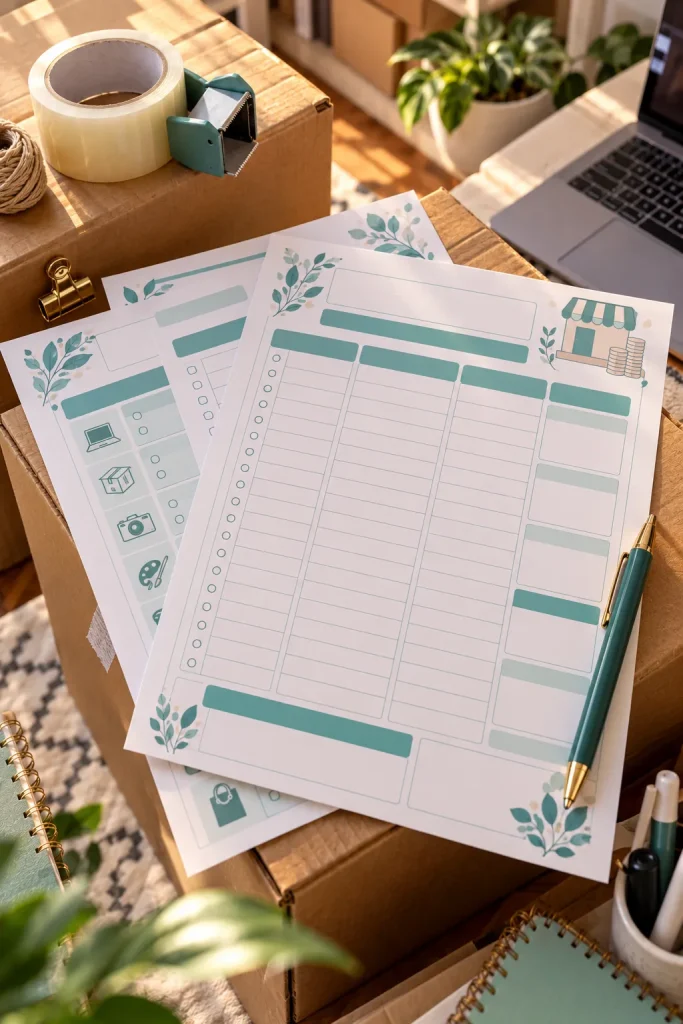
Selling handmade products, tutoring after work, and taking occasional freelance projects create several small income streams with different payment schedules. A side hustle income tracker records money earned from each activity.
Organize Income by Source
Include income source, payment date, expected amount, received amount, and pending payment sections. Add monthly totals by source. This suits freelancers and part-time sellers. Do not confuse gross income received with business expenses.
Side Hustle Income Tracker: Multiple Income Sources
Main layout
Clear fields for the buyer
Quick entries
Space for handwritten records
Summary
An easy progress or total section
26. Small Business Expense Tracker With Receipt Reference Fields
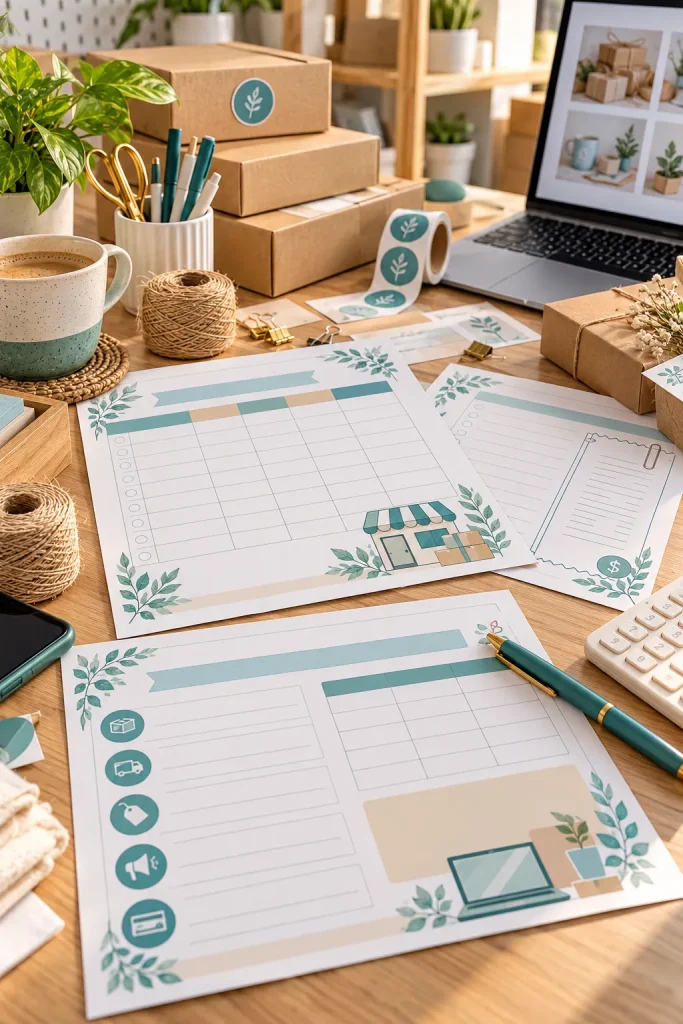
A business purchase is easy to forget when a receipt ends up in a bag, an email folder, or a desk drawer. A small business expense tracker gives sellers and service providers one record of what was purchased and why.
Build a Clear Expense Log
Add purchase date, supplier, description, category, amount, payment method, receipt file reference, and monthly total. Keep categories editable and remind buyers to check the recordkeeping requirements for their business.
27. Irregular Income Budget Planner for Freelancers
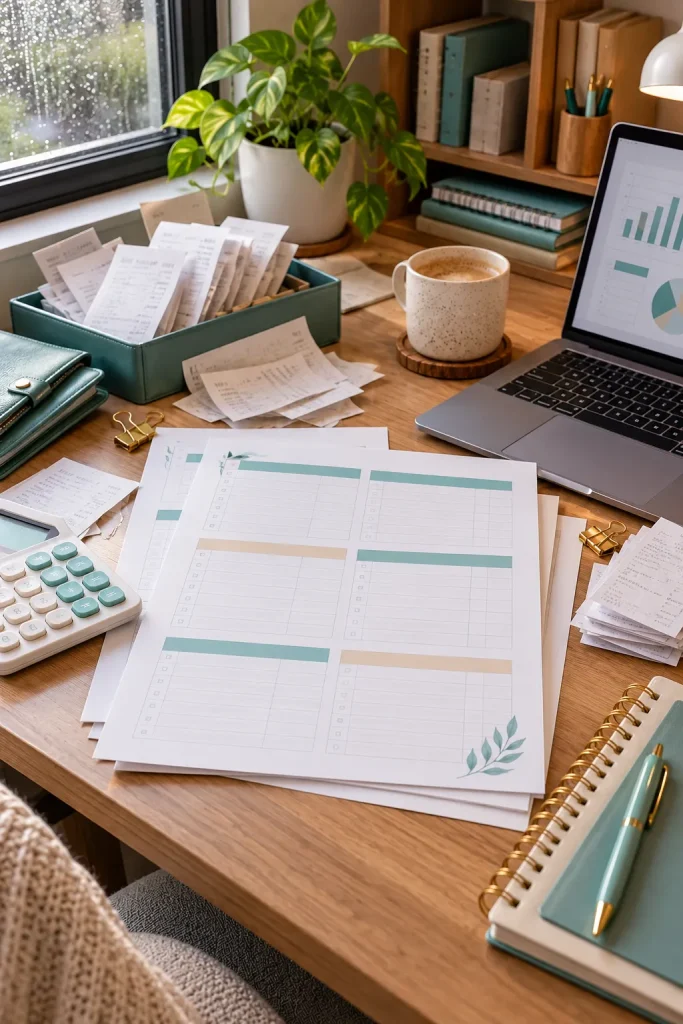
A fixed monthly budget can be difficult when income changes with each project. One month may have several client payments, while another has few. An irregular income planner organizes essential expenses around money actually received.
Design for Unpredictable Payments
Separate confirmed income from pending payments, essentials, flexible spending, reserves, and payment due dates. Include an adjustable budget review section and never treat unpaid invoices as cash already available.
Irregular Income Budget Planner: Freelancers
Date
Record the relevant period
Details
Use category-specific fields
Review
Compare the recorded results
28. Student Budget Planner With Semester Expense Categories
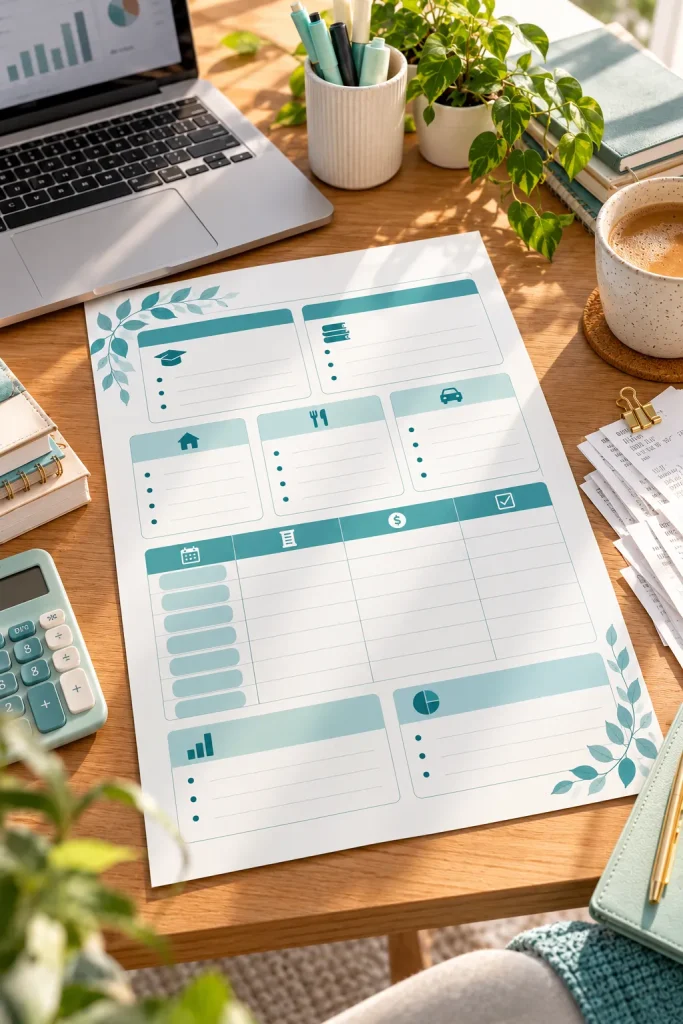
A student’s spending calendar often follows the academic year, not a standard monthly routine. Textbooks, course materials, and semester fees arrive at particular times. A semester budget planner organizes academic and living costs together.
Arrange the Worksheet Around the Semester
Add semester dates, available funding, tuition-related fees, books, travel, housing, food, and personal spending. Include scholarships, work income, and one-time purchases. Keep the page small enough for a student planner.
29. Retirement Contribution Tracker With Yearly Progress Boxes

A row of yearly progress boxes turns retirement contributions into a record that is easier to review. This is for buyers who want to track their contributions without making investment projections.
Focus on Contributions, Not Predictions
Add calendar year, personal goal, deposits, deposit dates, running total, and year-end notes. Avoid forecasting investment returns or universal account limits. Buyers should verify rules for their particular retirement accounts.
BEFORE Scattered notes
Records are difficult to review.
AFTER Organized printable
Related information is kept together.
30. Budget Binder Cover Pages and Printable Divider Tabs
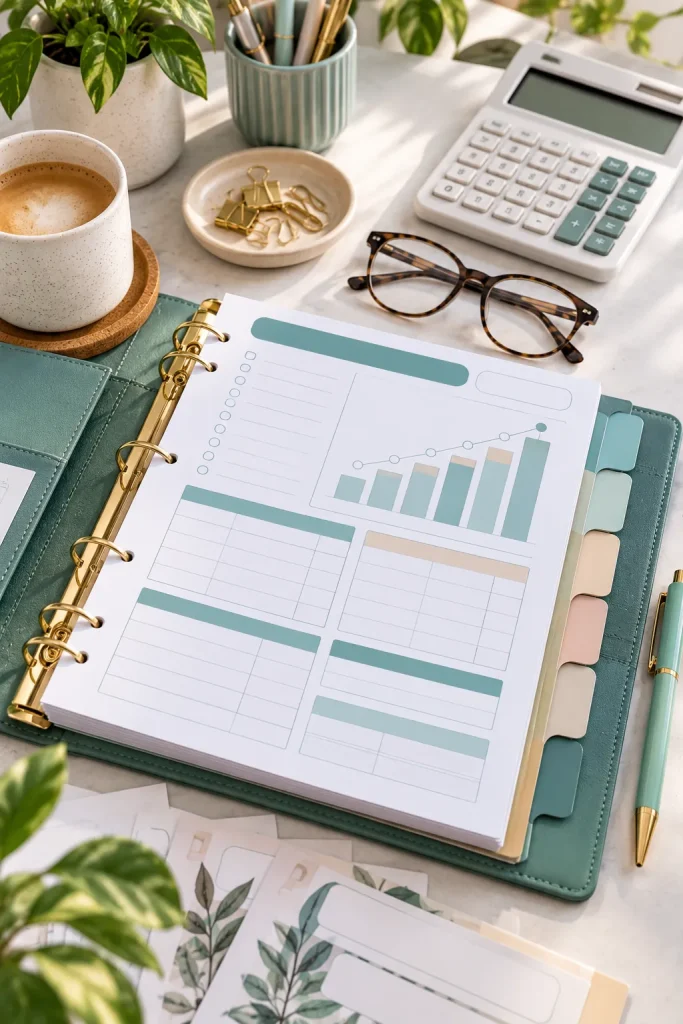
A stack of budget worksheets becomes easier to use when every section has a clear place. Printable binder covers and tabs complement tracking pages by organizing the physical collection.
Create a Matching Binder Collection
Design a main cover, divider pages, and small tabs for bills, savings, debt, and spending. Offer blank customizable labels. Check common paper and binder sizes and keep text away from punch holes and trim lines.
💡 Quick tip
Design a main cover, divider pages, and small tabs for bills, savings, debt, and spending. Offer blank customizable labels. Check common paper and binder sizes and keep text away from punch holes and trim lines.
Start With One Useful Printable
Creating a printable shop does not require designing every budgeting worksheet at once. Start with one clear problem, such as tracking grocery spending or organizing bills, and build a page that makes the task easier.
The strongest budget printables to sell are practical, readable, and simple enough for buyers to use without extra instructions. Pay attention to writing space, printer-friendly layouts, and clear product descriptions.
Before listing your designs on Etsy or another marketplace, check the current platform rules and make sure your files are ready for buyers to print.
Choose an idea from this list, create a small matching collection, and improve the designs as you learn what your audience needs.
Save this list on Pinterest so you can return to these 30 printable product ideas when planning your next digital download.