

Starting a digital product business sounds affordable until you start looking at design software, online shops, websites, and paid templates. Suddenly, it feels like you need to buy a dozen things before you can sell your first printable.
The good news is that your digital product startup cost is not one fixed amount. It depends on what you already own, where you plan to sell, and which extras you choose to pay for. A simple PDF checklist needs a different setup from a large shop filled with custom planners.
The tricky part is knowing which expenses matter right now. A paid design subscription might seem helpful, but it cannot fix a product that has not been finished. A custom website may look professional, but you might not need one to get started.
Before spending money, it helps to separate the basics from the extras. Below, we will look at the common costs of creating, listing, and delivering digital products. You will see what can be free, what may involve fees, and what you can leave for later.
1. Start With a Computer or Tablet You Already Own
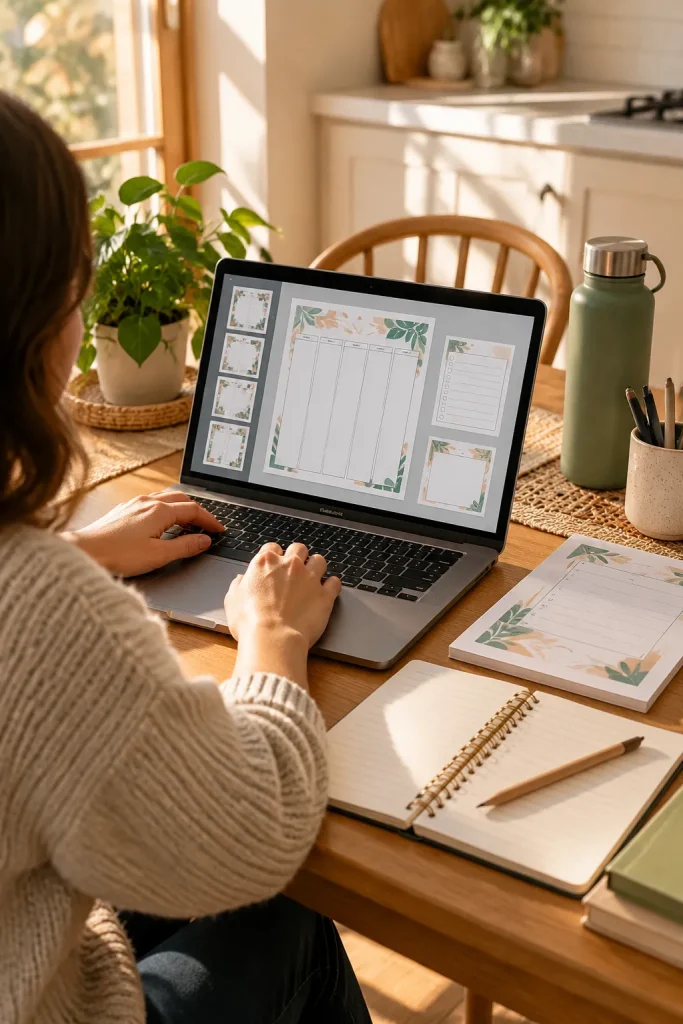
That laptop on the kitchen table may be all you need to make your first printable. Many beginner products, like checklists and planners, start as simple files rather than projects that need special hardware.
Check the Basics First
Your device should open your design tool, let you see the page clearly, and save a finished PDF.
A phone can help with research or listing photos, but detailed page layouts are usually easier to create on a larger screen.
If your current device handles these tasks without freezing, keep it. Put any possible upgrade on a later list, once you know what is slowing you down.
💻 Check Your Current Device
2. Choose Free Design Software Before Paying for Upgrades
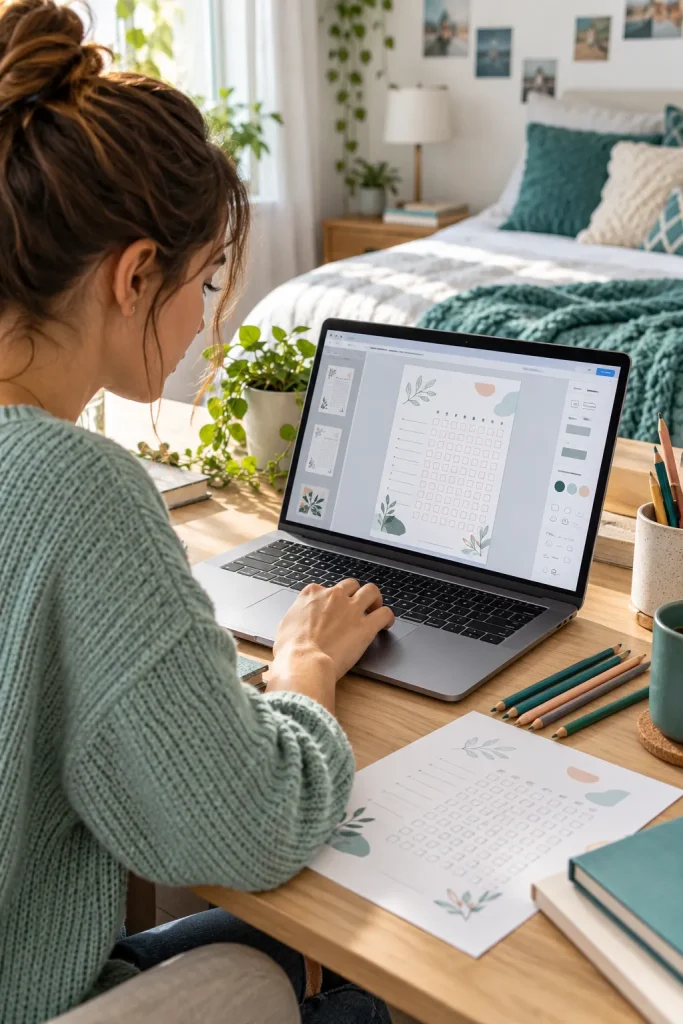
Paid design plans look tempting when every button seems to promise another useful feature. For your first product, start by checking what the free version can actually do.
Make One Complete Sample
Open a blank page in Canva or another design tool you understand. Build a small weekly planner, export it, and open the file outside the editor.
Look for blurry lines, clipped boxes, or unexpected watermarks. Some assets and features require payment, even when the software has a free plan.
Upgrade only when a specific missing feature is blocking work you already do. A subscription should solve a real problem, not become your starting point.
✅ Do This First
Make a complete product with the free tools available.
Check which graphics and fonts are allowed in products you sell.
Test the downloaded file before choosing a paid plan.
🚫 Skip This for Now
Paying for several editing apps before finishing one design.
Buying a subscription just to try one decorative effect.
Assuming every ready-made template can be resold.
3. Check the Cost of Fonts, Graphics, and Photos

A cute font bundle can turn a simple checklist into an expensive project before you have anything ready to sell.
Some design tools include fonts, icons, illustrations, and photos. Other elements come from separate shops or creative asset libraries.
Free does not always mean you can use something in a product you plan to sell.
Read the Usage Terms
Look for permission to include the asset in commercial products. Check for limits on editing, sharing, or redistributing the original file.
Keep a note of where your graphics came from. If the license is confusing, choose a different element rather than guessing.
Simple shapes, basic fonts, and original layouts can still make attractive printables.
📌 Before You Download an Asset
Check whether the license allows the way you plan to use it.
Two different uses:
Finished design: A graphic included inside your completed printable PDF.
Original asset: The graphic or font file shared separately for someone else to use.
Permission for one use does not automatically mean permission for the other.
4. Compare Selling Platforms Before Opening Your Shop
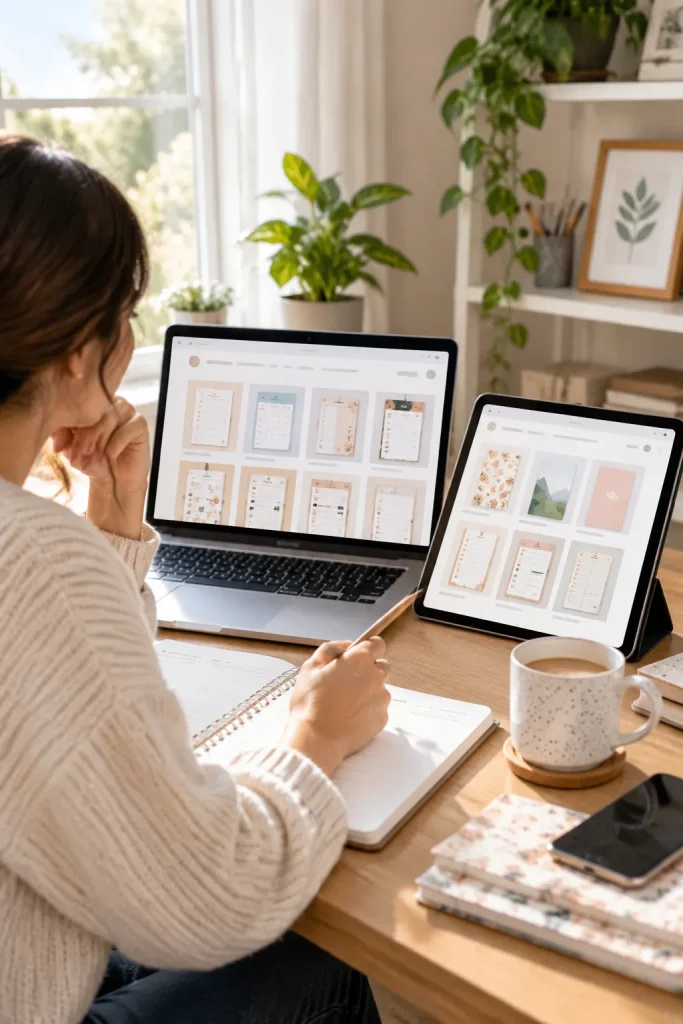
Choosing a shop is less about finding the fanciest website and more about deciding where customers will find and receive your files.
Two Different Starting Routes
Marketplaces such as Etsy give shoppers a place to search for products, but fees and competition matter.
Store builders such as Shopify let you create a separate storefront. That also means you may need to do more work to attract visitors.
Before opening an account, check how each option handles digital downloads, which payment methods work in your country, and what it currently charges.
A beautiful store is not useful if your customers cannot receive their files.
🛒 Three Questions Before Choosing a Shop
Finding Buyers
Can people browse your products on the platform, or must you bring the visitors?
File Delivery
Will buyers receive their download automatically after a successful purchase?
Getting Paid
Can you receive payouts using the payment options available where you live?
5. Look for Listing Fees and Other Selling Charges
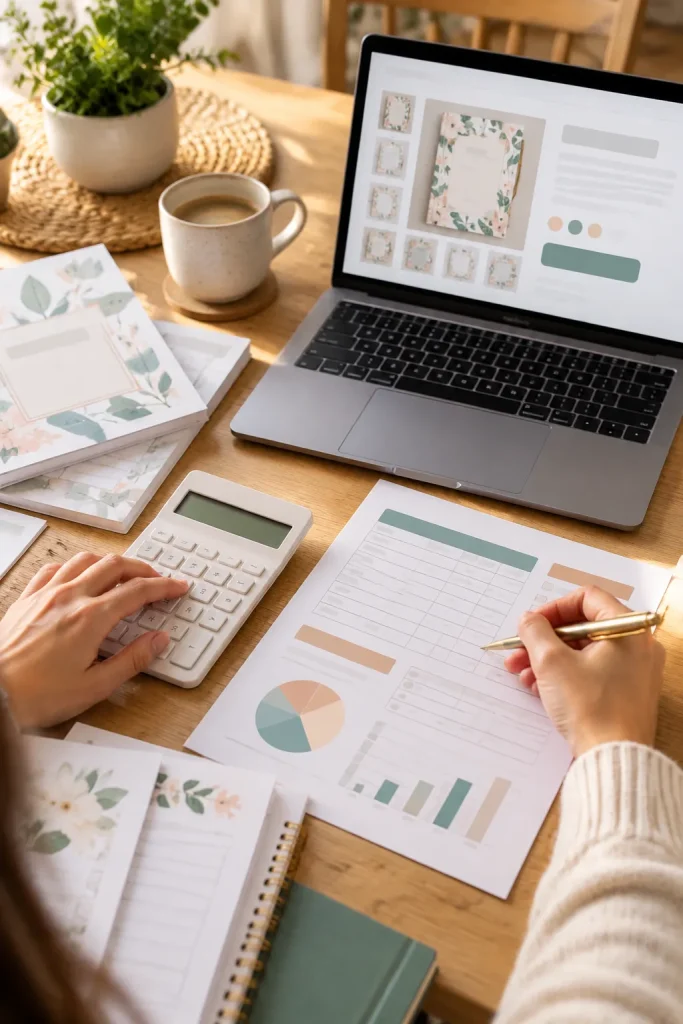
Small selling fees are easy to miss when you are focused on getting your first product listed.
Make a Fee Checklist
Some platforms charge for publishing listings, while others collect fees when an order comes in. Depending on the service, a monthly plan, listing renewal, or other charge may apply.
Do not assume every platform uses the same fee structure.
Before choosing a selling price, open the platform’s current fee information and write down every charge that could affect your sales.
Check when each fee is collected, too. That matters if you have expenses before making your first sale.
A simple worksheet is easier to manage than trying to remember everything later.
🧾 Check When Fees Apply
| Possible Costs Before a Sale | Possible Costs When Selling |
|---|---|
| Publishing a product listing | A charge linked to a completed sale |
| A recurring shop subscription | Payment processing deductions |
| Renewing an existing listing | Currency conversion charges, when applicable |
📌 These are possible fee types, not charges every platform collects. Check the current rules for your chosen service.
6. Understand Payment Processing Costs
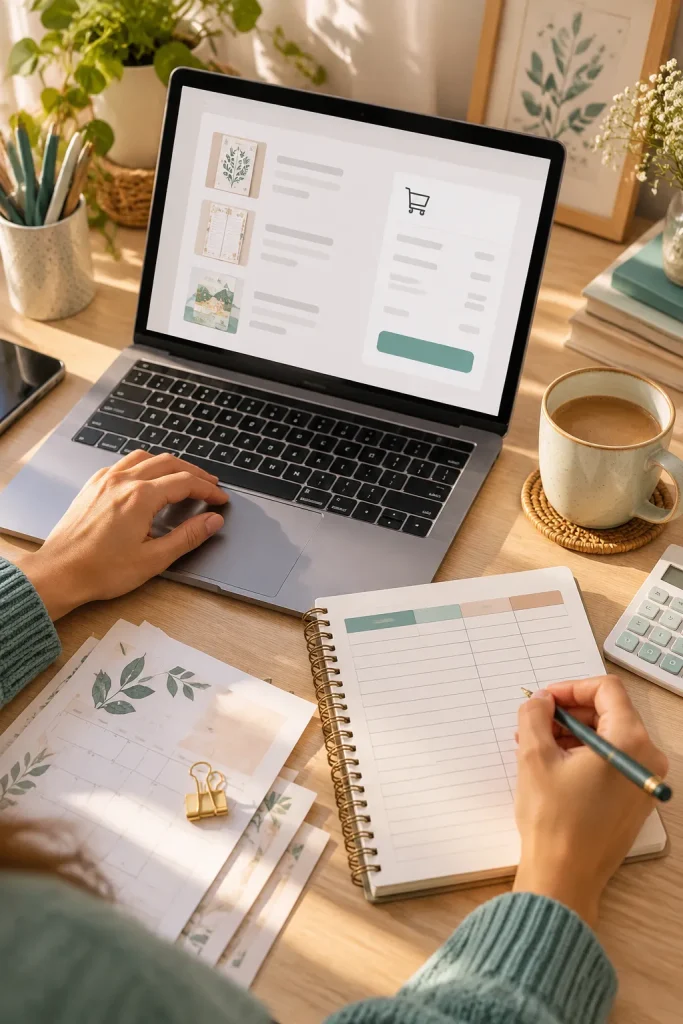
The amount a buyer pays is not always the amount that reaches your account. Payment services may take a fee for handling the transaction.
Follow a Sale From Checkout to Payout
Write down the sale total, any payment processing charge, any separate shop charge, and the amount sent to you.
This makes it easier to see where deductions happen.
Payment methods and fees can differ by country, currency, and provider. Some selling platforms handle checkout for you, while others connect to a separate payment service.
Check the provider’s current terms, including refunds and payouts, before choosing your setup.
Count the amount you receive, not just the figure shown on the product page.
💳 Payment Details Worth Tracking
7. Keep File Storage and Delivery Costs Simple
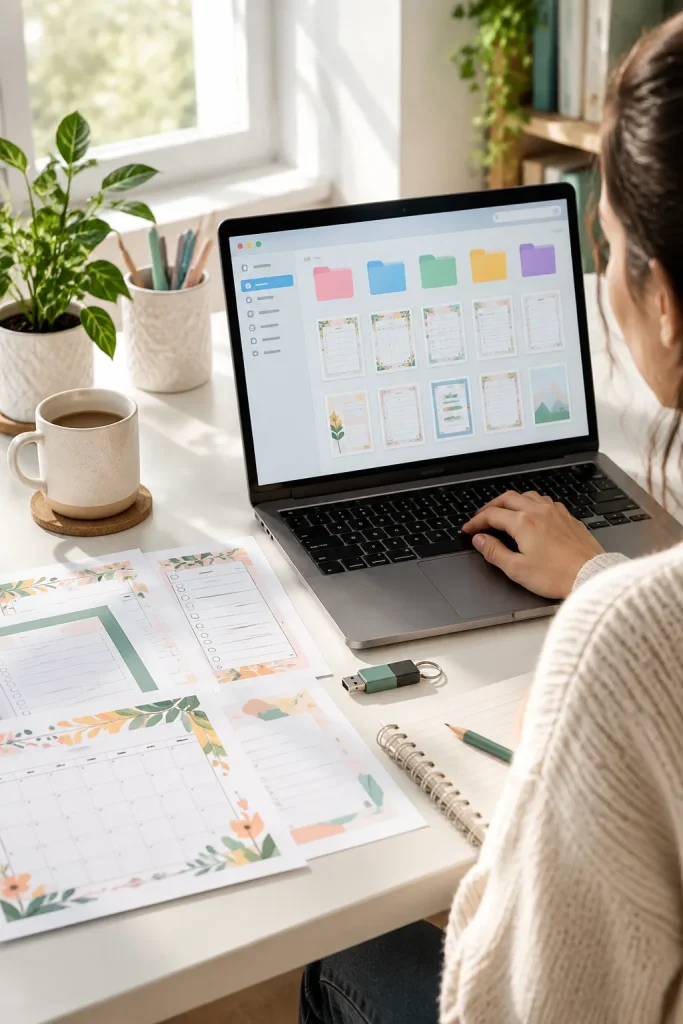
An organized folder can save more trouble than a paid delivery tool.
Create a main folder for each product. Keep the editable design separate from the file your customer downloads.
Names such as weekly-planner-final.pdf are easier to recognize than a row of files called new-final-2.
Test What the Buyer Receives
Export your finished product, download it through the method your selling platform provides, and open it as though you were a customer.
Check that the pages display correctly, links work, and the print size is right if the product is meant to be printed.
Use built-in delivery tools when they meet your needs. Extra storage or automation can wait until you have a clear reason to pay for it.
📁 A Simple File Delivery Routine
Save the working design. Keep an editable original in a folder only you can access.
Make a customer copy. Export the correct PDF or other promised file format.
Check the download. Use a platform preview or available test order feature to inspect the buyer’s file.
Store a backup. Keep a separate copy so the product can be restored if something happens to the original.
8. Decide Whether You Need a Domain and Website
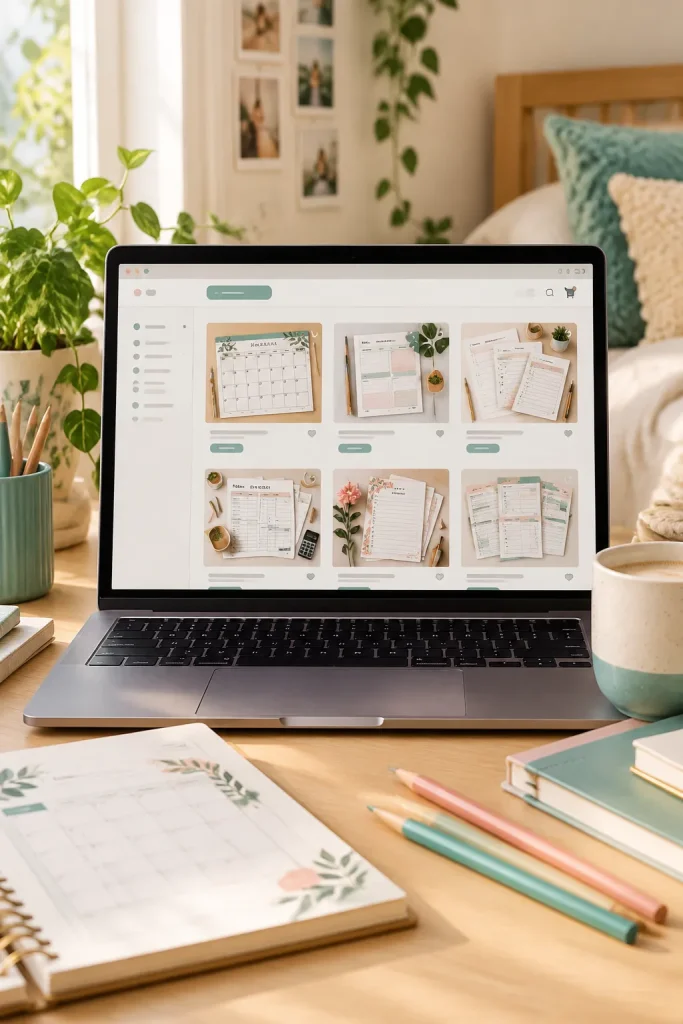
A custom domain can make a shop look more like your own brand, but it is not the same thing as having a product ready to sell.
Know What You Are Paying For
A domain is your web address. A website builder provides the pages and tools that display your shop.
Depending on the service, hosting, templates, or other features may create separate costs.
If your selling platform already gives you a working shop page, you can begin there.
Check whether customers can find your products, pay, and receive their downloads before adding another bill.
Add a separate website when you have a clear purpose for it, such as a larger product catalog or your own content pages.
BEFORE: START SIMPLE
Use the shop page provided by your platform.
Focus on clear product descriptions and working downloads.
Share your shop link with interested buyers.
AFTER: EXPAND WHEN NEEDED
Add your own domain and website for a specific business need.
Plan how you will organize more products and pages.
Allow for renewals, updates, and ongoing website maintenance.
9. Make Product Mockups Without Buying Extra Supplies

Open a blank mockup scene in your design tool before paying for styled product photos. A clear preview can show customers what your printable includes without needing a printer, frame, or stack of props.
Show the Product Honestly
Place your own planner page or checklist inside a simple digital page preview. Use a few different views if your product has several sections.
Keep the page readable and avoid adding features that are not included in the download. If you use a ready-made mockup, check its commercial-use terms first.
Paid photos and fancy desk scenes can wait. A clean, accurate preview is more helpful than a crowded image.
💡 Quick Mockup Tip
A digital download can look like a printed product in a mockup. Make sure buyers understand what they will actually receive.
If your mockup shows a frame: Explain that the frame is only for display and is not included.
If your mockup shows printed pages: Explain that customers must print the downloaded files themselves.
A clear product description helps buyers know exactly what they are purchasing.
10. Try Free Marketing Before Spending Money on Ads

Before buying ads, create a few useful posts that show what your download actually does. A weekly meal planner could appear in a Pinterest pin with a neat preview of its sections.
Start With One Channel
Choose a place where your likely buyers already browse, such as Pinterest. Use clear product images, accurate titles, and a link to the listing.
Watch which topics get interest, but do not treat views as proof of sales.
Paid promotion may be worth considering later, once your product page and checkout work properly. Check each platform’s current ad rules and costs before setting a budget.
Never rely on an ad to explain a confusing product.
You do not need paid ads to start sharing your digital products.
Use free posts to learn which product topics attract interested visitors. Check whether people reach your listing, not just whether they like the image.
If you try advertising later, decide on a spending limit first and review the results before paying for more.
Start Small and Spend With a Purpose
Your first digital product does not need an expensive setup. Start with a device you own, a simple design tool, and a clear file customers can open. Then check the fees and payout options of the platform you plan to use.
The most useful way to estimate your digital product startup cost is to make two columns: expenses you need before listing and extras you can add later. Write down each possible charge and check the current rules instead of trusting old screenshots or fee lists.
Finish one useful product before expanding your toolkit. You can add more tools when you have a clear reason to use them.
📌 Save this cost breakdown on Pinterest so you can check it again before spending money on your digital product business.