

A shop full of trendy downloads can still leave buyers confused. People usually arrive with a small task in mind. They want to plan their week, organize a project, or make an invitation without spending hours figuring out how everything works.
That is why usefulness deserves more attention than novelty. A beautiful template loses its appeal when the buyer cannot edit it easily. A large bundle may look impressive, but extra pages are not helpful if most of them go unused.
If you are researching digital product trends 2026, start by looking at the small problems people need to solve. Think about the formats they can use, the instructions they need, and how clearly a product is presented before they buy it.
The ideas below are practical observations about digital products and shopping habits, not statistics or guaranteed predictions. Some may work well for Etsy sellers, while others may suit an independent store.
You do not need to follow every trend. Choose the ones that make sense for your audience and the products you already know how to create.
Smaller Niche Products That Solve One Clear Problem
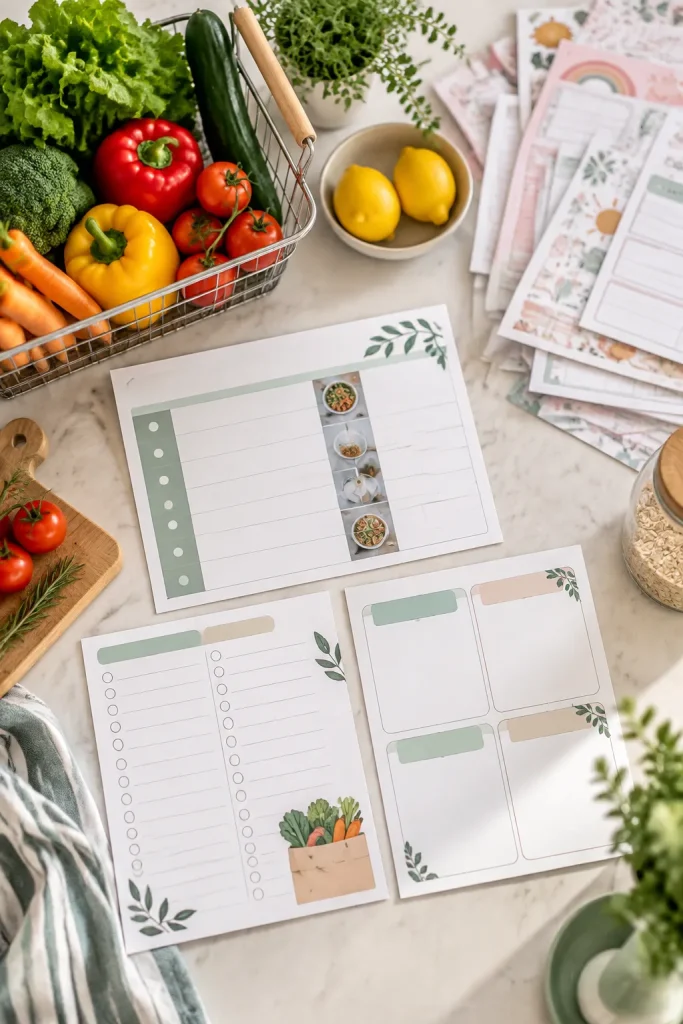
Big bundles can bury the one page a buyer actually needs. Someone planning dinners for a small household may not want a full family management binder.
Make the task smaller
Build a mini kit around one situation:
- A seven-day menu planner
- A matching grocery shopping list
- A simple pantry check sheet
Give the files a consistent layout and explain what each page does. Show every page in the listing so buyers know exactly what they will receive.
This approach is worth watching because a narrow product can be easier to understand at a glance. Save large bundles for buyers who genuinely need more options.
Choose one buyer situation, such as cooking for one person.
Arrange the pages in the order someone will use them.
Mix unrelated planning pages just to make the file bigger.
Use a broad product name that hides the main purpose.
Editable Canva Templates With Simple Start Guides
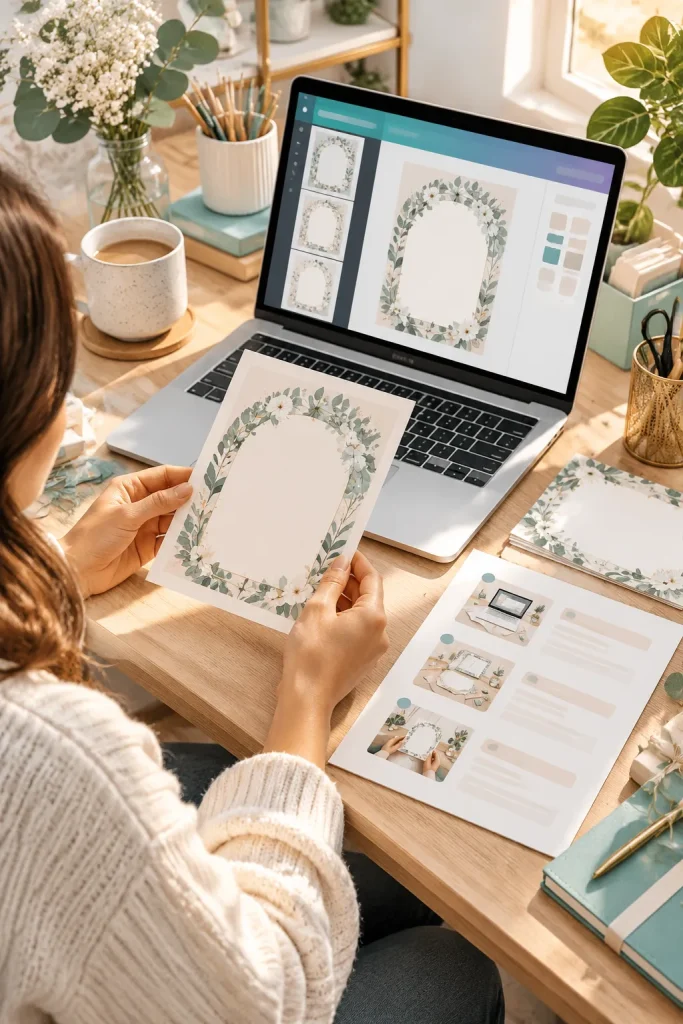
Open a simple invitation design in Canva and work backward from the buyer’s first edit. They may only need to change the name, date, and location.
Keep those details easy to find, with text areas that can handle longer names.
Package it for a first-time editor
Include a short PDF explaining:
- How to access the template.
- Which parts can be edited.
- How to download the finished design.
If the design uses paid Canva elements, make that clear before purchase.
Check Canva’s current sharing and licensing rules before listing your template. A clear start guide can reduce confusion, especially for buyers who rarely edit designs.
✅ Check Before You Sell
Google Sheets Trackers for Everyday Tasks

A parent opens a household expense tracker on Sunday evening, adds grocery purchases, and checks which bills still need attention.
That small routine points to a useful direction for Google Sheets products. Instead of filling one spreadsheet with every possible chart, focus on a few everyday tasks.
Make the file easier to use
Separate the entry sheet from any summary. Highlight the cells meant for typing, and include a sample tab showing how entries work.
Check formulas with blank rows and ordinary inputs before publishing. Explain how buyers can make a fresh copy for their own records.
A useful tracker should still make sense after someone clears the sample numbers.
Notion Dashboards Built Around One Routine

A dashboard that tracks every part of life can be harder to maintain than a plain weekly page.
For a freelancer juggling a few client jobs, the main need may be one view of upcoming tasks and deadlines.
Keep the weekly routine visible
Build a Notion dashboard around three actions:
- Capture new client tasks.
- Review this week’s priorities.
- Mark completed work.
Use a sample project to show how the parts connect. Include a setup note explaining which fields buyers can rename and which views depend on those fields.
The useful test is simple. Can someone return after a busy week and know where to start?
| One-Routine Dashboard | All-Purpose Dashboard |
|---|---|
| Focused on one repeatable task | Covers several unrelated routines |
| Fewer views to check | More views to learn and maintain |
| Useful for a specific weekly workflow | Better suited to buyers who need several connected systems |
Tablet Planners With Practical Page Layouts
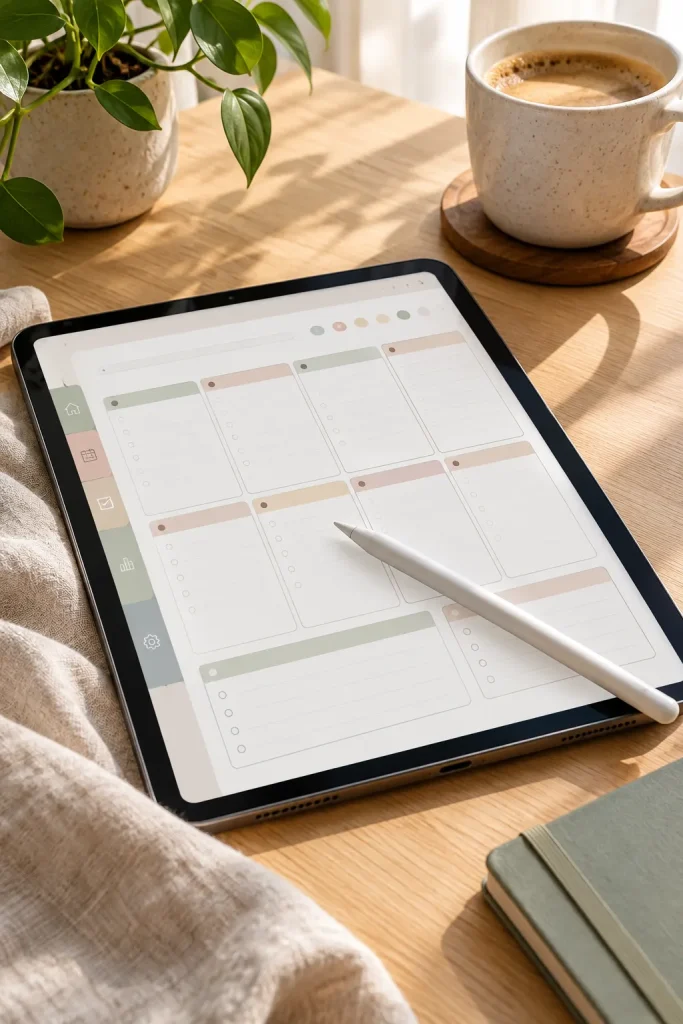
A wide writing area and a few clear tabs are often more helpful than a planner packed with decorative pages.
On a tablet, cramped boxes leave little space for a stylus, especially when someone needs to jot down an appointment quickly.
Design around handwriting
Start with three useful layouts:
- A daily planning page
- A weekly overview
- A flexible notes page
Keep labels readable at normal zoom. If you add navigation links, test where each one leads and leave enough space around tabs for comfortable tapping.
A buyer should be able to write a full sentence without squeezing it into a tiny box. That is the small detail worth watching.
Low-Ink Printables for Ordinary Home Printers

Heavy background colors can make an ordinary printable frustrating to use at home. A chore chart that looks lovely on a laptop may be harder to read when printed in grayscale.
Keep the design practical
Use white backgrounds, dark text, and simple borders. Reserve color for small headings or details that still make sense without it.
A weekly cleaning checklist is a useful example. Buyers need clear tasks and boxes they can mark, not a page filled with decoration.
Print a sample on regular paper before adding it to your shop. Check the margins, line thickness, and writing space.
Small printing details matter when a product is meant to be used every week.
💡 Quick Printing Tip
Print one sample in grayscale before publishing your file.
Look closely at light gray text, thin borders, and small checkboxes. Details that disappear on paper need adjusting, even if the screen version looks clear.
Matching Mini Collections With Useful Add-Ons
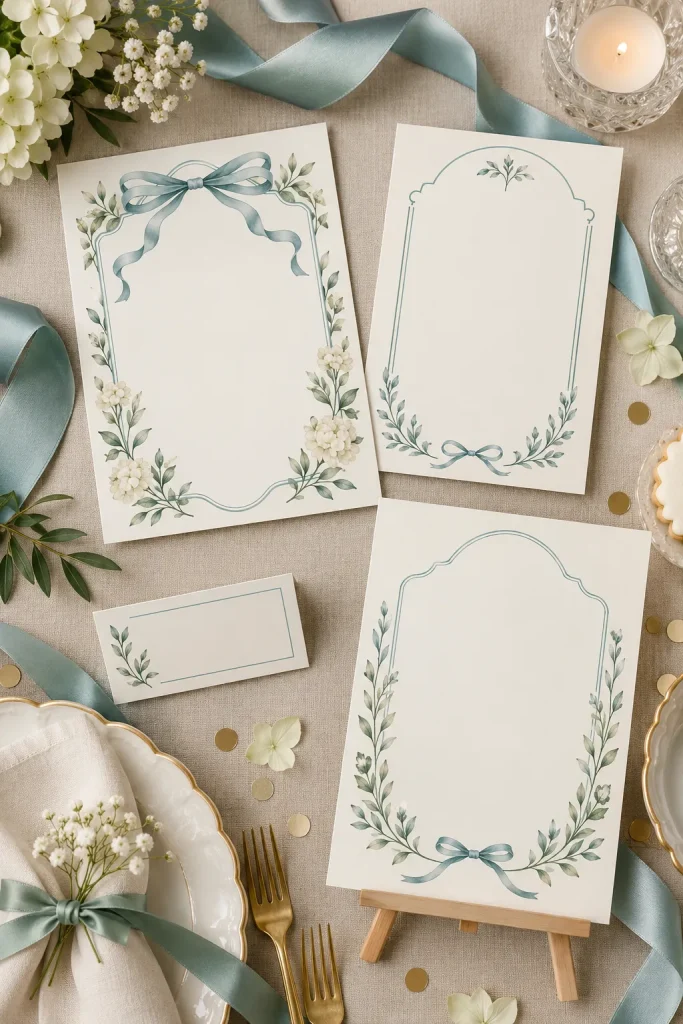
A matching mini collection gives buyers several pieces that already look good together. For a small birthday party, that might mean an invitation, a welcome sign, and matching food labels.
Instead of creating unrelated products, build a set around one event or task.
Add pieces that earn their place
Start with the main product. Then consider:
- What else will the buyer need?
- Which pieces should share colors and fonts?
- Can the smaller items be used on their own?
Keep the collection easy to understand in your preview images.
A matching set should feel like one thoughtful purchase, not several extra files added to increase the page count.
Separate party printables with unrelated fonts, colors, and sizes.
Buyers have to work out which pieces belong together.
A coordinated party set with invitation, welcome sign, and food labels.
Each piece has a clear job and shares the same visual style.
Short-Form Video Planning Templates
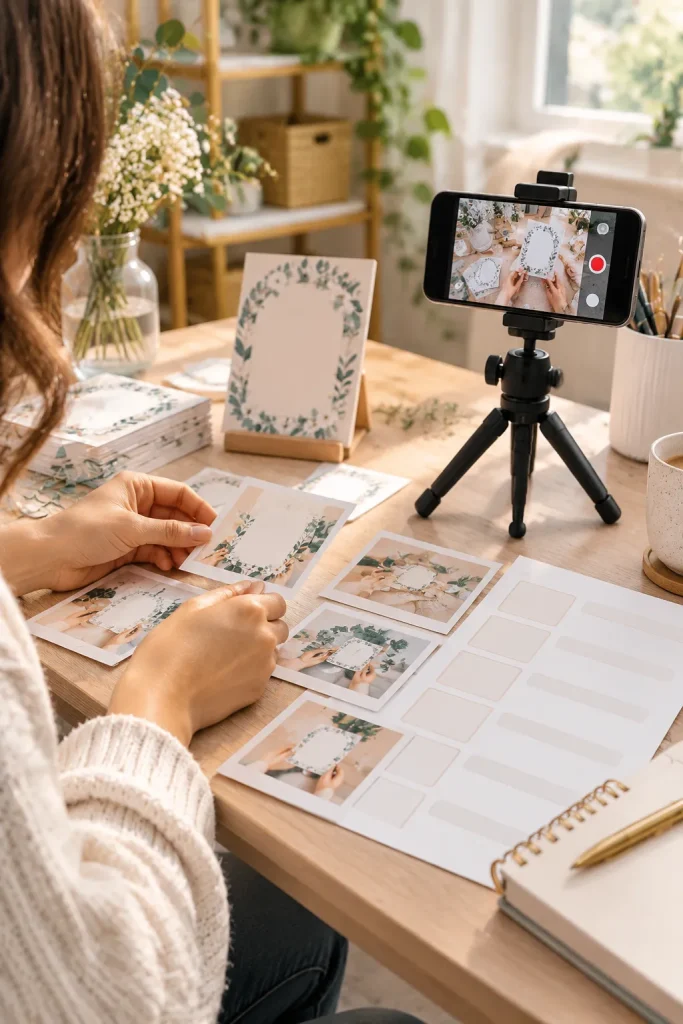
Give each video planning template one simple purpose. A creator who needs to film a product demonstration may find a shot list more useful than a complicated content calendar.
Plan what happens on camera
Build a worksheet that helps the buyer choose a topic, plan the opening shot, and list the clips they need.
Leave room for practical details, such as props, camera angles, and any photos that must be ready before filming.
You could also include a separate page for captions and posting notes.
Keep the layout flexible because different social platforms have different features and rules. Check current platform requirements before describing a template as platform-ready.
🎬 Simple Video Planning Flow
Pick one question. Choose a real question the product demonstration will answer.
Choose the opening shot. Show the product or the problem clearly.
List the demonstration clips. Write down the views needed to show how it works.
Check the filming list. Gather props and mark each shot as it is recorded.
Digital Forms for Local Service Businesses
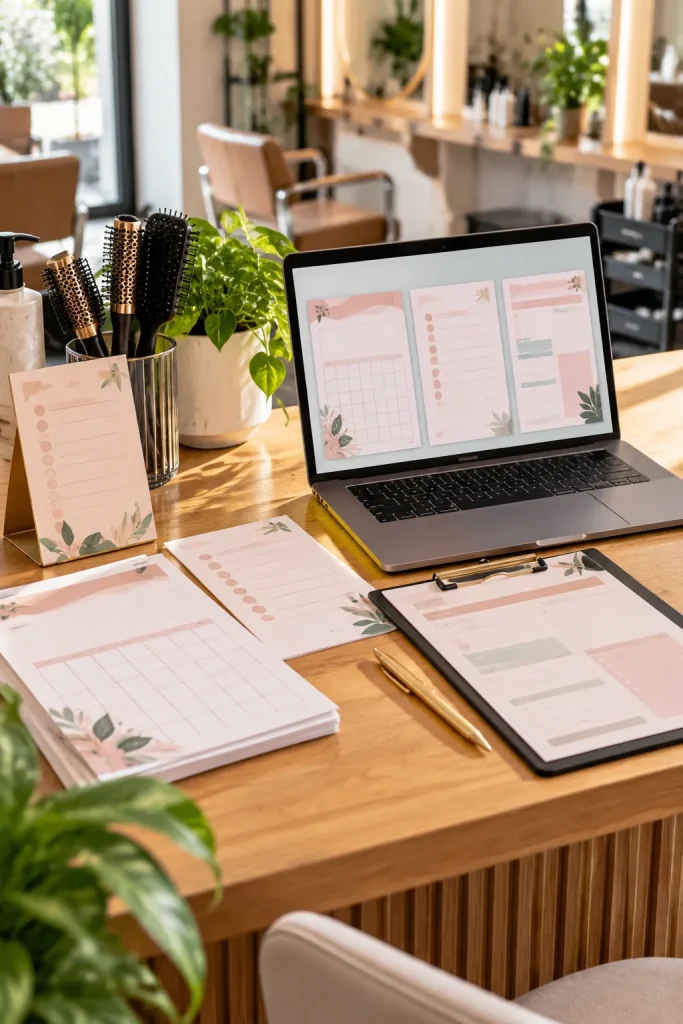
A small salon may need several simple forms, but that does not mean the owner wants complicated business software. An appointment request sheet, client preference form, and daily opening checklist can each serve a clear purpose.
This makes local service businesses an interesting audience for digital product sellers.
Start with a specific business
Choose one type of service and look at its everyday paperwork. A cleaning business might need job checklists, while a pet groomer may want appointment preparation sheets.
Use editable layouts and leave enough room for handwritten notes when printing.
Avoid collecting sensitive customer information unless it is necessary. Check any applicable privacy requirements before designing forms that handle personal details.
Learning Printables Focused on One Skill
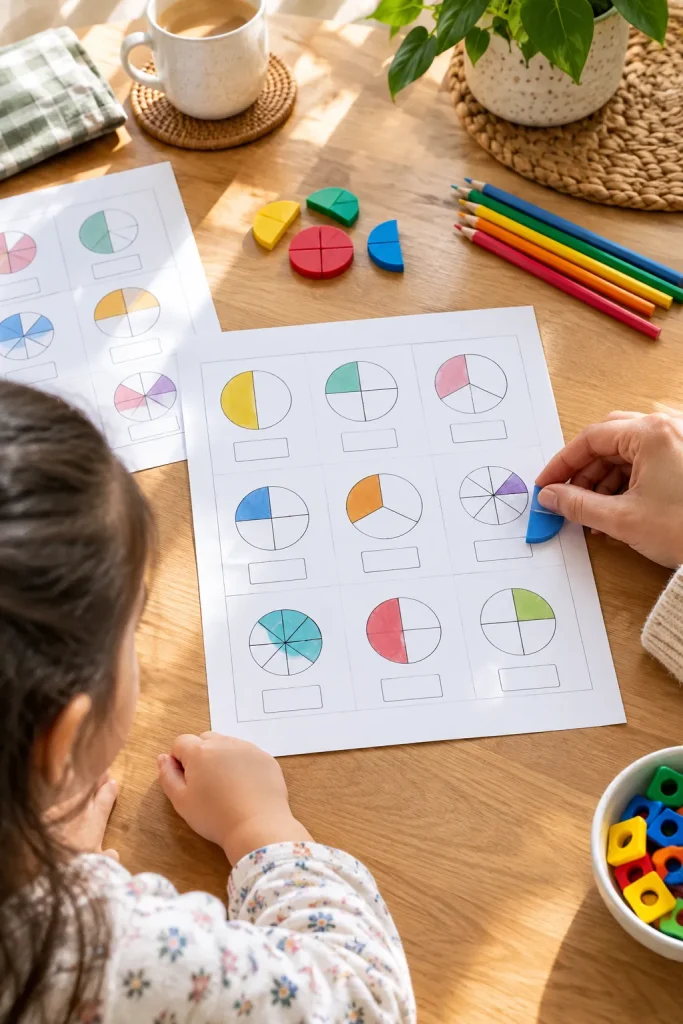
More pages do not always mean more learning. A child working on basic fractions needs activities that explain that skill clearly, not a thick workbook filled with unrelated math problems.
Build a small learning sequence
Choose one age-appropriate skill, such as recognizing halves and quarters.
Include:
- A visual example that introduces the idea.
- A few guided practice questions.
- An independent activity.
- An answer sheet for the parent or teacher.
Keep the directions short enough for the intended age group. Make the examples easy to read and avoid squeezing too many questions onto one page.
You can later create related learning packs without changing the purpose of the original product.
✅ Learning Printable Checklist
Event Templates Buyers Can Change Quickly
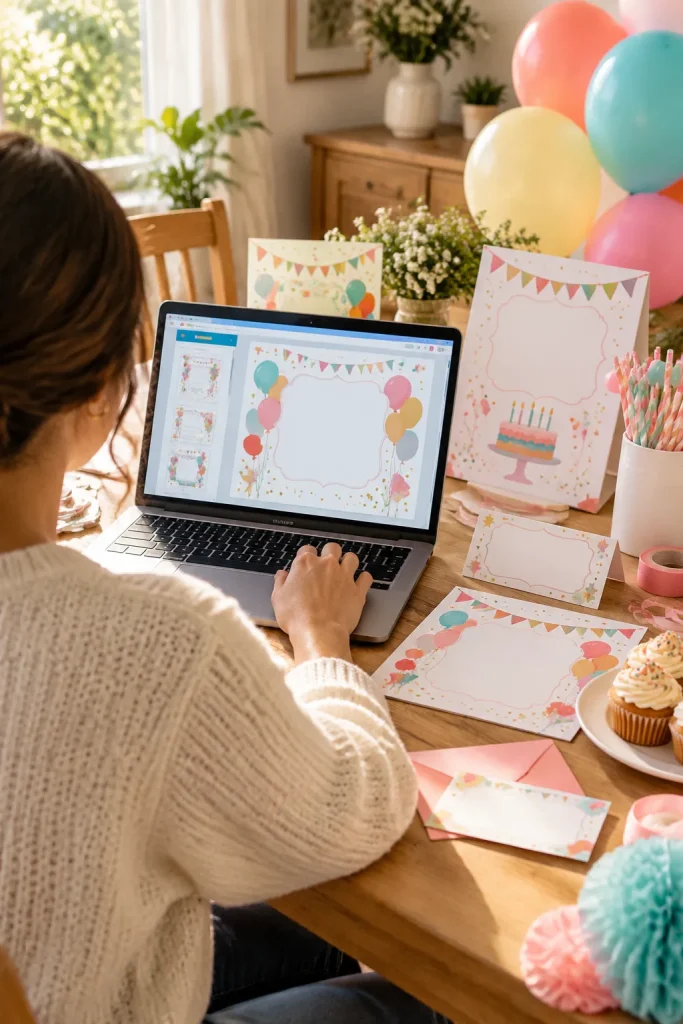
The party is on Saturday, and someone still needs to send invitations. They find a birthday template with the right colors, but changing the details takes longer than expected.
That small frustration is worth solving.
Make the important edits obvious
Put the name, date, time, and location in clearly separated text areas. Choose layouts that can handle different name lengths without breaking the design.
For invitations, include a preview showing which details buyers need to replace.
Keep decorative elements separate from editable text where the design tool allows it. Check the finished file in the intended format before selling.
Quick editing should not require buyers to understand design software.
Use separate text areas for names, dates, and locations.
Allow extra room for longer wording.
Show a sample of the edited invitation.
Flatten text that buyers need to change.
Crowd important details into narrow spaces.
Assume buyers know which elements are editable.
Craft Patterns With Photo-Based Instructions
Written directions and step photos serve different purposes in a craft pattern. Instructions give measurements and stitch details, while photographs help buyers see how the project should look at each stage.
A crochet pattern for a small storage basket is one example.
Photograph the tricky moments
Show the starting shape, an important stitch change, and the finished edge. Use close-up images with enough light to see the yarn clearly.
Add material details and define any abbreviations used in the pattern.
Keep photographs beside the steps they explain, rather than collecting every image at the end.
A buyer should not need to guess what an unfamiliar instruction means.
| Written Instructions | Step Photographs |
|---|---|
| Give stitch counts and measurements. | Show where the stitch or measurement applies. |
| Explain the order of each step. | Show what the project looks like after that step. |
| List adjustments for different sizes. | Help buyers compare the shape and finish. |
Media Kits for Small Content Creators

A clear media kit helps a small creator introduce their work without writing a long explanation every time a potential partner asks for details.
It does not need fancy charts or pages of promotional language.
Focus on useful information
Design an editable media kit with space for:
- A short creator introduction
- Main content topics and audience details
- Examples of previous work
- Contact information
Include optional areas for accurate platform metrics, but never fill them with invented results or sample numbers that might be mistaken for real data.
A clean PDF layout with readable text and selected images is easier to review than a crowded page. Give buyers room to update their information as their work changes.
Short Workbooks With One Clear Outcome
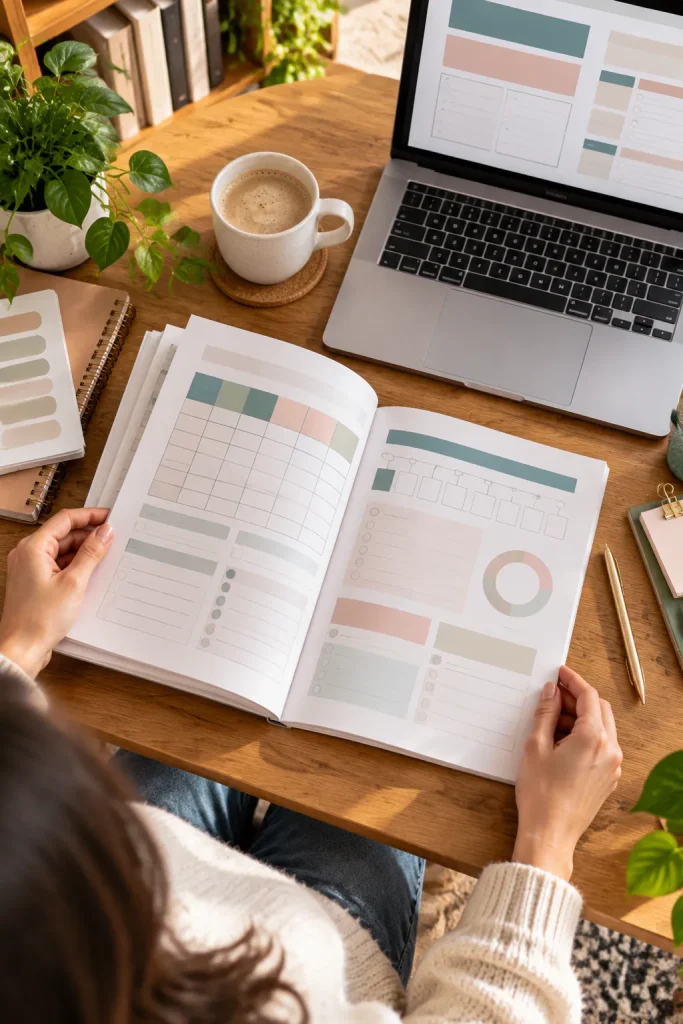
A workbook becomes harder to finish when every page introduces another unrelated task. Someone organizing a job search may need a simple weekly plan rather than a large career planning course.
Choose an achievable task
Build the workbook around one result the buyer can work toward, such as preparing a list of jobs to research.
Start with a short explanation, then add pages for collecting information, comparing options, and choosing next actions.
Use realistic examples instead of filling the pages with general advice.
Leave enough writing room for full answers. A short workbook with a clear beginning and ending can feel more manageable than one with dozens of repetitive prompts.
📘 A Simple Workbook Flow
Choose a target. Write down the kind of role and work schedule being considered.
Collect options. Record job titles, employers, and places to research.
Compare requirements. Note useful skills, experience needs, and missing information.
Select next actions. Identify which opportunities need more research and which are ready for an application.
Seasonal Products Planned Earlier in the Year
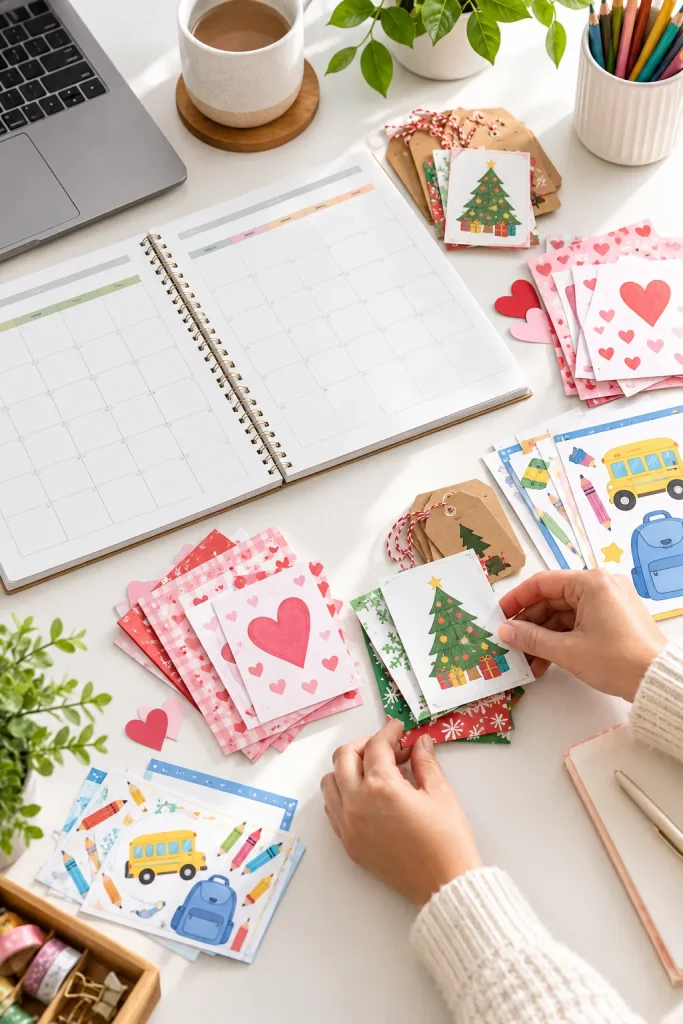
Christmas printables are easier to prepare when the calendar is not already filled with holiday orders and last-minute projects.
The same thinking applies to Valentine’s Day invitations, graduation decorations, and back-to-school planners.
Work backward from the occasion
Choose a season your audience already shops for. Then schedule time to create the files, review the instructions, photograph samples, and prepare listing images.
Keep reusable layouts organized so you can update them for later seasons without starting every design again.
Do not assume every seasonal product will attract buyers. Watch which questions people ask and whether your products solve a real preparation task.
Planning ahead gives you more room to correct mistakes before listings go live.
Set your review date before you set your launch date.
Leave a separate window for checking printable sizes, editable fields, download instructions, and listing previews. A finished design is not the same as a ready-to-sell product.
Product Mockups That Show the Real File
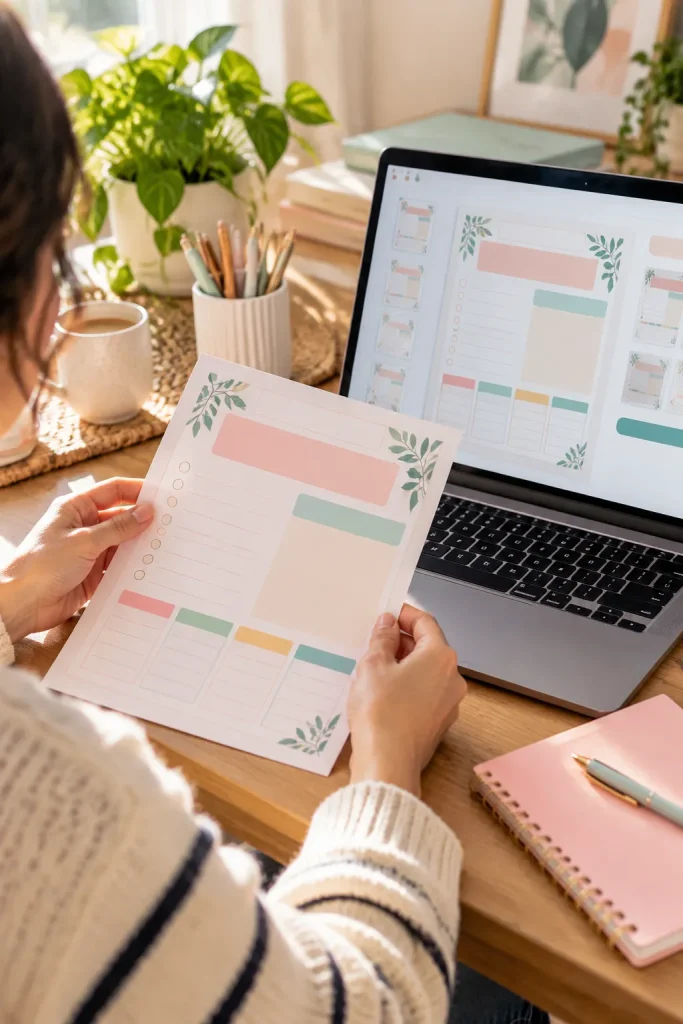
A listing image shows a printable worksheet sitting neatly on a desk. The paper looks realistic, but the preview leaves out several sections included in the actual download.
That gap can confuse buyers.
Show what they will receive
Use the finished product file as the starting point for mockups. Keep its colors, layout, page size, and important details accurate.
For a multi-page download, show a full-page preview along with a closer view of the most useful part.
Make clear which objects are display props and which files are included.
Before publishing on Etsy or another marketplace, check current image and listing rules. Attractive presentation should help buyers understand the product, not hide its contents.
✅ Mockup Accuracy Checklist
Products Offered for Both Print and Screens
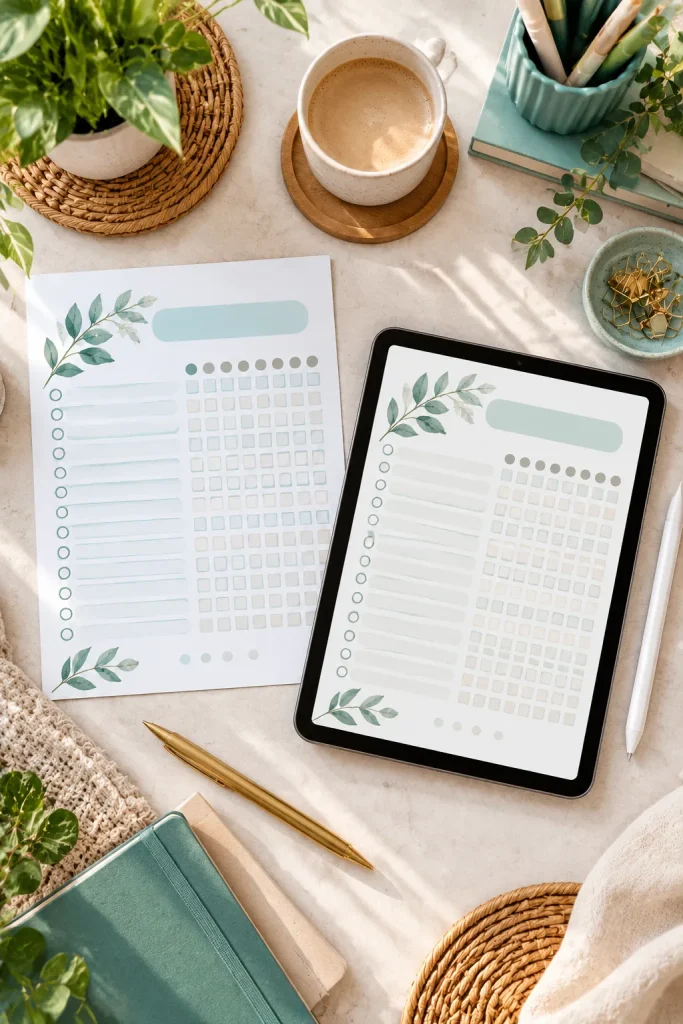
A habit tracker may start as a sheet of paper on the fridge. Another buyer might prefer to mark the same habits on a tablet while traveling.
Offering both formats gives buyers a choice without changing the main purpose of the product.
Prepare each version properly
Design a printable PDF with clear margins and enough room for handwritten marks. For the tablet version, consider comfortable screen proportions and space for writing with a stylus.
Check both files separately. A page that prints neatly may feel cramped on a smaller screen.
Label the formats clearly so buyers know which file belongs on paper and which is intended for digital use.
One printable habit tracker designed for standard paper.
Useful for buyers who want to write on a physical sheet.
Matching paper and tablet layouts, each adjusted for its intended use.
Buyers can choose the format that fits their routine.
Readable Layouts With Room to Write
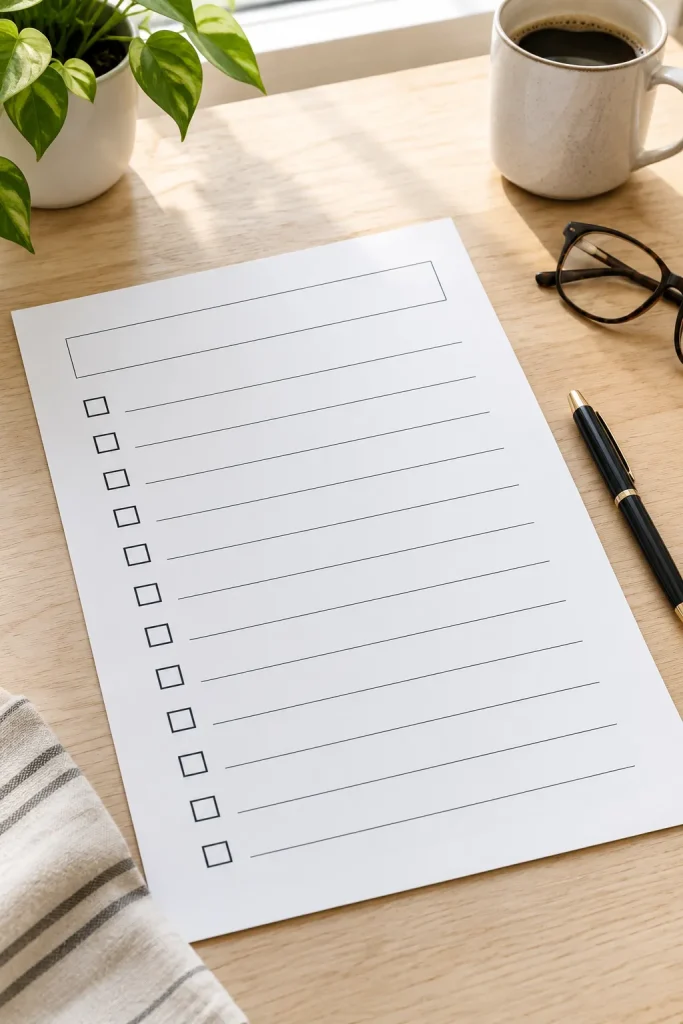
Tiny labels, pale gray text, and narrow boxes can make a printable difficult to use. The design may look attractive in a large preview but become frustrating on ordinary paper.
Check the page at its real size
Start with readable text, strong contrast, and generous spacing. A daily checklist should leave enough room for someone to write a full task without squeezing the last few words into the margin.
Keep decorative details away from important instructions.
Print a sample at its intended size and look for anything that feels crowded.
Readable design is worth watching because it makes a product easier to use across different everyday settings.
💡 Quick Readability Check
View your printable at normal size, not enlarged on your computer.
Can you read the labels without zooming? Can someone write a complete task in the available space?
If the page feels crowded, remove unnecessary decoration before shrinking the text.
Plain-Language Usage Rights in Every Download
A buyer downloads a set of social media templates and wonders whether they can use them for client projects. The listing mentions a license, but the wording is difficult to understand.
Unclear usage rights can create unnecessary questions.
Explain permissions with examples
Include a short usage sheet that answers common questions:
- Can the buyer edit the file?
- Is business use allowed?
- Can the original template be shared or resold?
Use plain language that matches the license you actually provide.
Check the terms of any fonts, graphics, and other assets included in your product. You cannot grant buyers permissions you do not hold.
A short, accurate explanation is better than complicated wording copied from another shop.
State which uses are allowed under your license.
Explain editing, sharing, and resale permissions separately.
Check that your license agrees with any third-party asset terms.
Use vague labels without explaining what they mean.
Copy another seller’s licensing terms without checking them.
Promise permissions that conflict with the assets you used.
Human-Checked Files Made With AI Assistance

AI tools can help creators brainstorm worksheet ideas, draft instructions, or explore different layouts. They cannot replace the careful review a downloadable product needs before someone buys it.
A planner with incorrect dates or a worksheet with confusing directions is still a poor product, regardless of how it was made.
Review the finished file yourself
Check every page for spelling, factual accuracy, alignment, and missing elements.
Open the download in its intended format. Print a sample when the product is designed for paper, and inspect formulas or editable fields where relevant.
Review the rights attached to anything included in the file, along with current marketplace rules for AI-assisted content.
The final responsibility for product quality stays with the seller.
✅ Final Human Review Checklist
Start With the Buyer, Not the Trend
Watching digital product trends 2026 does not mean rebuilding your whole shop whenever a new format appears. Many of these ideas share a simpler theme: make one useful file, explain it clearly, and check how it works in real life.
Start with a product you already understand. Could its instructions be shorter? Would a different format make it easier to use? Is the listing preview showing the exact download?
Choose one improvement and finish it before moving to the next idea.
Buyer needs, software features, and marketplace policies can change, so review current rules as you plan. Useful products are a steadier starting point than hype.
Save this list on Pinterest so you can revisit these ideas when planning your next digital product.