

Making extra money during college sounds good until you look at your class schedule, assignments, and everything else fighting for your time. A regular part-time job can be hard to fit around exams, but creating something once and offering it as a digital download gives you another option.
You don’t need expensive equipment or advanced design skills to get started. Many digital products for college students can be created with tools like Canva, Google Docs, or Google Sheets. Think about the small problems students deal with every week, such as missed deadlines, messy notes, internship applications, and keeping track of spending. Each problem is a chance to create something useful.
The trick is choosing a product that solves one clear problem instead of trying to make a complicated download that does everything. A simple planner with helpful sections can be more practical than a huge workbook nobody finishes.
These 30 ideas cover study tools, college organization, career preparation, and everyday student life. Start with something you understand, make a clean sample, and check the current selling rules of your chosen platform before listing it.
1. Sell Printable Weekly Study Planners
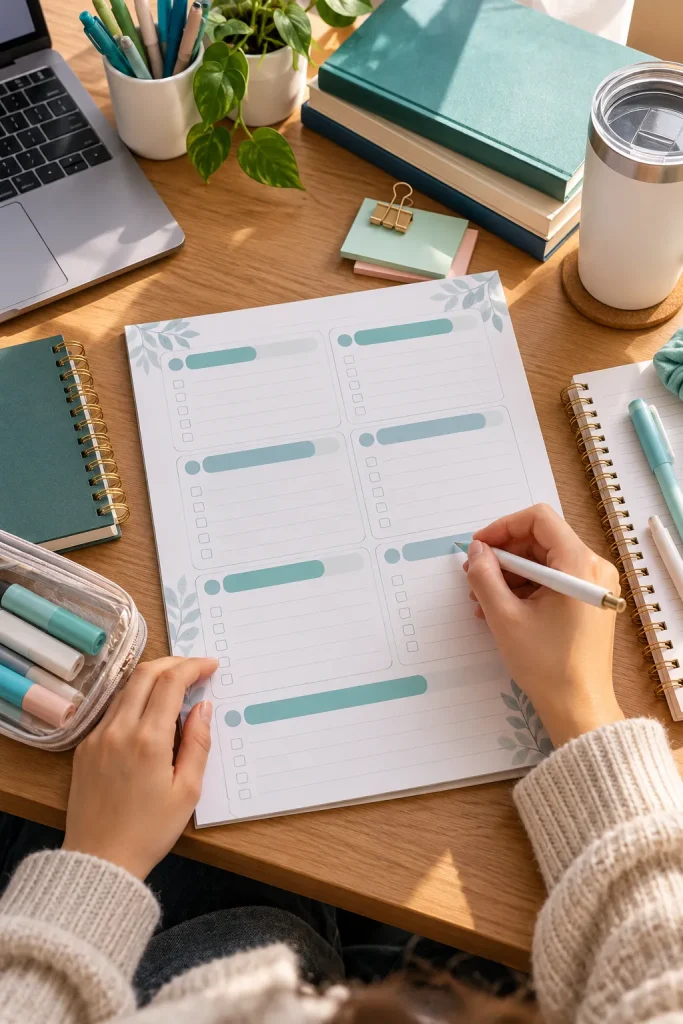
College weeks can get crowded fast. A printable weekly study planner helps students see their classes, assignments, and revision sessions on one page instead of switching between different apps.
Keep the design simple, with enough writing space for busy days.
What to Include in Your Planner
- A Monday to Sunday schedule with clear daily sections.
- Space for weekly priorities and upcoming deadlines.
- A small checkbox area for completed study tasks.
You can design the pages in Canva and export them as a printable PDF. Show a filled-in sample alongside a blank version so buyers understand how to use it.
A black-and-white option is helpful for students who print on basic campus printers.
2. Create Digital Class Note Templates

A blank document can be surprisingly frustrating when a lecture moves quickly. Digital class note templates give students a ready-made layout for organizing information without spending time formatting every page.
These templates can work especially well for students taking several lecture-heavy courses.
Build a Simple Note Layout
Create an editable Google Docs template with separate areas for the lecture topic, key ideas, detailed notes, and questions to review later.
Use clear headings and generous spacing. Avoid adding decorative elements that make long notes harder to read.
Offer a short instruction page explaining how to make a personal copy. Buyers should be able to start typing immediately, without rearranging the document.
✅ Quick Checklist
3. Design Student Budget Spreadsheet Templates

Knowing where your money went is different from guessing what is left in your bank account. A student budget spreadsheet can help track everyday spending, including groceries, transport, books, and weekend plans.
Unlike a printable budget page, a spreadsheet can automatically calculate totals.
Keep the Spreadsheet Beginner Friendly
Use Google Sheets to create separate areas for income, planned spending, actual spending, and the amount remaining.
Start with familiar categories rather than complicated financial terms. Add a few fictional example entries so buyers can understand where to type.
Protecting calculation cells from accidental changes can help, but make sure the input cells remain editable.
A clear monthly overview is a sensible starting point for students who have never used a budget spreadsheet before.
4. Make Printable Exam Revision Timetables
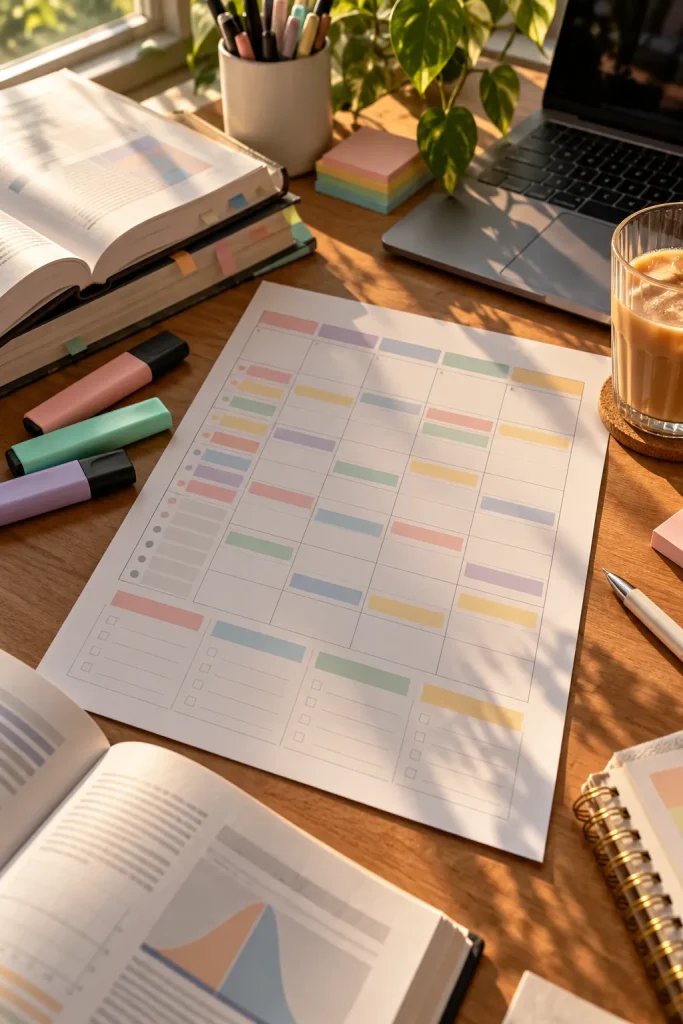
Start with the exam date and work backward. That simple approach makes a revision timetable more useful than a calendar filled with random study hours.
Students preparing for several exams need a clear way to decide which subject gets attention first.
Make an undated PDF timetable with room for subject names, revision topics, practice sessions, and breaks.
Add a Practical Planning Method
Include a small instruction page showing students how to divide a big subject into shorter tasks. For example, “review biology” can become “revise cell diagrams” or “answer practice questions.”
Leave a little empty space each week for topics that take longer than expected.
A timetable should help students adjust their plans, not make them feel behind.
Write down each exam date and subject.
Break each subject into small revision topics.
Schedule practice questions and review sessions.
Leave open time for changes, rest and missed topics.
5. Sell Editable Resume Templates for Students
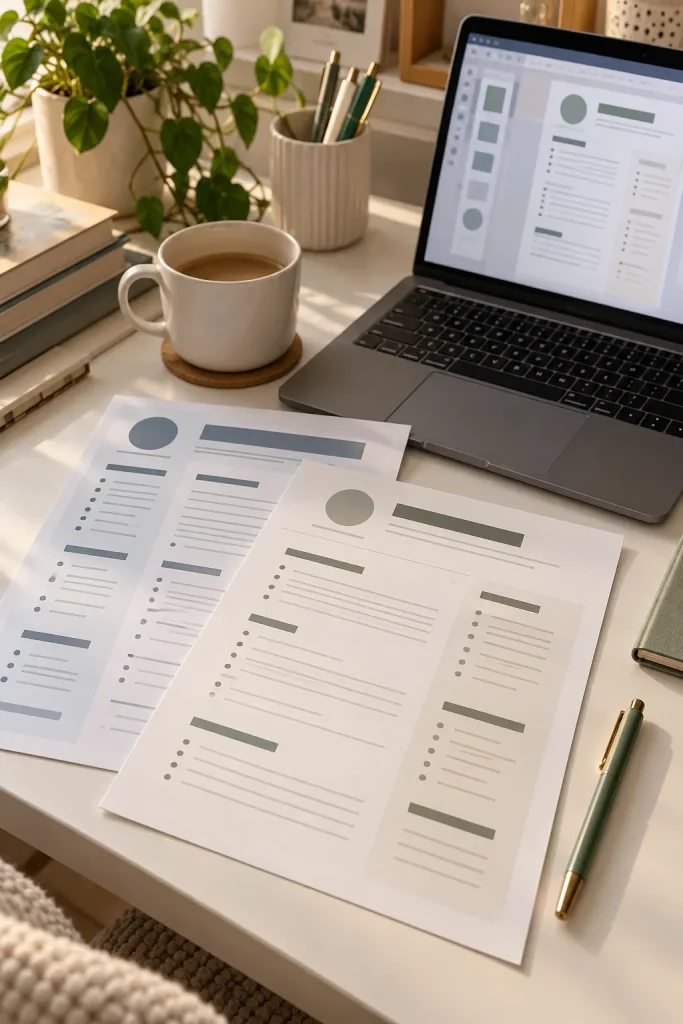
A student applying for a first internship may have plenty of useful experience but no idea how to arrange it on a resume. An editable template gives them a clear place to start.
Focus on simple, professional layouts instead of fancy graphics that take up valuable space.
Design for Limited Work Experience
Include sections for education, projects, volunteering, skills, and relevant work experience.
Create the template in Google Docs or another familiar editing tool. Use fictional information to show how each section should look when completed.
A one-page design with readable headings is a practical option. Offer a version with fewer sections for students who have little experience to list.
Keep in mind that some employers use automated resume screening systems, so simple formatting is often safer.
A student has coursework, class projects and volunteer experience but struggles to organize them into a resume.
A clean, editable layout gives each relevant experience its own section, making the document easier to update.
6. Create Internship Application Trackers

Sending internship applications is one thing. Remembering which company asked for a portfolio, when an interview is scheduled, or whether a follow-up is due can become a separate job.
An internship application tracker keeps those details together.
Build a Google Sheets template with columns for company name, position, application date, status, next action, and notes.
Make Application Status Easy to See
Add a dropdown with simple status options such as Not Applied, Applied, Interview, Offer, and Closed.
You can also include a separate column for contact information and application links. Use fictional companies in your preview, then provide a blank copy for buyers.
This product suits students applying to multiple internships who want a record they can update in minutes.
| Tracker Field | What It Helps Students Record |
|---|---|
| Application status | Which stage each application has reached |
| Next action | What needs to happen next |
| Contact details | Where replies and interview updates come from |
| Deadline | When applications or requested documents are due |
7. Design Digital Flashcard Template Packs
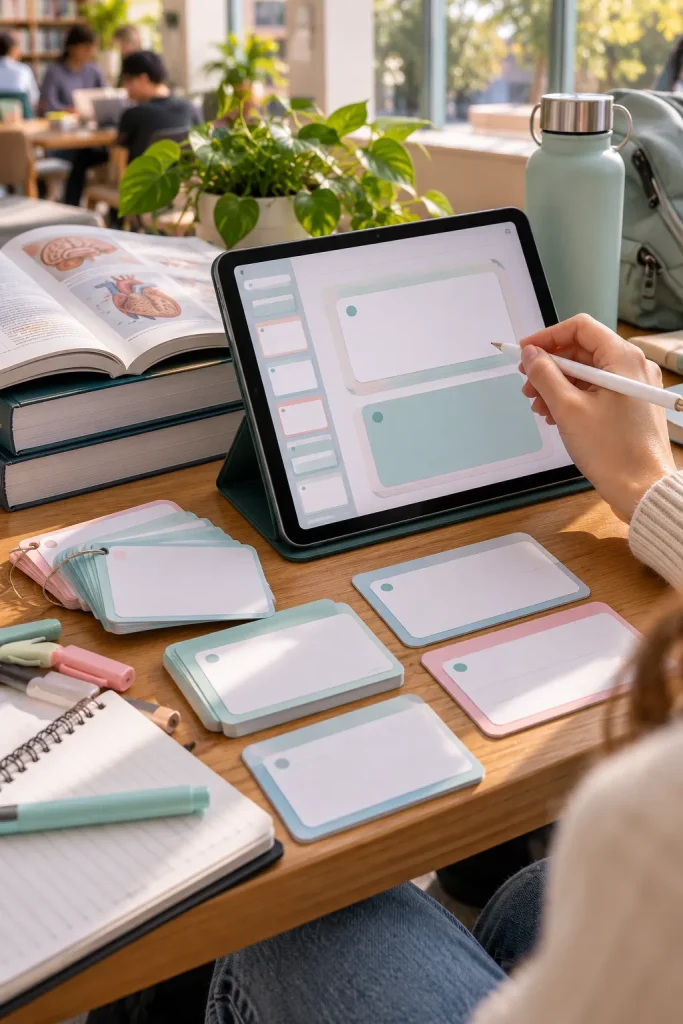
Flashcards don’t need complicated artwork to be useful. Their value comes from helping students turn big topics into smaller questions they can practice answering.
A digital flashcard template pack gives buyers blank card layouts they can fill with their own material.
Keep Questions and Answers Separate
Design editable card layouts in Canva with a clear question area and a separate answer area. Make sure both sides are easy to match when exported or printed.
Include a few layout options for vocabulary, definitions, formulas, and short explanations.
Avoid filling your products with copied textbook material. Selling original, blank templates is a straightforward starting point.
Show sample cards with fictional content so buyers understand how to customize them.
Keep one main question or term on each card.
Provide enough room for a readable answer.
Use consistent numbering or matching labels for both sides.
Tiny fonts that become difficult to read.
Too many decorations around the answer.
Crowded cards with several unrelated topics.
8. Sell Printable Dorm Cleaning Schedules
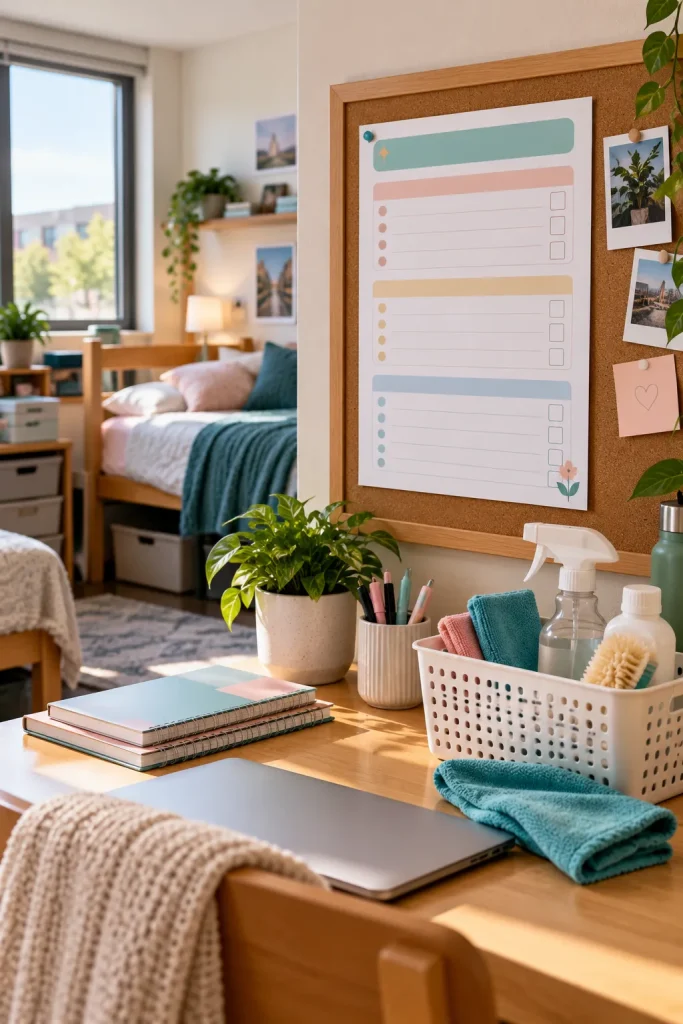
Shared dorm rooms can get messy quickly, especially when nobody remembers whose turn it is to empty the trash or clean the bathroom.
A printable dorm cleaning schedule helps roommates divide everyday chores without having the same conversation every week.
Make a simple PDF with task names, assigned roommate, day of the week, and completion checkboxes.
Include Shared and Personal Tasks
Separate communal chores such as sweeping shared floors from personal tasks like organizing a desk.
Leave roommate names blank so buyers can fill them in themselves. A weekly version and a rotating chore version give buyers useful choices without making the pack complicated.
Use clear, black text that remains easy to read when printed. Students may keep the sheet on a fridge or pinboard.
💡 Quick Tip
Include an extra blank chore row. Shared rooms have different cleaning needs, and a customizable row helps roommates add tasks such as wiping a mini fridge or cleaning a shared sink.
9. Create Editable College Presentation Templates

A clean presentation can make a class project easier to follow, especially when students have several slides filled with research, images, and group findings.
Editable presentation templates save buyers the trouble of designing every slide from scratch.
Build a Useful Slide Collection
Create a coordinated set in Google Slides or Canva with layouts for titles, topic introductions, comparisons, timelines, and references.
- Keep text areas spacious enough for real coursework.
- Use readable fonts and consistent heading sizes.
- Include blank chart layouts students can customize.
Students working on individual assignments or group presentations could use these templates.
Show several slides together in the product preview so buyers can see how the complete set looks. Avoid including copyrighted university logos or branding without permission.
10. Design Printable Assignment Deadline Trackers
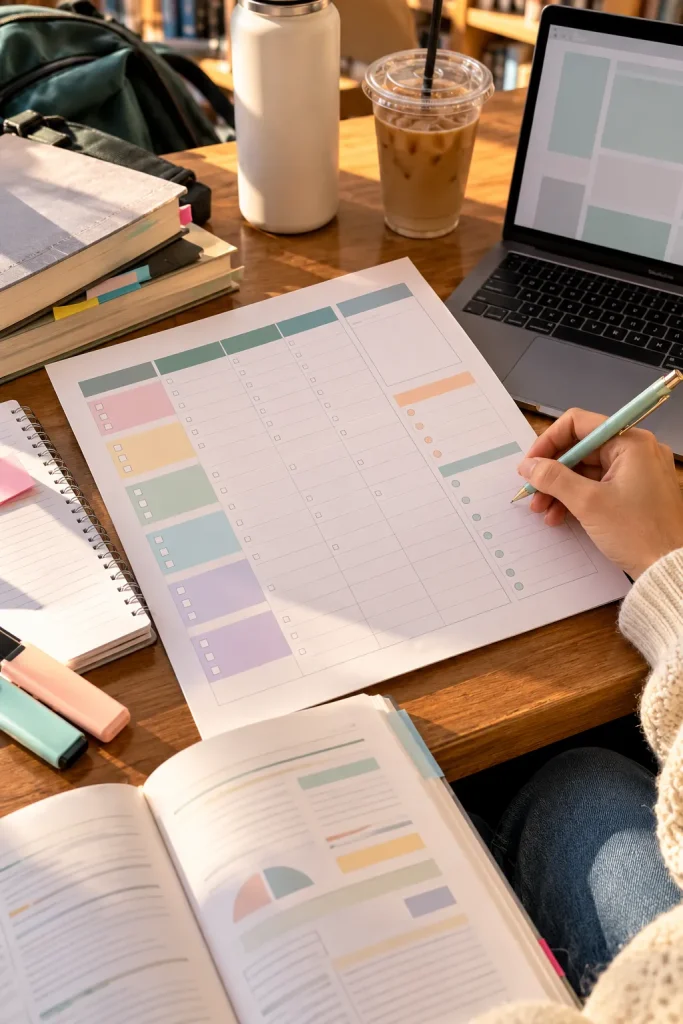
Three assignments due in the same week can be hard to manage when their instructions are scattered across different course pages.
A printable assignment deadline tracker puts the important dates in one place.
Unlike a weekly study planner, this product focuses specifically on individual assignments and their progress.
Make Every Deadline Easy to Track
Design a printable PDF with spaces for the course, assignment name, due date, required materials, and submission status.
Include a small area for tasks students need to finish before submitting, such as collecting sources or proofreading.
A simple black-and-white layout is practical for frequent printing.
You could offer both a semester overview and a single-page assignment tracker as one coordinated pack.
✅ Quick Checklist
11. Sell Digital Habit Tracker Templates
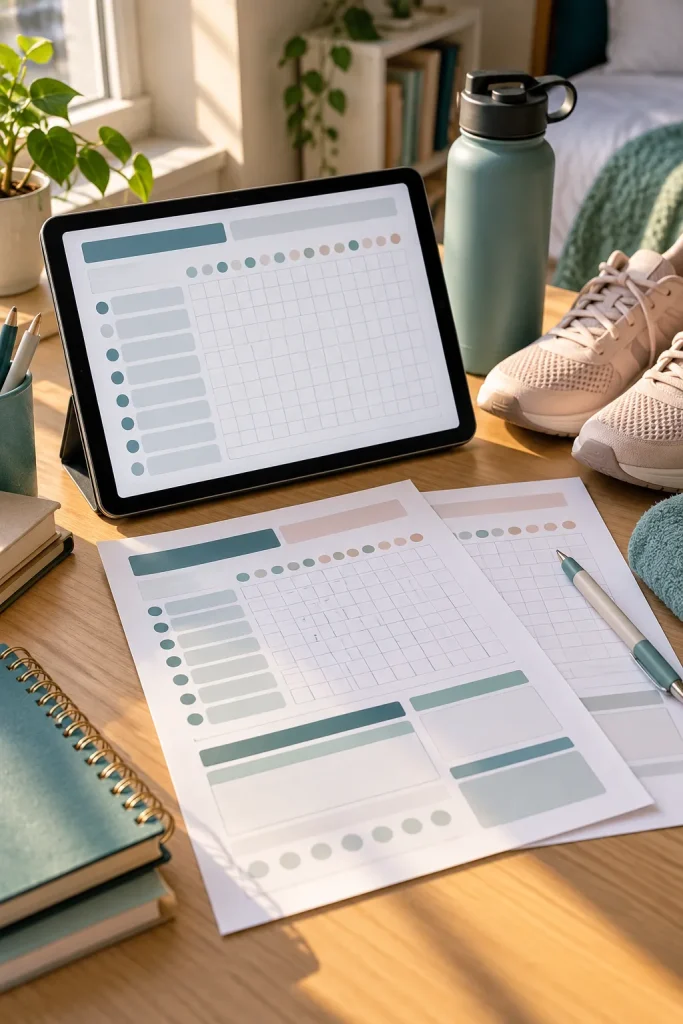
Small daily habits are easier to notice when they are recorded somewhere visible. A digital habit tracker gives students a simple way to follow routines without writing a full journal entry every night.
Create an editable monthly grid where buyers can name their habits and mark the days they complete them.
Keep the Tracker Flexible
Use Google Sheets to make a version with blank habit rows and date columns.
You might include sample categories such as reading, exercise, sleep routines, and drinking water, but leave the actual goals up to the buyer.
Students balancing classes and personal routines are the main audience.
Avoid filling the design with complicated scoring systems. A clear grid with room for a short monthly reflection is enough to make the product useful.
12. Make Printable College Packing Checklists
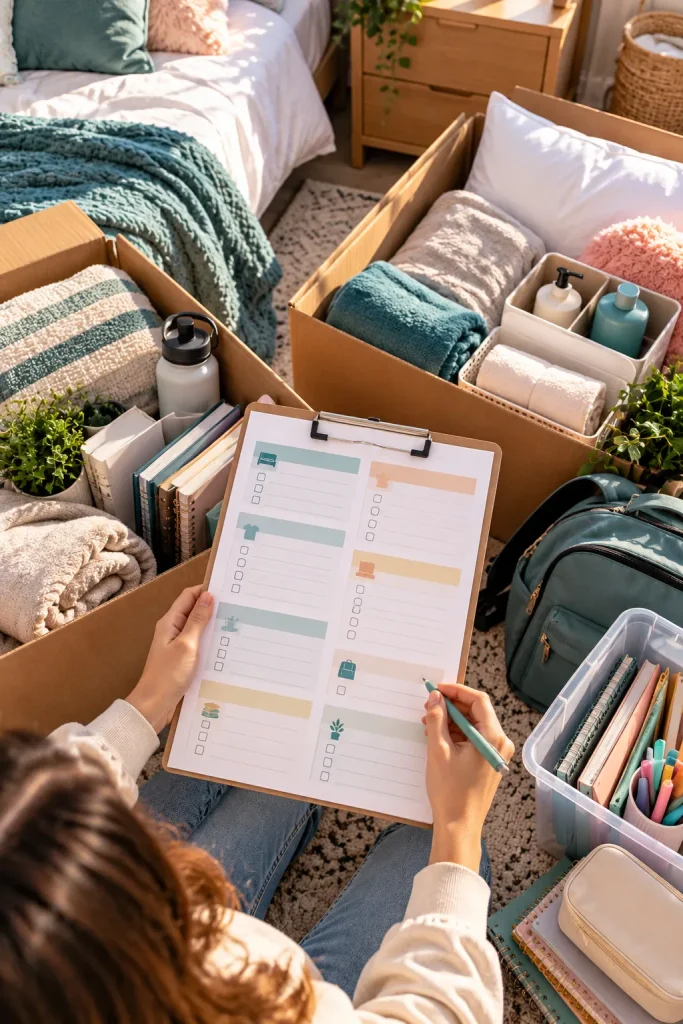
Start by separating what a student needs on the first night from everything that can be unpacked later. That small detail makes a college packing checklist more practical than one long list of belongings.
First-year students and families preparing for dorm move-in are natural buyers.
Create a PDF with separate categories for bedding, clothing, toiletries, study supplies, and important documents.
Add a Move-In Planning Page
Include a section for items that need to be purchased, packed, or checked with the college.
Leave space for dorm-specific rules, since different campuses may restrict certain appliances or equipment.
An extra first-night essentials checklist can help students find their phone charger, medications, and clean clothes without opening every box.
Check the dorm's supplied furniture and permitted items.
Pack everyday essentials and important documents first.
Group remaining items by room area and label the boxes.
Keep a separate bag for everything needed on the first night.
13. Create Student Meal Planning Printables
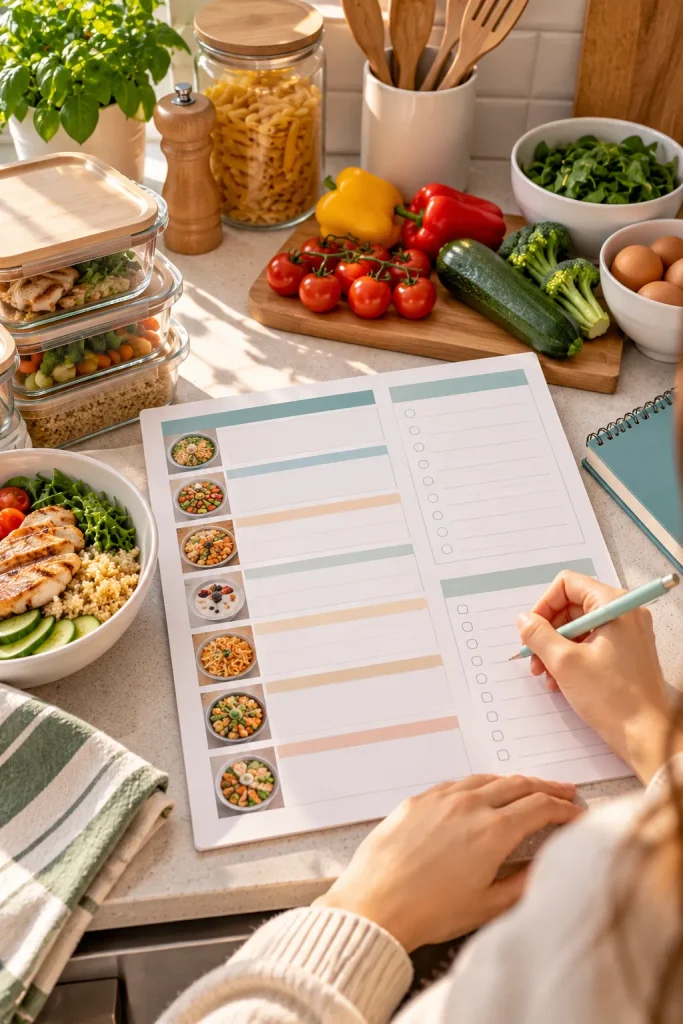
A half-empty fridge and a busy class schedule can make deciding what to eat feel like another assignment. Student meal planning printables help buyers organize simple meals before the week gets crowded.
Unlike recipe books, these downloads focus on planning meals around available ingredients, shopping needs, and limited cooking time.
Design Around Student Kitchens
Use Canva to create a weekly meal calendar, grocery list, and pantry inventory page.
Include space for leftovers so students can plan meals without cooking something new every day.
Buyers living in dorms or shared apartments may have limited storage and kitchen access. Leave room for meals that need little preparation.
A sample page using familiar foods like sandwiches, rice, eggs, and pasta can make the layout easier to understand.
Groceries are bought without checking what is already in the fridge. Some ingredients never get used, and dinner decisions happen at the last minute.
A weekly meal plan connects meals with available ingredients. The grocery list shows what is missing, while a leftovers section helps plan another meal.
14. Design Editable Club Event Flyer Templates

Campus clubs often need flyers for workshops, recruitment meetings, guest speakers, and social events. Creating a fresh design for every announcement takes time, especially when the same information appears again and again.
An editable flyer template gives student organizers a reusable layout.
Make the Important Details Stand Out
Create a small Canva collection with different layouts for academic talks, club meetings, and casual events.
Each design should have clearly marked spaces for:
- Event name and short description.
- Date, time, and location.
- Registration details or contact information.
Offer both digital sharing and print-friendly dimensions. Students can then adjust the same design for a noticeboard or social media announcement.
Use fictional event details in your previews and check the commercial-use rules for design assets.
| Printed Flyer | Digital Flyer |
|---|---|
| Designed for noticeboards and campus displays | Designed for phones, email and online sharing |
| Needs readable details from a short distance | Needs readable details on a small screen |
| Check print size and margins | Check image dimensions and cropping |
15. Sell Printable Textbook Reading Logs

Reading forty pages is not the same as remembering the main argument. Students working through long textbook chapters often need a way to record what they have read and what still needs another look.
A printable textbook reading log combines progress tracking with a little space for useful notes.
Focus on Chapter-Level Progress
Design a PDF with columns for textbook title, chapter, assigned pages, completion date, and key takeaways.
Add a separate box for unfamiliar terms or questions to raise in class.
This product is especially relevant for students taking courses with weekly reading assignments.
Keep the writing areas generous. A cramped page won’t be helpful when a chapter contains several difficult concepts.
A chapter title and assigned page range.
One main idea worth remembering.
A question or concept to revisit.
Tiny note spaces that fit only a few words.
Too many progress ratings for one chapter.
Decorations that crowd out useful writing space.
16. Create Digital Portfolio Website Templates

A portfolio website gives students a place to show their work beyond a resume. Photography students might display images, design students can share projects, and writers can present selected articles.
For this product, the goal is a reusable website layout rather than a finished website built for one person.
Start With a Simple Portfolio Structure
Create a beginner-friendly website template using a platform such as Google Sites, where students can replace sample content with their own.
Include a homepage, about section, project gallery, and contact page.
Use placeholder images and fictional descriptions instead of real student work.
Buyers should receive clear instructions on how to customize the layout. Check the platform’s current template-sharing and commercial-use rules before offering it for sale.
💡 Quick Tip
Include one completed fictional project page as an example. Show where buyers should add a project title, short description, images, their role, and the final result. This helps students replace placeholder content without guessing how each section works.
17. Make Printable Scholarship Application Trackers
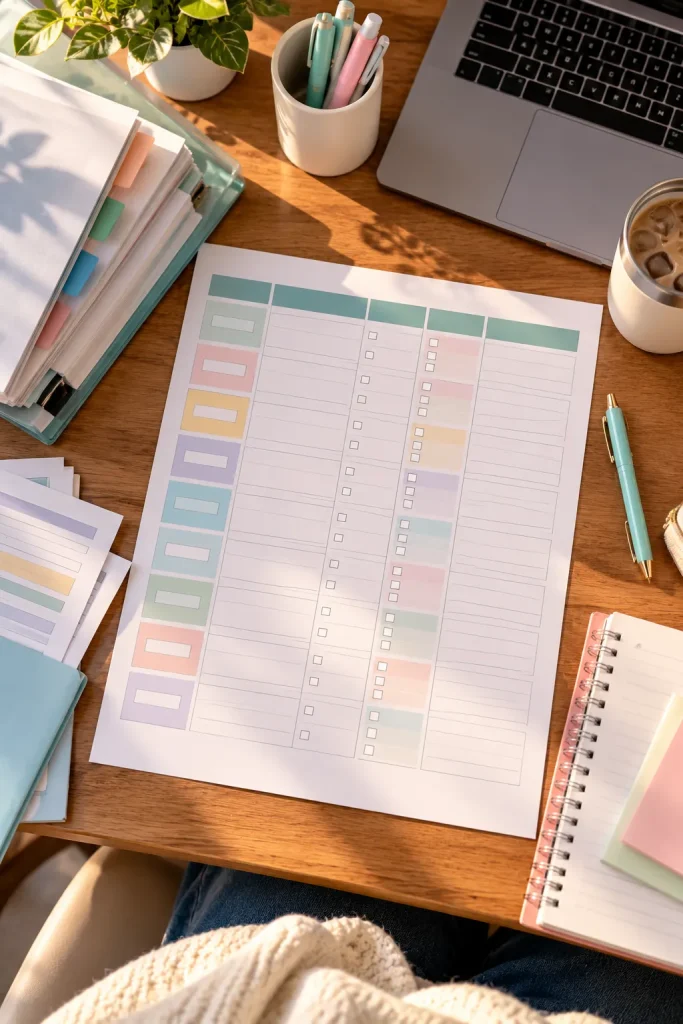
Scholarship applications often require more than filling out a single form. Students may need recommendation letters, personal statements, transcripts, and different supporting documents for each opportunity.
A printable scholarship application tracker helps them organize those requirements before deadlines get too close.
Organize Each Application Clearly
Create a PDF with columns for scholarship name, eligibility requirements, deadline, documents needed, and application progress.
Include a separate section for recommendation requests so students can record whom they contacted and when.
This product suits students applying for several scholarships during the same semester.
Add a blank notes area for requirements that differ between programs. Keep the tracker focused on organization rather than promising better scholarship outcomes.
18. Sell Editable Graduation Announcement Templates
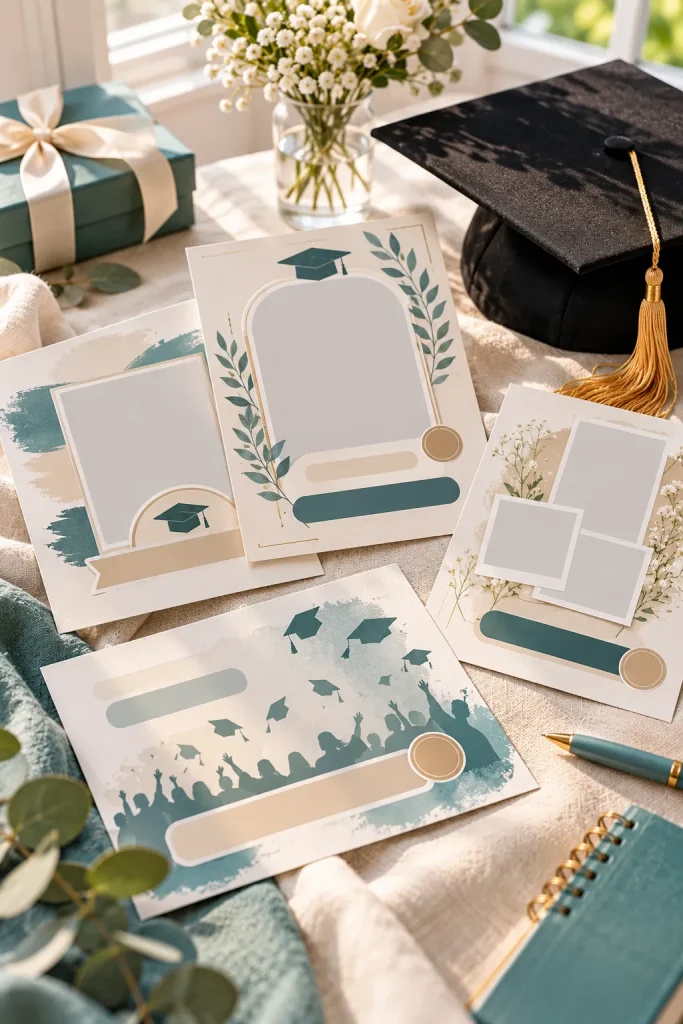
A graduation announcement doesn’t need to be complicated, but students often want something more personal than a plain message with their graduation date.
Editable announcement templates allow graduates to customize the design without starting with a blank page.
Create a small Canva collection with modern, minimal, and traditional card layouts.
Include Flexible Personalization Options
Make space for:
- Graduate’s name and graduation year.
- Degree or field of study.
- Ceremony information or a short personal message.
- An optional photo.
Offer versions suitable for digital sharing and home printing.
Use fictional names, neutral colors, and placeholder photographs in your previews. Avoid including official college seals unless you have permission.
A matching thank-you card can make the collection more useful for graduates.
✅ Quick Checklist
19. Design Printable Student Fitness Logs
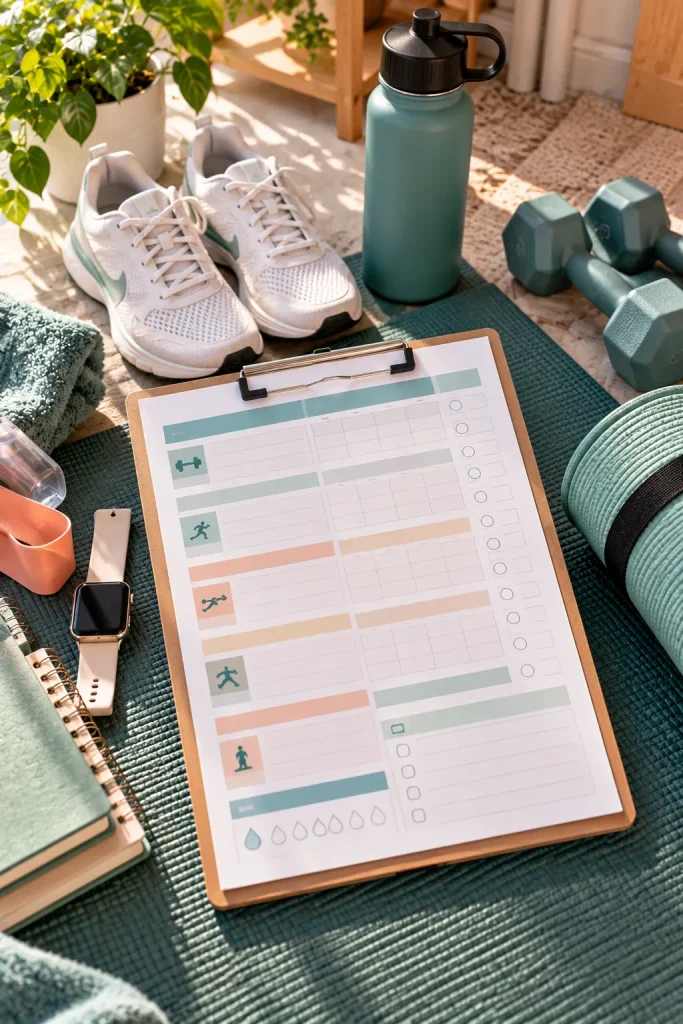
A fitness log should take less time to fill out than the workout itself. Students who exercise between classes may prefer a simple printable sheet instead of another app to manage.
Design a workout log with spaces for activity, sets, repetitions, duration, and personal notes.
Focus on Recording Activities
Create separate layouts for strength training and general exercise. A student lifting weights needs different fields from someone recording walks or cycling sessions.
Use Canva to prepare an undated weekly version that buyers can print repeatedly.
Leave room for rest days and personal observations without adding rigid exercise targets.
A clear, uncluttered design works for beginners who simply want a record of their activities. Keep the product organizational rather than offering personalized fitness or medical advice.
20. Create Digital Language Vocabulary Journals

A list of unfamiliar words becomes much more useful when students can record how those words are used in real sentences.
Digital vocabulary journals give language learners a structured place to collect new terms, translations, and examples.
Build a Repeatable Vocabulary Page
Create an editable Google Docs template with spaces for the new word, its meaning, pronunciation notes, and an example sentence.
Add a section for commonly confused terms or expressions.
Students taking foreign language courses could use the same template throughout a semester.
Include a sample page with simple, original example sentences so buyers understand how each field works.
Leave enough space for languages that use different writing systems. Avoid decorative fonts that make characters difficult to read.
Write the new word in its original language.
Add the meaning and any useful pronunciation notes.
Write an original sentence using the new word.
Mark the entry for another review when needed.
21. Sell Printable Student Goal Setting Workbooks

Big goals like improving grades or building a portfolio can feel difficult when there is no clear starting point. A printable goal setting workbook helps students turn broad plans into smaller actions.
Unlike a habit tracker, this product focuses on choosing a goal, planning the steps, and reviewing progress over time.
Turn Goals Into Action Pages
Create a Canva workbook with a goal description page, action plan, milestone tracker, and reflection sheet.
Include prompts such as:
- What do I want to complete?
- What is my next practical step?
- What might get in the way?
Add a fictional completed example to demonstrate how the pages connect.
Keep the workbook short enough that students can return to it during a busy semester.
Goal: Build a design portfolio. There is no project list, deadline, or clear next action.
Goal: Select three class projects, write descriptions, prepare images, and review the portfolio before sharing it.
22. Make Editable Social Media Post Templates for Campus Clubs

Campus club accounts need more than event flyers. They also share member introductions, meeting reminders, volunteer announcements, and updates about recent activities.
A coordinated social media template pack helps student organizers create posts that look consistent without redesigning everything.
Build Templates for Recurring Posts
Use Canva to design editable square posts and vertical story layouts.
Create different templates for announcements, member spotlights, event recaps, and question posts.
Keep photographs, colors, and club names replaceable so buyers can adapt the designs.
Students managing small campus organizations are the intended audience.
Use original graphics and placeholder photographs in the previews. Before selling, check the current commercial-use terms for any fonts, images, or other assets included in the templates.
| Post Template | Main Information |
|---|---|
| Member Spotlight | Photo, name, role and short introduction |
| Meeting Reminder | Date, time, location and meeting topic |
| Event Recap | Activity photos and a short event summary |
| Volunteer Call | Task details, eligibility and contact instructions |
23. Create Printable Lab Report Templates
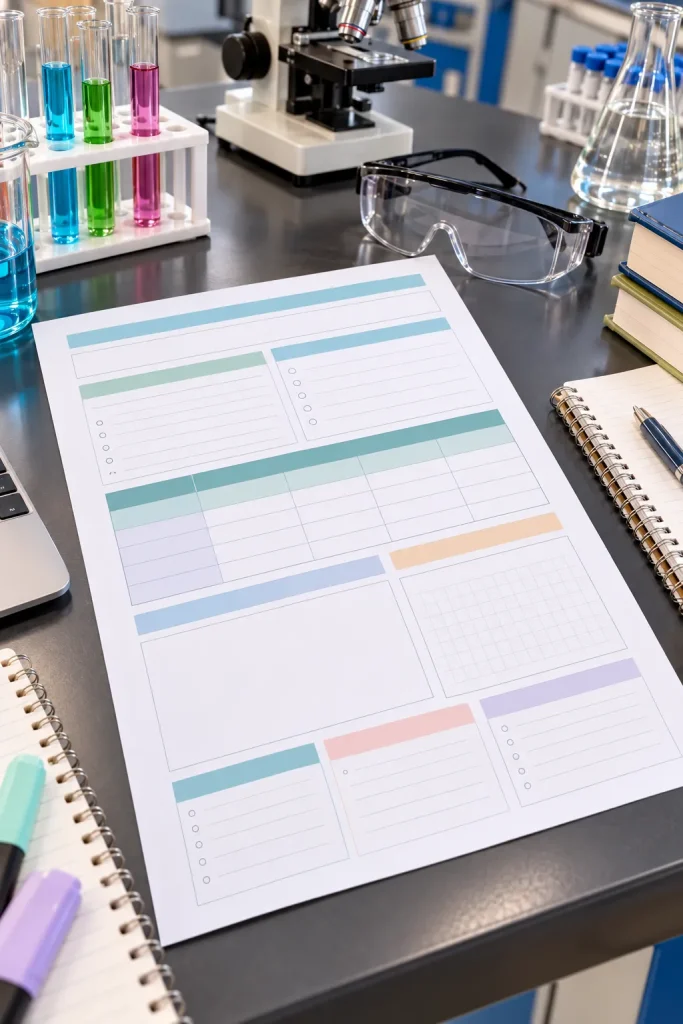
A lab report needs more structure than a blank notebook page. Students often have to keep methods, observations, results, and conclusions separate while recording what happened during an experiment.
A printable lab report template provides that organization before the writing begins.
Keep the Sections Clear
Design an editable worksheet or printable PDF with spaces for the experiment title, objective, materials, procedure, observations, results, and conclusion.
Include blank tables for measurements and enough space to describe unexpected results.
Students taking laboratory courses could use these pages for practice reports or informal experiment records.
Different departments may have their own required formats, so explain that the template must be adjusted to match course instructions.
Prioritize usable writing space over decoration.
Separate spaces for recorded observations and interpretation.
Tables with room for measurement units.
A clear place for conclusions and limitations.
Prewritten results presented as actual findings.
Fixed sections that cannot fit different experiments.
Claims that one layout meets every department’s requirements.
24. Design Digital Book Review Journals

A book review journal doesn’t have to be a long essay. Some readers just want to remember what they read, which characters stood out, and whether they would recommend the book.
Digital book review journals turn those small reflections into organized entries.
Design an editable template in Google Docs with sections for the book title, author, reading dates, rating, favorite moments, and personal thoughts.
Make Each Entry Easy to Complete
Add a short review prompt and a larger space for readers who want to write more.
Students who enjoy fiction, join reading clubs, or keep personal reading records may find this useful.
Offer a blank journal page that can be duplicated for each new book. Avoid including copyrighted book covers in your product previews without permission.
💡 Quick Tip
Include a small box labeled "Would I recommend this book, and to whom?" It gives readers something more specific to write than a rating alone. Leave enough space for a short explanation without requiring a full review.
25. Sell Printable Student Debt Repayment Trackers

Seeing payment dates, balances, and repayment progress on one page can make student debt records easier to manage. A printable debt repayment tracker gives borrowers a dedicated place to record payments without mixing them into everyday spending notes.
Create a Clear Payment Record
Design a Canva printable with spaces for the lender, starting balance, payment date, amount paid, and remaining balance.
Include a separate section for recording interest rates and upcoming due dates.
Students or recent graduates managing education-related debt could use the tracker alongside their official loan statements.
Keep the layout factual and avoid suggesting repayment strategies or promising faster results. Remind buyers to confirm balances and payment requirements directly with their lenders.
26. Create Editable Freelance Invoice Templates

A student who designs posters, edits videos, or writes content for clients needs a clear way to show what work was completed and what payment is requested.
An editable invoice template provides that structure without requiring the student to design a new document for every project.
Keep Invoice Details Organized
Create a Google Docs template with editable sections for the business name, client information, invoice number, issue date, services, and total amount.
Leave space for payment terms and any required business details.
Students starting small freelance services are a natural audience for this product.
Include a fictional completed invoice and a blank version. Explain that invoicing and tax requirements vary by location, so buyers should check applicable rules before using the template.
✅ Quick Checklist
27. Make Printable Volunteer Hour Logs

Volunteer work can involve several events, organizations, and supervisors across a semester. Without a consistent record, students may struggle to remember exactly when they participated.
A printable volunteer hour log keeps each activity in a separate row, making the information easier to review.
Include Verification Details
Design a PDF with spaces for the organization, activity, date, start time, end time, total hours, and supervisor confirmation.
Add a summary area for recording the total hours completed.
This product could appeal to students organizing community service records for applications, campus programs, or personal portfolios.
Avoid presenting the sheet as an official certificate. Some organizations require their own forms or verification methods, so buyers should check those requirements first.
28. Design Digital College Travel Itinerary Templates
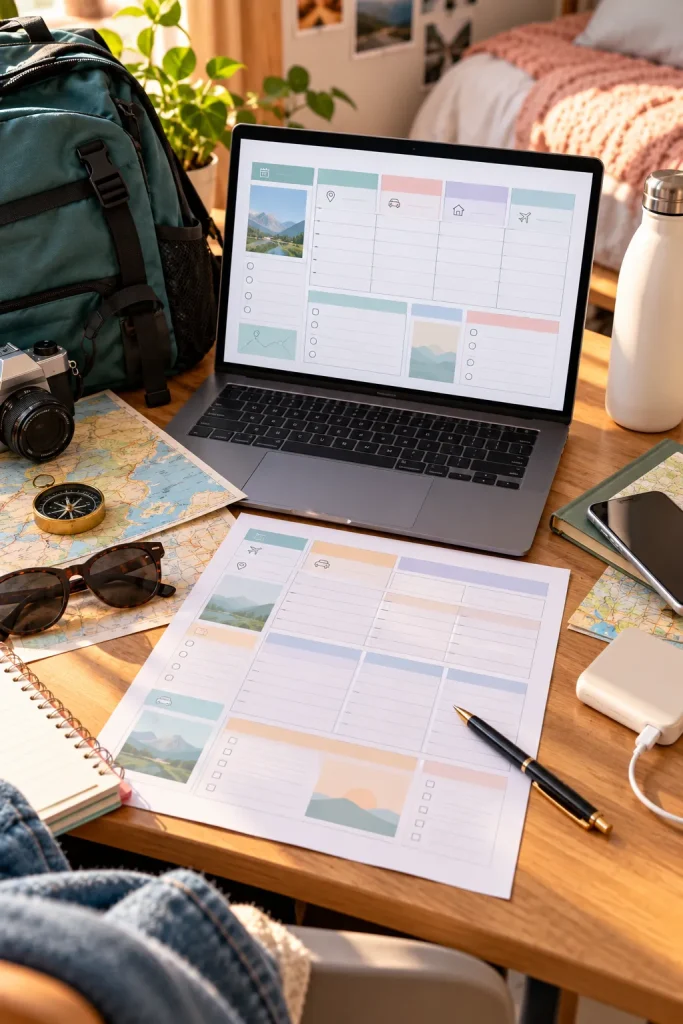
A weekend trip with college friends becomes easier to organize when everyone knows the transport details, accommodation address, and planned activities.
Digital travel itinerary templates give students one editable place to keep those details together.
Create a Practical Trip Layout
Use Google Docs to design pages for transport bookings, accommodation information, daily activities, packing reminders, and shared expenses.
Keep the layout flexible enough for a short weekend break or a longer college trip.
Students organizing group holidays, academic visits, or study breaks could use this type of download.
Include a sample itinerary with fictional locations and booking details. Add a section for emergency contacts, but avoid encouraging buyers to store sensitive identification or payment information in shared documents.
Record transport details, arrival times and accommodation information.
Group planned activities by day and location.
List shared expenses and who is responsible for each booking.
Leave open time for delays, rest and changes to the plan.
29. Sell Printable Student Self Care Journals
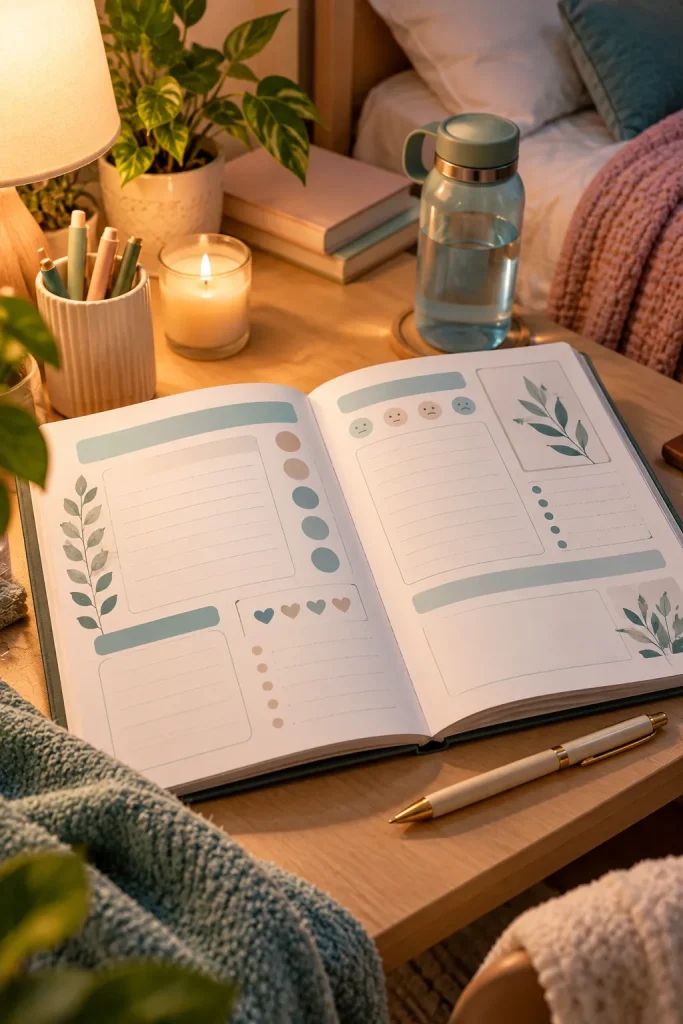
Some days, even a short reflection can feel more manageable than filling several pages with personal thoughts. A student self care journal should make room for both.
This printable product helps students record daily feelings, personal needs, and small moments they want to remember.
Build Gentle Reflection Pages
Create a Canva journal with brief daily prompts, an open writing page, and a weekly reflection.
Try questions such as “What felt difficult today?” and “What would make tomorrow more manageable?”
Students looking for a private, low-pressure journaling routine may appreciate these layouts.
Keep the pages undated and give buyers permission within the instructions to skip questions. Avoid presenting the journal as a treatment for stress, anxiety, or other health conditions.
A blank journal page feels difficult to fill. The student wants to reflect but does not know where to begin.
A few optional prompts offer a starting point, while an open section allows longer reflections when needed.
30. Create Editable Small Business Price List Templates

Students running small side businesses often need to explain their services clearly before someone places an order. An editable price list template helps them organize that information into a simple document.
The product could suit student photographers, tutors, designers, or small handmade-product sellers.
Design for Different Services
Create a Canva template with editable spaces for service names, descriptions, prices, and contact details.
Include a section for package options or additional services, but let buyers decide their own rates.
Offer both a printable page and a digital version suitable for sharing with potential customers.
Use fictional business names and sample prices only where necessary to demonstrate the layout. Check commercial-use rules for any included graphics, and keep the design easy to update when services change.
💡 Quick Tip
Make room for a short note explaining what each service includes. For example, a photography package may need fields for session length, number of edited photographs and delivery method. Clear descriptions help customers understand what they are requesting before contacting the seller.
Start With One Useful Digital Product
You don’t need to create an entire shop in your first week. Choose one idea that matches a problem you already understand, then build a clean version that someone else can use without extra explanation.
The strongest starting point is often a simple template with clear instructions, editable sections, and a realistic product preview.
These digital products for college students offer different ways to turn familiar campus needs into downloadable resources. Before listing anything, check your selling platform’s current requirements and the usage rights for your design materials.
Save this list to your Pinterest board so you can come back when you’re ready to choose your first product.