
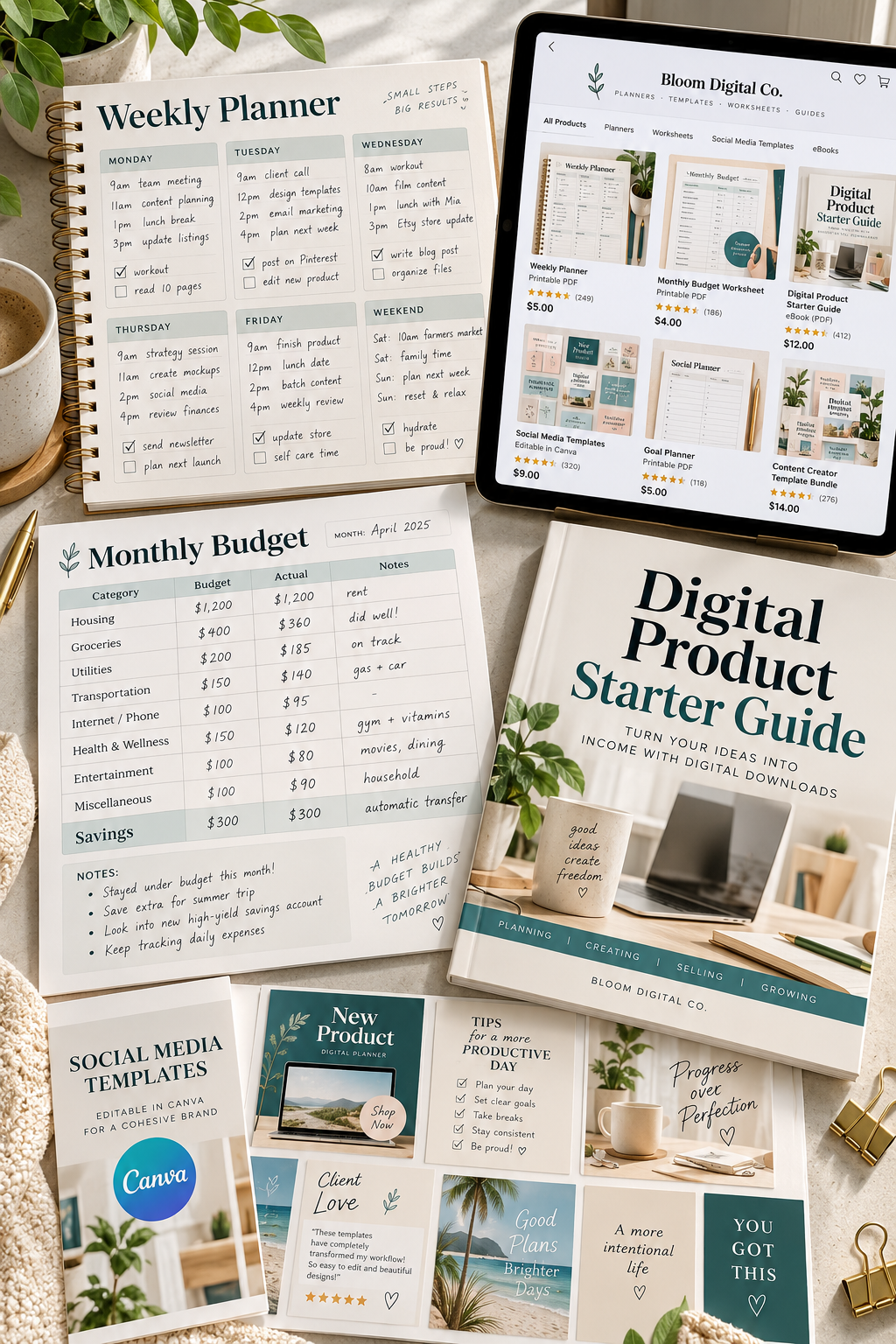
Selling a digital download sounds simple until you have to choose where to sell it. You might have a finished printable planner, a set of Canva templates, or an ebook ready to upload, but picking the right platform can feel harder than creating the product itself.
Some platforms already have shoppers searching for digital products. Others give you a clean storefront but leave the job of finding customers to you. A shop that works well for selling printable worksheets may not be the right fit for someone offering courses or software.
That is why comparing the best digital product platforms matters before you spend time setting up a store. You need to know what each one does well, what it cannot do easily, and how it fits the products you want to sell.
Below are ten platforms worth considering, with a clear strength and limitation for each. Before choosing, check the latest seller rules, supported countries, payment options, and product requirements. Those details can change and may affect where you can sell.
1. Sell Printable Downloads on Etsy
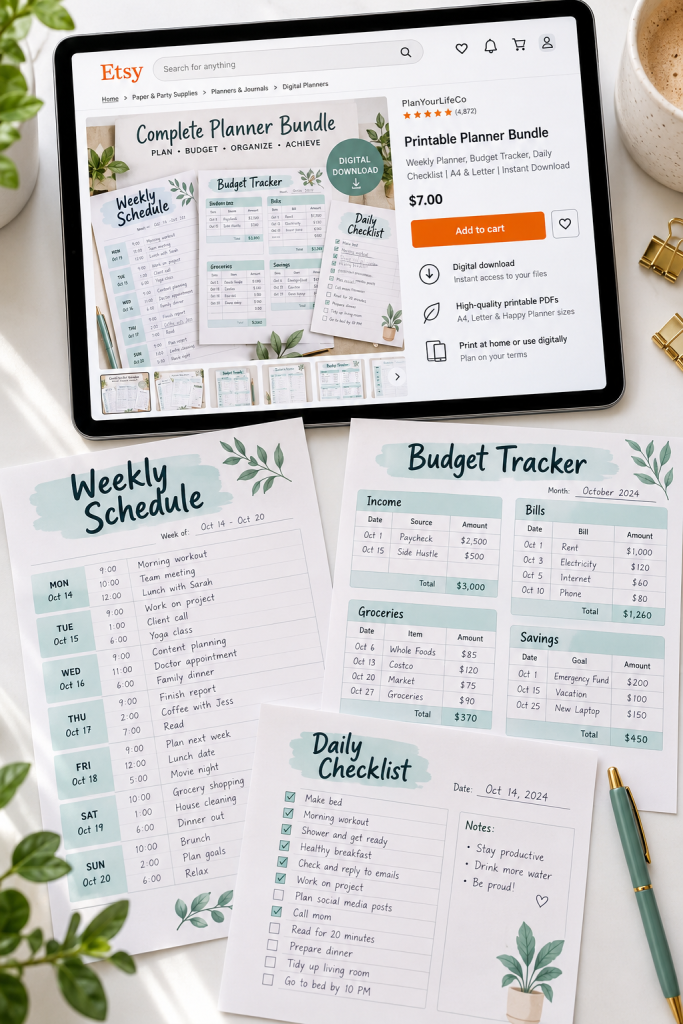
Etsy is a familiar starting point for selling printable planners, budget sheets, wall art, and digital worksheets. Buyers can search its marketplace for products instead of needing to know your shop name first.
Make Your Listings Easy to Understand
A strong digital listing should show buyers exactly what they will receive.
- Show several completed pages from your printable.
- Explain the paper sizes and file formats included.
- Clearly state that the product is a digital download, not a printed item.
The main strength is marketplace discovery. People already use Etsy to look for printable products.
The limitation is competition. Similar designs may appear beside yours, so clear product images and specific descriptions matter. Etsy also has rules about seller-designed digital products.
2. Sell Simple Digital Products With Gumroad
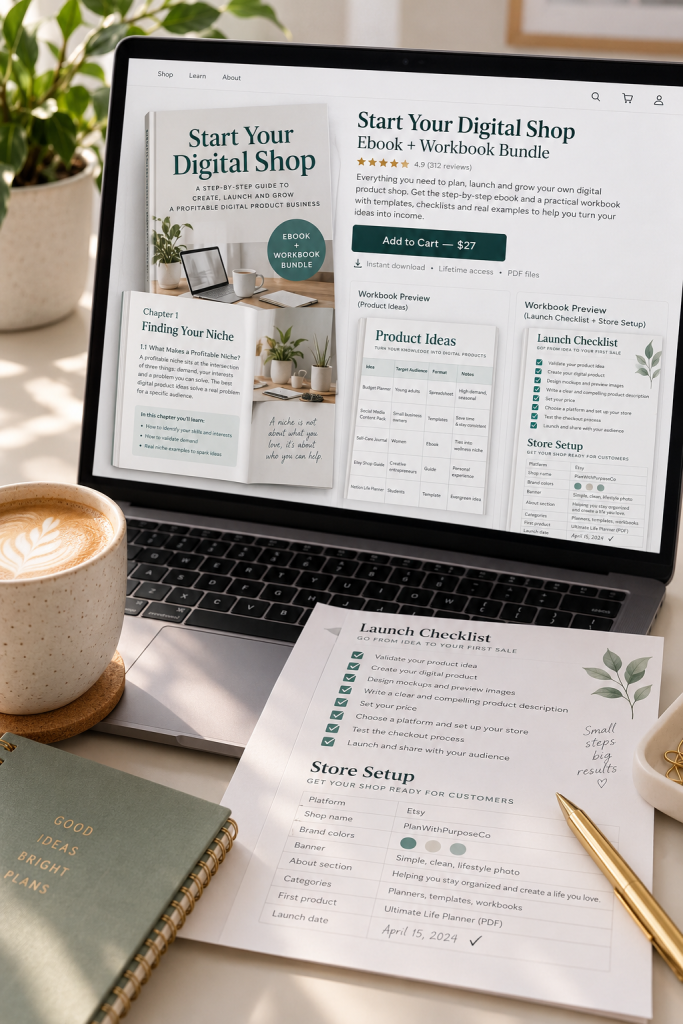
A finished ebook does not always need a full online shop. Sometimes a clear product page and a reliable way to deliver the file are enough.
Gumroad lets creators sell downloadable products such as guides, templates, workbooks, and digital resources. You can create a product page with a description, cover images, and the content buyers receive.
Who It Suits
Gumroad makes sense for someone selling a small collection of products through a blog, newsletter, or social media account.
Its strength is the straightforward product setup. You can focus on explaining one useful download without organizing a large catalog.
The limitation is finding customers. Gumroad has discovery features, but you should not depend on them to bring steady visitors to a new product.
💡 Quick Tip: Check Your Product Page
Before sharing your Gumroad link, view the page as a buyer. Check that the cover shows the real product, the description lists every included file, and the download instructions make sense to someone seeing it for the first time.
3. Create Your Own Digital Download Store With Payhip
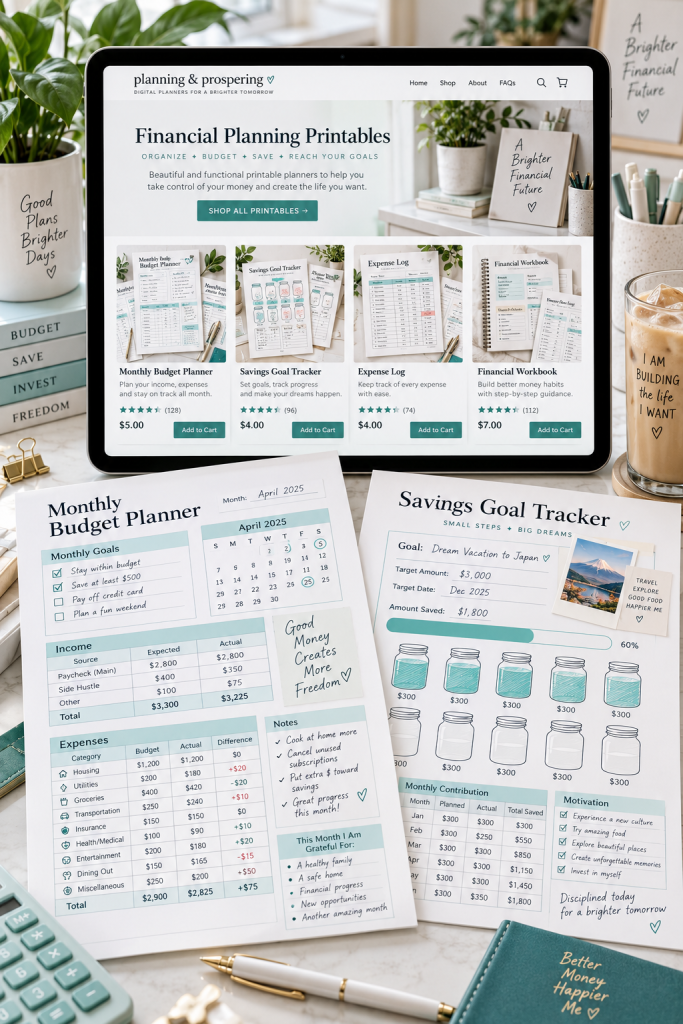
A collection of matching products often looks better when buyers can browse everything in one place. Payhip gives sellers a storefront for digital downloads without requiring them to build a separate website first.
You can sell printable planners, ebooks, templates, and other downloadable files while customizing the look of your store.
Start With a Small Product Collection
Rather than filling your shop with unrelated downloads, organize products around a useful theme.
- Put budgeting worksheets together.
- Group matching planners into a collection.
- Give each product its own clear preview and description.
Payhip’s strength is its combination of storefront and digital file delivery. The main limitation is that having a store does not bring customers automatically. You still need ways to share and promote it.
4. Share Digital Downloads Through Ko-fi Shop

A creator who already shares artwork, helpful resources, or printable designs with followers may not need a separate ecommerce website.
Ko-fi Shop lets creators offer downloadable products alongside other ways people can support their work. You could list printable wall art, digital journal pages, or a small worksheet collection and share the shop with your audience.
Its main strength is keeping your products and creator page together. Followers can find your downloads without visiting a completely different shop.
The limitation is visibility. Ko-fi is not built around the same product-search experience as a large marketplace. It makes more sense when you already have places to share your work, even if your audience is still small.
📋 Before Publishing Your Ko-fi Download
5. Sell Design Templates on Creative Market
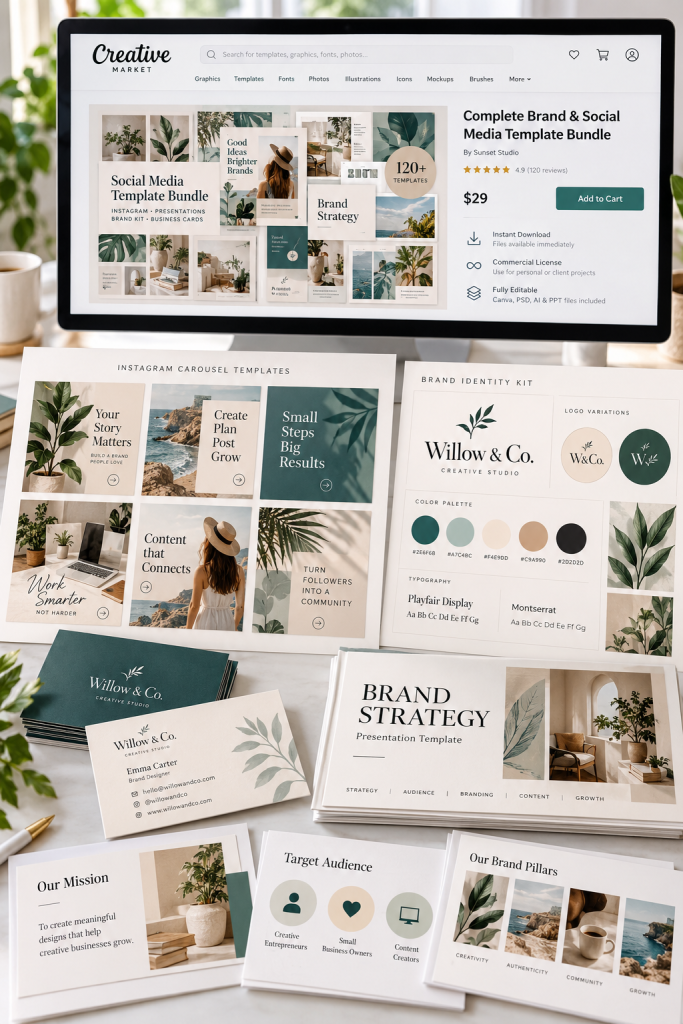
Creative Market focuses on design resources such as fonts, graphics, mockups, and editable templates. This makes it different from platforms built mainly around general digital downloads.
Its main strength is reaching people who are already browsing for creative assets.
What Belongs in Your Shop?
Products such as presentation templates, branding kits, social media designs, and carefully organized graphic bundles fit its design-focused approach.
A strong listing should include clear previews, organized files, and instructions for editing the templates.
The limitation is that opening a shop involves an application process, and not every product suits the marketplace. You also need to understand licensing rules before selling designs containing third-party assets.
A finished design package is more useful than a folder of unexplained files.
Include editable source files when your product promises editable templates.
Show examples of the finished designs in use.
Provide a short guide explaining the included files and required software.
Do not present a flattened preview as a fully editable design.
Avoid mixing unrelated files into a bundle without a clear purpose.
Never assume purchased fonts, graphics, or templates can be resold without checking their licenses.
6. Sell Digital Products From Your Social Bio With Stan Store
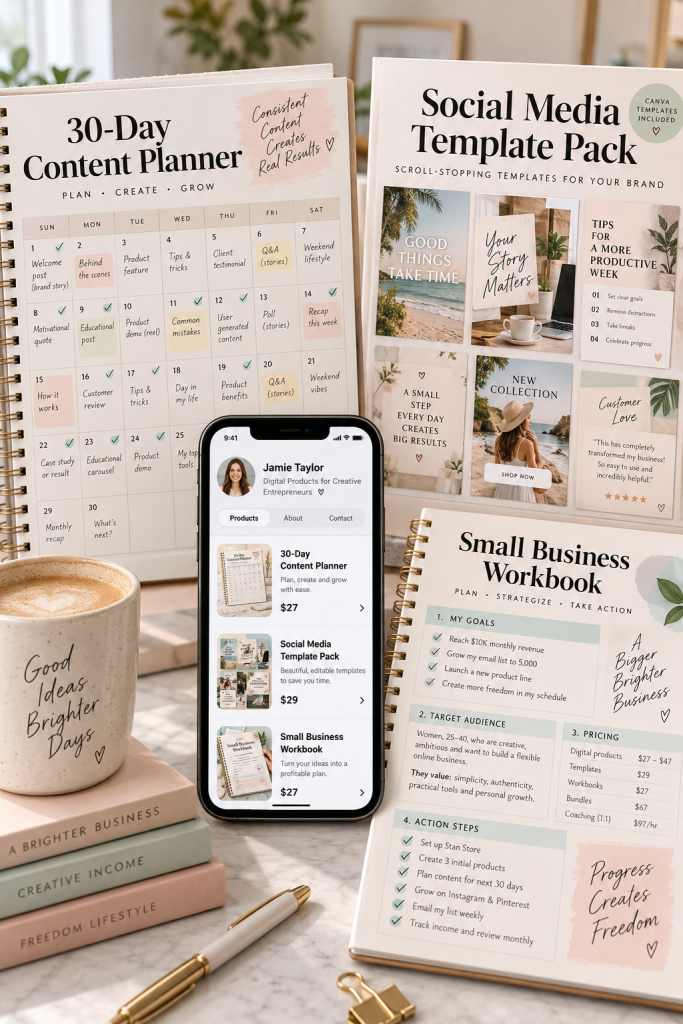
Someone who discovers your printable planner through a short video may want to find the product quickly. Stan Store is designed around that kind of social media shopping experience.
Creators can display digital downloads, guides, templates, and other offers on a mobile-friendly store page linked from their profiles.
Who It Suits Best
This approach makes sense if you regularly share useful content on platforms such as Instagram, TikTok, or YouTube.
Its strength is making your offers easy to find from your social profile.
The limitation is that a profile link does not create an audience. You still need content or another way to attract visitors. It is also worth checking whether its store format suits a growing collection of products.
| 📱 Social Bio Store | 🛍️ Search Marketplace |
|---|---|
| Visitors usually arrive through a profile or shared link. | Visitors may find products while searching the marketplace. |
| Focus on a short, clear selection of offers. | Focus on searchable titles, listings, and product previews. |
| Useful when your content introduces people to your products. | Useful when people are already searching for products like yours. |
7. Build a Branded Download Store With Sellfy

Five separate product links can make a growing collection of downloads feel scattered. Sellfy gives you a dedicated online store where customers can browse your products together.
It supports downloadable files such as ebooks, printable planners, templates, and digital bundles. You can add product images, organize your offerings, and customize the storefront.
Give Your Products One Clear Identity
Use the same cover style across related downloads. A budgeting workbook, savings tracker, and monthly planner can look like parts of one useful collection instead of unrelated files.
Sellfy’s strength is having a branded storefront with digital delivery built in.
Its limitation is attracting visitors. A polished shop still needs promotion, and you will need to maintain product pages as your collection changes.
📄 Budget Planner: a separate download page
📄 Savings Tracker: a different product link
📄 Expense Workbook: another page to share
The Budget Planning Collection
📚 One storefront displaying all three related downloads
🎨 Matching covers, titles, and product categories
🛒 A clear place to browse individual products and bundles
8. Sell Downloads Alongside Courses With Podia
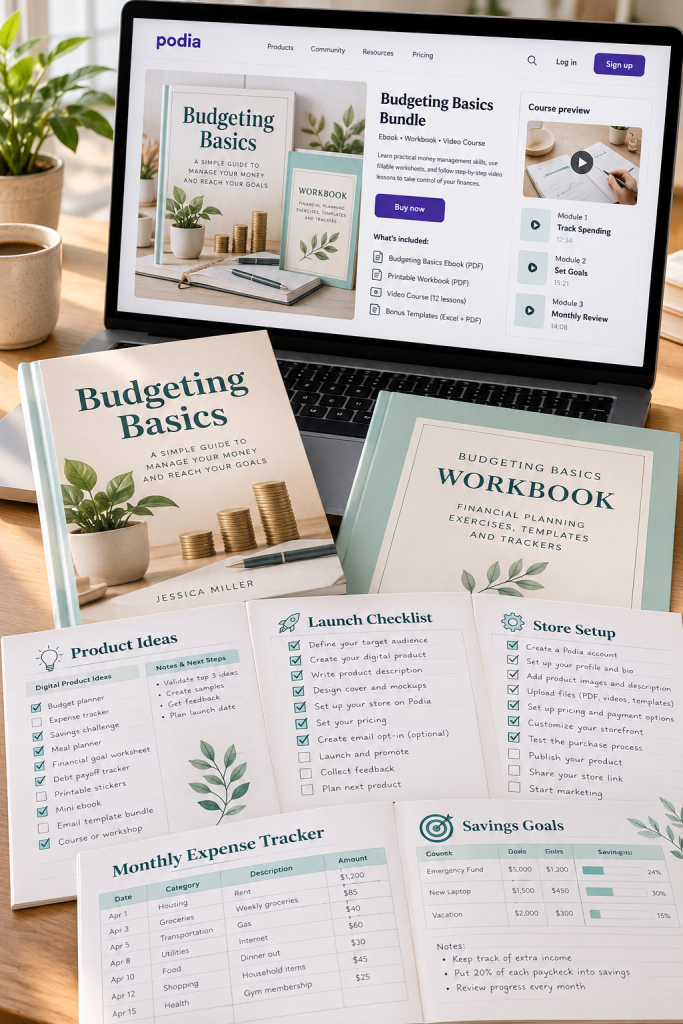
An ebook and an online course solve different problems. One gives someone information to read, while the other can guide them through lessons and activities.
Podia supports digital downloads and online courses within the same platform. That makes it useful for creators who want to offer both simple resources and more structured learning products.
Start With the Product You Can Finish
A beginner teaching basic budgeting could begin with a downloadable workbook. Later, they might create a course with lessons explaining how to use it.
Podia’s strength is supporting both product types in one place.
The limitation is that its broader tools may be unnecessary when you only want to sell a few printable PDFs. Think about what you actually plan to create before choosing it.
📚 A Simple Digital Learning Product Path
Create a Downloadable Guide
Make a useful PDF explaining one topic, such as setting up a household budget.
Add a Practice Workbook
Include worksheets for income, expenses, savings goals, and monthly reviews.
Build a Course When Ready
Organize lessons around the guide and use the workbook for practice activities.
9. Grow a Custom Digital Product Shop With Shopify

Shopify suits sellers who want more control over the layout, product categories, and features of a growing store. A shop with digital planners, printable journals, and themed bundles can organize everything into collections that are easy to browse.
Plan for Digital Delivery
Shopify supports digital products, but you need a download app, such as Shopify’s Digital Products app, to deliver files after checkout. Check the delivery settings and place a test order.
Its strength is customization. You can build a store around your brand and adjust it as your product range changes.
The limitation is setup. More control also means more decisions about apps, navigation, and product delivery.
Choose Shopify for store control, not just for uploading a PDF.
A useful setup connects three things: clear product collections, an easy checkout, and a working digital download delivery app. Test all three before inviting customers into your shop.
10. Sell Software and Digital Files With Lemon Squeezy

Lemon Squeezy offers more specialized selling features than a basic printable storefront. It supports downloadable products, software license keys, and different product versions.
That can matter when customers need separate access levels or updated software files.
Check the Fit Before You Commit
For a simple ebook or spreadsheet pack, these advanced features may be unnecessary. For a software product that requires license management, they can be useful.
Its strength is handling specialized digital products.
The limitation is platform uncertainty. Lemon Squeezy has announced plans to help users move to Stripe Managed Payments. Check current onboarding, seller eligibility, and migration information before building your business around it.
📌 Good To Know: Match the Features to Your Product
Basic PDF or template: Check whether a simpler digital download shop already covers your needs.
Software or licensed download: Review license keys, product versions, and how customers receive updates.
Before setting up: Confirm the current account registration process, supported countries, and any changes related to Stripe Managed Payments.
Choose the Platform That Fits Your Products
A selling platform should make your work easier, not give you another complicated project to manage.
Before choosing, write down what you sell, how customers will find it, and what happens after someone makes a purchase. Those answers can help you narrow down the best digital product platforms without getting distracted by features you may never use.
Start with the setup that fits your current needs. You can review other options as your product collection grows.
Most importantly, check the latest platform rules, payment support, and download process before opening your shop. A simple, working store is a better starting point than a complicated one you cannot manage.
Save this guide to your digital product business board so you can compare these platforms again when you are ready to launch your next download.