
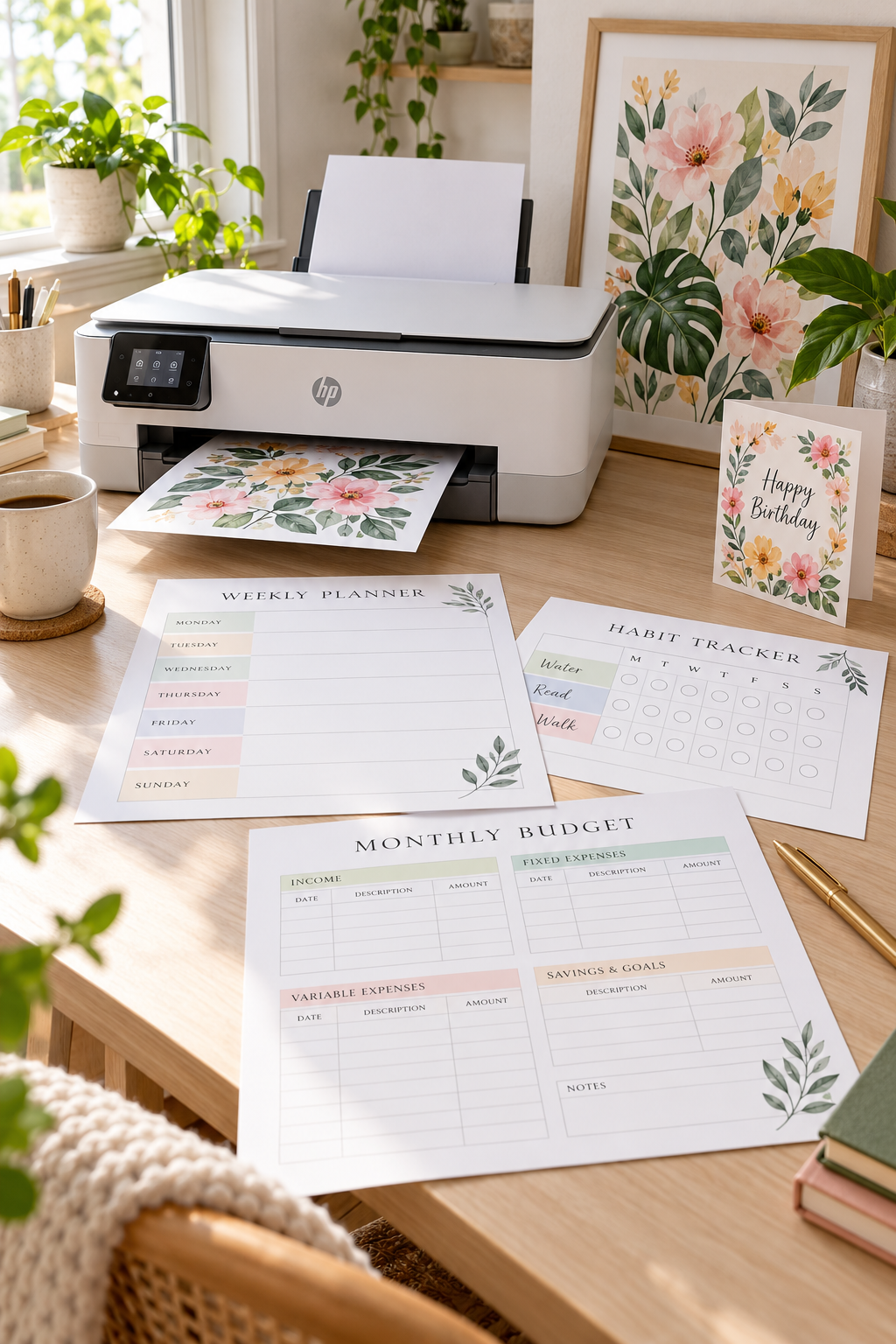
The prettiest printable on your screen can look disappointing once it comes out of the printer. Thin lines disappear, pale colors shift, and a planner that looked neat in Canva ends up with a wide white edge. That does not always mean your design is bad. Sometimes the printer and paper are simply a poor match for the job.
If you make planners, activity sheets, wall art, or cards to sell as digital downloads, printing samples at home helps you spot problems before customers do. You can check whether checkboxes are clear, small labels are readable, and the colors still work on real paper. But buying the most expensive photo printer is not the answer for every product.
The best printer for printables depends on what you actually make. A text-heavy budget binder needs different strengths than a colorful nursery print. Some models use refillable tanks, while others use cartridges or toner. This roundup looks at ten real printers, what each handles well, and where it may fall short, so you can narrow your choice without paying for features you will not use.
1. Epson EcoTank ET-2800 for Everyday Printable Planners

Printing a weekly planner should be simple, but replacing ink cartridges can become a nuisance when you make samples often.
The Epson EcoTank ET-2800 uses refillable ink tanks instead of standard cartridges. That makes it worth considering for beginners who regularly print habit trackers, daily schedules, and basic worksheets.
Where It Fits Best
Start with these everyday printable products:
- Weekly planners with colored section headings.
- Habit trackers with small checkboxes.
- Simple budget sheets and to-do lists.
Its main limitation is manual double-sided printing. You need to turn the paper yourself when making two-sided planner pages.
For a beginner focused on single-sided printables, that may be a reasonable trade-off.
2. Canon PIXMA G3270 for Colorful Worksheets and Calendars

Bright monthly calendars and children’s activity pages need more than black text. Small illustrations, colored headers, and shaded boxes all need to remain clear on paper.
The Canon PIXMA G3270 offers refillable ink tanks and borderless printing on supported paper sizes. It suits creators making colorful worksheets, family calendars, and printable learning activities.
Check Your Sample First
1. Print a calendar with both pale and bold colors.
2. Check whether small text is easy to read.
3. Compare the printed edges with your original design.
The drawback is its lack of automatic double-sided printing. If you make two-sided learning packs, expect extra paper handling.
💡 Quick Tip: Test Your Lightest Colors
Print a worksheet with pale yellow, light pink, and soft blue sections. Check whether the writing and activity areas remain easy to see. A color that looks clear on a bright screen may be too faint on ordinary paper.
3. Brother MFC-J4335DW for Text-Heavy Printable Packs

Start with the pages your customers will actually use. If your digital products contain instructions, writing prompts, and checklists, clear text matters more than decorative color.
The Brother MFC-J4335DW is a practical option for workbook creators. Its automatic double-sided printing is helpful when checking longer documents, while its inkjet system can also handle colored headings and graphics.
A Useful Workbook Test
Print a sample with:
- Small body text and bold section headings.
- Checkboxes and dotted writing lines.
- Consecutive pages printed on both sides.
One thing to understand is its INKvestment system. It uses replacement cartridges, not bottles that you pour into external tanks.
4. HP Smart Tank 5101 for Simple Home Printing
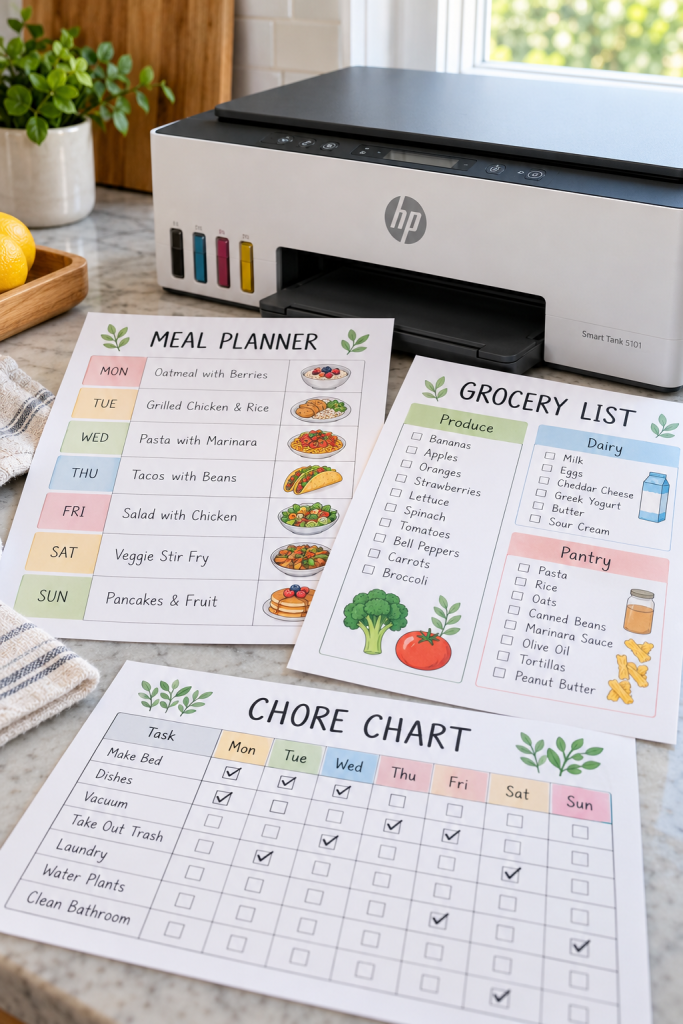
A meal planner, grocery list, and chore chart may be all you need to print during a normal workweek. Not every printable seller needs a machine built for large document batches.
The HP Smart Tank 5101 keeps the focus on basic home printing. It uses refillable ink bottles and includes scanning and copying, which can be handy when checking paper layouts.
Good matches include:
- Household organization printables.
- Meal planning sheets with simple color blocks.
- Single-page trackers and basic sample downloads.
The limitation is manual double-sided printing. If your products are mostly multi-page books, turning pages by hand can interrupt your workflow.
| Good Everyday Uses | Extra Work Involved |
|---|---|
| Single-page meal planners | Two-sided workbook pages |
| Simple household trackers | Long, manually flipped print runs |
| Scanning a finished sample | Scanning large stacks one page at a time |
5. Canon PIXMA TR8620a for Greeting Cards and Labels
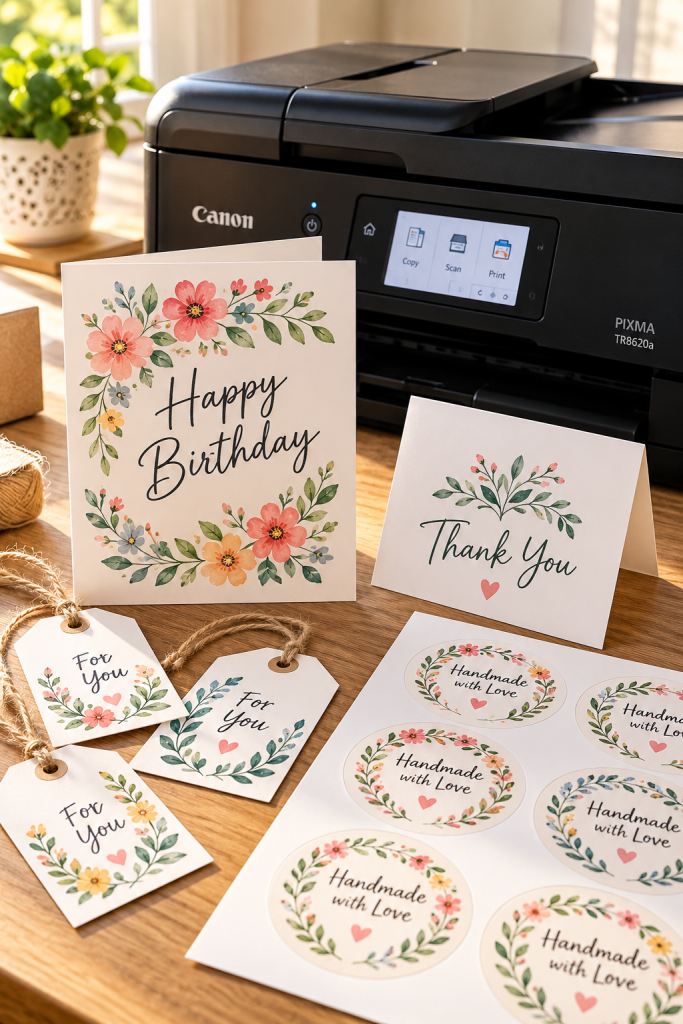
A greeting card does not need a specialist photo printer just to look polished. More often, the paper choice and fold lines decide whether the finished piece feels ready to gift.
The Canon PIXMA TR8620a handles greeting cards, labels, and several supported specialty papers. Its range of media options makes it worth considering if you create printable gift tags and small stationery sets.
Start With the Paper
- Choose compatible cardstock before designing.
- Leave space around folds and trim marks.
- Print one card before preparing a full sheet.
It uses individual ink cartridges, so consider replacement needs if you plan to print many colorful designs.
A folded card with text too close to the crease and a design that is cut off at the edge.
⚠️ Paper size and fold position were not checked.
A card with a clean fold, readable message, and enough space around the illustration.
✅ Compatible cardstock and a sample fold were checked first.
6. Canon MAXIFY GX4020 for Printable Shop Workflows
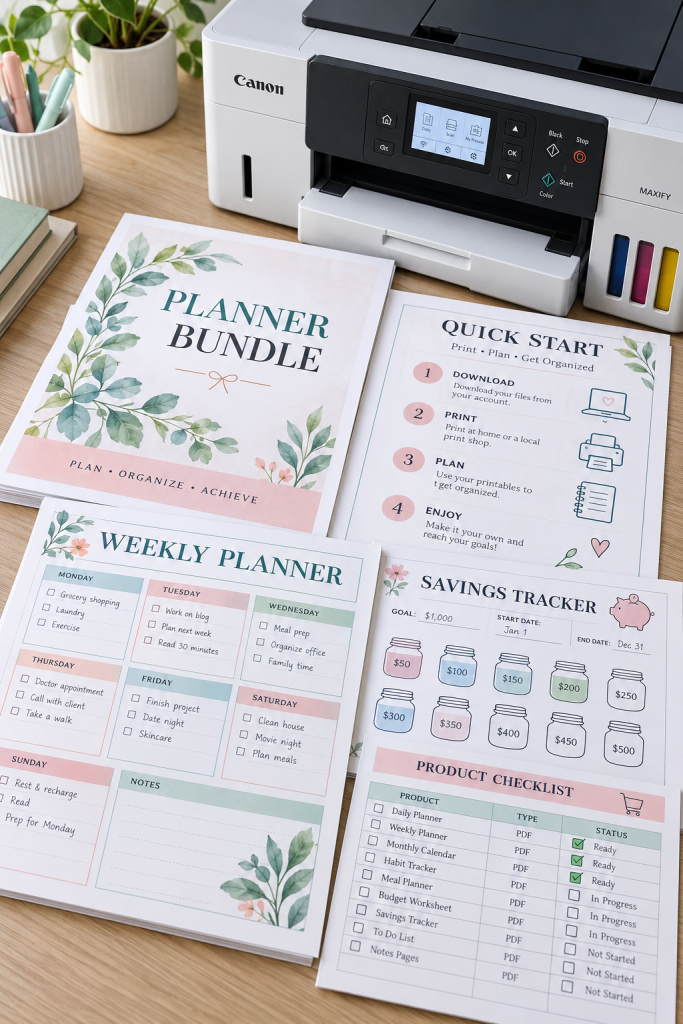
Spread out a finished planner bundle and the small details become obvious. A pale title here, uneven margins there, or a cropped instruction line on the last page.
The Canon MAXIFY GX4020 focuses on office-style documents rather than detailed photo art. Its pigment-based inks suit text, tables, and business graphics, making it worth considering for printable shop paperwork and repeated sample checks.
Before Printing a Bundle
- Check the page order and numbering.
- Print a sample of any double-sided pages.
- Review the smallest text before printing more copies.
Its limitation is photo-focused work. If you mainly create detailed photographic wall art, a dedicated photo printer may suit you better.
📋 Printable Shop Quality Checklist
7. Brother HL-L3295CDW for Crisp Toner-Based Pages
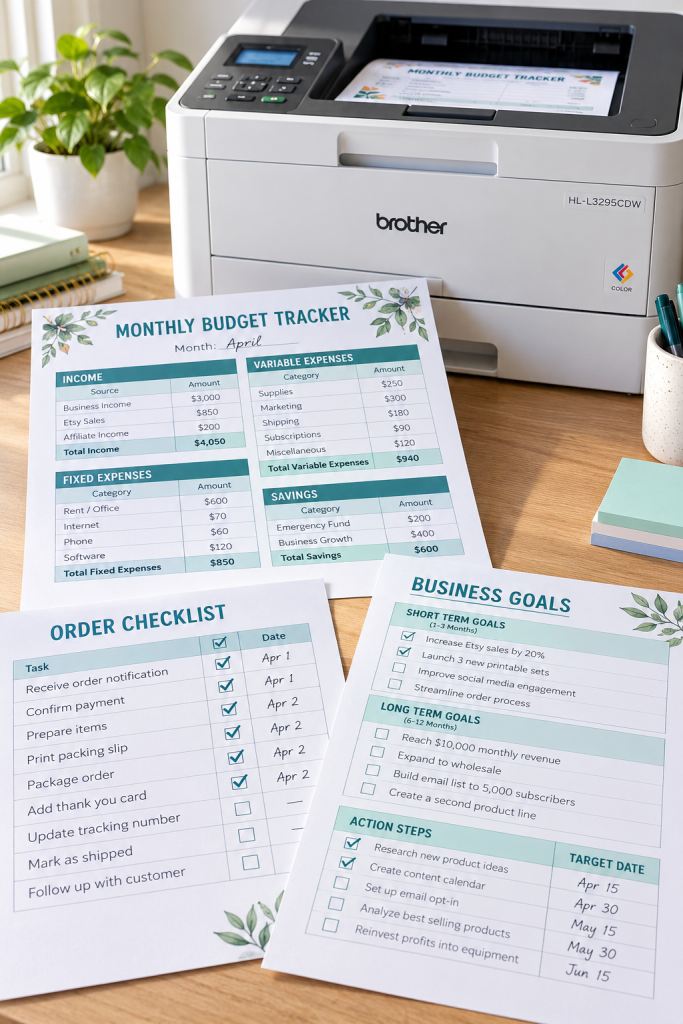
Keep one rule in mind: choose the printer around the page, not the label on the box.
The Brother HL-L3295CDW uses toner for sharp color documents and supports automatic double-sided printing. That makes it a reasonable match for business worksheets, financial trackers, and instructional PDFs with clean graphics.
What Toner Changes
Toner-based printing is useful for document-style work, but it is not the same as inkjet photo printing.
If your products depend on borderless photos, watercolor textures, or specialty inkjet paper, this model is a poor fit.
For clear headings, tables, and repeated office-style pages, it deserves a closer look.
Use toner-compatible paper for document samples.
Check tiny labels and table borders at actual print size.
Review both sides of a printed business worksheet.
Do not use paper made only for inkjet printers.
Do not expect true edge-to-edge photo output.
Do not assume all thick craft papers are supported.
8. Canon PIXMA G620 for Detailed Art Printables

Small color errors are easy to overlook when a design is viewed only on a screen. A botanical print may show the wrong shade of green, and a delicate illustration can lose detail on the paper you planned to use.
The Canon PIXMA G620 is built around photo printing, with six dye-based inks for detailed color work. It is worth considering for printable art, nursery illustrations, and image-heavy designs.
Before You Print a Collection
- Compare the same artwork on compatible matte and glossy papers.
- Inspect gradients and fine lines in daylight.
- Save the print settings that give you a result you like.
Its slower document printing makes it less suited to long worksheet batches.
🎨 Three-Step Art Print Proofing
Choose the final paper
Select a compatible paper finish and size that your customer could realistically use.
Print at actual size
Check that fine lines, illustration details, and background textures still appear clearly.
Inspect and adjust
Look for clipped edges, unexpected color changes, and uneven borders before exporting the final download.
9. Canon PIXMA TS9521Ca for Large Calendars and Craft Prints
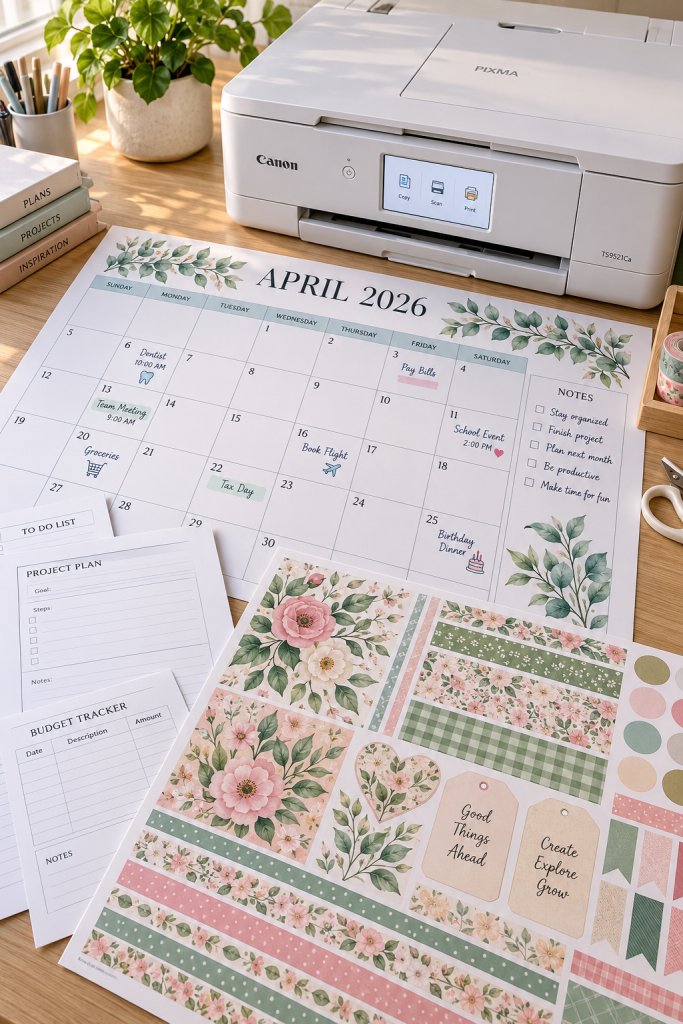
A standard letter-size page can make a large family calendar feel cramped. The Canon PIXMA TS9521Ca gives you more room, with support for 11 by 17-inch prints and square 12 by 12-inch craft pages.
That extra space works well for oversized calendars, scrapbook patterns, and printable schedules.
Plan the Paper Size First
Before exporting your design, choose the exact size your customer will print. Keep important text away from cutting edges, and test one full-size sheet.
Its strength is flexible paper sizing for creative projects. Its limitation is cartridge-based ink, which deserves consideration if your designs use large areas of color.
A larger printable needs a clearly labeled paper size.
If your customers may only have letter-size printers, include a separate letter-size version when the design allows it. Label every PDF so buyers know which file to print.
10. Epson EcoTank Photo ET-8550 for Premium Art Printables
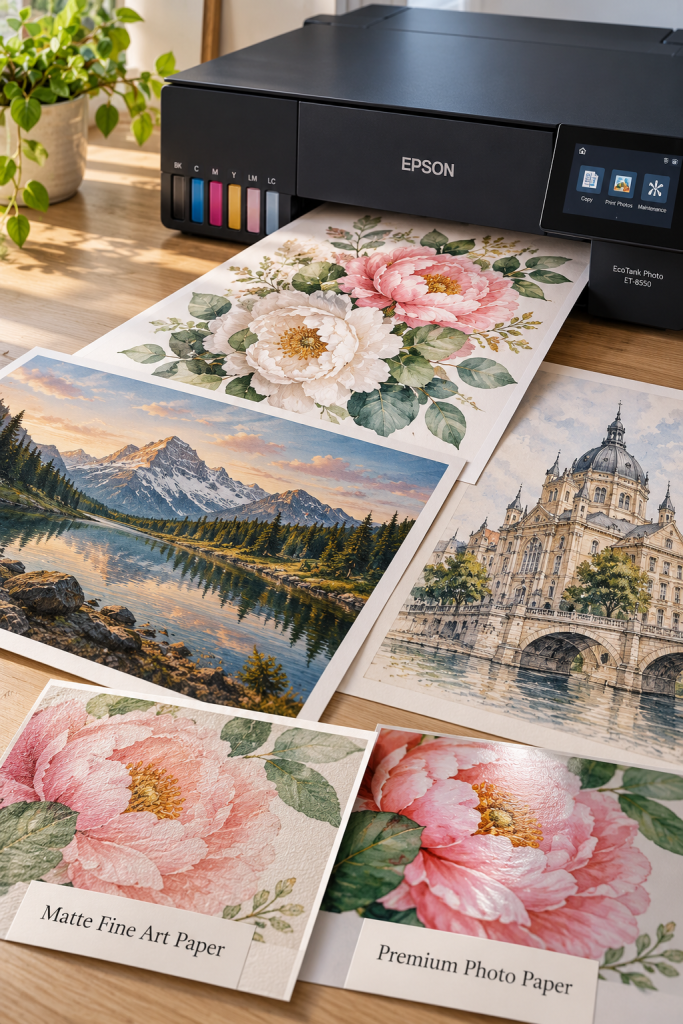
A delicate watercolor background can look smooth on a screen but lose its fine details on ordinary paper. For printable wall art, the paper and printer need to work together.
The Epson EcoTank Photo ET-8550 uses six-color refillable inks and supports borderless prints up to 13 by 19 inches. It also accepts certain thicker specialty papers, giving art sellers more ways to check finished designs.
Who Should Consider It
This printer suits creators focused on detailed illustrations, photographic prints, and larger artwork.
Its limitation is the amount of equipment involved. If you mainly sell simple planners and checklists, you may not need its photo-focused features.
🖼️ Fine Art Printable Test Checklist
Choose a Printer That Matches Your Products
Before choosing a printer, look at the three printable products you plan to create most often. A stack of budget worksheets needs readable text and easy page handling. Greeting cards need compatible paper, while wall art calls for careful color and size checks.
The best printer for printables is the one that supports those products without adding work you do not need. Check the manufacturer’s current paper specifications, ink replacement system, and local availability before buying. Then print one complete sample from your own design. That single page can tell you a lot about whether the printer is right for your work.
Save this printer roundup to Pinterest so you can compare the options again when you’re ready to set up your home printing space.