

Digital products sound easy to sell until you try to understand where the payment actually comes from. You may have seen printable planners, budget sheets, or Canva templates online and wondered who makes them, what buyers receive, and what happens after someone clicks purchase.
The simple answer is that a seller creates a useful file and offers it for sale online. A customer buys access to that file, then downloads or opens it according to the shop’s delivery process. No box needs to be packed for a fully digital order. Still, the seller has to make something worth buying, help people find it, and handle the details that come with each sale.
That is the basic story of how digital products make money. It is not a promise of automatic income. Some listings get attention and others do not, and fees can affect what the seller keeps.
The steps below follow one download from idea to checkout, then show two simple ways a shop can grow its product range.
1. Create a Download Buyers Can Use Right Away

A digital product starts as a file that helps someone do a specific task.
A weekly planner helps a person organize appointments. A budget tracker gives them a place to record spending. The buyer is paying for something ready to use, not the paper it might be printed on.
Pick one clear job
Before designing, write down what the buyer should be able to do with the finished file.
Then choose a format that fits, such as a printable PDF or an editable template. Check that the file opens correctly and that the layout stays readable when viewed or printed.
A small, useful download is easier to explain than a folder full of unrelated pages.
2. Turn Your File Into an Online Shop Listing
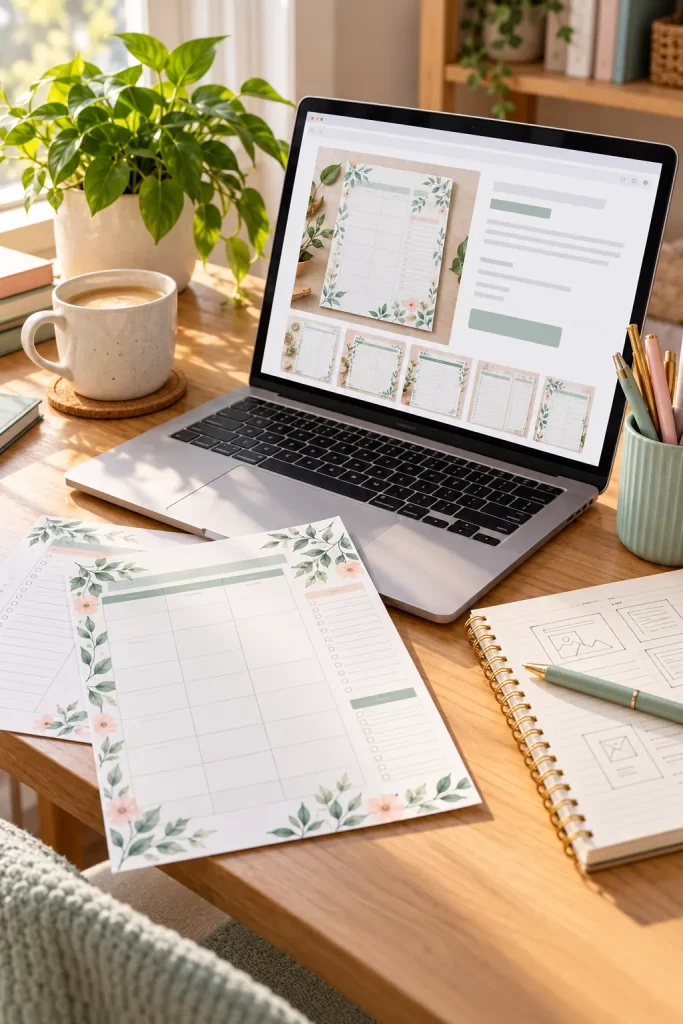
A finished file cannot sell itself while it sits in a folder on your computer. It needs a place where shoppers can see what it does and decide if they want it.
Platforms such as Etsy let sellers create listings for digital downloads. A seller’s own online store is another option.
Show what the customer receives
Write a clear product title and description. Add preview images that show the actual pages or template layout, and explain whether the buyer can edit the file or only print it.
Be specific about what is included. A person buying a weekly planner should know if it contains blank planning pages, a habit tracker, or both.
Check the platform’s current selling rules before publishing.
✅ Check Your Listing Before Publishing
3. Help Shoppers Find Your Download
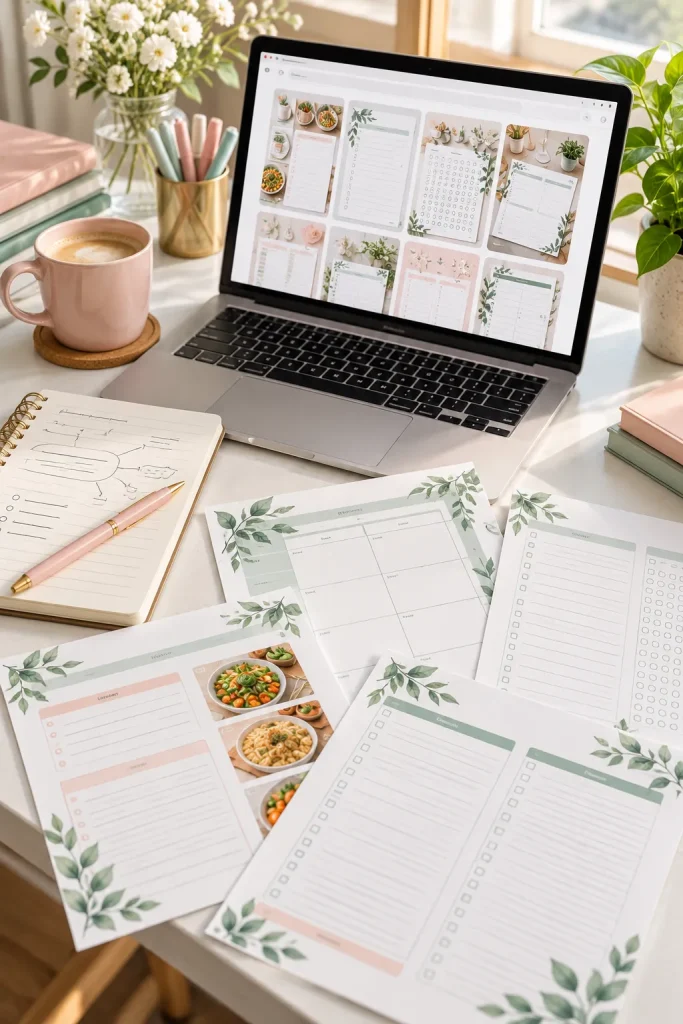
A shopper cannot buy a printable they never find.
Someone looking for a weekly meal planner might search Etsy, use a search engine, or come across a helpful pin on Pinterest. Your product needs a clear name and preview so the right person can recognize it.
Use words shoppers actually search
Describe what the download does instead of giving it a clever but unclear name.
For example, “Printable Weekly Meal Planner” explains the product better than “Kitchen Organizer.”
A Pinterest pin can show a neat preview of the planner and lead interested readers toward its listing. Clear images matter because shoppers often judge a digital file by its preview.
Getting noticed is only the first step. A visit does not guarantee a sale.
Product title: My Planner
Preview: Tiny pages that are hard to read.
Problem: Shoppers cannot quickly tell what the file does.
Product title: Printable Weekly Meal Planner
Preview: Clear meal planning pages and a sample layout.
Benefit: Shoppers can see the purpose before opening the listing.
4. Get Paid When a Customer Checks Out
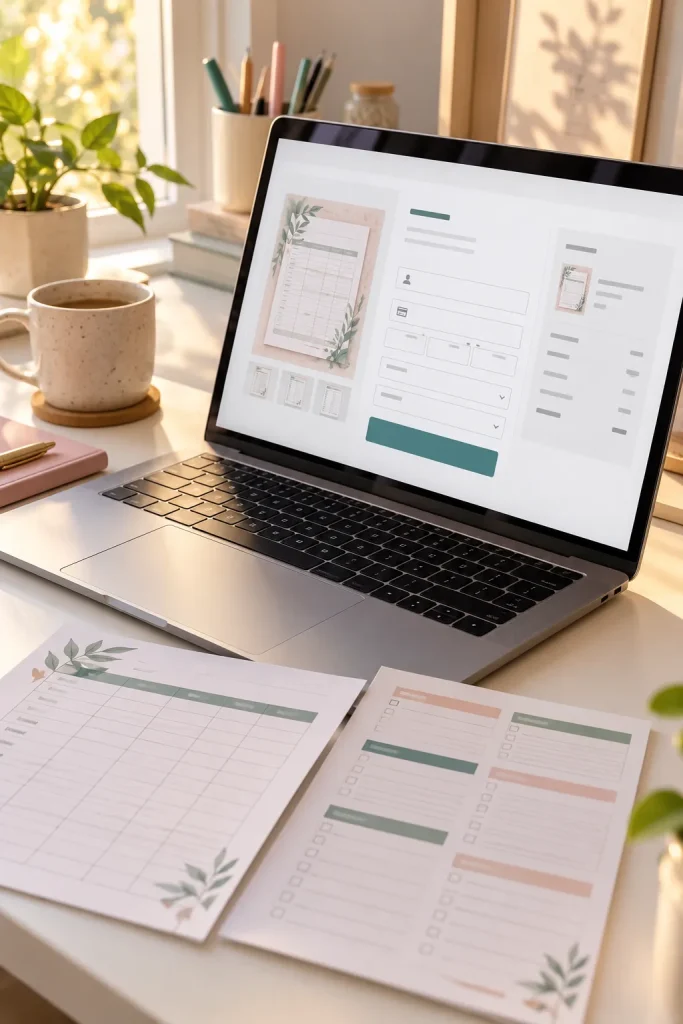
When a customer decides to buy a digital download, they complete a checkout process much like they would for a physical product.
The difference is what happens after payment. Instead of preparing a package, the shop arranges access to the purchased file.
Understand what reaches your account
The customer pays through the checkout system. The platform or payment provider processes the transaction, and the seller receives a payout according to the service’s rules.
The full payment amount is not always what the seller keeps. Marketplace fees, payment processing fees, and other charges may apply.
Payout timing also varies. Check the current rules for your chosen platform so you understand the fees and when money becomes available.
Customer places an order
The buyer selects the download and completes the shop checkout.
Payment is processed
The payment provider processes the transaction, subject to its payment checks and rules.
Applicable fees are accounted for
Charges depend on the shop platform and payment service.
Seller receives a payout
The remaining funds are paid out under the provider’s schedule and account requirements.
Remember: A completed sale and an available bank payout are not always the same event.
5. Deliver the File Without Shipping a Package
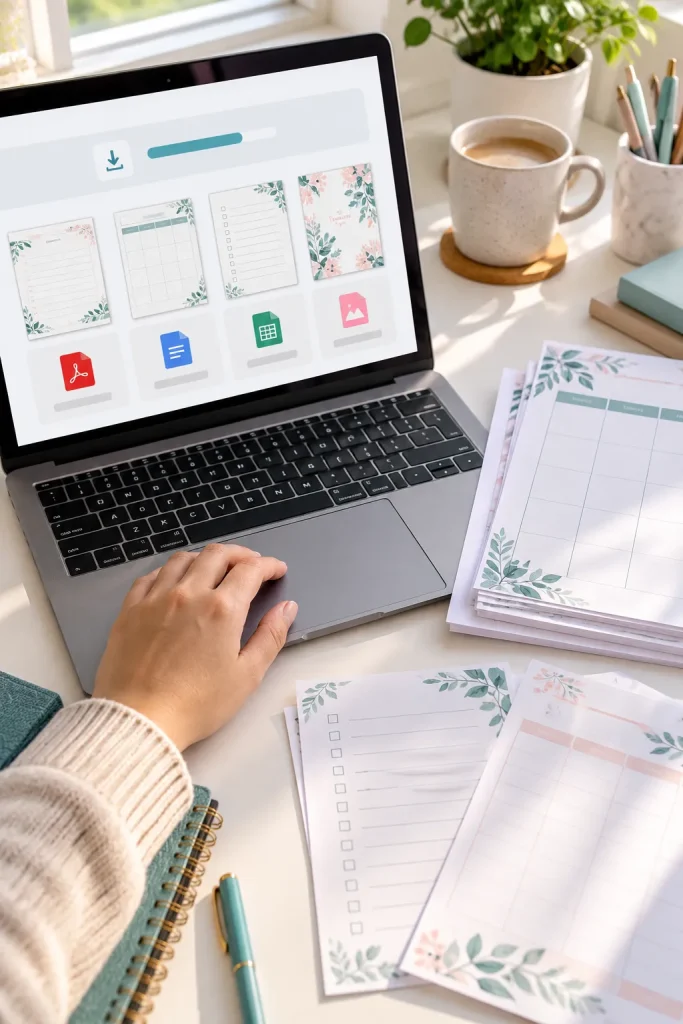
Shipping a box is not part of selling a fully digital download. Once a purchase is completed, the customer receives access to the file through the shop’s delivery process.
On platforms that support automatic digital delivery, this can happen without the seller manually sending each order.
Make the download easy to open
A printable planner might arrive as a PDF. A collection of files might be packaged in a ZIP folder.
Buyers still need to know how to open and use what they purchased. Clear file names and short instructions can prevent confusion.
The seller should also keep the download working and correct mistakes when needed. Digital delivery removes physical shipping, but it does not remove customer support.
Good to know: Download access can differ between platforms, so check how your shop handles delivery.
6. Offer Related Downloads as a Bundle
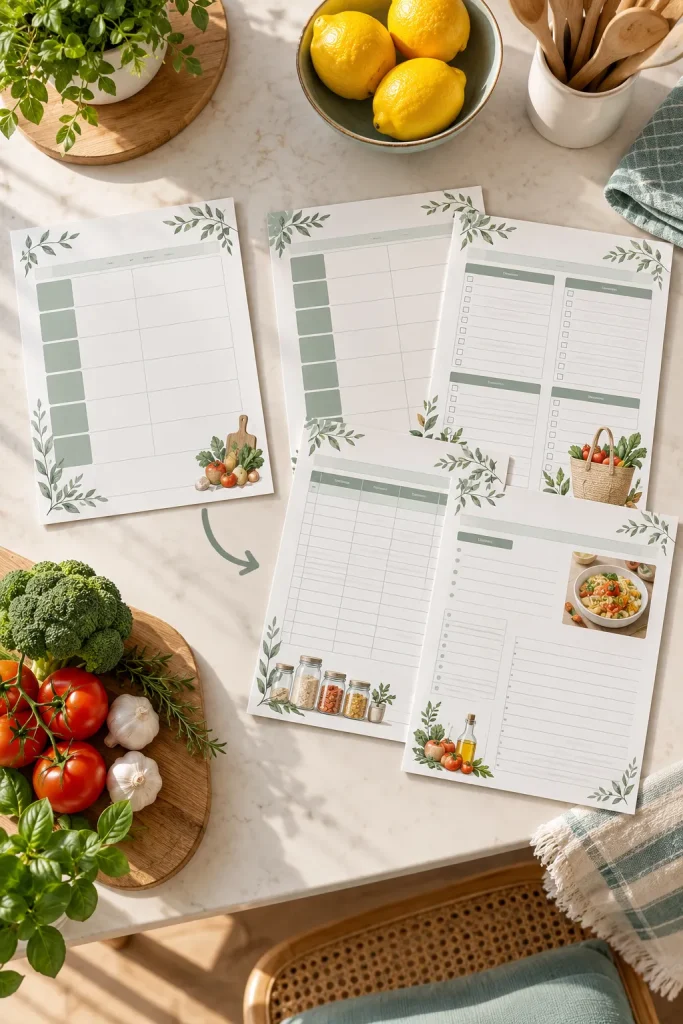
One printable can solve one problem. A bundle brings several related files together to help with a bigger task.
For example, a weekly meal planner could be sold on its own. A related bundle might include the meal planner, a grocery list, and a pantry checklist.
The customer gets a matching set instead of shopping for each page separately.
Keep the set useful
A bundle should have a clear purpose. Putting unrelated files together does not automatically make the product more valuable.
Show every included page in the product previews, and explain how the files fit together.
Bundles create another selling option, but they do not guarantee more purchases. Give buyers a clear reason to choose the collection.
| Single Download | Related Bundle |
|---|---|
| One weekly meal planner | Meal planner, grocery list, and pantry checklist |
| One specific planning task | Several connected planning tasks |
| Preview the individual page | Preview every included design |
| Clearly name the individual file | Organize related files with clear names and instructions |
Simple rule: Every file in a bundle should support the same overall goal.
7. Give Buyers More Reasons to Return to Your Shop
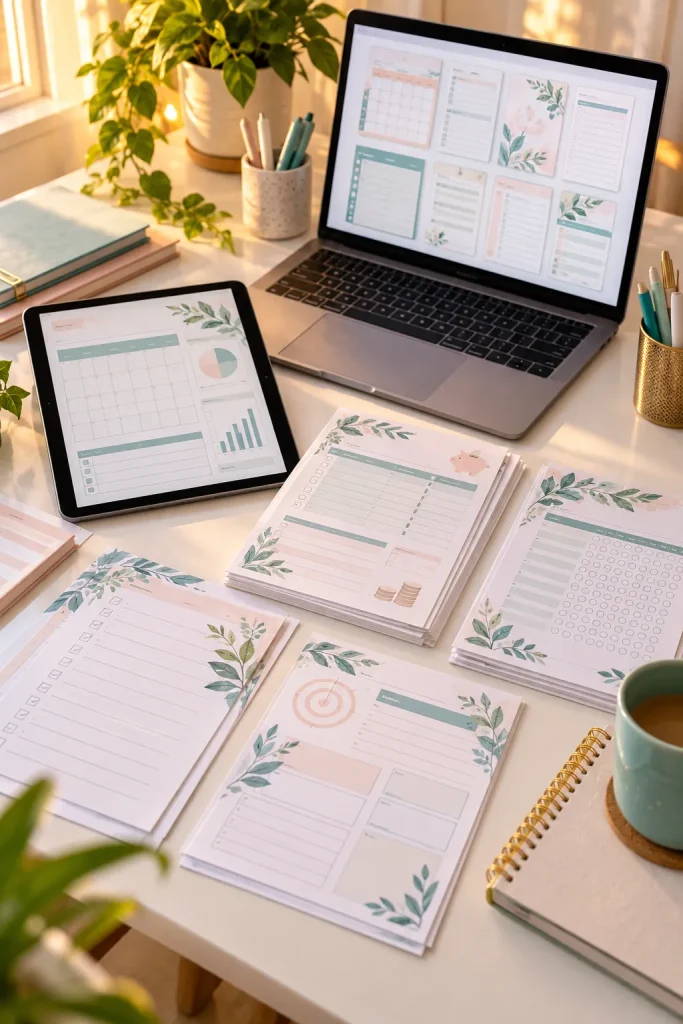
A person who buys a budget planner may later need a savings tracker or a monthly spending worksheet.
That gives the seller another product idea. Instead of creating random downloads, they can build a small collection around the same customer’s needs.
Build around the same problem
Start by looking at what your existing product helps people do. Then think about the task that comes before or after it.
A seller with a weekly planner might add a monthly calendar. Someone selling a classroom worksheet could create a related activity sheet.
Use clear previews so buyers can tell the products apart. Returning customers are never guaranteed, but a useful, organized shop gives them more relevant choices.
Create downloads that solve connected problems.
Use matching layouts when products belong to the same collection.
Explain which product is useful for each task.
Adding unrelated downloads just to fill the shop.
Making products so similar that buyers cannot spot the difference.
Assuming every first-time buyer will return.
Start With One Useful File
Understanding how digital products make money begins with one simple exchange. A buyer needs something useful, and a seller creates a digital file that helps.
The seller lists it online, helps shoppers discover it, and receives payment when someone purchases it. The customer gets access to the download, while the seller handles fees, file quality, and support.
You do not need a huge collection to understand this process. Start by choosing one small problem and planning a download that solves it clearly.
As you learn, you can explore bundles and related products without assuming every listing will sell.
Save this beginner guide to Pinterest so you can revisit the steps when you are ready to create your first digital download.