
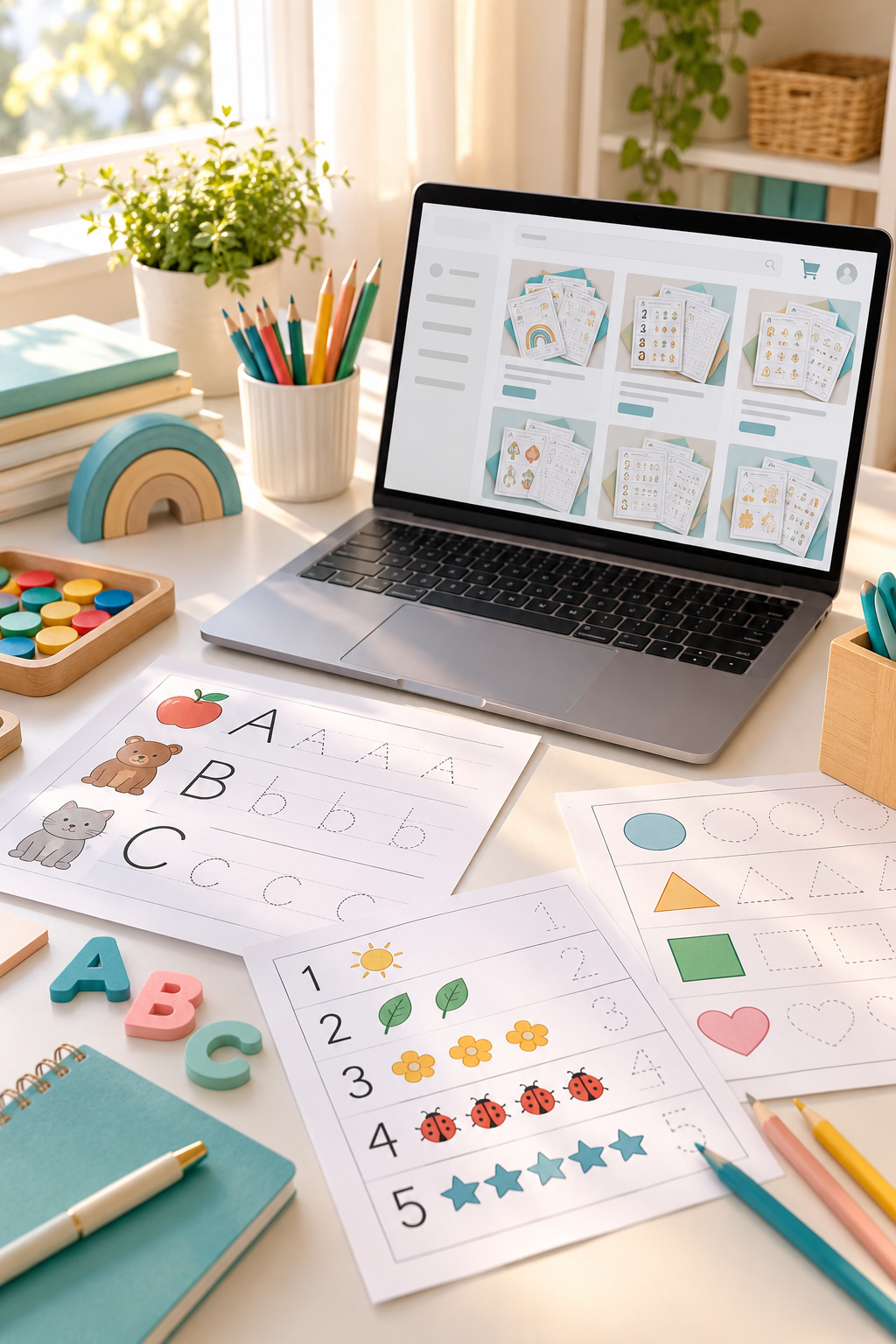
Creating worksheets sounds simple until you start thinking about how to sell them. You might have a few ideas for alphabet practice pages, math activities, or tracing sheets, but building a website feels like another project you are not ready to tackle.
The good news is that you can start with something much smaller.
Instead of learning website design, setting up payment systems, and managing a full online store, you can use an existing marketplace to list your printable files. Buyers can find your products, place an order, and receive a digital download through the platform’s supported delivery system.
You still need a useful worksheet, a clear listing, and a place that allows digital products. But you do not need to become a web designer first.
If you want to sell printable worksheets but have no idea where to begin, the steps below will help you move from a simple worksheet idea to a product listing you can share with potential buyers.
Start with one small product. You can build from there.
1. Choose One Type of Worksheet to Sell
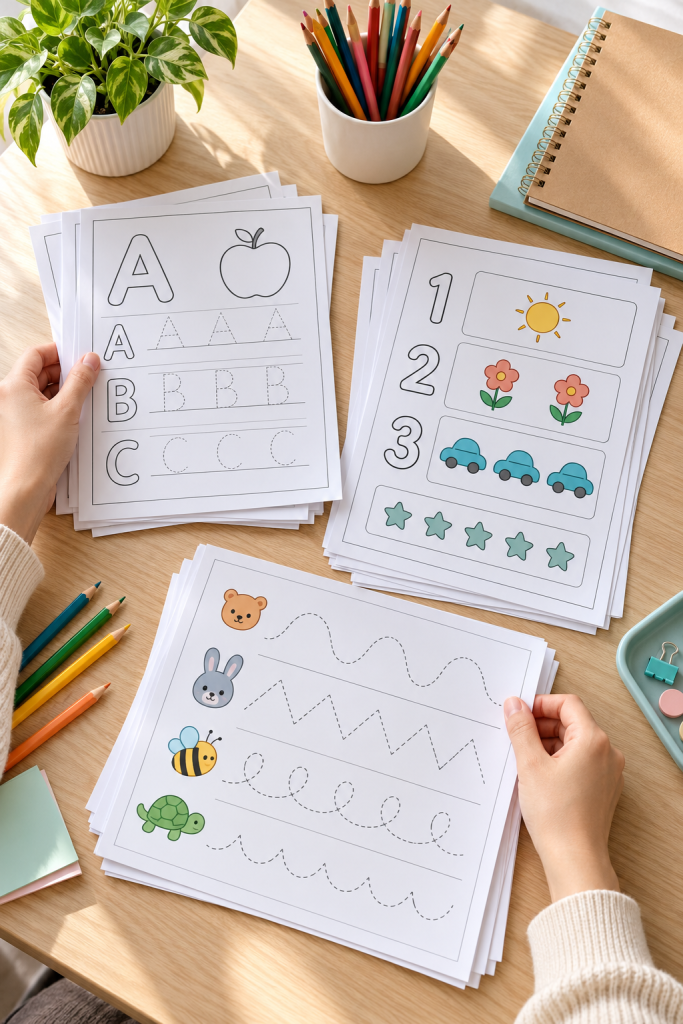
A worksheet made for everyone usually ends up being too general. Start by choosing one age group, one subject, and one skill.
For example, you could make alphabet tracing sheets for preschool children or simple addition worksheets for first graders.
Before designing anything, write down:
- Who will use it: Preschoolers, early elementary students, or another specific group.
- What they will practice: Letter recognition, counting, handwriting, or matching.
- How they will use it: At home, during lessons, or as extra practice.
Common mistake to avoid: Trying to cover several subjects in your first product. A focused worksheet is easier to design, describe, and organize.
2. Check What Buyers Are Looking For

Before spending time designing worksheets, look at the products already being offered.
Visit a marketplace such as Etsy and search for the worksheet topic you chose. Notice how sellers describe their products, what their preview images show, and which age groups they target.
Keep a short list of useful observations.
- Look for specific learning skills mentioned in product titles.
- Check whether products contain single pages or themed sets.
- Read available buyer reviews for clues about what customers find helpful.
- Note questions that product descriptions leave unanswered.
Common mistake to avoid: Assuming that a crowded search page guarantees sales. Search results show existing products, not how much demand your new worksheet will receive.
🔎 Worksheet Research Checklist
3. Create Your Worksheet in Canva
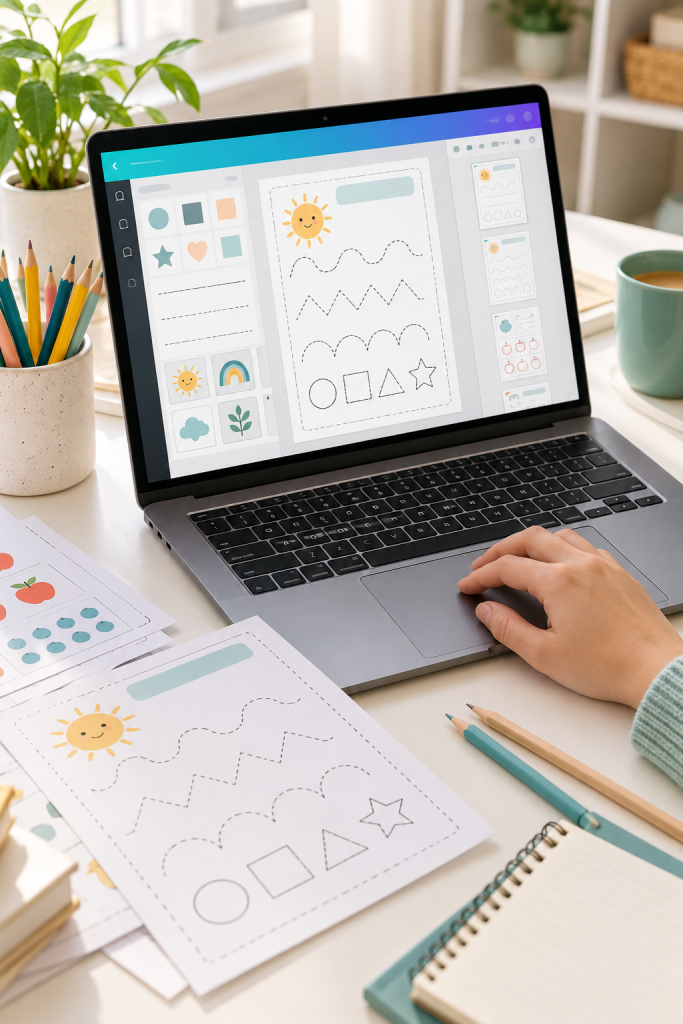
You do not need advanced design skills to make a clean practice sheet. Canva gives beginners a visual workspace for arranging text, shapes, lines, and other page elements.
Start with a blank document sized for the paper your buyers will print. Add a clear activity title, simple instructions, and enough room for children to complete the task.
For a letter tracing page, you might include one large letter, a few tracing lines, and a matching activity.
Keep the design easy to print. Dark text on a white background is often more practical than a page filled with colorful decorations.
Common mistake to avoid: Using graphics or templates without checking their commercial-use terms. Review Canva’s current licensing rules before listing your worksheet.
Tiny instructions that are difficult for children to read.
Too many decorative graphics around the activity.
Not enough space to write or trace.
Large, clear instructions at the top.
Simple black-and-white practice activities.
Wide writing areas and comfortable page margins.
4. Save Your Worksheet as a Printable PDF

Your worksheet needs to keep its layout when a customer downloads and prints it.
Once the design is finished, use Canva’s download option to save it as a PDF suitable for printing. Check that the page size matches your design and that all activity pages are included.
Open the downloaded file and inspect each page. If possible, print a copy using ordinary home printer settings.
Look closely at writing spaces, page margins, small symbols, and any lines children need to trace.
Common mistake to avoid: Uploading a file without checking the finished PDF. A worksheet that looks fine in the editor may still have printing problems, including clipped content or tiny text.
📄 PDF Export and Print Check
Select PDF Print from the available download options in Canva.
Save the completed pages in the correct order.
Open the PDF and check the text, margins, and page layout.
Print a sample and correct anything that is hard to read or use.
5. Choose a Marketplace That Handles Sales

You can sell downloadable worksheets without building a website by opening a shop on an existing marketplace.
Etsy allows sellers to list original digital products with instant downloads. TPT, also known as Teachers Pay Teachers, focuses on educational resources created by sellers.
Choose a platform based on who you want to reach. Parents looking for home activities may browse differently from teachers searching for classroom materials.
Before registering, check the platform’s current seller eligibility, fees, payment options, digital product policies, and available countries.
Common mistake to avoid: Opening several shops before learning how one marketplace works. Start with a single platform that supports your location and product type.
6. Write a Clear Worksheet Product Listing
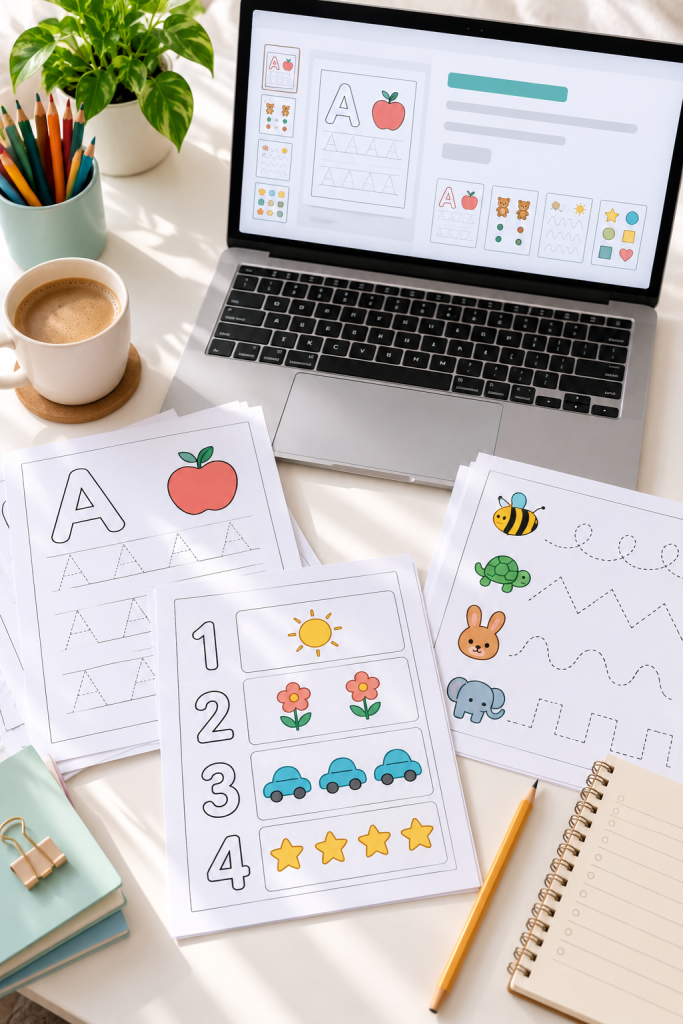
Your product listing should tell buyers exactly what they will receive before they place an order.
Write a title that includes the worksheet topic, target age or grade, and activity type. For example, “Preschool Alphabet Tracing Worksheets Printable PDF” gives more useful information than “Cute Learning Pages.”
Next, prepare clear preview images showing a few actual worksheet pages. Add a description that explains:
- Which learning skill the worksheets cover.
- What pages or activities are included.
- Which paper size and file format buyers receive.
- That the item is a digital download, not a physical shipment.
Common mistake to avoid: Using attractive preview images that hide the actual worksheet content. Buyers need to see what they are purchasing.
| Unclear Listing | Helpful Listing |
|---|---|
| Cute activity pages | Preschool alphabet tracing worksheets |
| Fun for kids | Letter recognition and pencil practice |
| Worksheets included | Clear description of every included activity |
| Downloadable product | Printable PDF with stated paper size |
7. Upload Your Files and Check the Listing
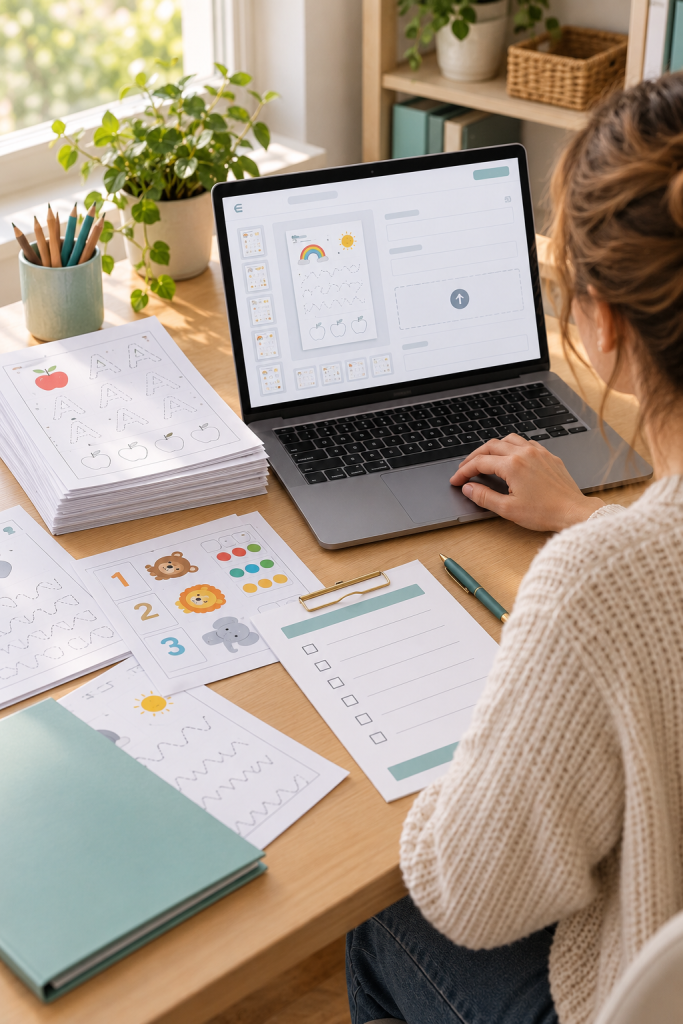
Now you can add your finished worksheet to the marketplace you selected.
Follow the platform’s listing process, upload your printable PDF, add the preview images, and complete the required product details. Make sure you choose the correct digital product option.
On Etsy, for example, an instant-download listing requires the seller to attach the files customers will receive.
Before publishing, review the listing as a customer would. Check the product title, preview pages, file names, and download description.
Also confirm that you have permission to sell every included design element.
Common mistake to avoid: Uploading an old draft instead of the final PDF. Give finished files clear names and check them before publishing.
Open the exact PDF you plan to upload.
Use clear file names buyers can recognize.
Match the preview images to the real product.
Check the current upload and seller rules.
Leaving unfinished draft pages inside the file.
Uploading the wrong version of the worksheet.
Showing activities buyers will not receive.
Forgetting to identify the product as digital.
8. Promote Your Worksheets With Pinterest

Publishing a worksheet does not mean people will automatically find it. Give potential buyers a way to discover your product.
Pinterest is one place to share images that show what your worksheets help children practice.
Create a vertical pin using a clear worksheet preview. Add a short heading such as “Alphabet Tracing Pages for Preschool” and write a description that explains the activity.
When the marketplace and Pinterest allow it, link the pin directly to your product listing.
Make different pins that highlight useful details, such as the learning skill, printable format, or age group.
Common mistake to avoid: Sharing the same pin repeatedly without improving the image or description. Focus on clear previews that match the product.
💡 Quick Pinterest Tip
Make your worksheet the main focus of the pin. Use a bright, readable preview rather than a busy background.
Try these pin angles:
Start With One Worksheet and One Listing
You do not need a complete website or a large collection of products to begin selling printable worksheets.
Your first goal is much simpler. Choose one useful activity, create a clean printable file, and publish a listing that explains exactly what buyers will receive.
Take time to check your finished PDF, confirm that your design follows commercial-use rules, and learn the current policies of your chosen marketplace.
Once your first product is listed, you can improve its previews, descriptions, and promotion before creating another worksheet.
Learning how to sell printable worksheets becomes easier when you focus on one manageable step at a time.
Save this guide to your Pinterest board so you can follow the eight steps when you are ready to create your first printable worksheet.